Start here per instance
Light
Entry runtime capacity for personal assistants, browser chat, and light automations.
$6.90 /month
1 CPU
3 GB RAM
20 GB storage
Everyday assistant work and light channel activity
Start Light for $6.90/moManaged AI agent hosting · OpenClaw & Hermes
Launch an always-on, isolated agent and put it on QA, research, outreach and ops — message it from your browser or any chat app, no servers to run.
From $6.90/mo · setup in ~2 min · bring your own model keys
app.lobsterland.ing
~2 minto a running instance
Managed runtimemonitored hosting target
500+models, your own keys
No public IPisolated by default
New — two runtimes, one platform
Pick the runtime that fits the job and run it with zero ops — same signup, same dashboard, same billing. Want the full operating surface? OpenClaw. Want a focused chat-and-channels agent? Hermes. Run either or both on one account, and switch experiments without re-onboarding.
The product
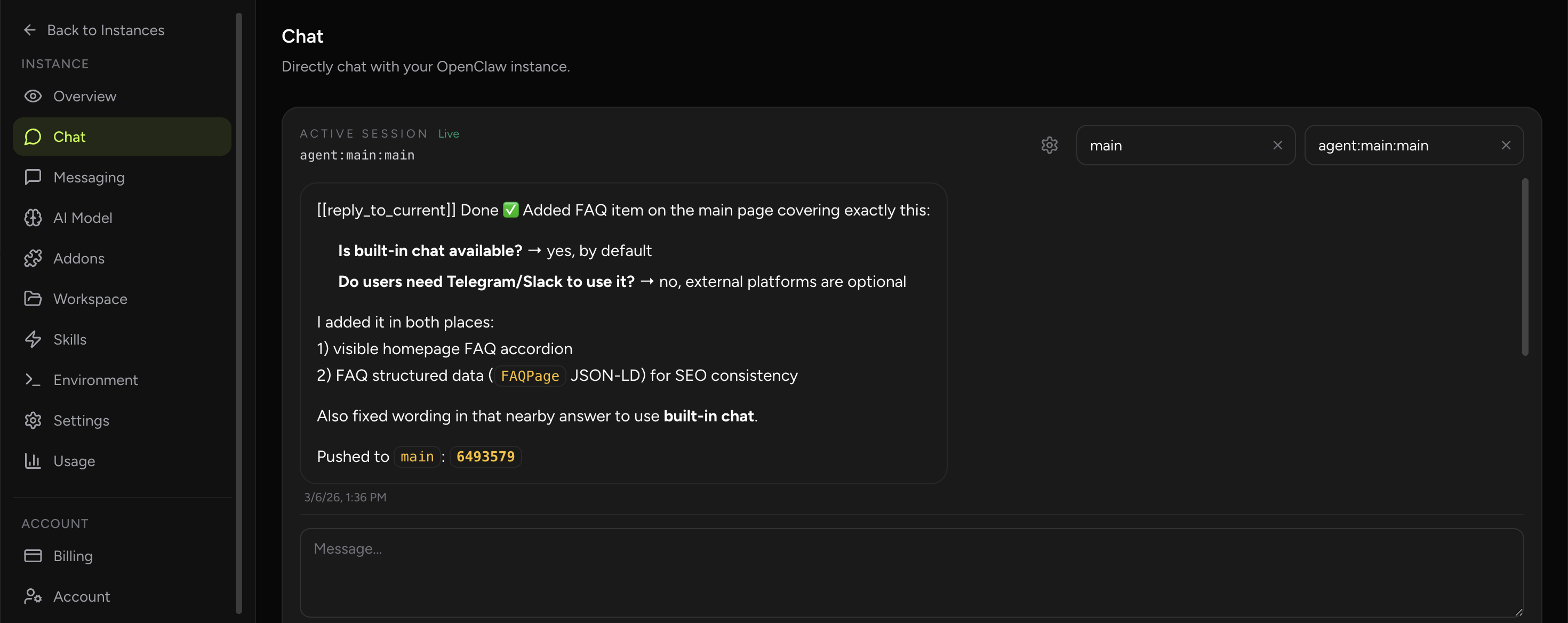
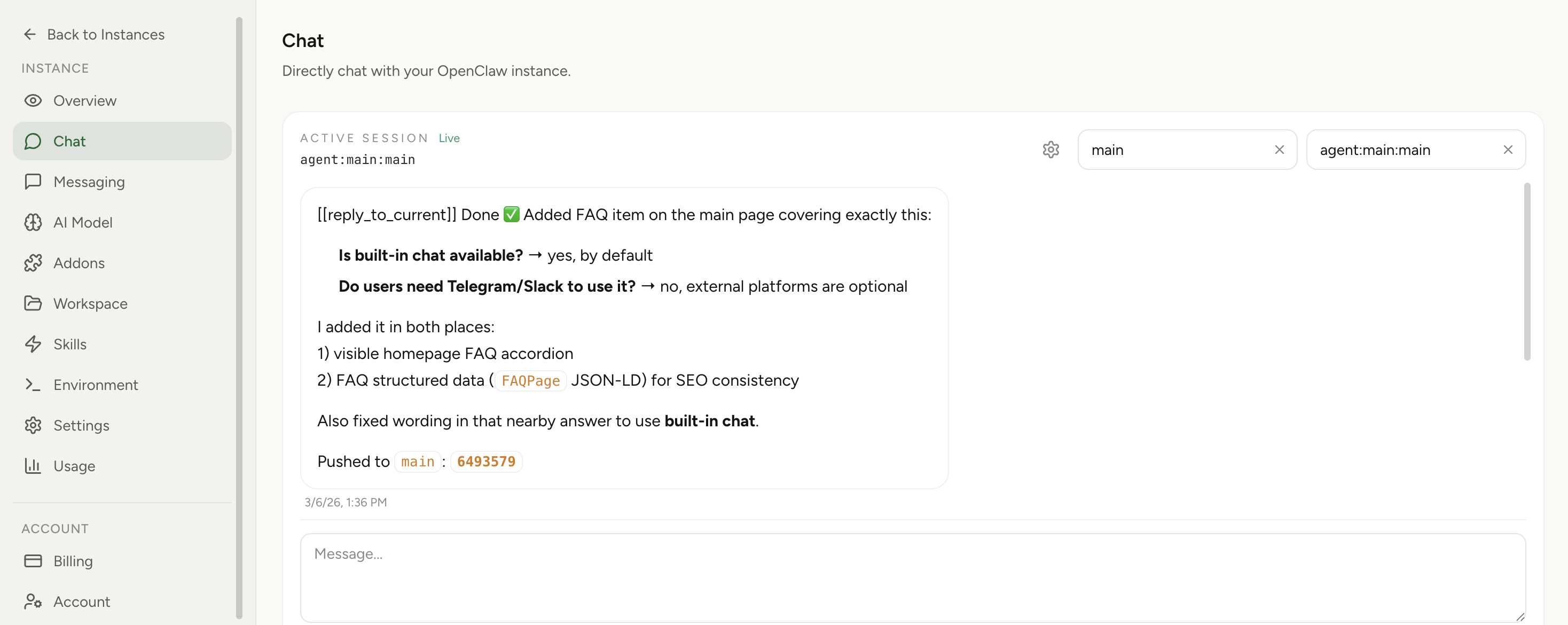
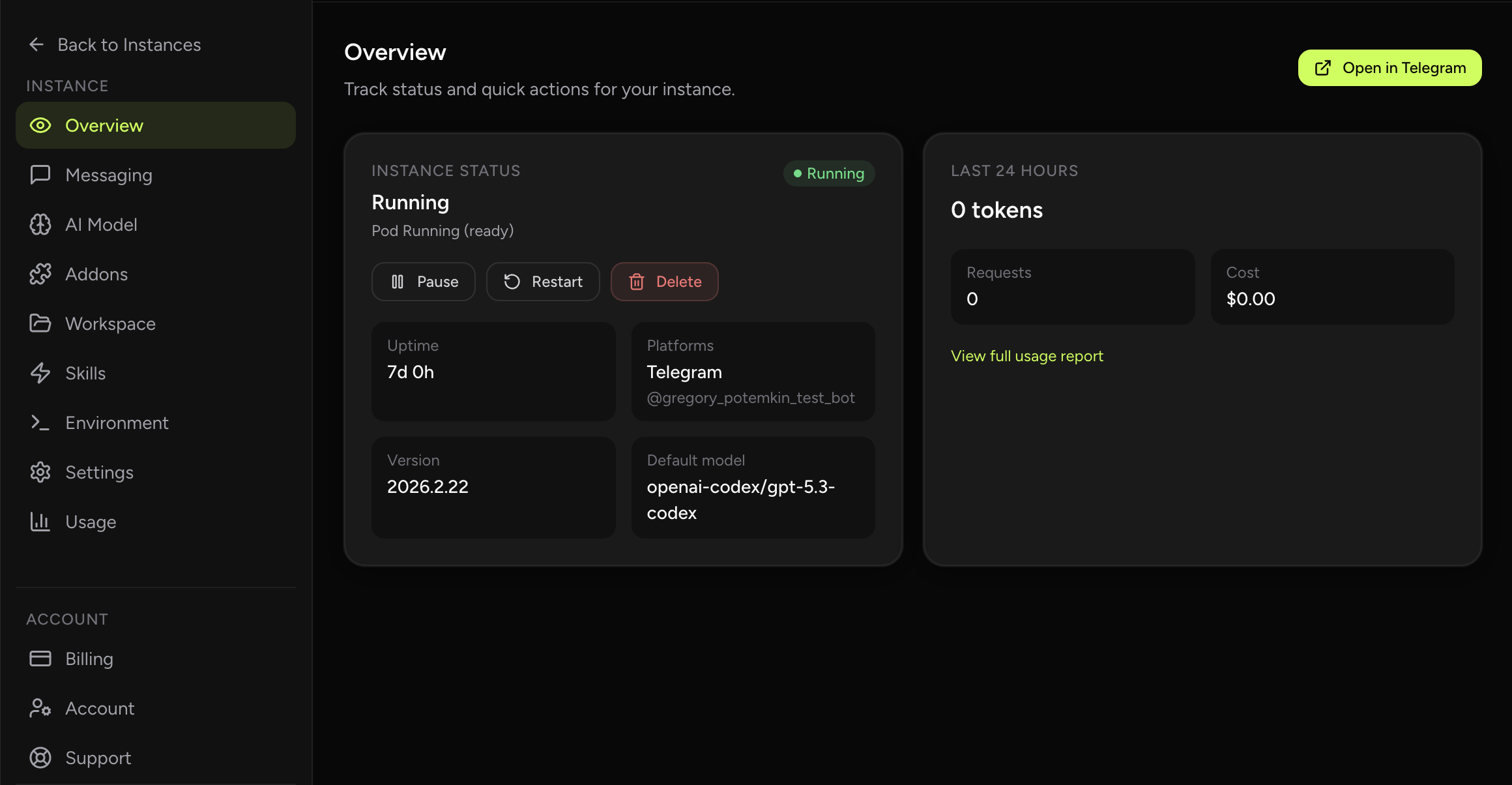
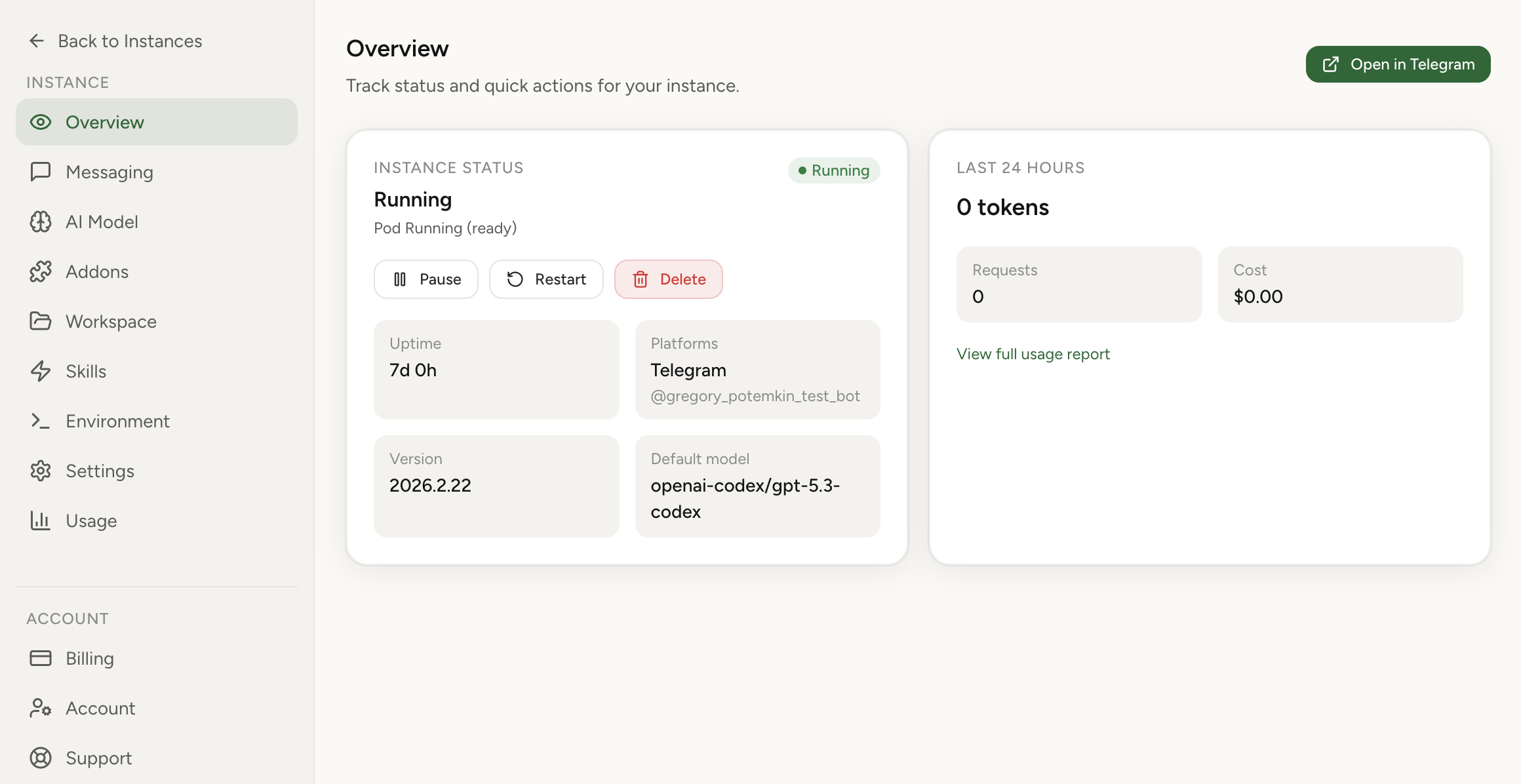
No SSH, no YAML, no Docker. Launch instances, configure agents, edit the workspace, manage skills and providers, and watch usage — all from the browser.
app.lobsterland.ing/app/instances
What your crew handles
Talk to it anywhere
Give your agent a name and chat from the built-in dashboard, Slack, WhatsApp, or Telegram. It works while you're away and reports back when it's done.
A crew, not one bot
Spin up separate agents — a researcher, a QA tester, a BD rep — each with its own workspace and memory. Route each channel to the right one.
It drives a real browser
A persistent hosted browser keeps cookies and login state. The agent works through local CDP; you open the same browser from the dashboard for logins, MFA, or a manual nudge.
Set it and forget it
Create, edit, run-now, and delete scheduled jobs from the dashboard — daily briefings, recurring scrapes, weekly reports. No crontab, no SSH.
See every dollar
Token usage and spend broken down by model and time, plus live instance logs. You bring your own keys — no markup on model costs.
Managed Paperclip
Enable a managed Paperclip workspace once — it auto-attaches to every OpenClaw you have now and every one you launch later. No API keys, no endpoint wiring. $4.90/mo.
Control plane
Channels & access
Security & ops
Agent Kits
Each kit launches an OpenClaw agent with the workspace files, a managed toolbelt, and a first useful workflow already in place. Pick the role and put it to work.
Turn email, calendar context, notes, and loose todos into a daily plan.
View kit → Product work · medium tierConvert research, feedback, and product context into PRDs, roadmaps, and buildable tickets.
View kit → Operations · light tierKeep projects moving with status reports, risk tracking, meeting notes, and follow-up drafts.
View kit → Research · medium tierProduce cited research briefs, competitor scans, source tables, and watchlist updates.
View kit → Finance research · medium tierStructure financial research with filings, market data, reproducible analysis, and sourced notes.
View kit →Security by architecture
From people running it
“The easiest and fastest way to set up OpenClaw without running your own device at home 24/7. Super easy to use and very affordable.”
“It is a revelation! I was up and running with my personal instance in just a few easy clicks. Game changer.”
“I was able to set up every integration I wanted. Very affordable, and I don't have to do any setup. It just works.”
monthly bill = instance quantities × selected tiers + optional add-ons
Start here per instance
Entry runtime capacity for personal assistants, browser chat, and light automations.
$6.90 /month
1 CPU
3 GB RAM
20 GB storage
Everyday assistant work and light channel activity
Start Light for $6.90/moMost flexible per instance
More headroom for larger runtime state, browser work, and busier agents.
$14.90 /month
2 CPUs
8 GB RAM
80 GB storage
Research, memory-heavy agents, and busier workflows
Start Medium for $14.90/moHeavy work per instance
High-capacity runtime for demanding automations, larger state, and long-running agent work.
$29.90 /month
4 CPUs
16 GB RAM
160 GB storage
Heavier background tasks and larger operational envelopes
Start Large for $29.90/moLive estimate
Mix instance sizes, add Paperclip for OpenClaw workspace coordination, and see the hosting total before model-provider usage.
$6.90
$0.00
$0.00
Estimated monthly total $6.90 /month before LLM usage
Optional add-on
Provision a Paperclip workspace for OpenClaw agents with no API-key wiring, endpoint setup, or manual re-sync. New Paperclip deployments are $4.90/month; already deployed Paperclip workspaces are not interrupted.
$4.90 /month
One-time setup help
The managed setup experiment is intentionally narrow so it does not imply unlimited support: one user, one instance, one primary channel or add-on, one BYOK model path, and a short follow-up window.
One-time setup help for one user, one hosted OpenClaw workspace, one supported channel/setup path, first-run configuration, a smoke test, and a handoff note.
Includes one 30-minute onboarding/debug session or equivalent async help plus 7-day setup-specific follow-up Start Managed Setup LaunchNot included: custom workflow/code work, unlimited support, self-hosted server repair, emergency response, compliance commitments, or third-party provider outages.
Runtime surfaces vary by launch choice
Light, Medium, and Large are capacity tiers. OpenClaw instances can use the full operating surface: dashboard chat, Telegram/Slack/WhatsApp, workspace editor, skills, cron jobs, environment management, usage analytics, encrypted credentials, no public IP, and export anytime.
Hermes instances focus on browser chat, Telegram, Slack, and logs — on the same account, dashboard, billing, and launch platform. The heavier surfaces (WhatsApp, workspace editing, skills, cron, Hosted Browser, Paperclip, and multi-agent management) live on OpenClaw. Compare runtimes →
Need custom capacity or a bigger operational envelope? Contact us. Business accounts can share purchased capacity across invited teammates.
FAQ
No. Your instance has no public IP and is not directly reachable from the public internet. Traffic flows through a private network boundary — random internet scanning cannot reach your assistant.
No. You configure an allowlist of approved Telegram users, groups, Slack users and channels, or WhatsApp contacts. Only people you explicitly approve can message the assistant.
No. Isolation protects network and runtime boundaries, but your assistant has full root-level capability inside its own environment. It can run code, install packages with pip/npm/brew, use the browser, and execute any workflow you define.
With your LLM provider credentials ready, the full setup takes about 2 minutes. You can chat in built-in chat immediately, then optionally connect Telegram, Slack, or WhatsApp step by step.
Built-in chat is available by default. You can use your assistant directly in Lobsterland without connecting any external messaging platform. Telegram, Slack, and WhatsApp are optional if you want external channels.
Lobsterland runs a managed runtime with continuous monitoring for the hosting layer. Actual availability can still be affected by third-party dependencies (for example Telegram, Slack, WhatsApp, or your chosen LLM provider) and planned maintenance windows.
The dashboard shows token usage and cost broken down by model and time period. You can spot spikes immediately and tune your assistant's behavior accordingly. You supply your own API keys — we don't add markup on LLM costs.
Yes. Business accounts let one owner invite members by email, keep billing on the owner's account, and share the same purchased instance capacity across the team. Members still deploy from their own accounts. See business accounts →
Yes. In Addons → Hosted Browser, enable a persistent browser sidecar for the instance. The agent uses it through local CDP, cookies and login state can persist on the instance volume, and you can open the same browser from the dashboard for auth, MFA, CAPTCHA, downloads, or manual takeover. See OpenClaw with browser →
In Addons → Chrome Extension, generate a short-lived relay session, run the local node host command on the machine where Chrome is running, then authenticate extension options with OPENCLAW_GATEWAY_TOKEN. Finally, open the target tab and click the extension icon until badge shows ON to attach the tab for browser tasks.
Self-hosting is valid for infrastructure-heavy teams who want full ownership. But it requires security hardening, maintenance, and operational burden. Lobsterland removes that work with private network defaults, isolated runtime boundaries, managed updates, and clear cost visibility. Read the full comparison →
Yes — same core project, renamed over time. ClawdBot became Moltbot, and later OpenClaw. The technology lineage is continuous; the branding changed as the project evolved.
Yes. Lobsterland can provision a managed Paperclip workspace for your account — no external Paperclip account, no API keys, no endpoint wiring. Paperclip is an optional $4.90/month add-on for new workspace deployments. Enable it once from the Paperclip tab in your dashboard, and the workspace auto-attaches to every OpenClaw instance you have today and every one you launch in the future. New instances are mirrored automatically the moment they boot. Managed Paperclip hosting → · Feature page →
Import your current OpenClaw instance, then run it with secure defaults, clear usage tracking, and less ops overhead.
Import your current OpenClaw instance →
Already have an account? Log in