OneCLI is now listed on the 1Password Marketplace. If your team keeps credentials in 1Password, you can now connect OneCLI as the gateway between your AI agents and the APIs they call. Credentials stay in 1Password. OneCLI injects them into requests at the network layer, and the agent never sees a raw key.
Why this matters
The usual setup hands the agent a raw API key in an env var or a prompt and hopes for the best. Once the key is in the agent's context it is extractable, loggable, and leakable via prompt injection. 1Password already keeps secrets safe at rest. This integration extends that same guarantee to runtime: the secret never has to leave the trust boundary of the vault workflow, even while agents are making live API calls.
With OneCLI in the path, the agent never handles a secret at all. The agent calls the API through the gateway, OneCLI resolves the credential from 1Password at request time, injects it into the outgoing call, and forwards it. The credential exists in exactly one place at rest (your 1Password vault) and is applied in exactly one place at runtime (the proxy).
How it works
The integration runs on 1Password Service Accounts and op:// secret references, the same format you already use in CI/CD pipelines and .env files. Credit to 1Password's developer platform here: Service Accounts, secret references, and the official SDK are well-designed primitives, and this integration is built directly on them. Setup takes three steps:
- Create a Service Account in 1Password with read access to the vaults your agents need, and paste its token into the OneCLI dashboard (Secrets page, 1Password card). OneCLI validates the token and stores it encrypted with AES-256-GCM. The plain-text token is never written to disk.
- Map each API hostname to the
op://reference for its secret, in the dashboard or via the API:
curl -X PUT http://localhost:10254/api/vault/onepassword/mappings \
  -H "Content-Type: application/json" \
  -d '{"hostname": "api.github.com", "op_ref": "op://Dev Tokens/GitHub/token"}'
curl -X PUT http://localhost:10254/api/vault/onepassword/mappings \
-H "Content-Type: application/json" \
-d '{"hostname": "api.github.com", "op_ref": "op://Dev Tokens/GitHub/token"}'- Point your agent at the gateway. When a request hits a mapped hostname, OneCLI resolves the reference through the official 1Password SDK and injects the value as an HTTP header on the way out. Resolved values live in memory for 60 seconds and are never written to the database.
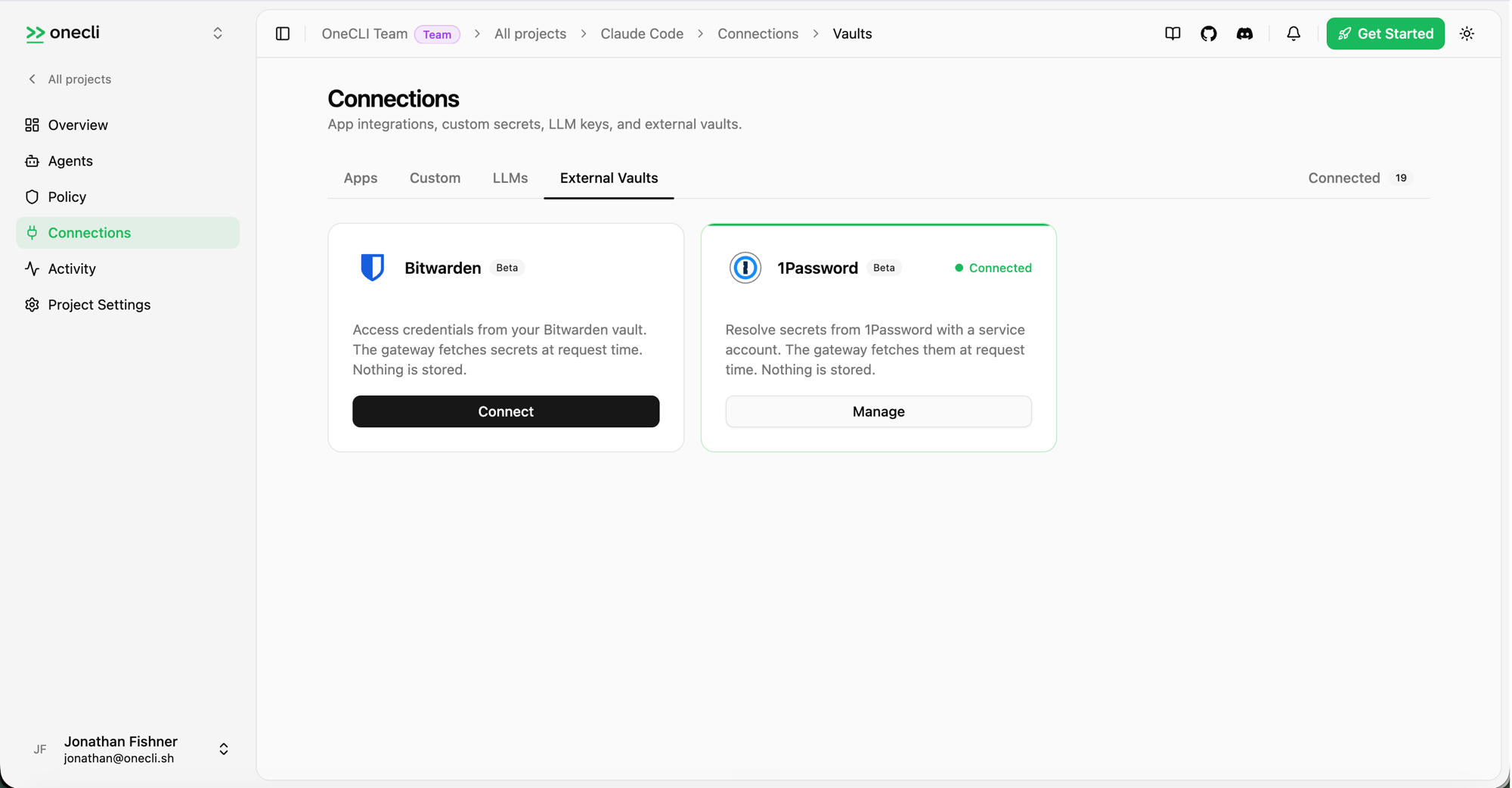
Every proxied call gets the same treatment as any other OneCLI request: network-layer injection, policy checks, rate limits, and a full audit trail. The full setup is in the 1Password vault guide.
What users get
- Credentials stay in 1Password's encrypted vault, and access is governed by 1Password's own permission model: Service Accounts only reach the vaults you scope them to. OneCLI adds runtime injection and policy enforcement on top. Agents hold placeholders, never real values.
- Your existing
op://references work as-is. No new naming conventions to learn. - Per-request injection at the network layer, so it works with any agent framework that makes HTTP calls.
- Runtime policy enforcement on every proxied request: allow, block, approve, and rate limit.
- Audit trail on both sides: access in 1Password, usage in OneCLI.
Get it
The integration is available today.
- 1Password Marketplace listing: marketplace.1password.com/integration/onecli
- Setup guide: onecli.sh/docs/vaults/1password
- OneCLI: github.com/onecli/onecli
Thanks to the 1Password team for their support during the marketplace review and integration process.
This is part of OneCLI Agent Vault, and the promise is simple: your agents get the access they need, and they never hold a secret.