Local AI,
no more waiting on your Mac.
macOS-native MLX server with smart caching. Claude Code, OpenClaw, and Cursor respond in 5 seconds, not 90.
Apache 2.0 · Apple Silicon · macOS 15+ ·
0
tok/s prompt processing
0
throughput with batching
∞
SSD KV cache (no eviction)
Qwen3.5-122B-A10B-4bit · M3 Ultra 512GB
Why oMLX
Built for the way
agents actually work.
Coding agents invalidate the KV cache dozens of times per session. oMLX persists every cache block to SSD — so when the agent circles back to a previous prefix, it's restored from disk in milliseconds, not recomputed from scratch.
01 — CORE
Paged SSD KV caching
Cache blocks are persisted to disk in safetensors format. Two-tier architecture: hot blocks stay in RAM, cold blocks go to SSD with LRU policy. Previously seen prefixes are restored across requests and server restarts — never recomputed.
02 — THROUGHPUT
Continuous batching
Handles concurrent requests through mlx-lm's BatchGenerator. Up to 4.14× generation speedup at 8× concurrency. No more queuing behind a single request.
03 — APP
Native macOS menu bar app
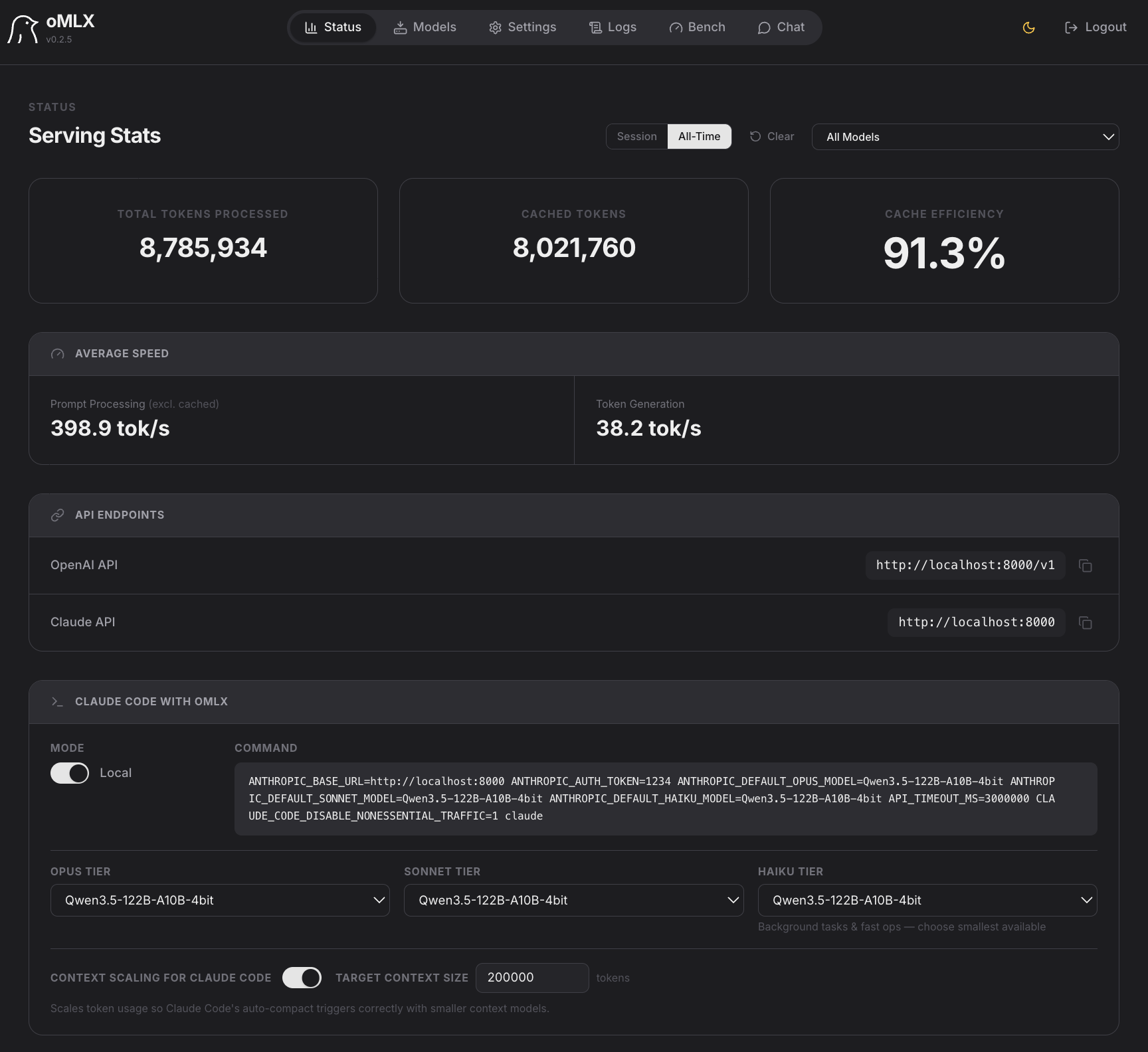
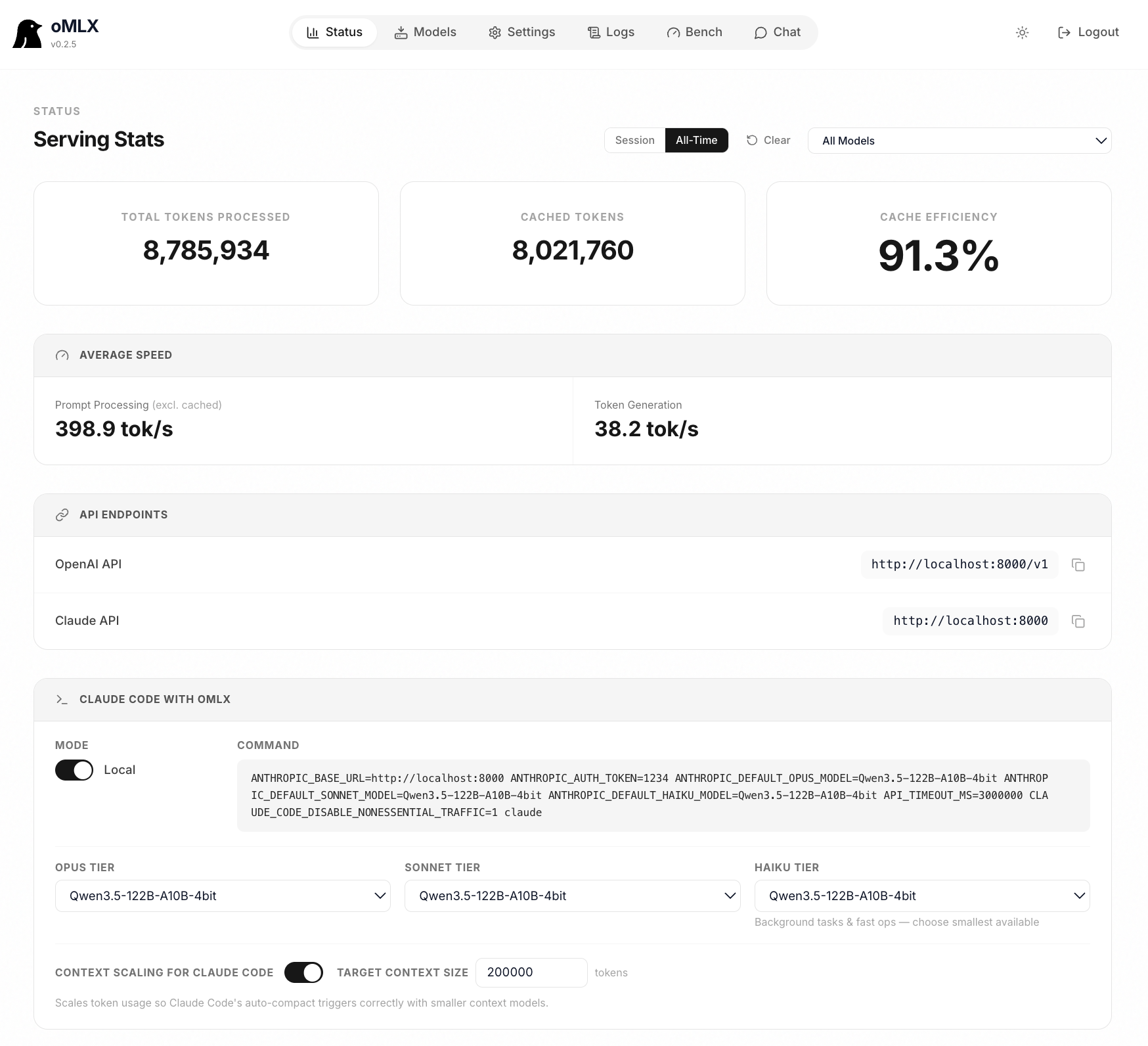
Start, stop, and monitor the server from your menu bar. Web dashboard for model management, chat, and real-time metrics. Signed, notarized, with in-app auto-update. Not Electron.
04 — MODELS
Multi-model serving
LLM, VLM, embedding, and reranker models loaded simultaneously. LRU eviction when memory runs low. Browse and download models directly from the admin dashboard.
05 — API
OpenAI + Anthropic drop-in
Compatible with Claude Code, OpenClaw, Cursor, and any OpenAI-compatible client. Native /v1/messages Anthropic endpoint. Web dashboard generates the exact config command for each tool.
06 — TOOLS
Tool calling + MCP
Supports all major tool calling formats: JSON, Qwen, Gemma, GLM, MiniMax. MCP tool integration and tool result trimming for oversized outputs. Configurable per model.
Performance
Real numbers,
real hardware.
All benchmarks on M3 Ultra 512GB. Single request and continuous batching across four popular models.
| Context | Prompt TPS | Token TPS | Peak Mem |
|---|---|---|---|
| 1k | 768 tok/s | 56.6 tok/s | 65.5 GB |
| 8k | 941 tok/s | 54.0 tok/s | 69 GB |
| 16k | 886 tok/s | 48.3 tok/s | 71 GB |
| 32k | 765 tok/s | 42.4 tok/s | 73 GB |
Continuous batching
pp1024 / tg128 · no cache reuse
| Batch | Token TPS | Speedup |
|---|---|---|
| 1× | 56.6 tok/s | 1.00× |
| 2× | 92.1 tok/s | 1.63× |
| 4× | 135.1 tok/s | 2.39× |
| 8× | 190.2 tok/s | 3.36× |
| Context | Prompt TPS | Token TPS | Peak Mem |
|---|---|---|---|
| 1k | 1,462 tok/s | 58.7 tok/s | 80 GB |
| 8k | 2,009 tok/s | 54.9 tok/s | 83 GB |
| 16k | 1,896 tok/s | 52.3 tok/s | 83 GB |
| 32k | 1,624 tok/s | 45.1 tok/s | 85 GB |
Continuous batching
pp1024 / tg128 · no cache reuse
| Batch | Token TPS | Speedup |
|---|---|---|
| 1× | 58.7 tok/s | 1.00× |
| 2× | 100.5 tok/s | 1.71× |
| 4× | 164.0 tok/s | 2.79× |
| 8× | 243.3 tok/s | 4.14× |
| Context | Prompt TPS | Token TPS | Peak Mem |
|---|---|---|---|
| 1k | 588 tok/s | 34.0 tok/s | 227 GB |
| 4k | 704 tok/s | 30.3 tok/s | 228 GB |
| 8k | 663 tok/s | 26.3 tok/s | 229 GB |
| 32k | 426 tok/s | 14.9 tok/s | 235 GB |
Continuous batching
pp1024 / tg128 · no cache reuse
| Batch | Token TPS | Speedup |
|---|---|---|
| 1× | 34.0 tok/s | 1.00× |
| 2× | 49.7 tok/s | 1.46× |
| 4× | 109.8 tok/s | 3.23× |
| 8× | 126.3 tok/s | 3.71× |
| Context | Prompt TPS | Token TPS | Peak Mem |
|---|---|---|---|
| 1k | 187 tok/s | 16.7 tok/s | 392 GB |
| 4k | 180 tok/s | 13.7 tok/s | 394 GB |
| 16k | 117 tok/s | 12.0 tok/s | 403 GB |
| 32k | 78 tok/s | 10.7 tok/s | 415 GB |
Continuous batching
pp1024 / tg128 · no cache reuse
| Batch | Token TPS | Speedup |
|---|---|---|
| 1× | 16.7 tok/s | 1.00× |
| 2× | 23.7 tok/s | 1.42× |
| 4× | 47.0 tok/s | 2.81× |
| 8× | 60.3 tok/s | 3.61× |
"The Qwen3.5 models running on oMLX is so fast that it makes running local AI on Mac worthwhile. It is so much faster than LMStudio and the tool calling is so much more reliable."
— GitHub comment, issue #62
FAQ
Common questions.
Ollama and LM Studio cache the KV state in memory, but when the context shifts mid-session — which happens constantly with coding agents — the entire cache gets invalidated and recomputed from scratch. oMLX persists every KV cache block to SSD, so previously cached portions are always recoverable. TTFT drops from 30–90 seconds to under 5 seconds on long contexts.
Apple Silicon (M1 or later) with macOS 15+. 16GB RAM is the minimum, but 64GB+ is recommended for comfortable use with larger models. The sweet spot for daily coding work is an M-series Pro/Max with 64GB+.
Yes. oMLX provides both OpenAI-compatible (/v1/chat/completions) and Anthropic-compatible (/v1/messages) API endpoints. It works as a drop-in backend for all three. The web dashboard has a one-click config generator — select your model, copy the command, paste into terminal.
No. oMLX reuses your existing LM Studio model directory — just point it at your models folder. You can also browse and download models directly from the built-in HuggingFace downloader in the admin dashboard.
Any MLX-format model from HuggingFace. This includes Qwen, LLaMA, Mistral, Gemma, DeepSeek, MiniMax, GLM, and more. Reasoning models (DeepSeek, MiniMax, Qwen) get automatic <think> tag handling. Vision-Language Models are supported since v0.2.0 with the same paged SSD caching.
Get started
Up and running
in two minutes.
Download the DMG or install from source. Reuses your existing LM Studio model directory — no re-download needed.
macOS App Recommended
Drag to Applications. The welcome screen walks you through model directory, server start, and first model download. Signed and notarized.
Download DMGFrom source
Requires Python 3.10+ and Apple Silicon. Connects to any OpenAI-compatible client on localhost:8000.
git clone https://github.com/jundot/omlx
cd omlx && pip install -e .
omlx serve --model-dir ~/models