01
New
Focus mode
Start a timer or stopwatch from any task, layer background sounds, and keep the time spent when the task is complete.
"tbh the best to-do app is just sticky notes on the edge of your monitor."
Hover to the right edge Tap the right edge →
01/
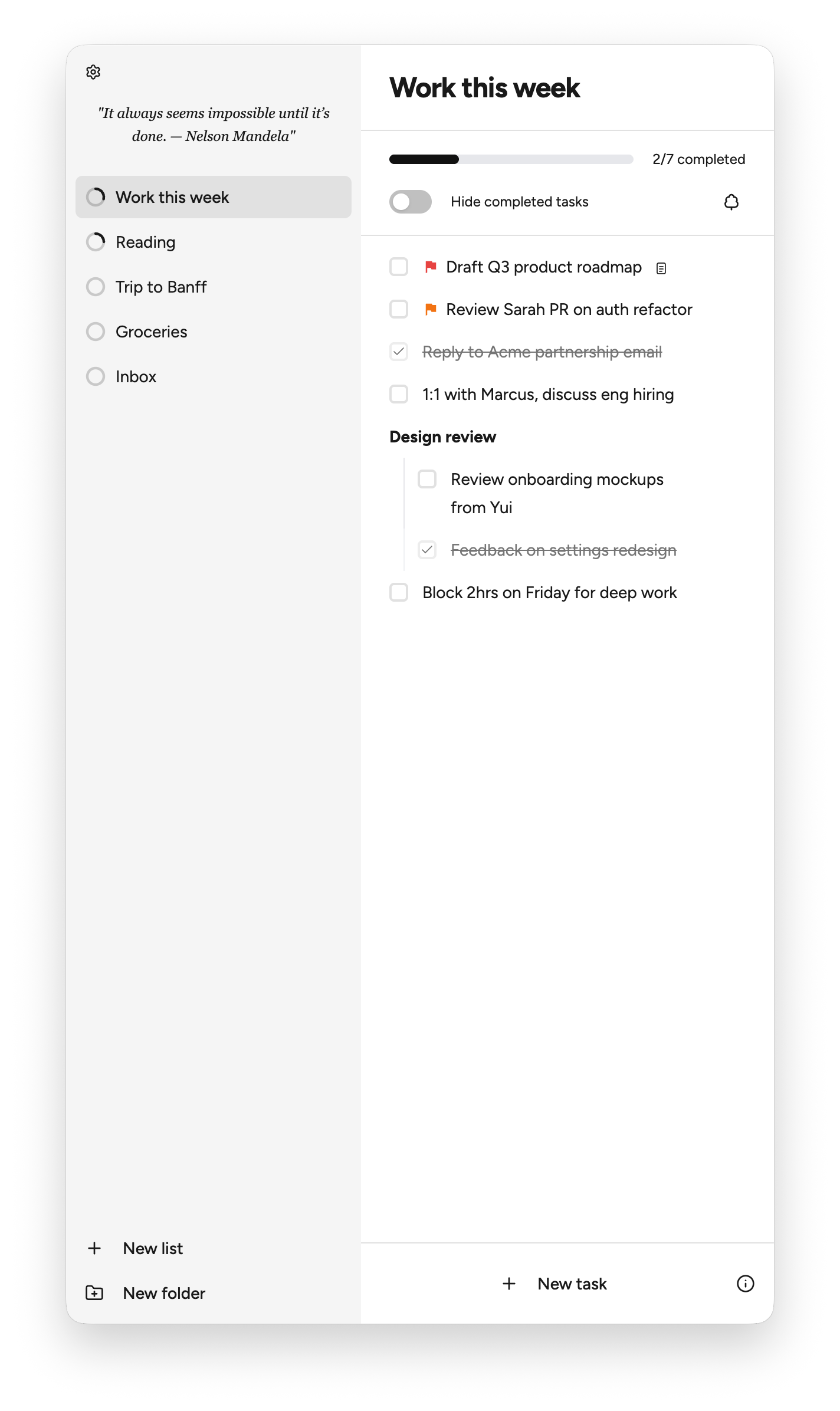
Move your cursor to the screen edge to open Nook. Capture the thought, then go back to work. Nook hides itself when you are done.
02/
Create an item, indent it, and switch it into a task with keyboard shortcuts.
03/
Add rich notes to tasks with links, lists, code, and formatting.
04/
Put one item in multiple lists. Edit it once, and every connected copy stays in sync.
Release 1.1.7
Focus on one task, find anything quickly, and schedule what needs to happen next.
01
New
Start a timer or stopwatch from any task, layer background sounds, and keep the time spent when the task is complete.
02
New
Search lists, tasks, and notes from the sidebar, then jump directly to the matching result.
03
New
Choose a date and time for any task, set a reminder, and keep upcoming work visible until it is done.
There are already plenty of good task managers: Todoist, Things, Reminders, Notion, Linear, and many others.
Most of them ask you to switch into a system. Open an app, pick a project, clean up a list, and decide where everything belongs.
Nook is built for the moment before that. Capture the thought from the edge of your screen, then go back to work.
Nook currently supports macOS. iOS is in development.
Your tasks, lists, notes, Markdown content, folders, and settings are stored locally on your Mac. Your task content is not uploaded to a Nook cloud database.
No. Nook does not run a cloud sync service for your task data. Your task content stays on your device.
The iOS app is in development - stay tuned!
No account is required to use Nook locally.