 nixmac
macOS · Nix · Open Source
Your Mac, configured
the right way.
nixmac turns your Mac into a reproducible, version-controlled system. Describe what you want in plain English — it writes the Nix, builds it, and applies it safely.
Built on top of
nix-darwinNixpkgshome-managerHomebrewGitlaunchd
Step 3 · Config directory
Start from a
sensible template
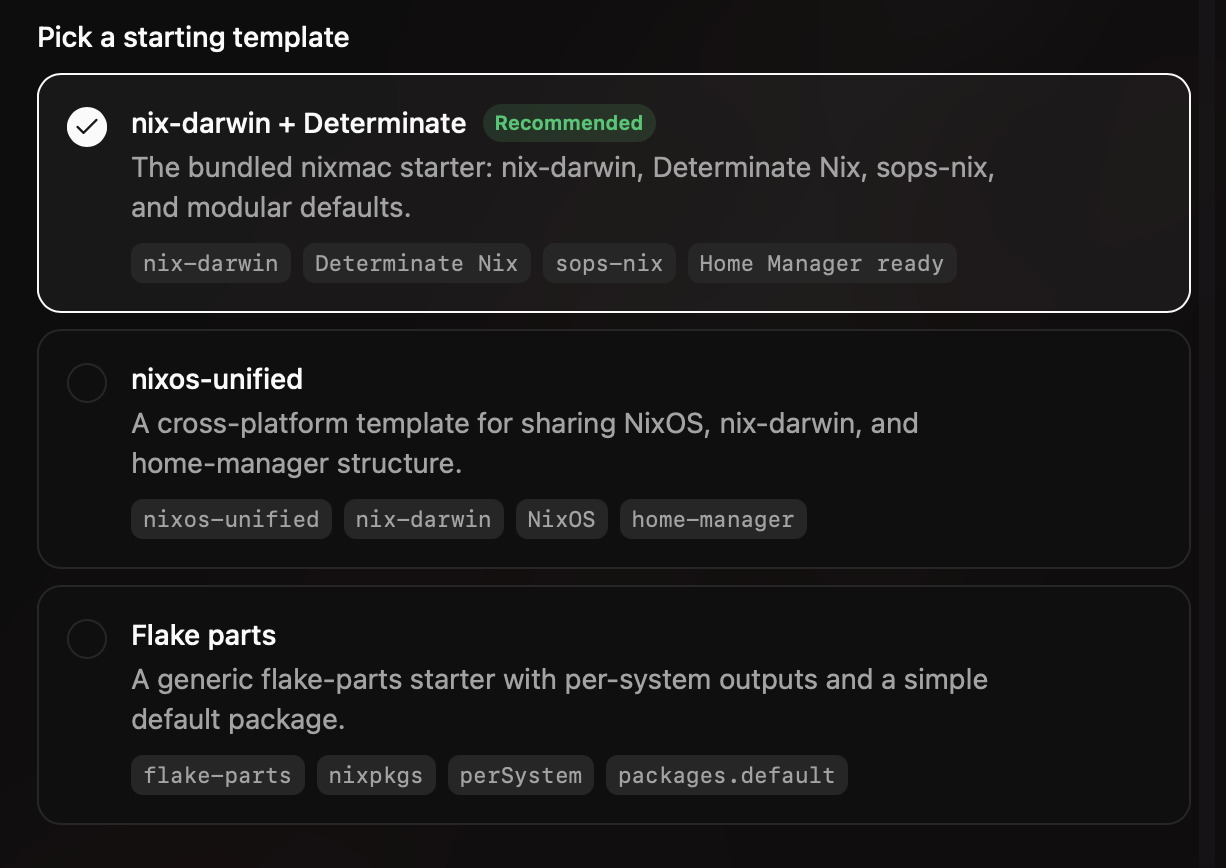
Pick a starting point and nixmac scaffolds a working flake for you — sensible modules, a clean layout, and a config that builds on the first try.
- nix-darwin + Determinate (recommended)
- nixos-unified for cross-platform
- flake-parts for minimalists
Import from GitHub
Bring your
existing flake
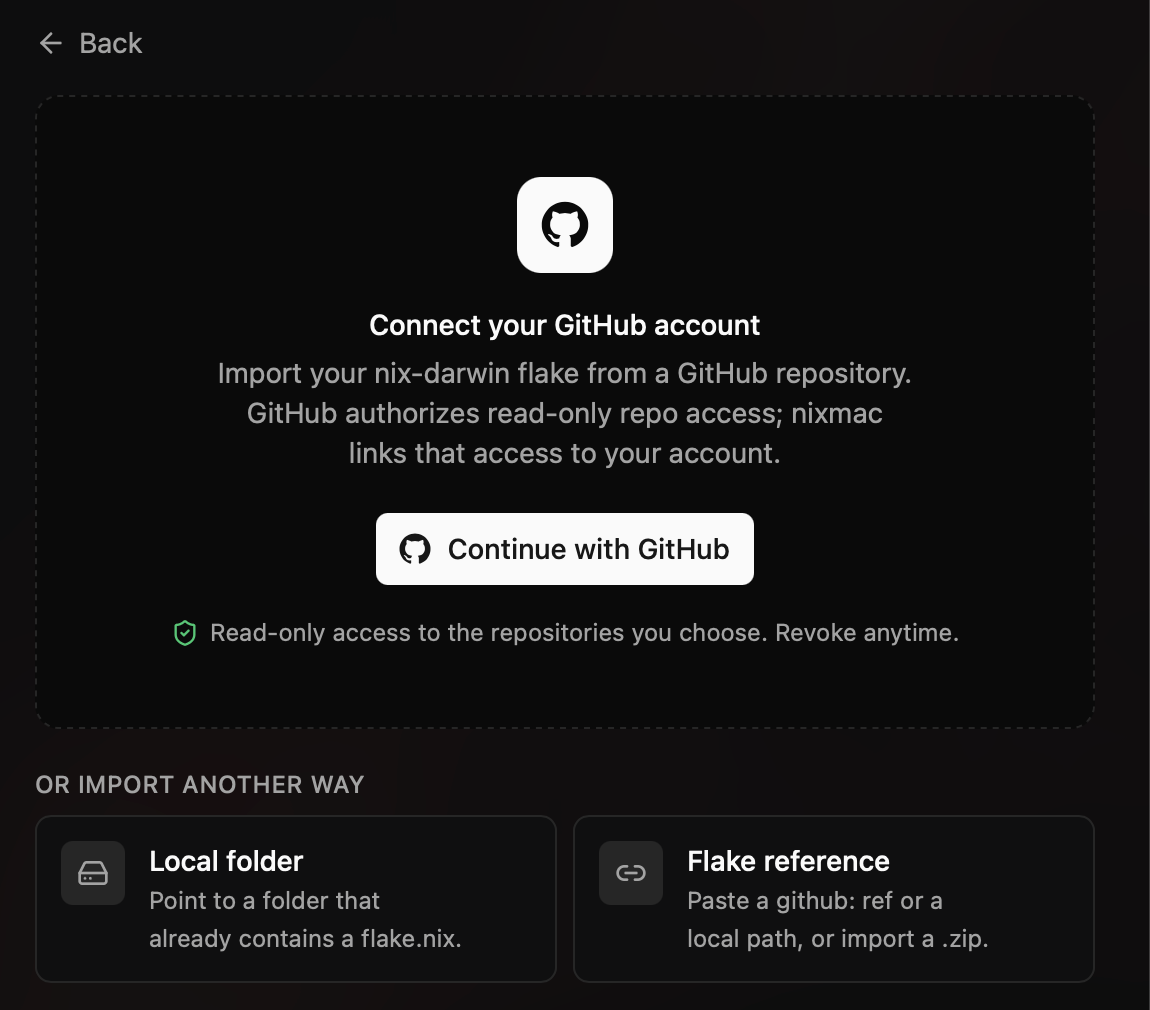
Already manage your Mac with Nix? Point nixmac at your existing flake and it picks up right where you left off — no rewrite required.
- Connect any GitHub account
- Detect flake.nix files automatically
- Local folder or flake reference too
Step 5 · Import customizations
We'll find what
you already tweaked
nixmac runs read-only commands to detect the settings, packages, and services you've already customized — then turns them into code you can keep.
Live build
Watch every step
of your rebuild
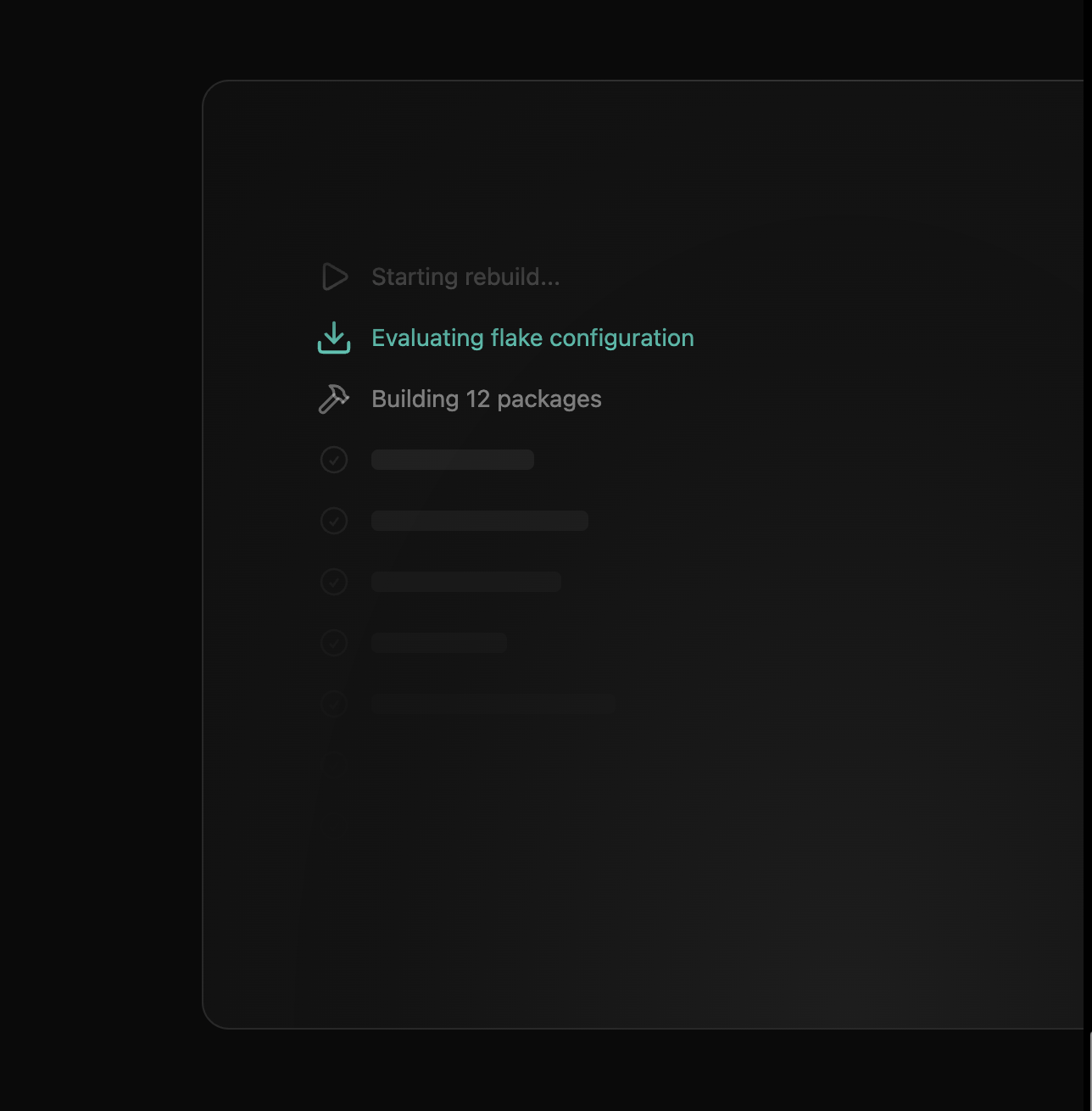
No spinners hiding the work. Every phase of the Nix build streams in real time, so you always know exactly what your system is doing.
- Evaluating flake · Building packages
- Fetching from cache · Compiling
- Activating configuration
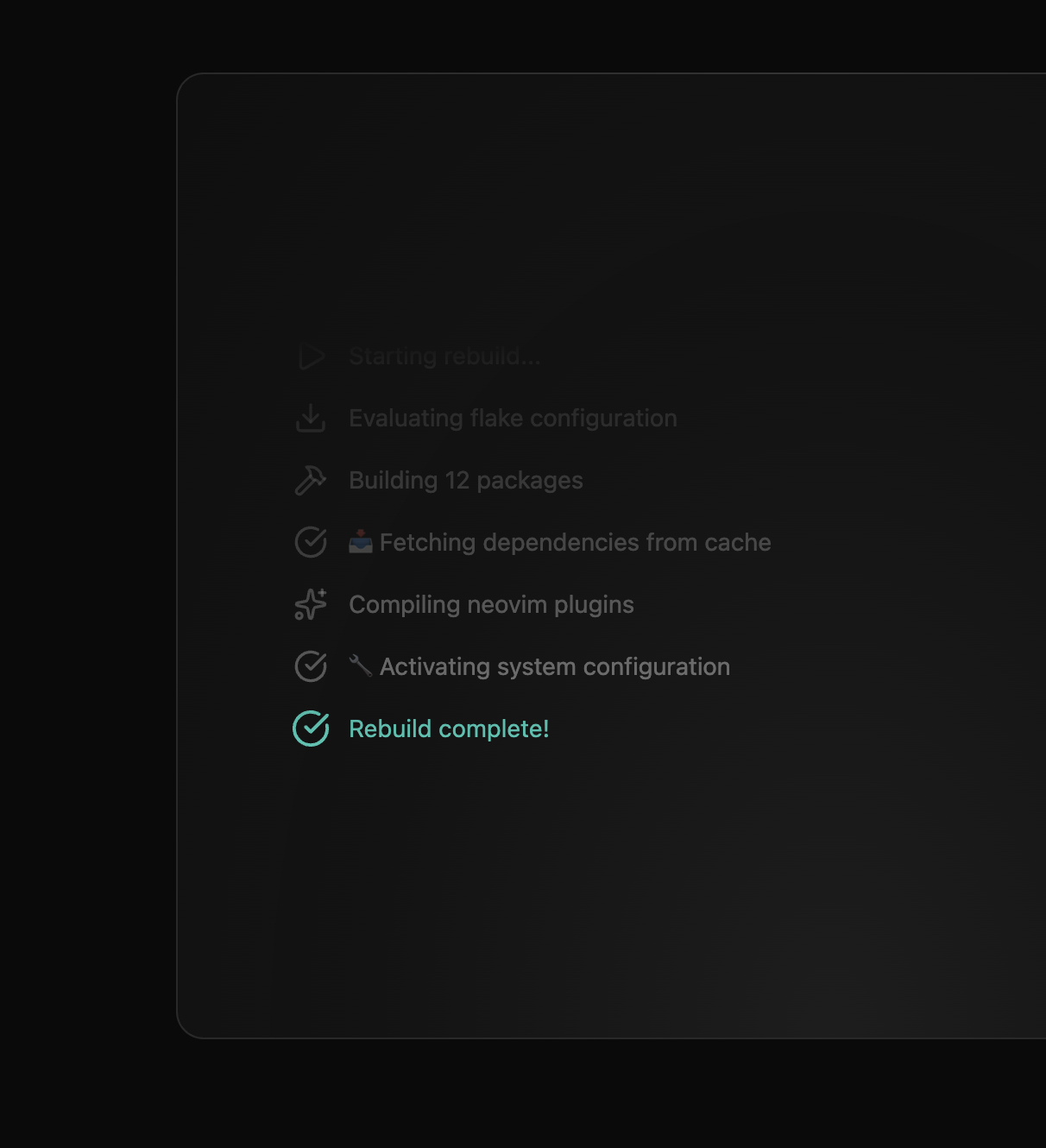
Green means go
Done in seconds,
verified end-to-end
Changes apply atomically with a real darwin-rebuild switch. If a build fails, your running system stays exactly where it was.
- Automatic rollback on failure
- Nothing touches disk until it passes
- Reproducible on every machine
Step 6 · AI inference
Hosted models,
or bring your own
Use nixmac's hosted models with zero setup, or plug in your own API key. Prefer fully local? Run it offline with Ollama.
- Pay as you go — metered through Polar
- Pro at $4.99/mo — device sync included
- Bring your own API key — Anthropic, OpenAI
We run the models. Sign in and choose hosted billing.
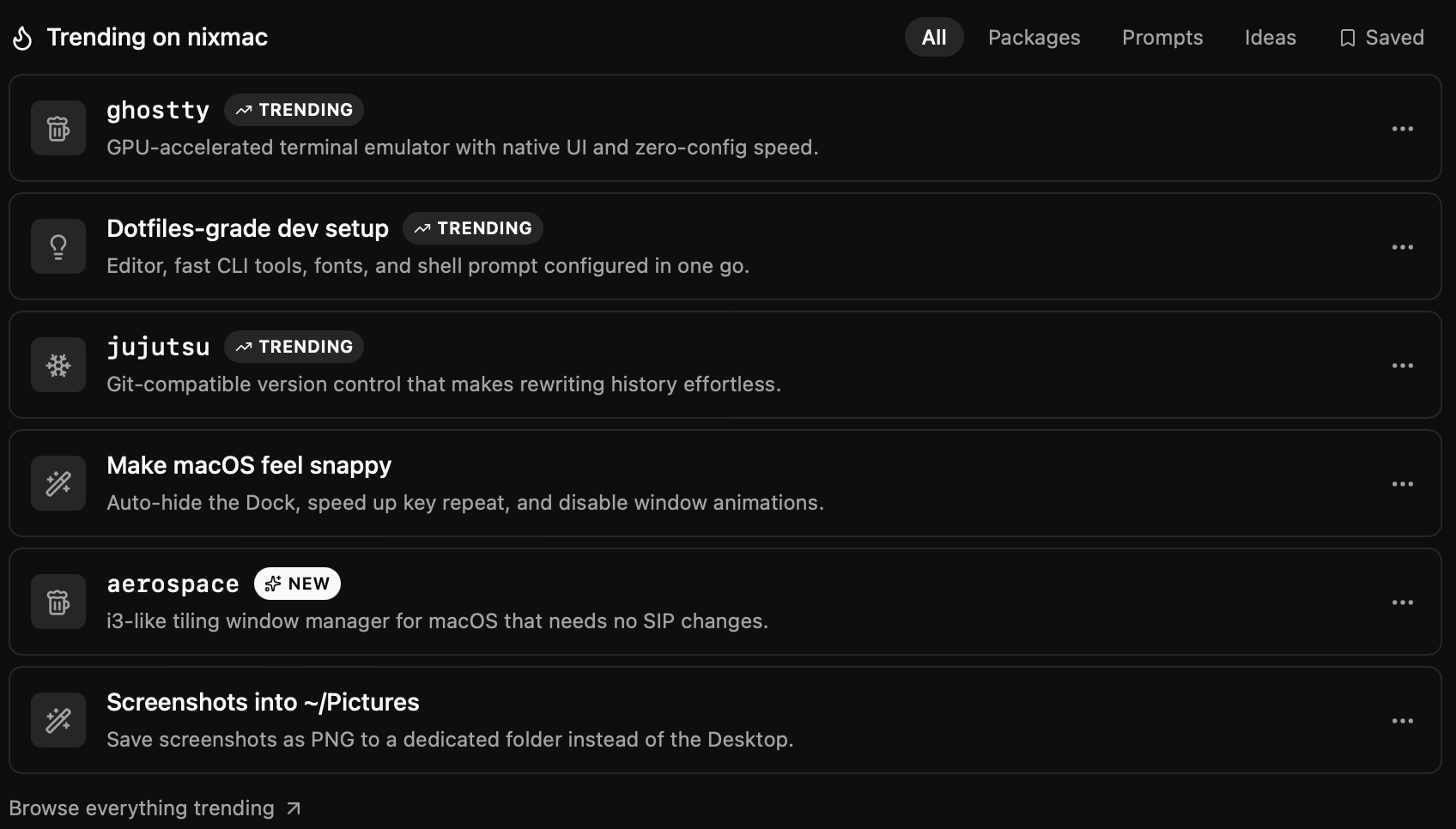
After onboarding
Just say what
you want next
Once you're set up, changing your Mac is a sentence, not a research project. The agent reads your config, writes the Nix, and iterates until it builds.
- Natural language input
- Guided 3-step flow
- AI writes the Nix for you
Review · line-level diffs
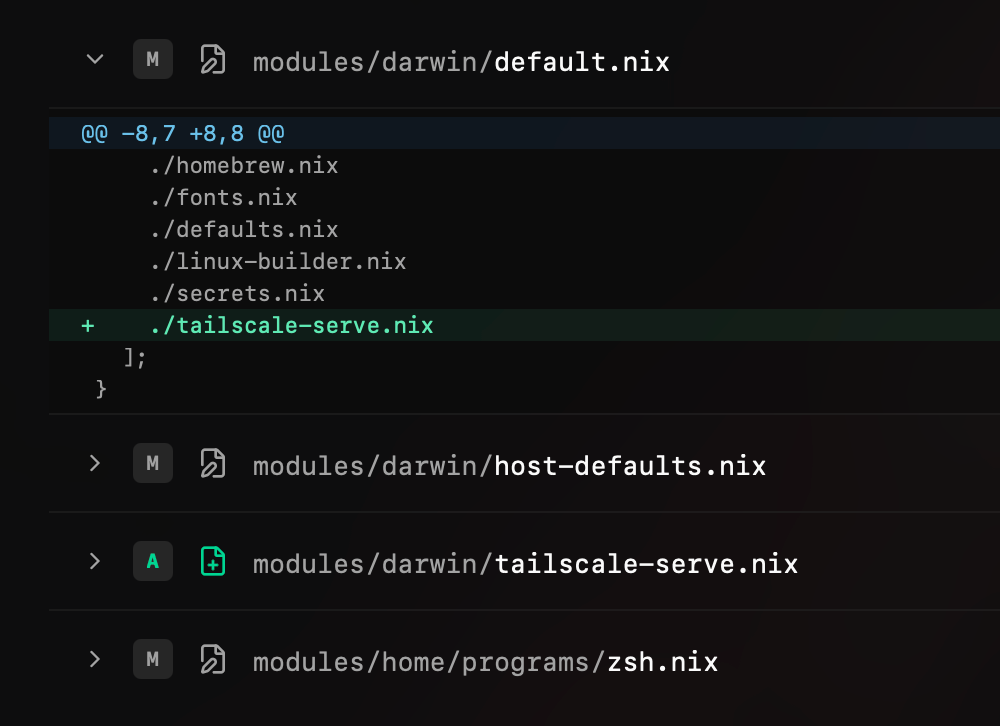
See every changed line
This is not a black box. Inspect exactly what changed, file by file, before and after it lands — with added and removed lines at a glance.
Drift detection
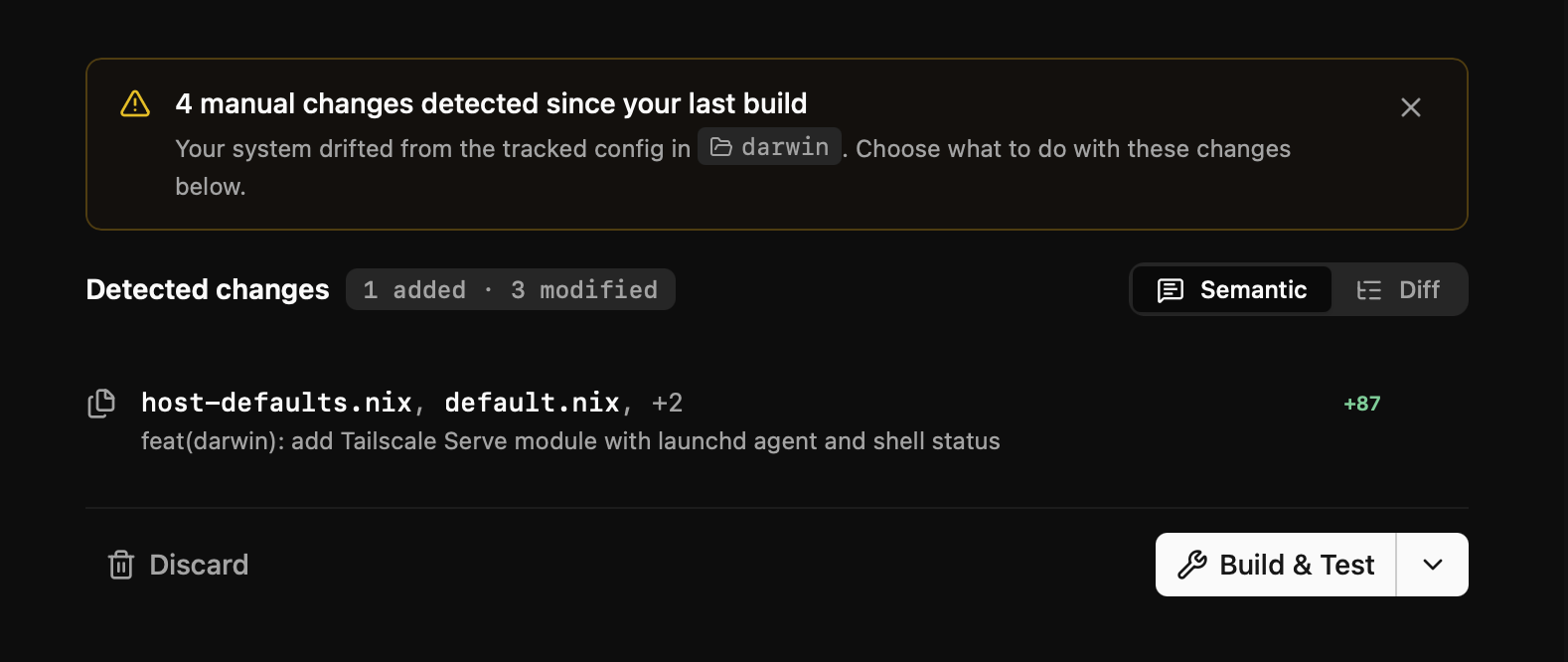
Manual changes don't go unnoticed
Changed something by hand? nixmac detects the drift and lets you adopt it into your config — or undo it with one click.
Save · git-native
Every change,
committed
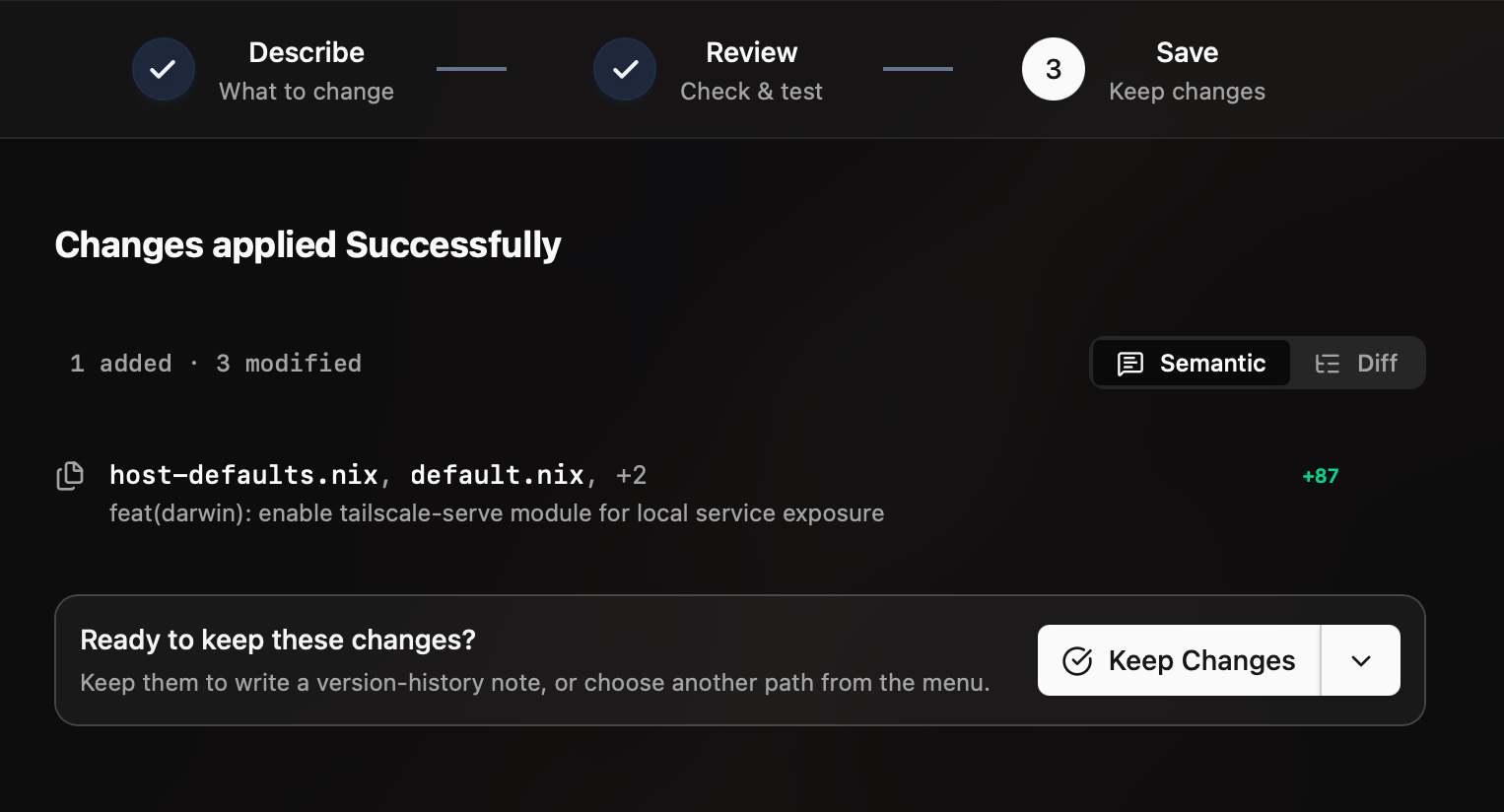
Every apply is a git commit with an AI-written, semantic message. Your Mac's history reads like a changelog — and any state is one click away.
- AI-written semantic commit messages
- Every apply saved as a git commit
- One-click restore to any state
FAQ