Simple keyboard-driven note taking
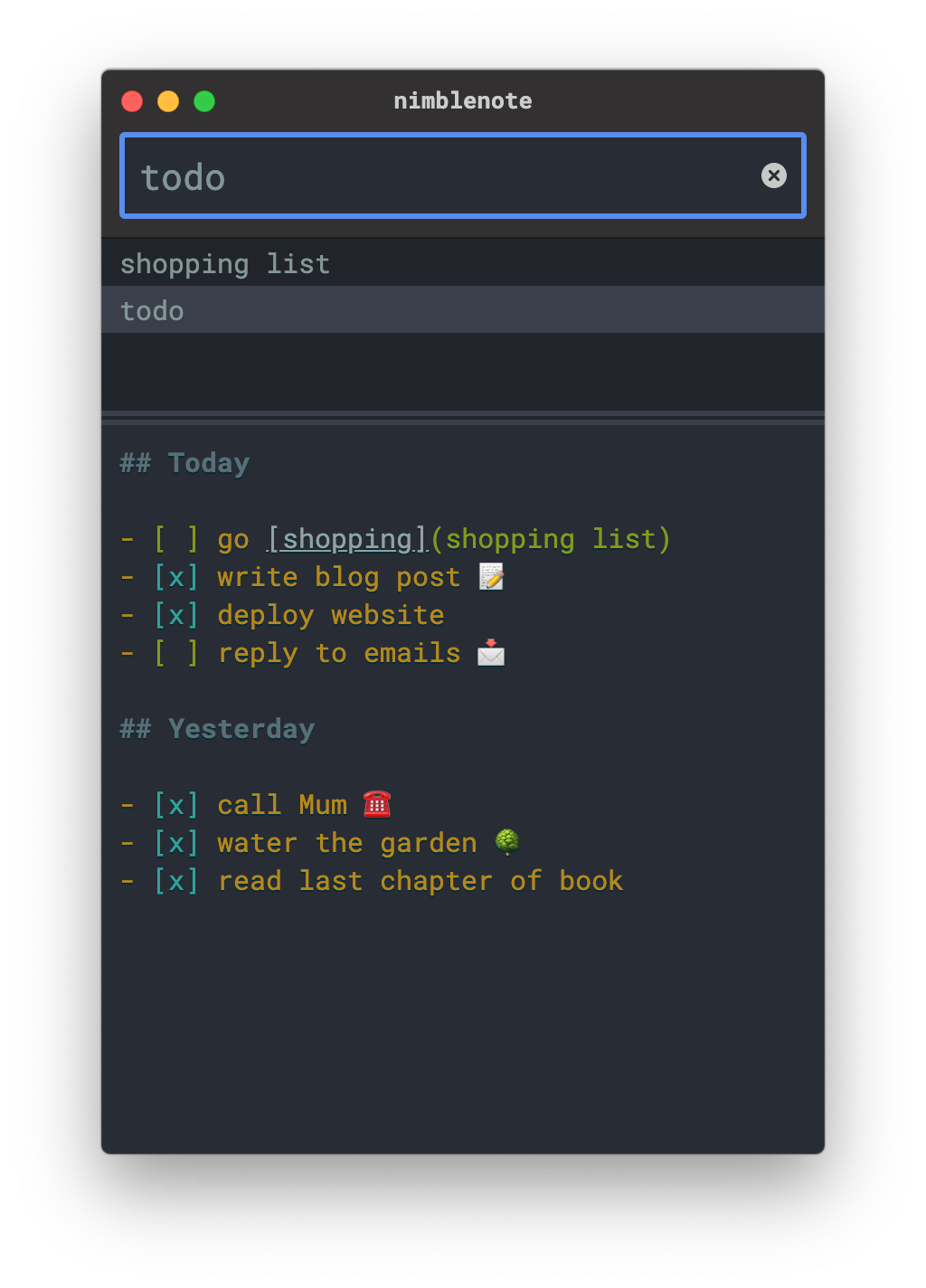
Search, create, edit and delete notes all without the mouse.
For power users
Complete keyboard driven user experience
Autosave
No need to worry about saving, your notes are always safe
Markdown highlights New!
How else would you want to write your notes?
Markdown actions New!
Toggle checklists, open links, or navigate notes
Light or dark Coming soon!
Respect your system theme, or the opposite
How it works
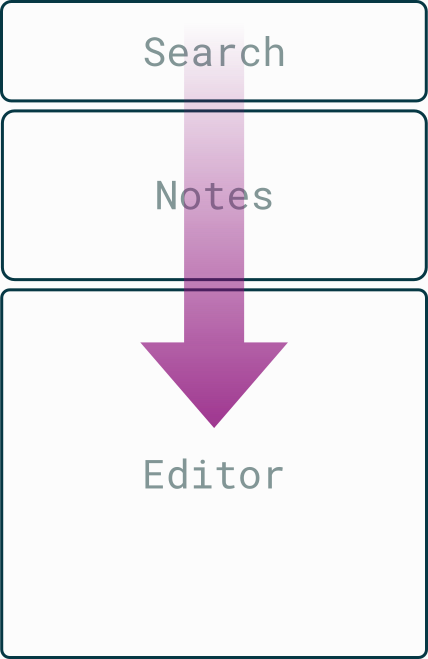
The same input box is used for both the creation of new notes and also searching for existing notes.
To create a new note, type a name that doesn't already exist and then press Enter ⏎. The focus will then jump to the file editor automatically so you can begin editing the note. Note content is saved automatically as you type.
To view or edit an existing note, begin typing in the search input and matches will begin to appear. You can either press Enter ⏎ to resume editing the currently selected note highlighted in the results, or press the Up ↑ or Down ↓ arrow keys to navigate between the results, or continue typing to further refine the results.
You can press Esc at any time to return the focus to the search input.
Markdown actions
Version 3.2.2 released on 2023-01-03:
Or run choco install nimblenote
Sign up for our newsletter

⭐⭐⭐⭐⭐
"when it comes to simplicity one could make the case that no other note-taking app is as effective and as straightforward as nimblenote"

"a rather splendid keyboard-driven note taking app for macOS and Linux"