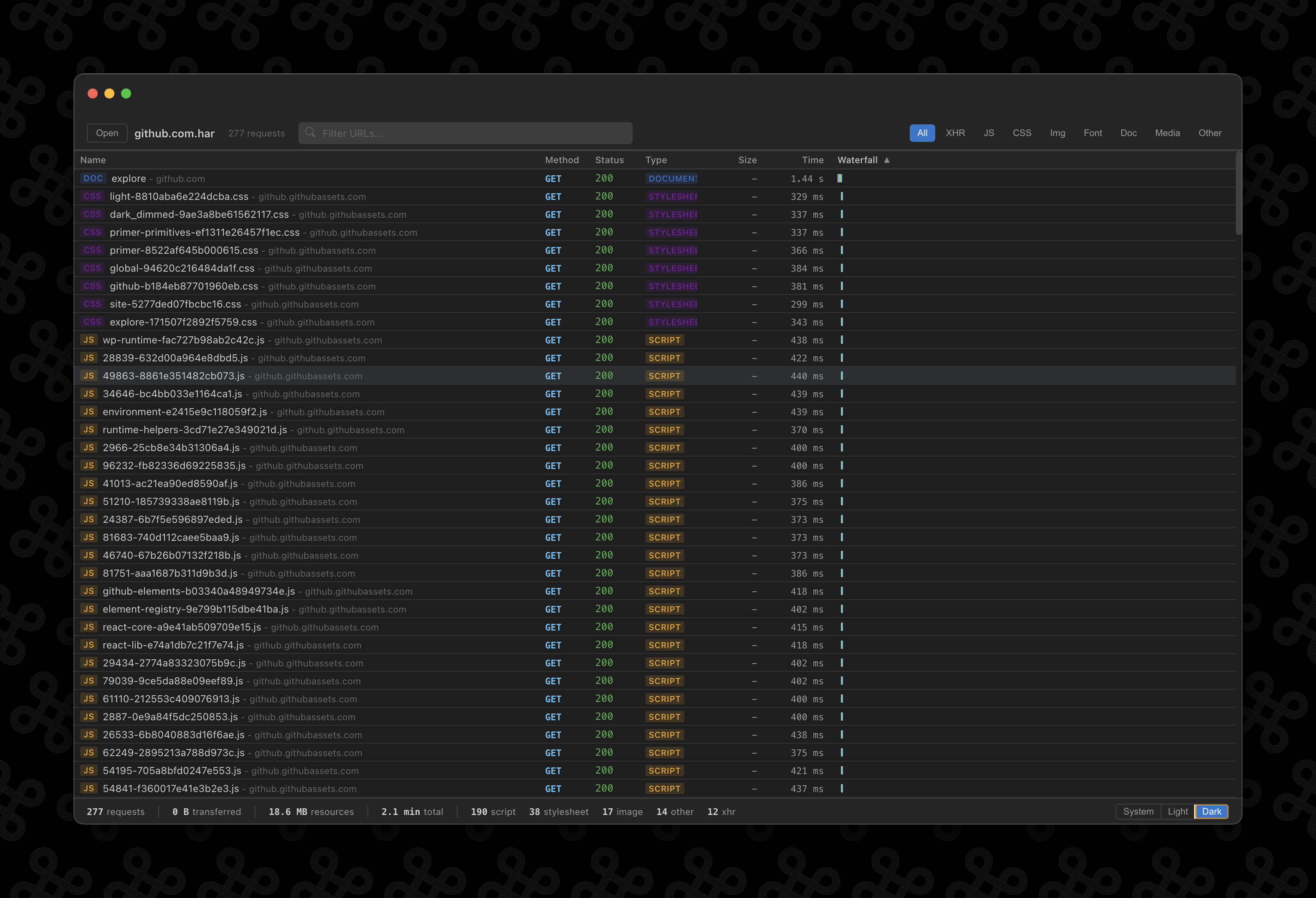
A desktop app for viewing and analyzing HTTP Archive files. The same network inspection experience as Chrome DevTools, but as a standalone app. Available for macOS, Windows, and Linux.
Also available for macOS, Windows, and Linux.
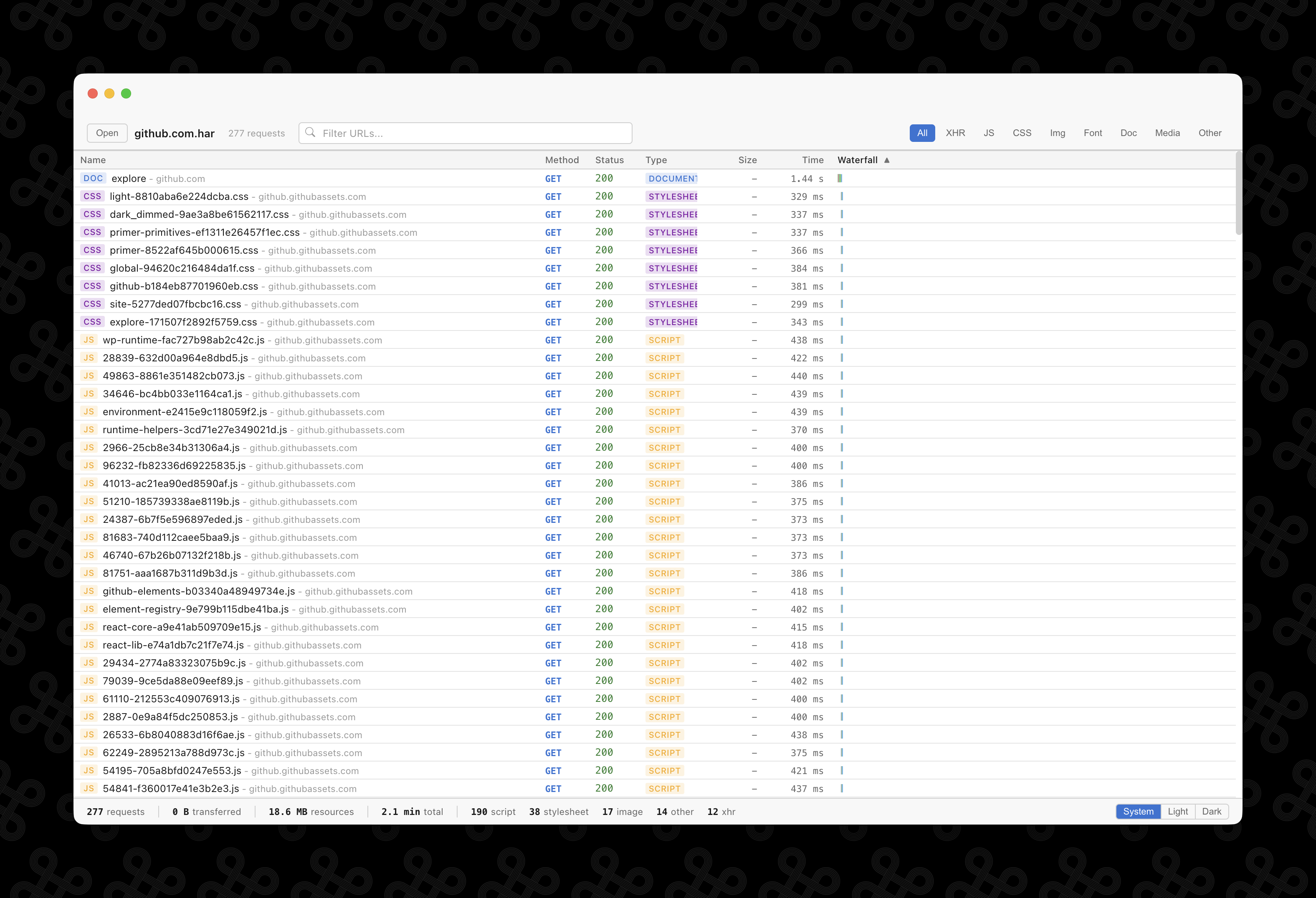
Everything you need to explore HAR files
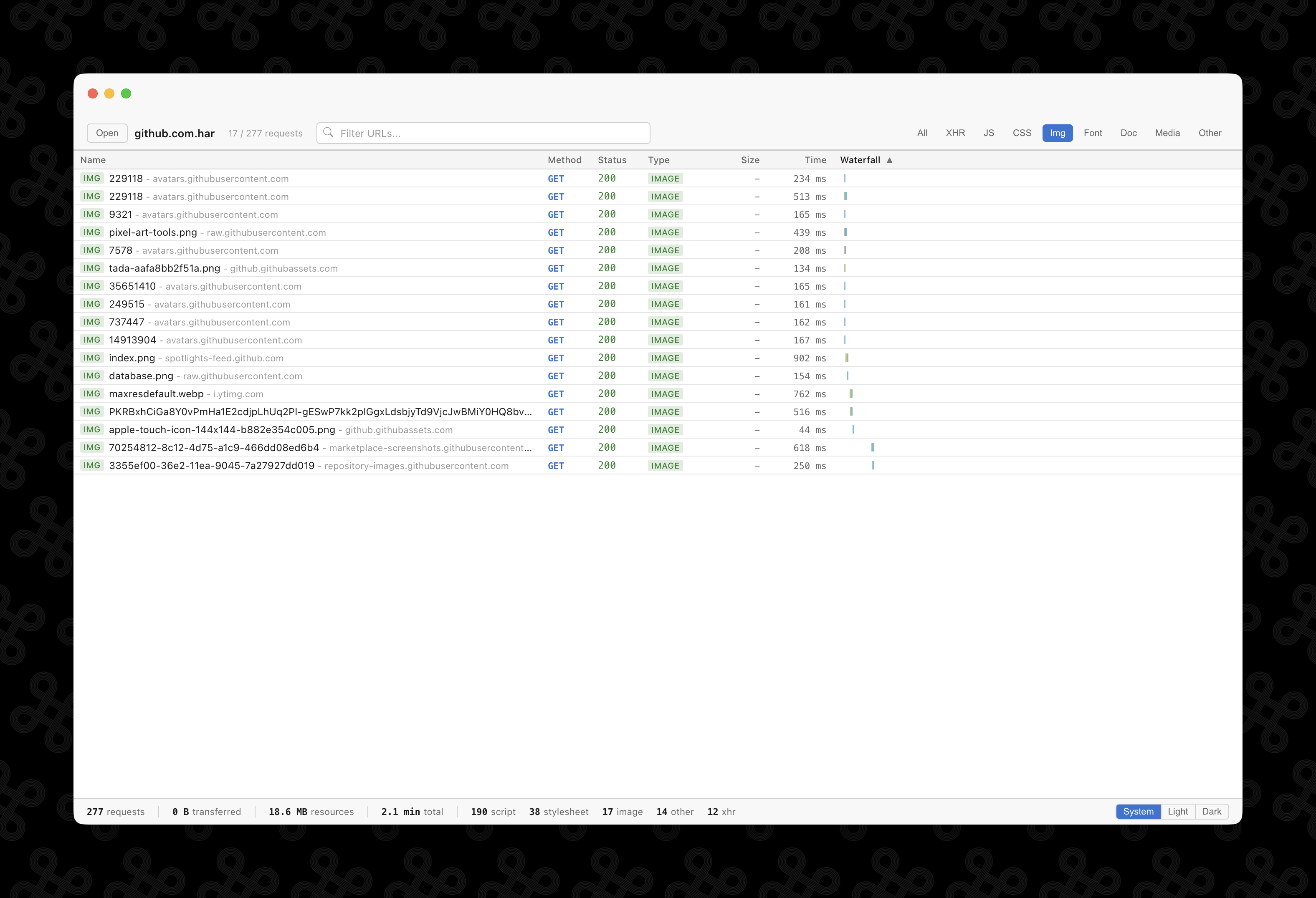
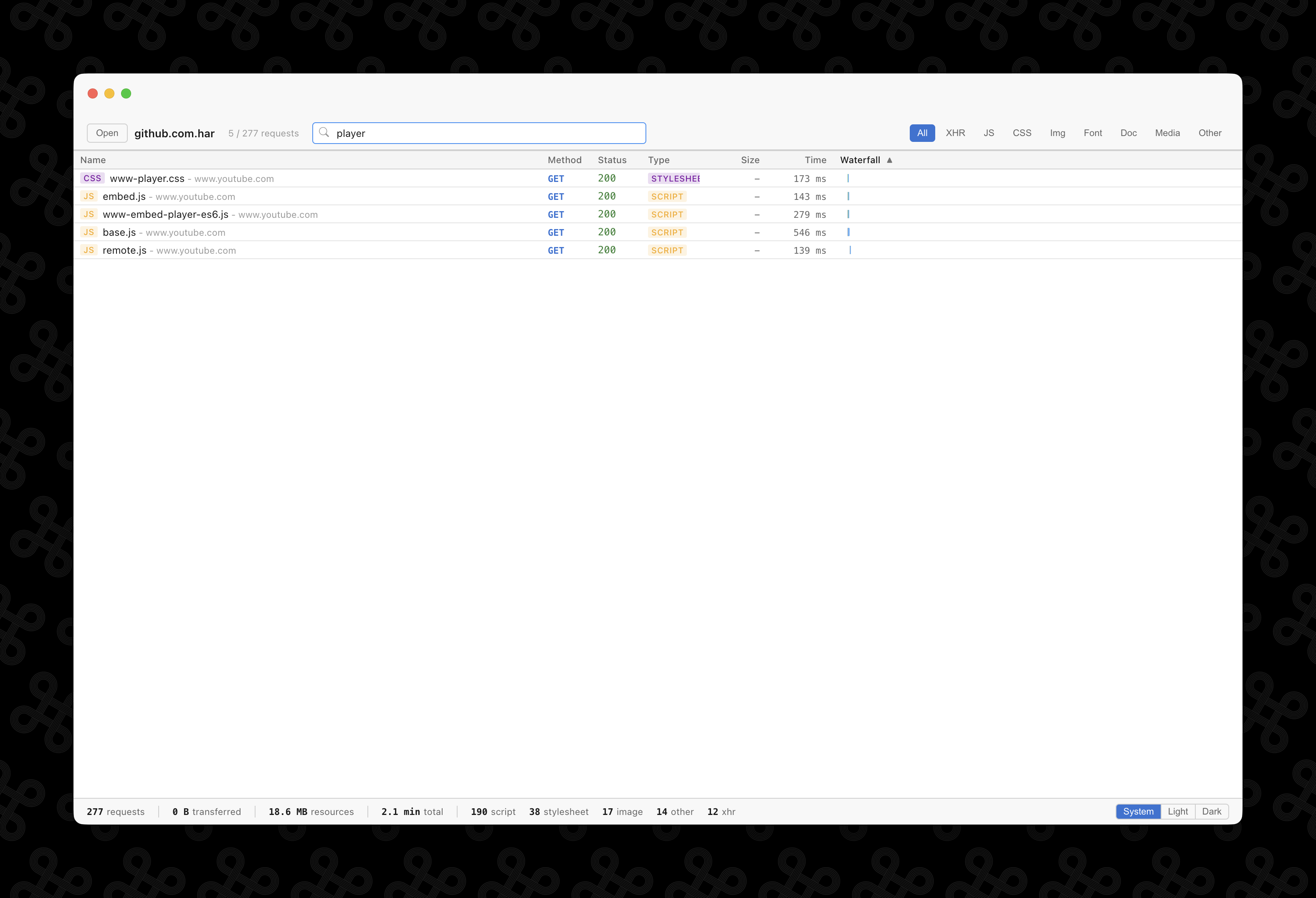
Filter and search
Narrow down requests by content type -- XHR, JS, CSS, images, fonts, and more. Search by URL to find exactly what you're looking for. Sort by any column.
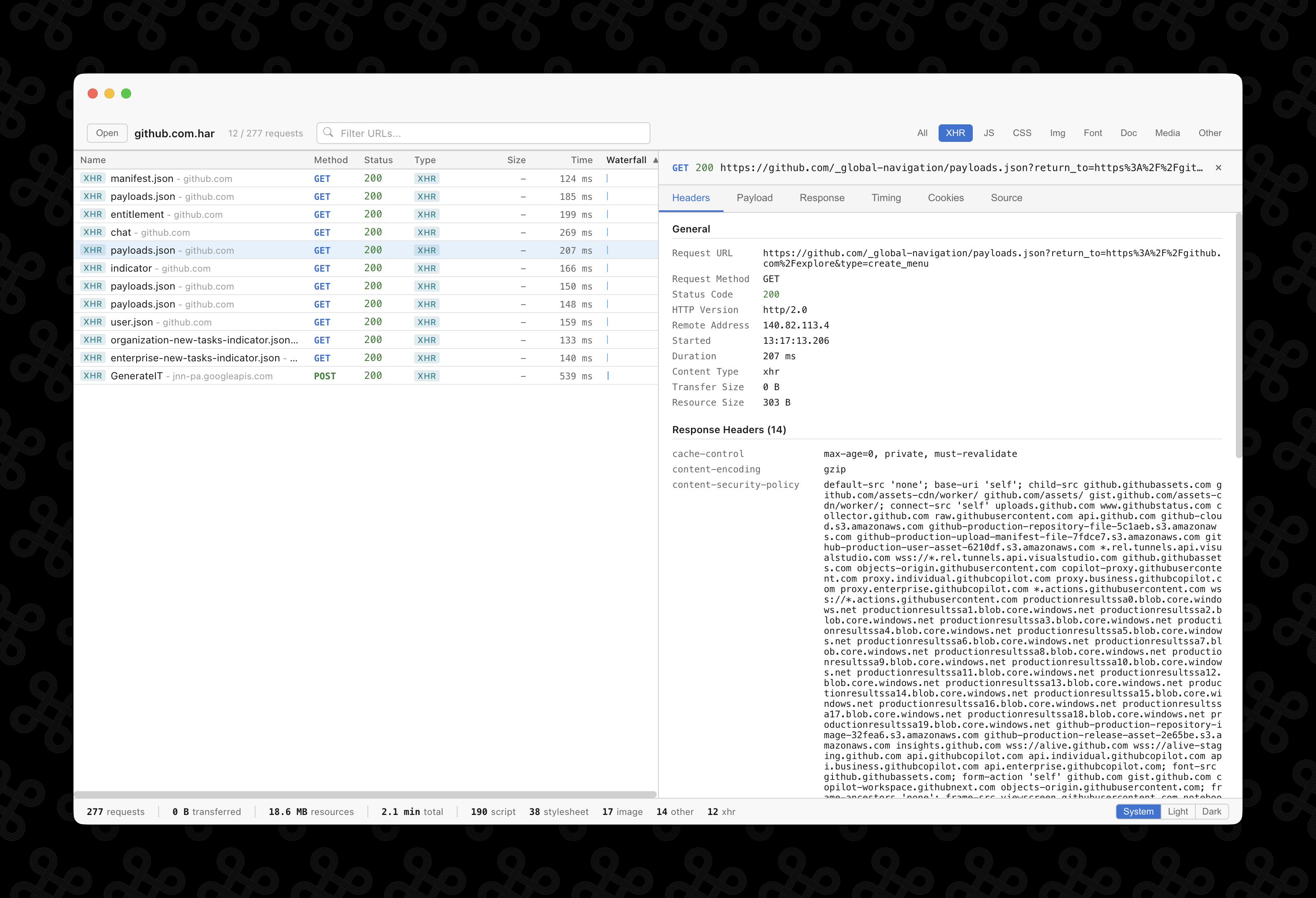
Detailed request inspection
Click any request to inspect headers, payload, response body, cookies, and timing data. See status codes, remote addresses, content types, and transfer sizes at a glance.
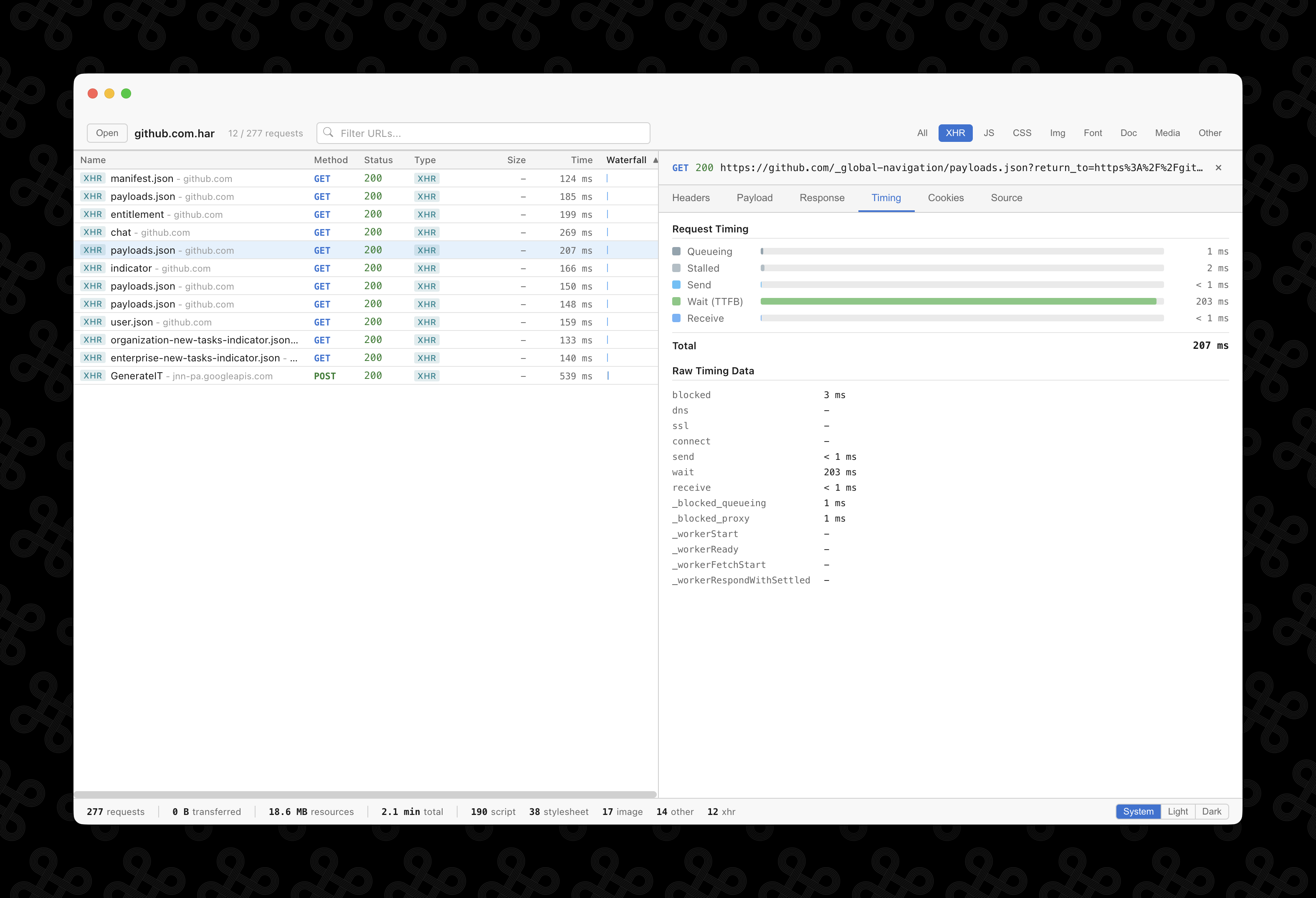
Timing breakdown
Visualize the request lifecycle -- queueing, stalled, send, wait (TTFB), and receive -- with a horizontal bar chart. Identify bottlenecks in your network requests.
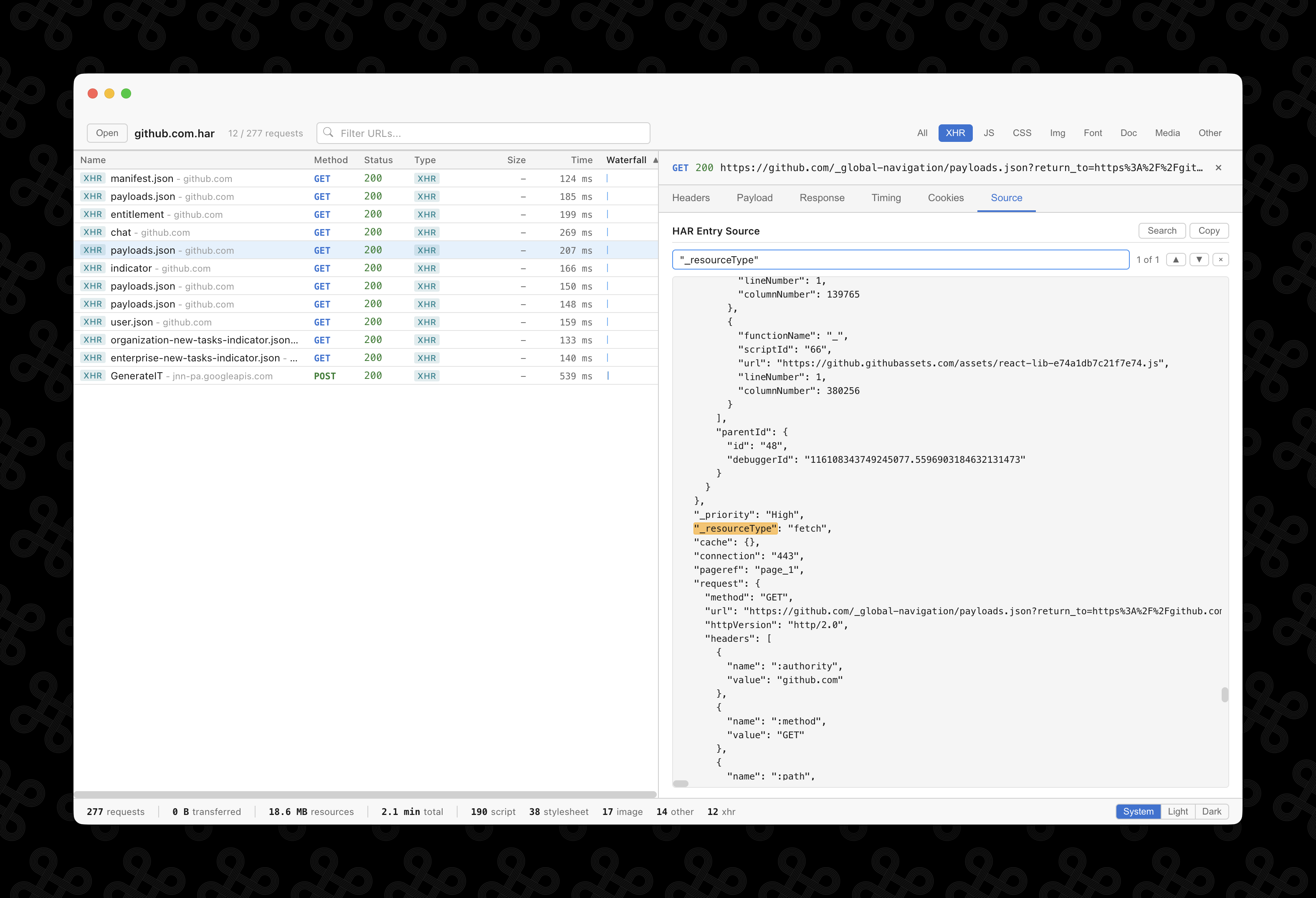
Source search
View the raw HAR JSON for any entry and search through it with match highlighting. Navigate between matches with keyboard shortcuts.
Dark mode
Switch between System, Light, and Dark themes. Your preference is saved across sessions. The app follows your system appearance by default.