A minimal terminal email client
for people who read & write in Markdown
Compose in Neovim, navigate with Vim motions, screen emails like HEY,
process your inbox with GTD — all from the terminal
What Makes neomd Different?
HEY-Style Screener
Unknown senders wait in ToScreen until you approve (I), block (O), or categorize them. You choose who reaches your inbox — bye-bye spam.
GTD Workflow
Process your inbox only once. Move emails to Waiting, Someday, Scheduled, or Archive with single keystrokes. Includes Feed and PaperTrail for newsletters and receipts.
Superhuman Speed
Folder switches in ~33ms (on fast IMAP providers like Hostpoint). Every action is instant — no loading spinners, no delays. Navigate with Vim motions.
Neovim Integration
Compose in $EDITOR (nvim), send as Markdown → HTML multipart. Pre-send review prevents accidental sends. Auto-backup drafts to ~/.cache.
Direct IMAP/SMTP
No local sync daemon. Uses RFC 6851 MOVE for instant operations. Works on any device with your mailbox always in sync.
Keyboard-First
Vim motions everywhere. j/k navigation, gg/G jumps, / search, numbered links [1]-[0], multi-select with m, undo with u.
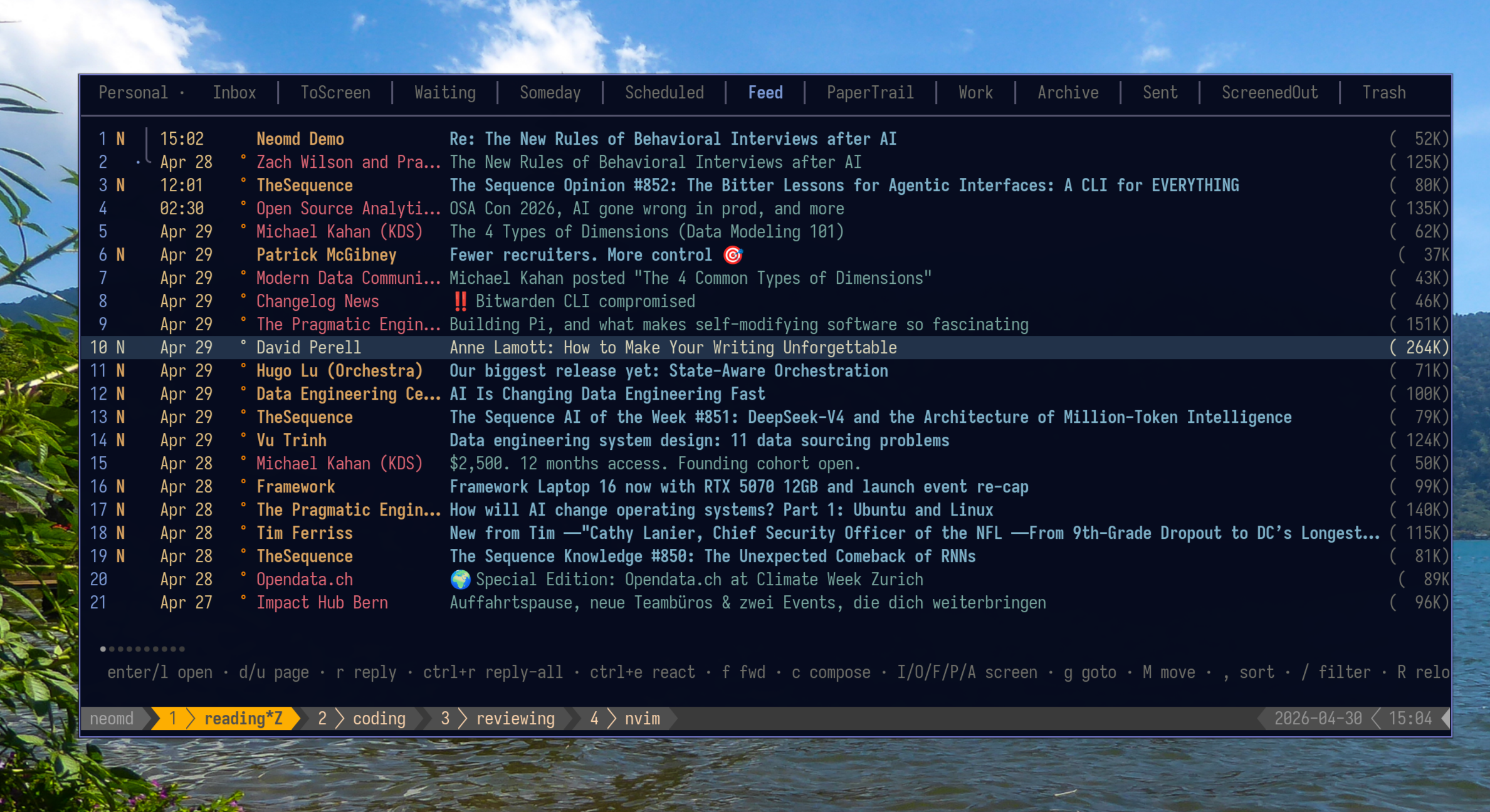 Reading newsletter directly in your email client (feed) - see spy pixel, if you have replied (dot) and thread mode if replied)
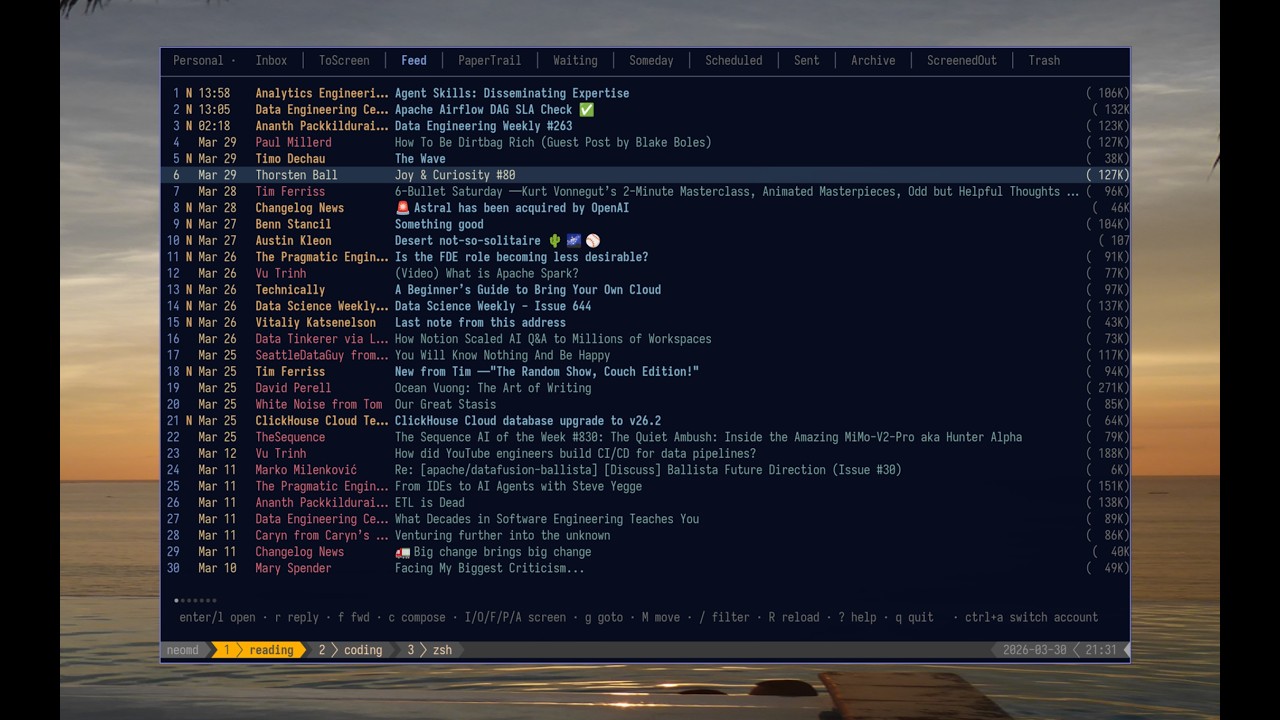
Video Demo - YouTube rundown of most features:
Documentation:
Overview & Philosophy
Full feature list, installation (binary, AUR, source), philosophy, benchmarks, and inspiration
Configuration Reference
Full config with multiple accounts, OAuth2, signatures, and UI options
Keybindings
Complete keyboard shortcuts reference (auto-generated from source)
Screener Workflow
How to classify emails, bulk operations, and screener lists
Reading Emails
Navigation, images, links, attachments, threading
Sending Emails
Compose, attachments, CC/BCC, drafts, HTML signatures
Integrations
Integrations with Newsletter such as Listmonk
FAQ
Frequently asked questions