Your installed apps are discoverable
Files, Photos, Talk, Calendar, Mail, Notes, Deck, and other server apps share one account, with native support shown at its verified level.
· Nextcloud Native
An independent client by Obiente
Test Files, Photos, Talk, Calendar, and installed-app workspaces in the current Android, Linux, and Windows alpha builds.


Platform status
Get the current build
AndroidAndroid 8.0 or newerAPKWindowsx86-64 - unsigned MSIMSILinuxDebian and Ubuntu - x86-64DEBLinuxFedora and RHEL - x86-64RPMmacOSIntel - sign-in unavailableDMG
Alpha software: keep another copy of important data. Check the release notes and checksums before installing.
Everyday work
Nextcloud Native uses verified server APIs and the platform integrations implemented for Android, Linux, and Windows. Capability checks keep unavailable actions out of otherwise useful workspaces.
Files, Photos, Talk, Calendar, Mail, Notes, Deck, and other server apps share one account, with native support shown at its verified level.
Android gets touch controls, system Back, and share sheets. Linux and Windows use resizable panes, pointer actions, and desktop file integration where implemented.
The client avoids destructive writes, shows known conflicts, and withholds an action when the server contract is unclear.
Your apps
Mail is a mailbox, Deck is a board, Tables is a table, and Memories is a photo library. Shared native building blocks make navigation and actions predictable without flattening everything into a generic data screen.
Explore the app modelProduct viewFiles and documents Real Compose UI

Browse and preview ordinary files, edit guarded text content, and use platform file integration. Sync, cache, and conflict state remain explicit while the alpha is still being hardened.
How it works
Nextcloud Native reads verified capabilities and versioned contracts, understands the work they represent, and chooses a useful native interface. It never invents an endpoint or passes an embedded website off as an app.
Read the architectureThe app discovers the exact features, versions, permissions, and installed apps your Nextcloud makes available.
Verified contracts turn files, dates, people, messages, rows, media, relationships, and actions into typed concepts.
The result becomes a gallery, editor, table, conversation, calendar, board, or dashboard integrated with the operating system.
Every device
Supported builds apply the same core safety rules while each platform keeps its own layout, controls, lifecycle, and available system integration.
Android is the active mobile target, with touch-first navigation, system Files integration, permissions, and durable background work. iPhone and iPad builds are planned but not available.
Linux and Windows have authenticated alpha packages and OS-specific file integration. macOS has an early packaging artifact but no supported Keychain-backed login yet.
Built in the open
Learn by doing
Every guide uses current synthetic captures from the real app and explains the safe result you should expect.
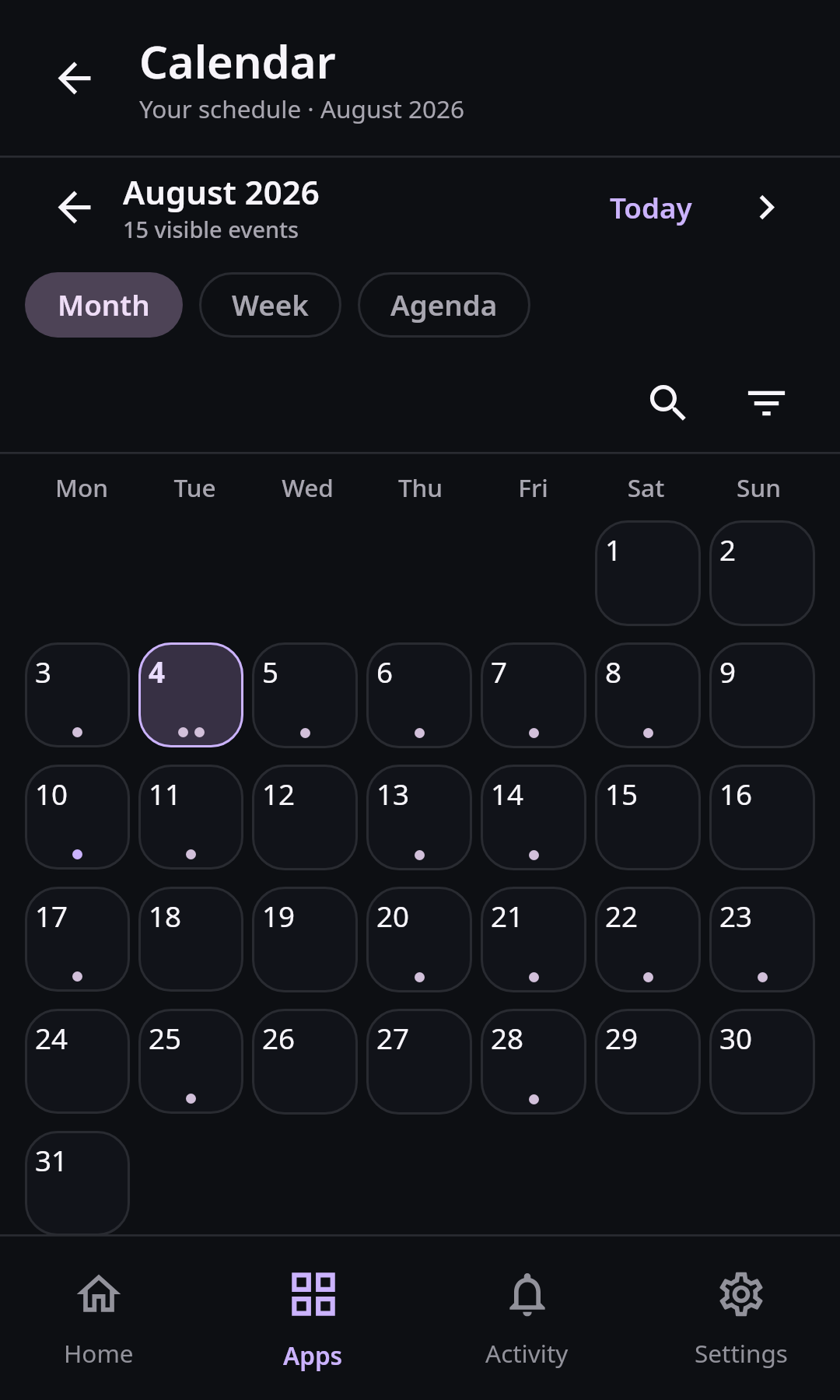
Calendar and planning
Browse month and agenda views on Android, create CalDAV events, edit writable series safely, and understand read-only calendars and conflicts.
8 min · 3 steps
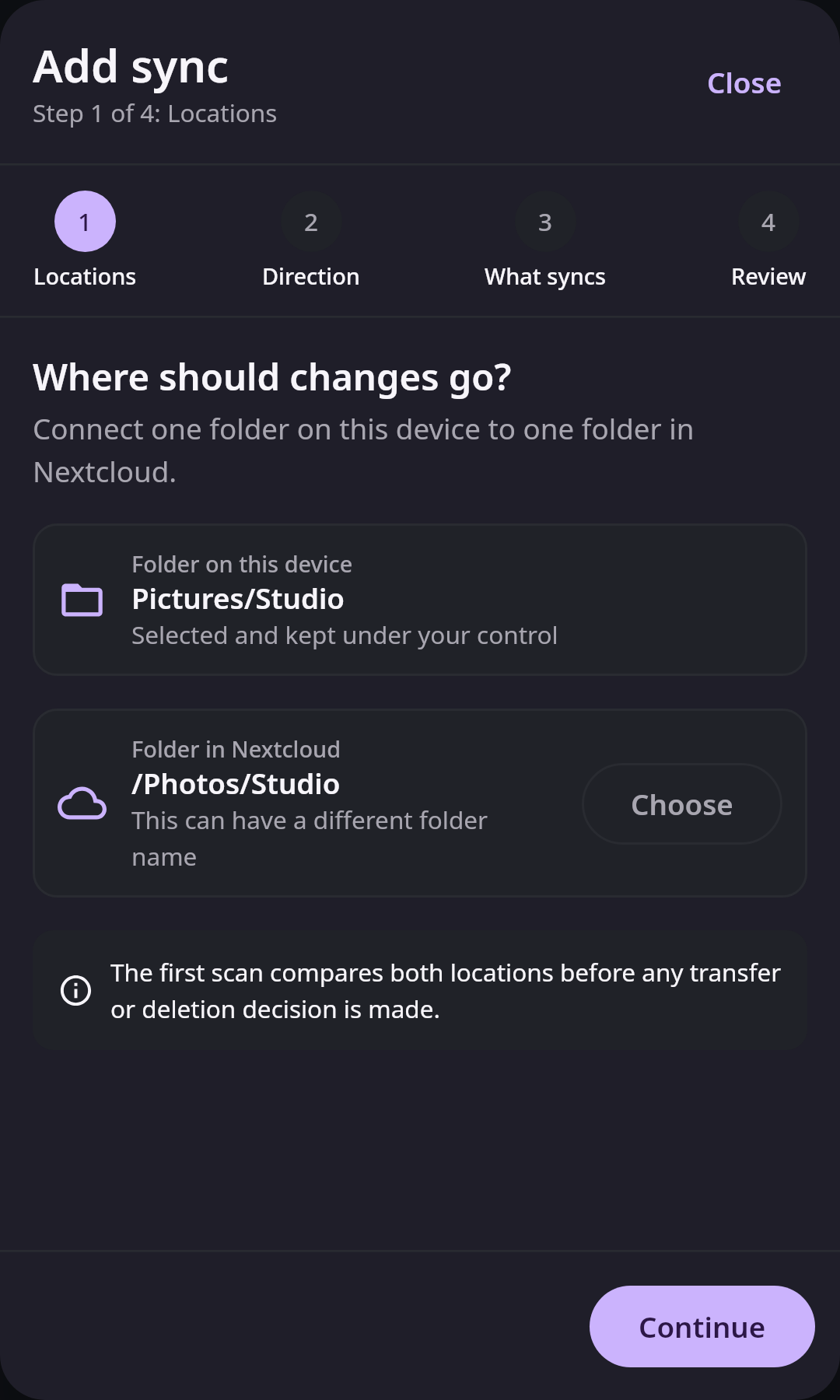
Files and sync
Create an Android folder pair with the system picker, choose upload, download, or two-way direction, and configure durable background sync safely.
10 min · 3 steps

Start here
Install the Android alpha, connect your Nextcloud account with Login Flow, find native workspaces, and check permissions and offline access.
8 min · 3 steps
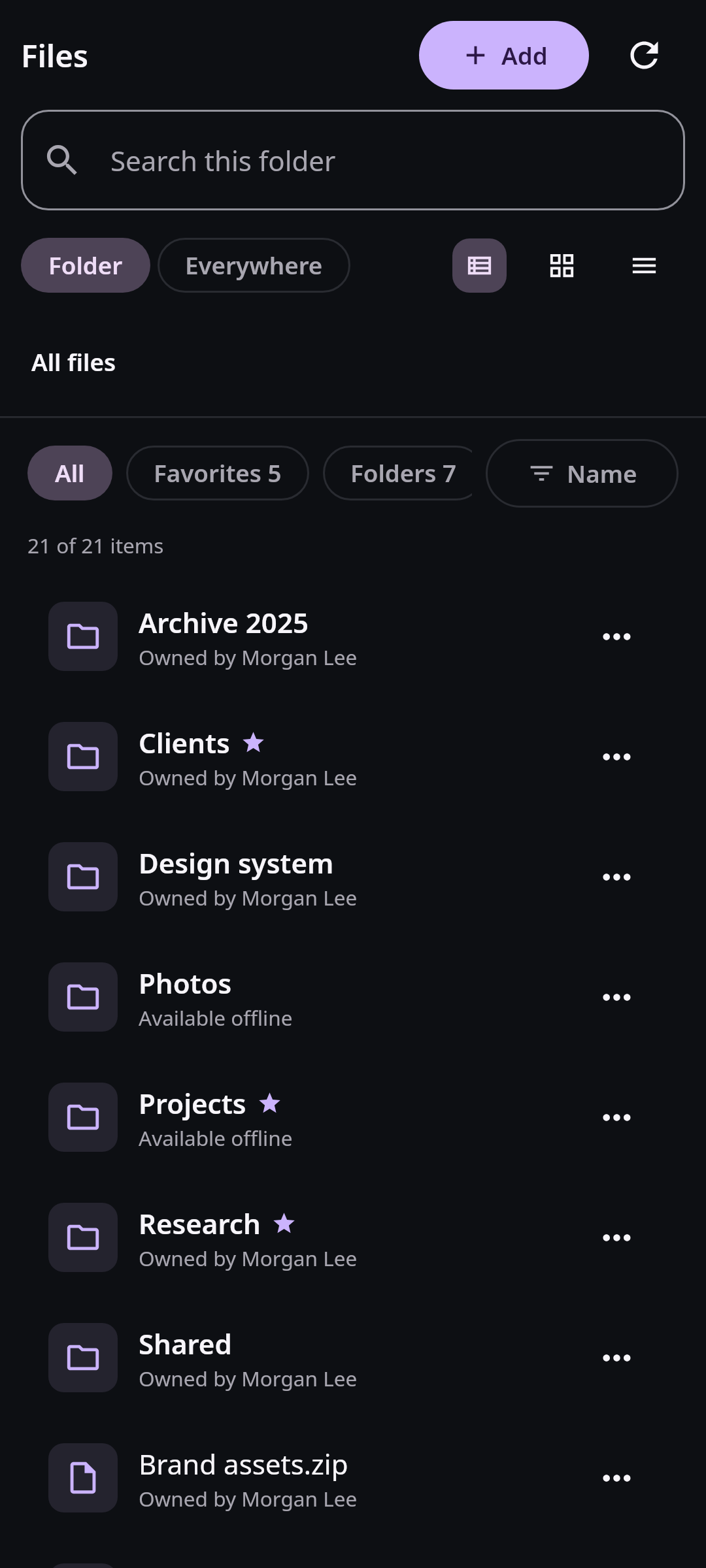
Files and sync
Pin individual Nextcloud files on Android, verify durable downloads, use the system Files provider, and remove local copies without deleting cloud data.
8 min · 3 steps
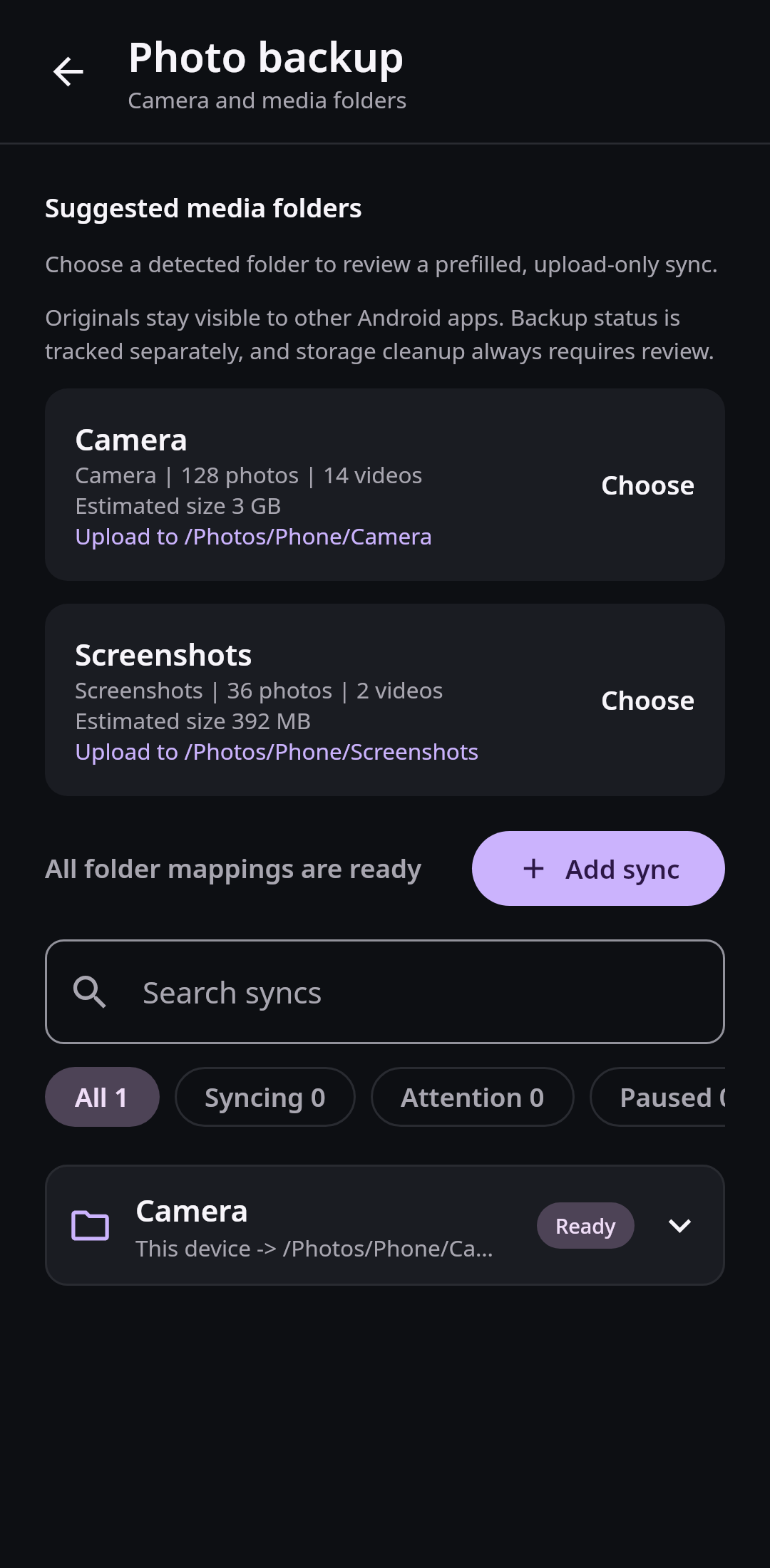
Photos and media
Allow Android media access, map Camera or Screenshots to Nextcloud, run a safe upload-only sync, and verify pending, failed, and backed-up states.
9 min · 3 steps
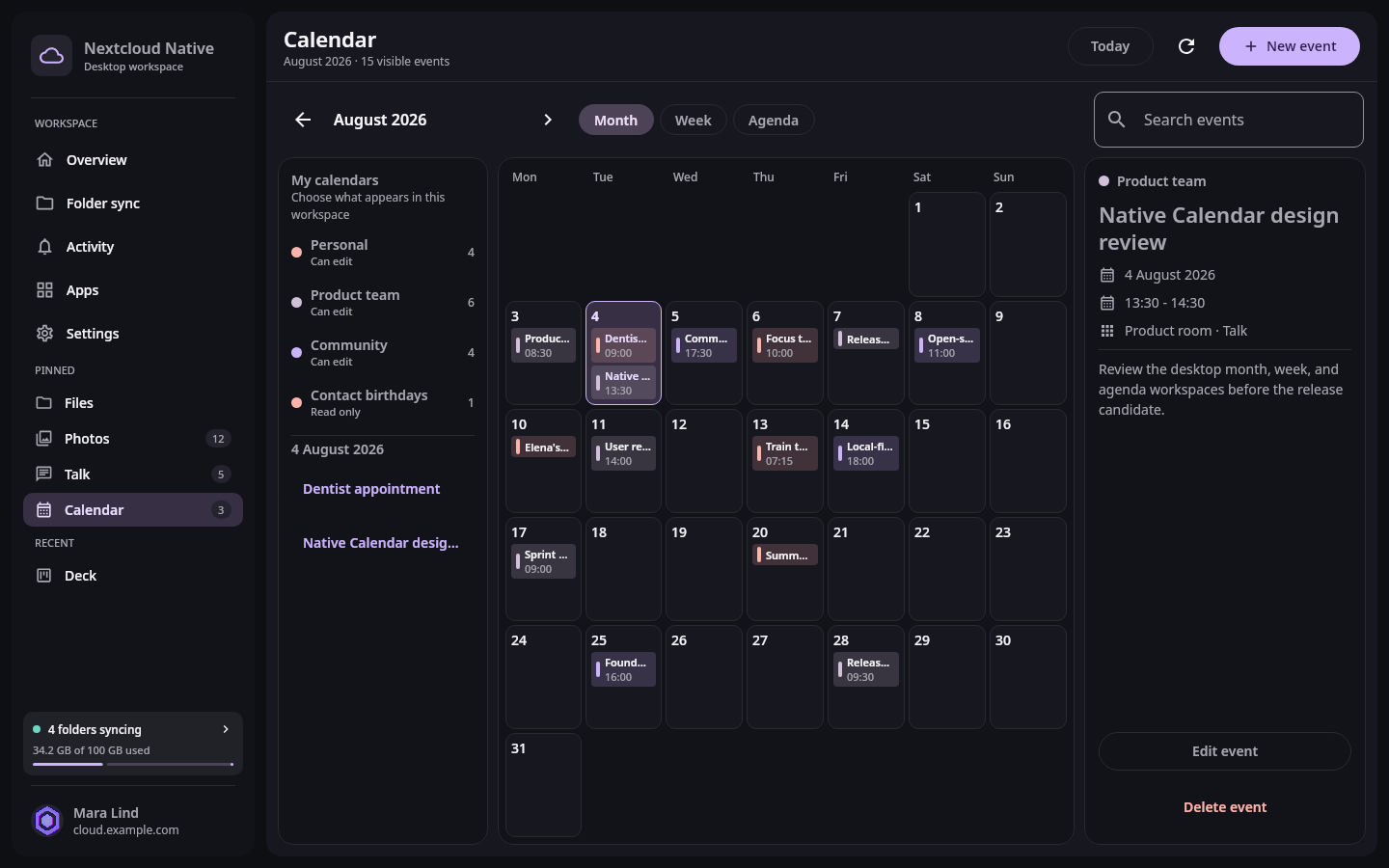
Calendar and planning
Navigate the desktop month, week, and agenda views, filter calendars, inspect events, and make ETag-protected CalDAV changes on Linux or Windows.
8 min · 3 steps

Start here
Choose the correct Linux or Windows alpha package, connect with Login Flow, learn desktop navigation, and review OS-specific integration limits.
9 min · 3 steps
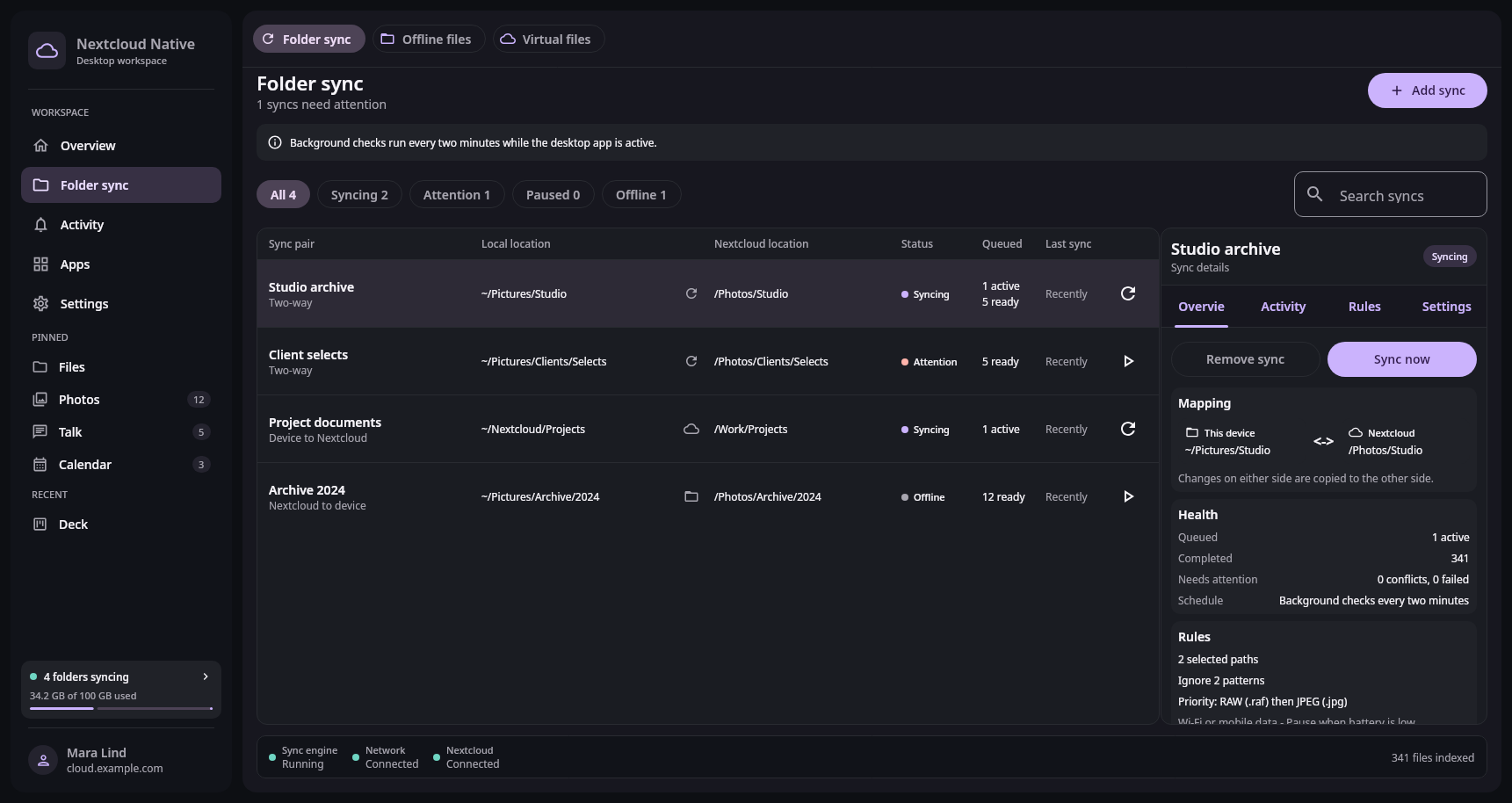
Files and sync
Map a Linux directory to Nextcloud, choose safe sync and deletion rules, understand two-minute background checks, and recover conflicts without data loss.
10 min · 3 steps

Workspace
Use the Linux and Windows app catalog, pinned and recent desktop shortcuts, and per-app navigation memory while respecting native support boundaries.
5 min · 3 steps
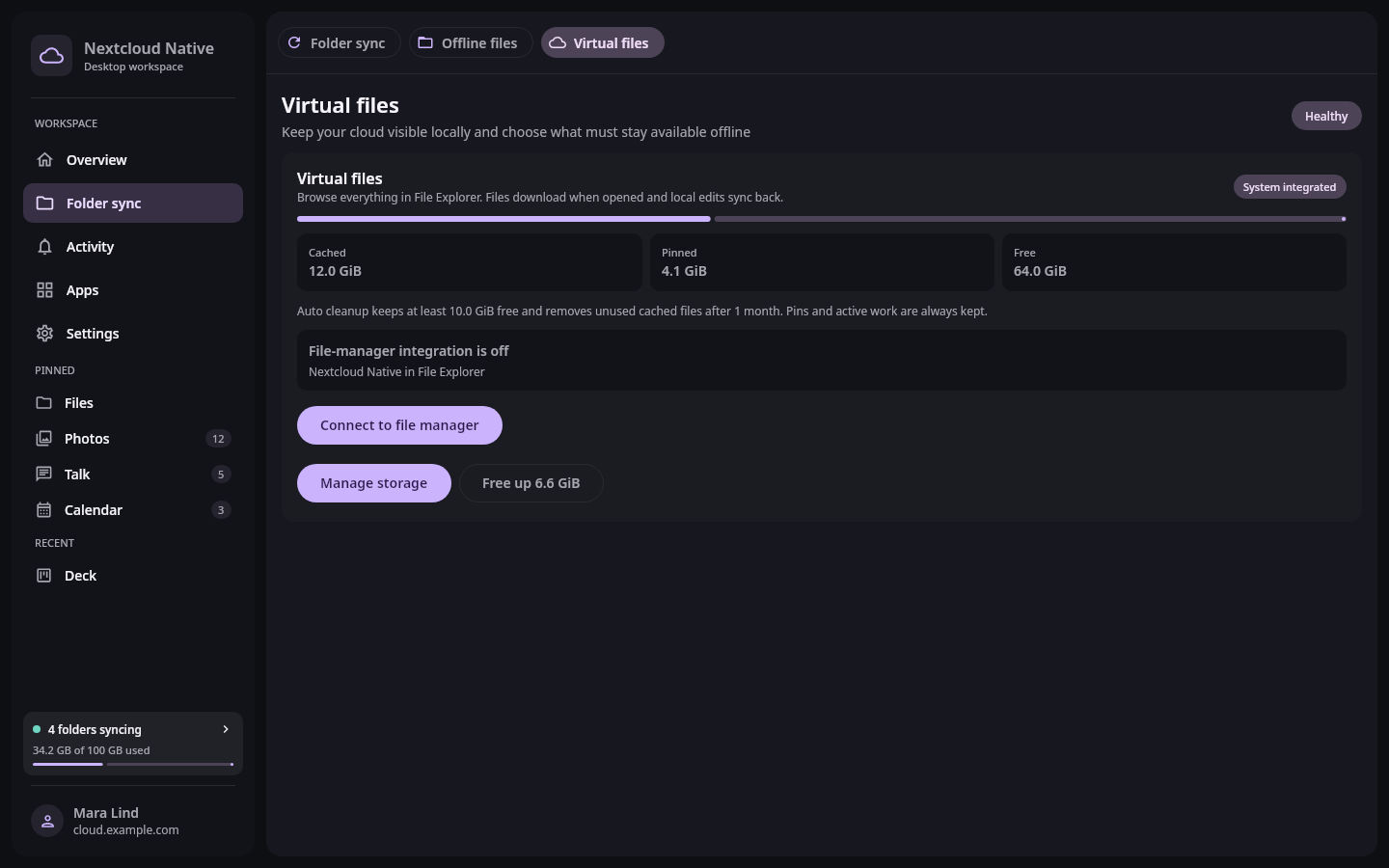
Files and sync
Activate Nextcloud Native Cloud Files on Windows, understand placeholders and hydration, keep files local, free space, and recover guarded writeback conflicts.
9 min · 3 steps
Documentation
Architecture, security decisions, compatibility rules, and contribution guides live beside the source they describe.
Straight answers
No. Nextcloud Native consumes server APIs and renders native Compose interfaces. Web content is reserved for formats that genuinely require a document renderer, not app navigation.
Folder pairs connect a normal device folder with a Nextcloud folder and expose direction, deletion, conflict, and scheduling policy. Keep independent backups while this workflow remains alpha.
Android backup distinguishes pending, uploading, backed-up, changed, failed, and cloud-only files. A complete camera-roll cleanup action is not exposed yet, so keep originals and use an independent backup.
Reusable native components understand common resources such as files, messages, people, events, tables, boards, media, forms, and actions. Verified app knowledge improves specialized workflows without turning every integration into a separate client.
App-specific knowledge can improve an experience, but reusable semantics let similar data and actions work across apps we have never tested. Verified adapters remain available for the places where they create a genuine UX improvement.
No. Nextcloud Native is an independent Obiente project, licensed under AGPL-3.0-or-later. It is not affiliated with, sponsored by or endorsed by Nextcloud GmbH.
AGPL-3.0 open source
Run the clients, test your server and apps, inspect the architecture, or bring a platform integration you care about.