Integrated Connect Mode
Version 5
The new Integrated connect mode syncing with File Provider (macOS) and Cloud Files (Windows) APIs. No device driver installation or network mount required. Familiar user interface known from iCloud and OneDrive.
View all files on your remote storage regardless if synced to your computer. Files are synchronized to your local disk when opened to allow offline usage.
Work Offline
Select files and folders to always keep offline on your computer. Other files are downloaded and cached on demand only and otherwise do not take space on your local disk.
Background Uploads
Changes are uploaded in the background as soon as a connection is available. Status icons indicate sync progress.
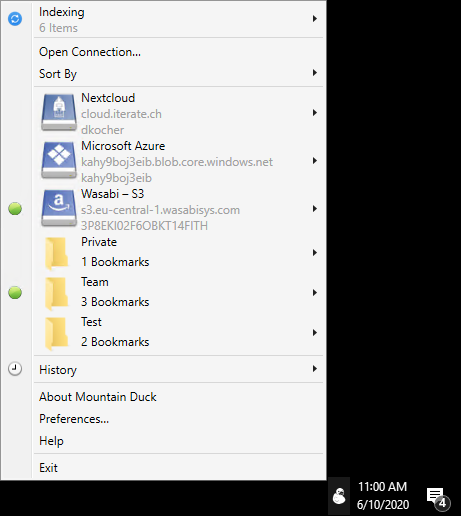
Fully integrated unobtrusive interface
Notifications
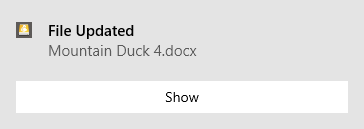
Notification badge when a file is added or updated on the server.
Search
Version 5
Search files and folders on your remote storage with Spotlight (macOS) and Windows Explorer (Windows Search).
Activity
Version 5
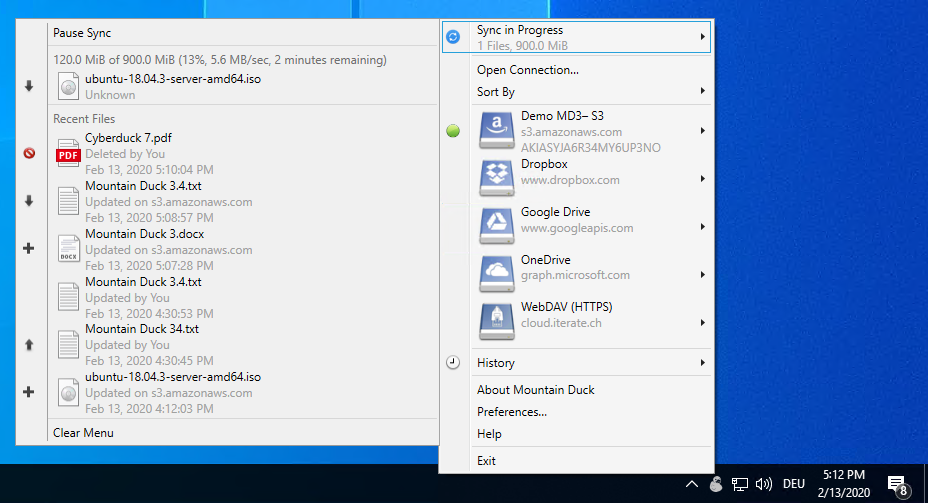
Track and cancel currently running sync operations in the new Activity panel.
History
Detailed view of transfers in progress and history of recently edited files on your computer and on the server. Documentation
Features for Teams
Transparent client-side encryption using Cryptomator interoperable vaults. Encryption for data at rest prevents unauthorized access regardless of the server or cloud storage infrastructure.
Documentation
Cryptomator Vaults

Feature & Performance Comparison
We have run a set of performance and reliability tests which show our dedication to make Mountain Duck the best available option to mount server and cloud storage as a disk on your desktop.
Solid Foundation
Based on the solid open source foundation of Cyberduck, all major protocols are supported to connect to just about any server you want. Bring your own storage!
Testimonials
We are dedicated to make Mountain Duck work well and fast. This is what our private beta testers have been saying.
This weekend I accidentally stumbled on mounting my entire vagrant disk over FTP using Mountain Duck and it’s been jaw-dropping amazing.
Thanks so much for the application! It’s really brilliant, definitely will make web development much simpler!
Thanks works like a charm so far!
All I can say is - it works and I love it, it is simple, small, unobtrusive and hassle-free.
Ever since I started using the Mountain Duck application I have loved it.
The reliability and stability of the transfers keeps getting better and better. With high-speed home internet, remove storage such as Wasabi, Google Drive, etc. makes total sense. Mountain Duck allows those to appear as reliable local storage.
Many thanks, this is a great application. The integration with the finder makes working with FTP servers a lot more seamless. I love it!
I've been using Mountain Duck without issues for weeks now. It's massively useful.
You have created a great tool. I use it every day and I cannot put into words how much this has helped me with my day-to-day tasks.
For those looking to mount an IaaS virtual drive, network-drive software works best, with Mountain Duck being our top pick.
I've been using Mountain Duck without issues for weeks now. It's massively useful.
