What can you do with Mojave Paint?
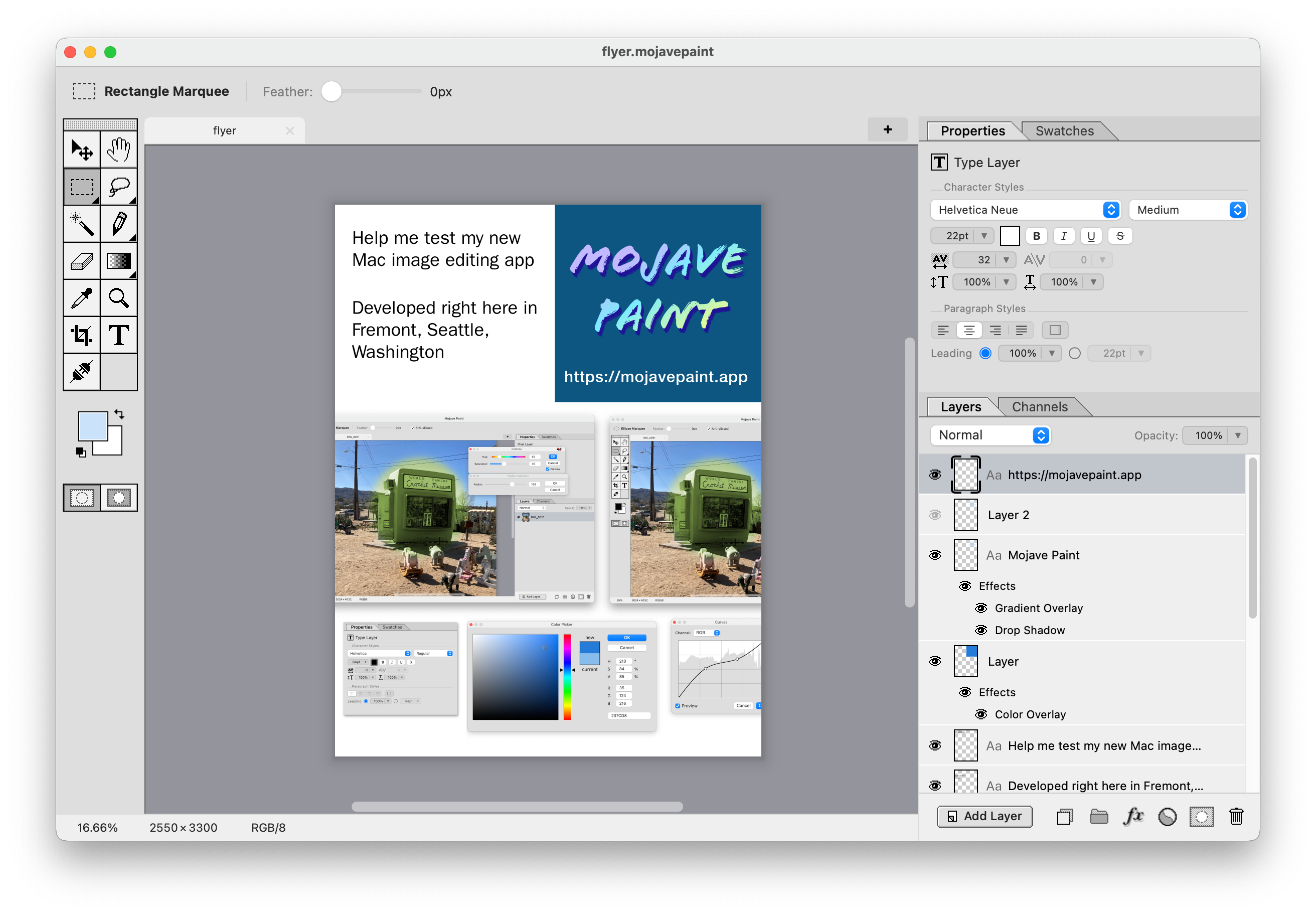
Design a flyer!
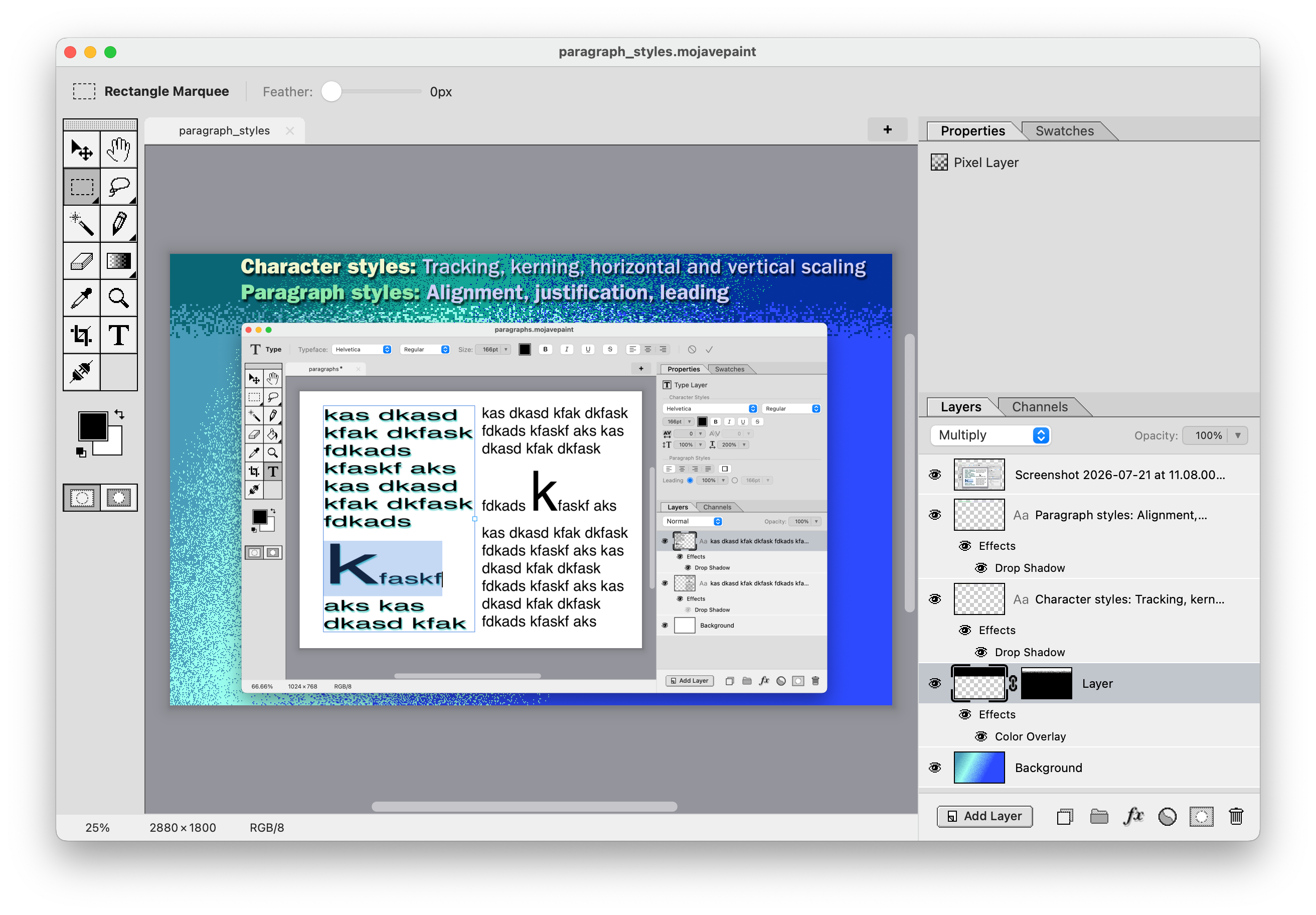
Design App Store screenshots!
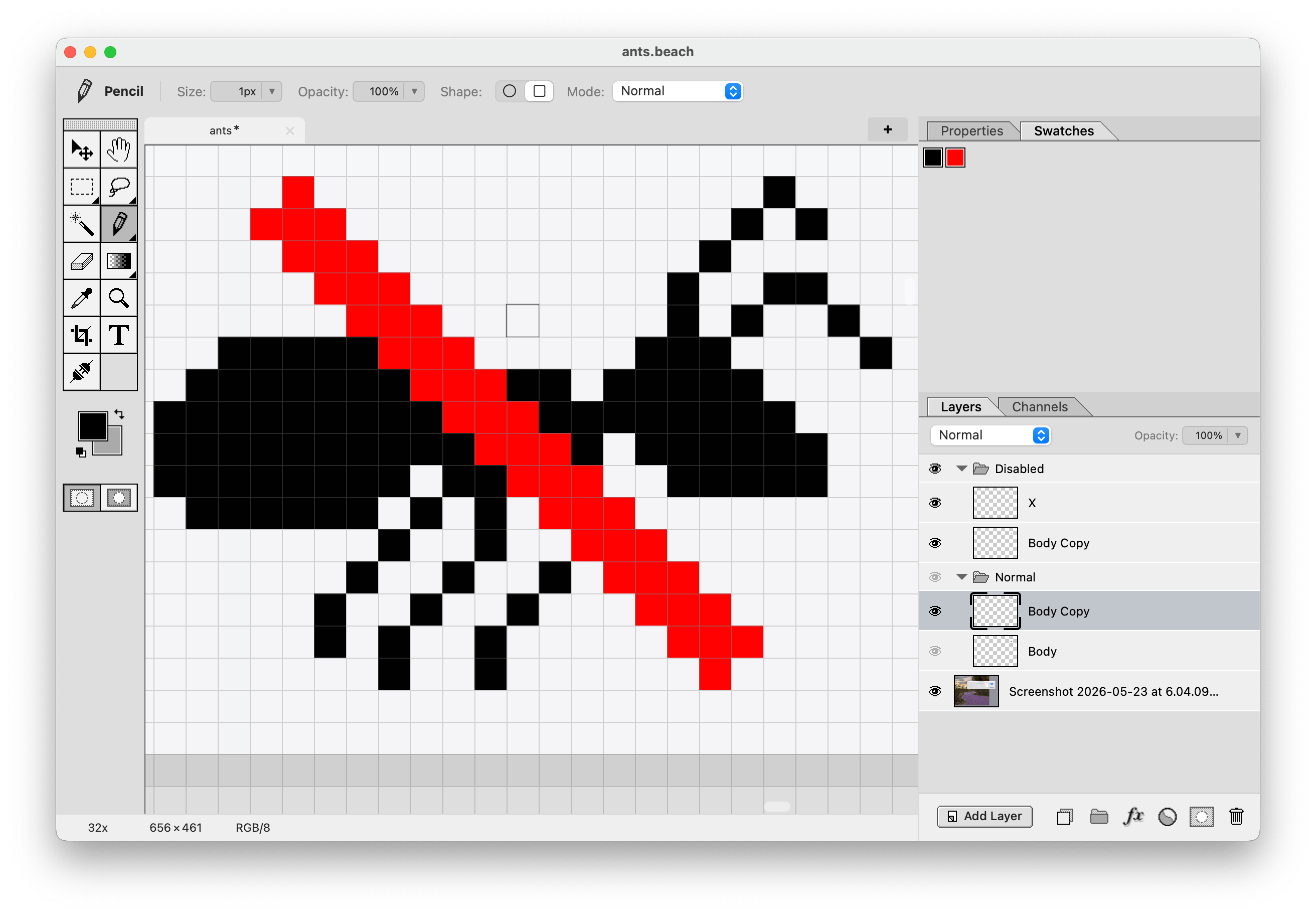
Draw an icon!
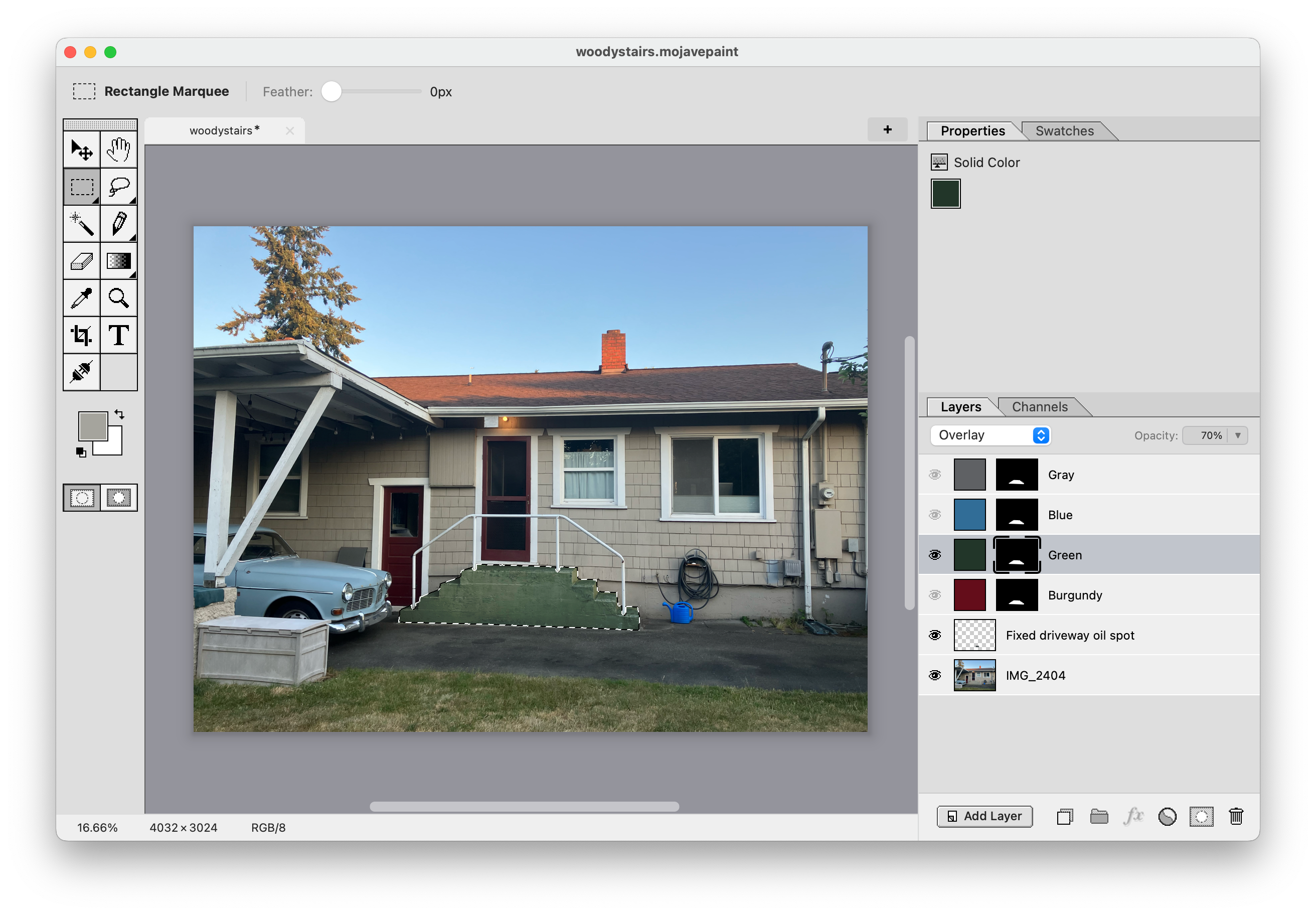
Color change specific areas of a photograph!
Recent releases
1.4.2 – July 29, 2026
New: • Image > Adjustments > Posterize • Filter > Blur > Surface Blur
See more1.4.1 – July 28, 2026
New: • Conic gradients
See more1.4.0 – July 22, 2026
This release is all about typography. New:
See moreInteractive roadmap
What missing features are your biggest pain points in Mojave Paint right now?
Shape layers
Such as square (with adjustable corner radius), circle, other primitive shapes. Ability to set fill and stroke and stroke width.
Smart objects
Ability to set a bitmap as immutable, such that transforming it leaves the original copy non-destructively in tact. This makes sizing up and down not lose detail.
Character and paragraph styles
Character style would include kerning and tracking. Paragraph style would include alignment and leading.
Snap to guides
Dragged element snapping to guides. Affects the move tool and the rectangle marquee and crop tool regions, among possibly other things.
Dodge and burn tools
Brush that lightens and darkens.
Warp tool
Warp on a grid, or fancier options like Liquify.
Camera Raw features
This has nothing to do with raw files, it means photo retouching controls such as sliders for exposure, color balance, shadows, highlights, etc.
Layer styles
Color and gradient overlay, drop shadow, outline, outer glow, etc.
Dark mode
Configurable in settings to be "Light", "Dark", or "System (OS)"
PSD import and export
And layered TIFF while we're at it. Pixel layers and type layers (with styles) should come across in high fidelity, other features will have to be lossy.