Interactive video
Learn how the UCD Dublin Centre for Precision Surgery used Mindstamp to Crowdsource Decision-Support in Colorectal Surgery.
On this page

Summary
Mindstamp Interactive Video supports UCD Centre for Precision Surgery in their study of surgeon decision-making using advanced visualization techniques during colorectal surgery.
Challenge
University College Dublin Centre for Precision Surgery’s Professor Ronan Cahill was looking for an interactive video platform to evaluate how surgeons make decisions based on blood supply to tissues using fluorescence enhanced near infra-red imaging techniques. The objective was to enable surgeons to evaluate intraoperative fluorescence videos and then make decisions based on these videos. The study participants were required to annotate their surgical decisions by drawing directly on to the video.
Solution
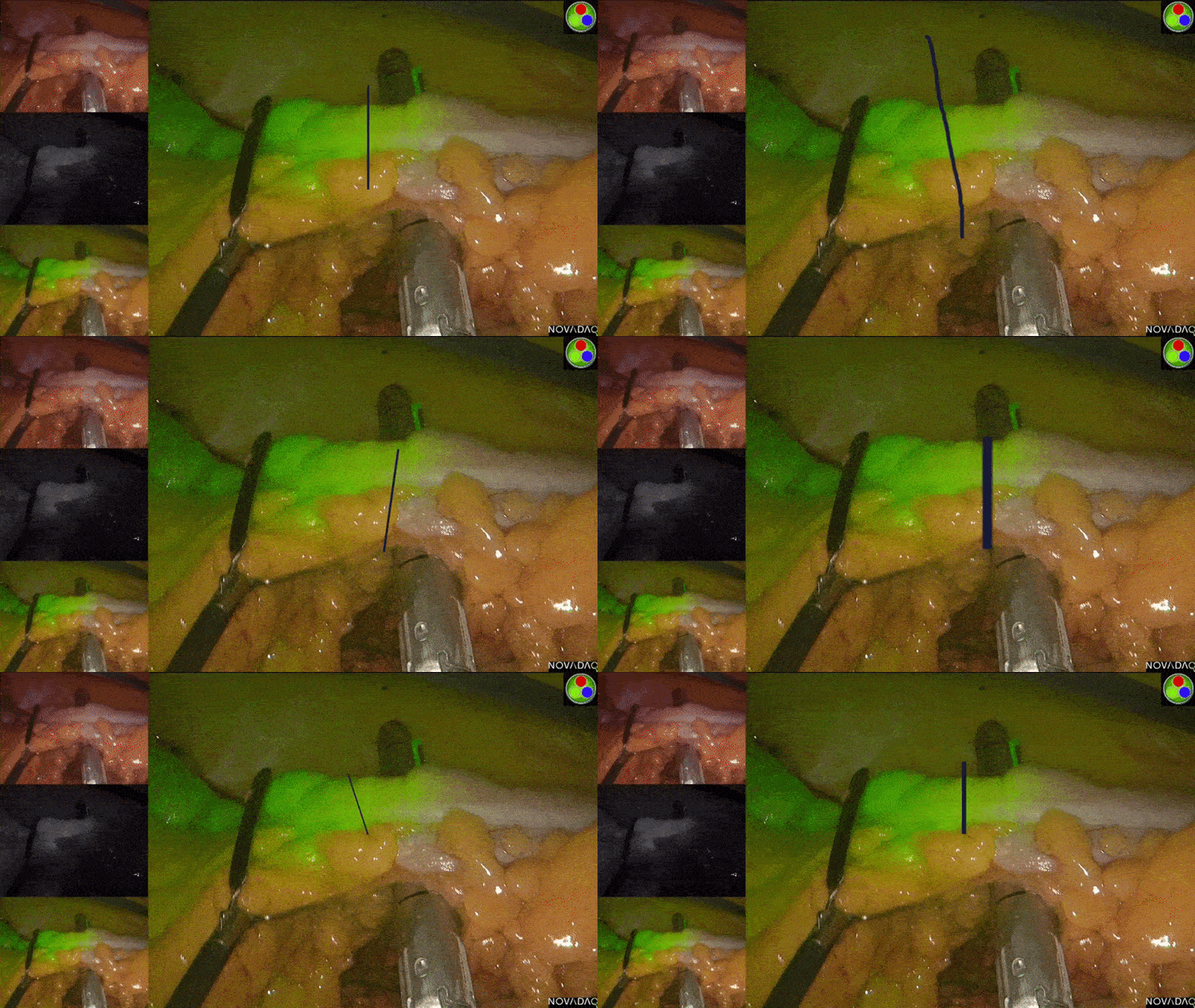
Leveraging the Mindstamp Interactive Video platform, Dr. Cahill and his team created a series of Drawing Response questions whereby the viewers of their videos were instructed, at a given moment in time, to draw where they would place an instrument or take an action.
With over 550 responses from individuals across 8 countries and 2 continents to 14 individual video vignettes, the study’s lead investigator Dr Niall Hardy and the Precision Surgery team were able to collect valuable insight into surgeon decision making and how decision making can change with experience.
The team has submitted their paper, including a description of the novel use of the Mindstamp Platform, to an internationally renowned and peer reviewed journal for consideration of publication.
To learn more about the work being done at UCD Dublin Centre for Precision Surgery, visit the UCD Precision Surgery site. To learn more about Dr. Cahill’s work, visit his profile
To see how the Mindstamp Interactive Video platform can help you engage and activate your viewers, visit Mindstamp.io or request a personalized demo for your organization.
Study Photos
Warning: Graphic Images Ahead!
Do not scroll further if you are uncomfortable with surgical images.
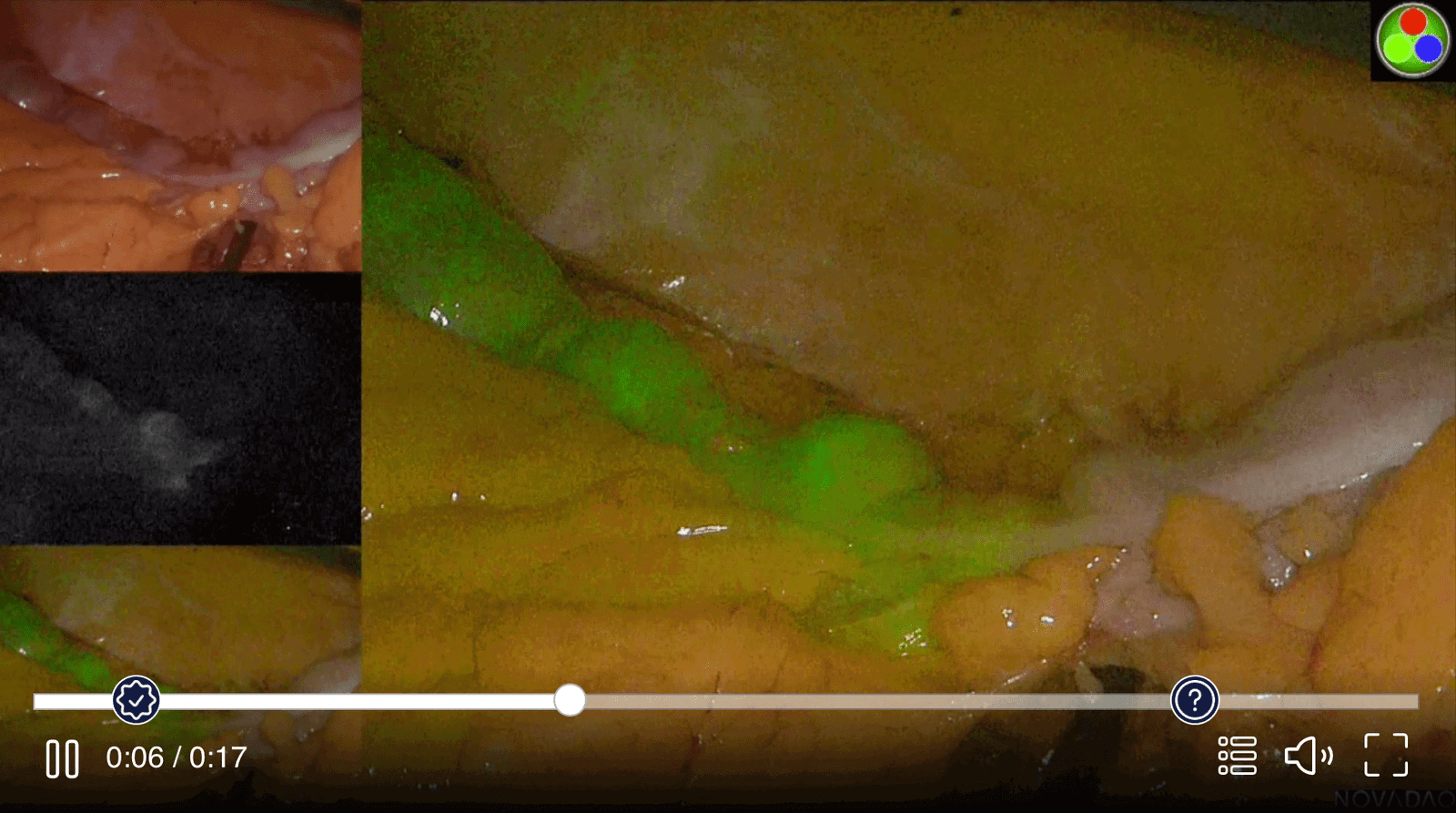
Upon video start, the team informs the viewer of what they are looking at. The viewer confirms understanding before moving on.
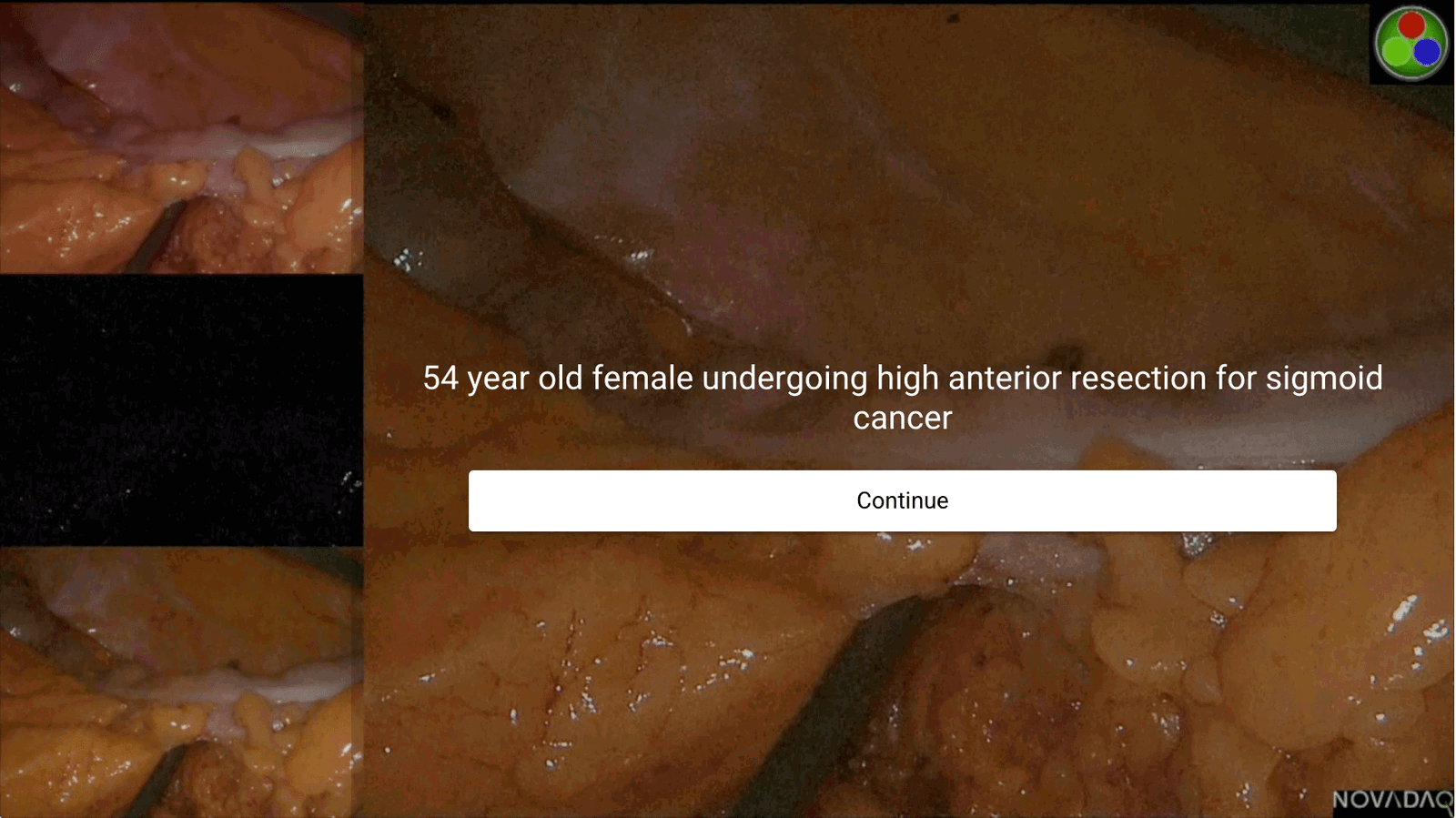
The clip plays for 15 - 60 seconds to give the viewer moving context and the ability to watch the dye fill the surgical target. The viewer can see the question coming up.
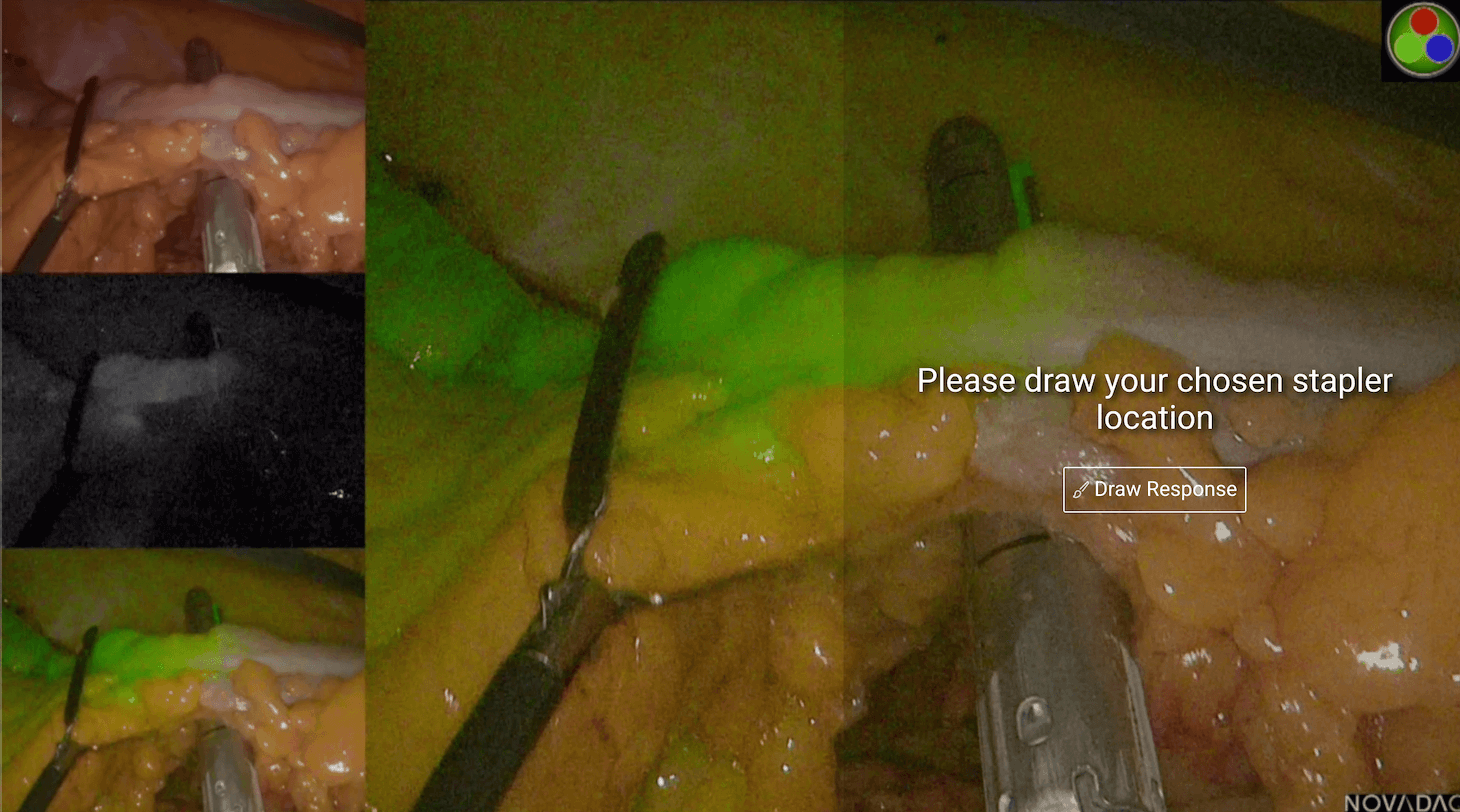
At the appropriate time, the video pauses and solicits a drawing from the viewer as to where they would place the stapler.
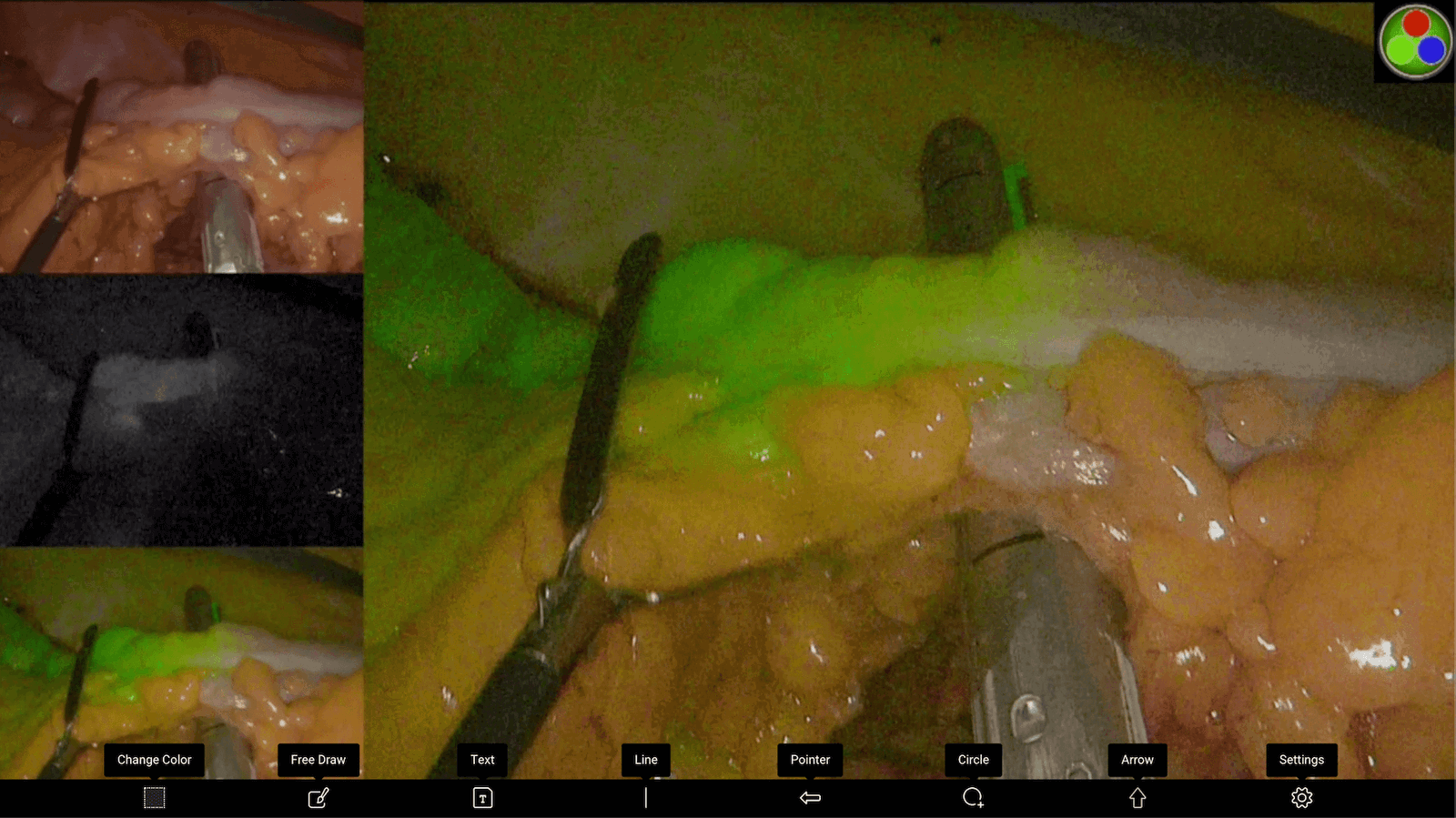
Upon answering, the viewer is presented with a variety of Mindstamp drawing tools
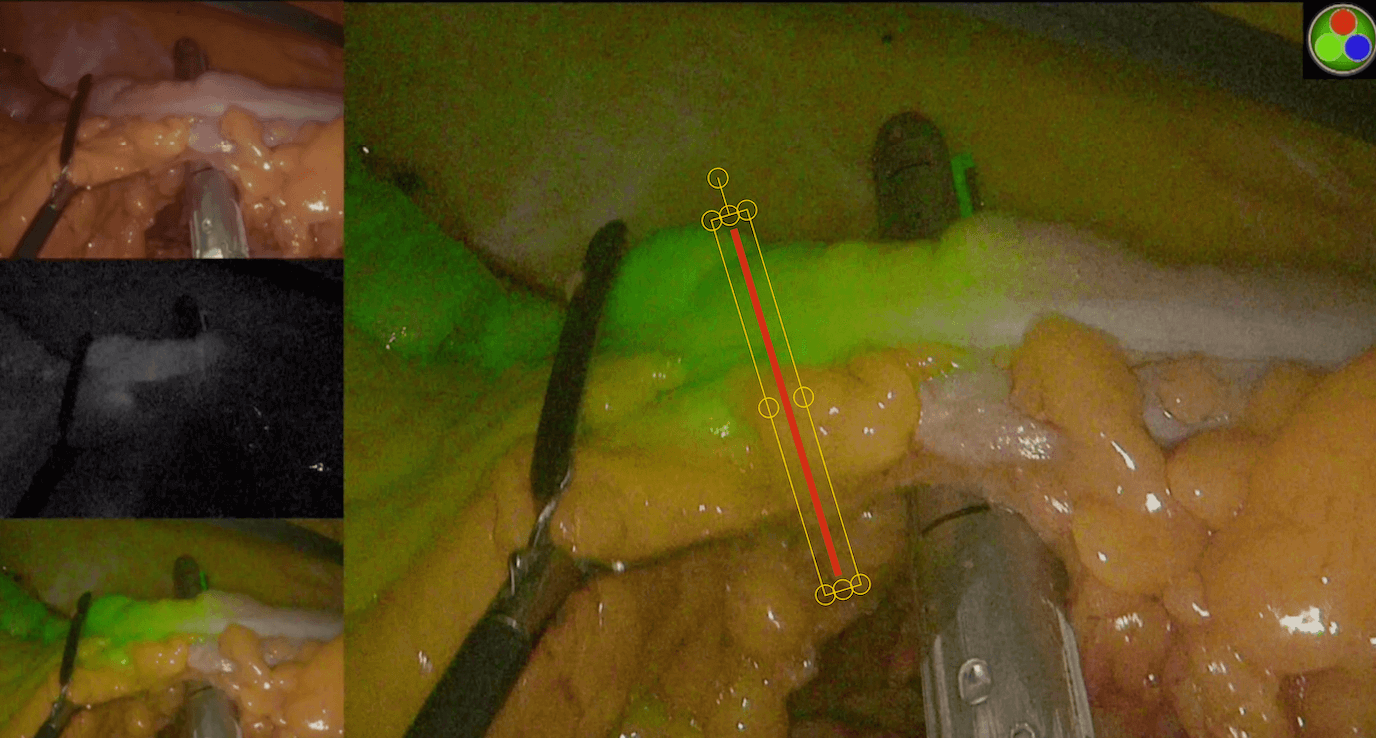
After choosing their tool, in this case a line, the viewer can place, rotate, scale, and adjust as they need to mark their exact location
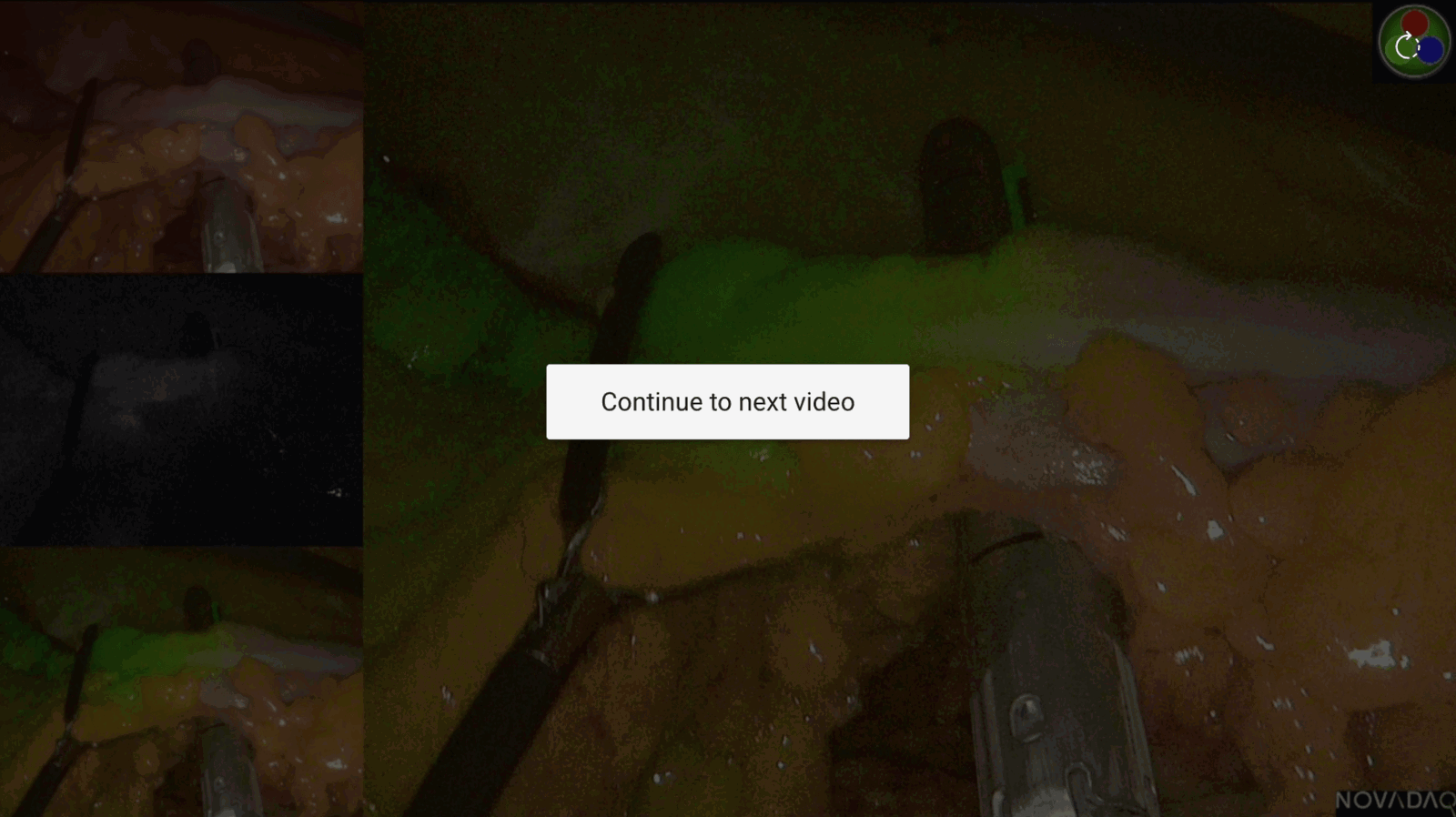
After the viewer saves their drawing and finishes the video, they are prompted to move on to the next video. There are 17 videos in this series.
The researchers have access to all submissions on the backend and can review them quickly to compare stapler locations