While there are many issues with scripting on the JVM, these issues are not insurmountable. Next we’ll discuss some of the solutions and workarounds that can mitigate these problems, to provide the streamlined scripting experience that the JVM deserves
Mill as a Lightweight Build Tool
The first thing we can do to simplify our script workflow is to use a lighter weight
build tool such as JBang or Mill. These tools make it much
easier to configure some third-party dependencies and compile/run a single file.
For example, JBang lets you write
//DEPS header comments
and run the .java file directly from the command line:
JsonApiClient.java
//DEPS info.picocli:picocli:4.7.6
//DEPS com.konghq:unirest-java:3.14.5
//DEPS com.fasterxml.jackson.core:jackson-databind:2.17.2
import com.fasterxml.jackson.databind.*;
import kong.unirest.Unirest;
import picocli.CommandLine;
...
> jbang JsonApiClient.java --start Functional_programming --depth 2The Mill build tool uses a similar YAML header syntax that looks a bit different but otherwise works basically the same way:
JsonApiClient.java
//| mvnDeps:
//| - info.picocli:picocli:4.7.6
//| - com.konghq:unirest-java:3.14.5
//| - com.fasterxml.jackson.core:jackson-databind:2.17.2
import com.fasterxml.jackson.databind.*;
import kong.unirest.Unirest;
import picocli.CommandLine;
...
> ./mill JsonApiClient.java --start Functional_programming --depth 2
> cat fetched.json | jq
[
"Agent-based model in biology",
"Answer set program",
"Algebraic data type",
"Functional_programming",
"Atom (text editor)",
"Actor-Based Concurrent Language",
"Audrey Tang",
"A440 (pitch standard)",
"Abductive logic programming",
"ALGAMS",
"110 film",
"Bibcode (identifier)",
".NET",
"BSD licenses",
...Such lightweight build tools make it much easier to run our small Java program:
-
Both JBang and Mill make it super easy to configure dependencies and run scripts from the command line by adding a header to the single-file Java program, solving the Configuring Maven is Tedious and Running Maven is Tedious problems above
-
Mill with its
./millbootstrap script also solves Tricky installation problem, as./millwill automatically download & cache the JVM and build-tool installation and ensure you are using the correct, consistent version
However, even if building and running small scripts written in Java is convenient, writing and maintaining the code itself can be a pain due to the verbosity of the Java language and libraries that makes even simple programs take pages and pages of code. While Java’s verbosity may be fine - or even beneficial - for complicated application code, the same verbosity can get in the way of writing throwaway scripts.
But Java isn’t the only language on the JVM!
Kotlin as a Lightweight Language
One option to consider is to write the script in Kotlin. Kotlin is much more syntactically concise
than Java, which means much less code to write the same things overall. A version of the
JsonApiClient.java translated to Kotlin is shown below, using the Kotlin
Clikt library rather than PicoCLI:
JsonApiClient.kt
//| mvnDeps:
//| - com.github.ajalt.clikt:clikt:5.0.3
//| - com.konghq:unirest-java:3.14.5
//| - org.jetbrains.kotlinx:kotlinx-serialization-json:1.7.3
import com.github.ajalt.clikt.core.CliktCommand
import com.github.ajalt.clikt.core.main
import com.github.ajalt.clikt.parameters.options.*
import com.github.ajalt.clikt.parameters.types.int
import kotlinx.serialization.json.*
import kong.unirest.Unirest
import java.nio.file.*

fun fetchLinks(title: String): List<String> {
    val response = Unirest.get("https://en.wikipedia.org/w/api.php")
        .queryString("action", "query")
        .queryString("titles", title)
        .queryString("prop", "links")
        .queryString("format", "json")
        .header("User-Agent", "WikiFetcherBot/1.0 (https://example.com; contact@example.com)")
        .asString()

    if (!response.isSuccess) return emptyList()

    val json = Json.parseToJsonElement(response.body).jsonObject
    val pages = json["query"]?.jsonObject?.get("pages")?.jsonObject ?: return emptyList()
    return pages.values.flatMap { page ->
        page.jsonObject["links"]
            ?.jsonArray
            ?.mapNotNull { it.jsonObject["title"]?.jsonPrimitive?.content }
            ?: emptyList()
    }
}

class Crawler : CliktCommand(name = "wiki-fetcher") {
    val start by option(help = "Starting Wikipedia article").required()
    val depth by option(help = "Depth of link traversal").int().required()

    override fun run() {
        var seen = mutableSetOf(start)
        var current = mutableSetOf(start)

        repeat(depth) {
            val next = current.flatMap { fetchLinks(it) }.toSet()
            current = (next - seen).toMutableSet()
            seen += current
        }

        val jsonOut = Json { prettyPrint = true }
            .encodeToString(JsonElement.serializer(), JsonArray(seen.map { JsonPrimitive(it) }))
        Files.writeString(Paths.get("fetched.json"), jsonOut)
    }
}

fun main(args: Array<String>) = Crawler().main(args)
> ./mill JsonApiClient.kt --start Functional_programming --depth 2The Kotlin program has about 1/3 fewer lines than the Java equivalent, and overall much less
dense. Kotlin features like the properties used to define
val depth and val start, ?, and .mapNotNull simplify the
code substantially. This makes it possible to express the same program in a much less verbose syntax.
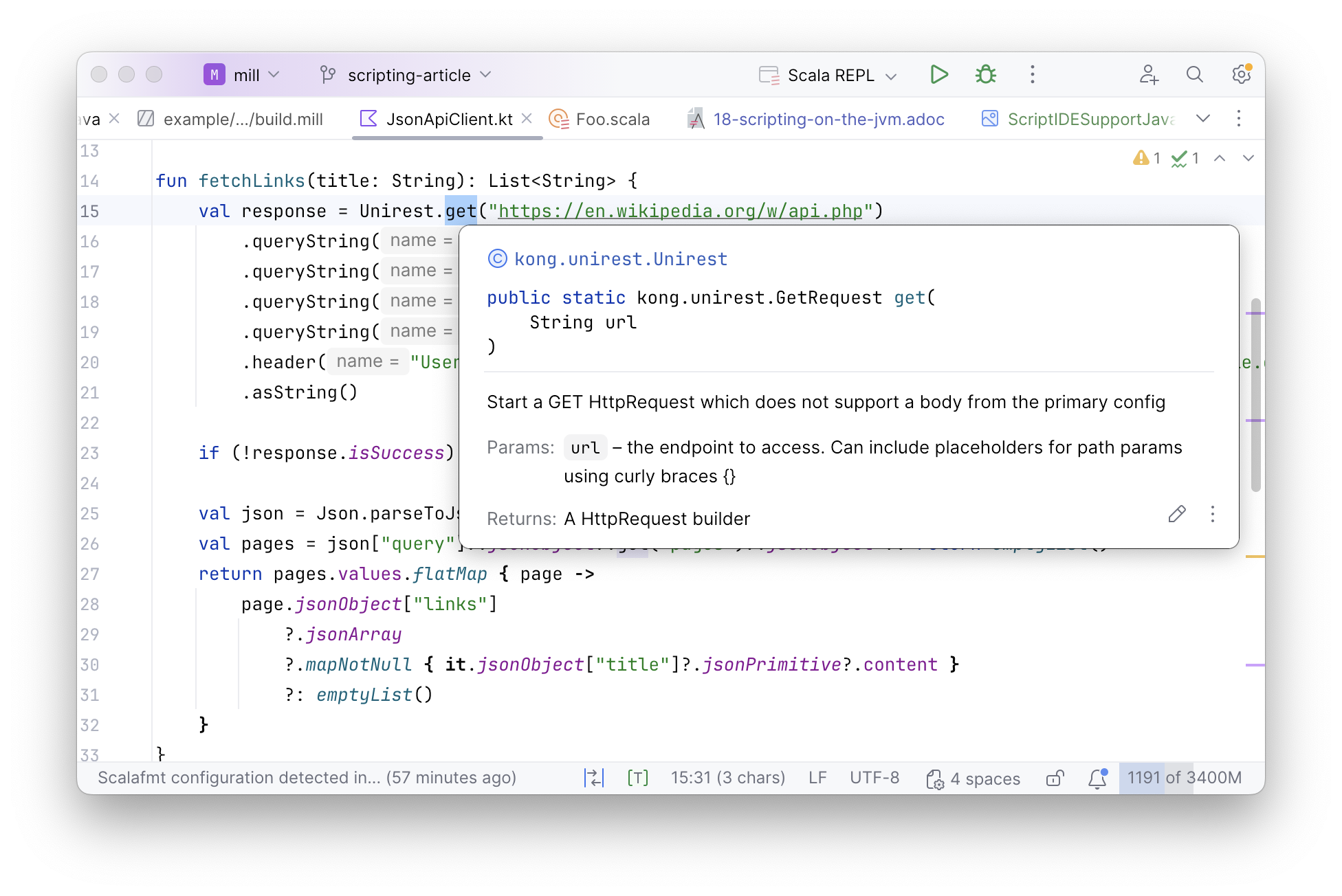
As Kotlin is also a JVM language, it comes with all the same benefits as writing scripts in Java, e.g. the excellent IDE support provided by editors such as IntelliJ:
This makes using Kotlin a great way to streamline the scripting experience on the JVM. Although the example above uses Mill as the build tool, Kotlin also supports its own scripting workflows, which are also used in Gradle and other projects.
Although scripts in Kotlin are markedly nicer to write and read than scripts written in Java, there is one more step further that we can take:
Scala with its Lightweight Libraries
The last step to simplify scripting on the JVM is to write the script in Scala.
Scala is yet another JVM language, like Kotlin. But unlike Kotlin, Scala has
many script-focused libraries such as OS-Lib,
MainArgs,
Requests-Scala,
uPickle,
or PPrint that make it very convenient to write
small script-like programs in Scala. The above JsonApiClient.kt translated to an equivalent
JsonApiClient.scala is shown below:
JsonApiClient.scala
def fetchLinks(title: String): Seq[String] = {
  val resp = requests.get.stream(
    "https://en.wikipedia.org/w/api.php",
    params = Seq(
      "action" -> "query",
      "titles" -> title,
      "prop" -> "links",
      "format" -> "json"
    )
  )
  for {
    page <- ujson.read(resp)("query")("pages").obj.values.toSeq
    links <- page.obj.get("links").toSeq
    link <- links.arr
  } yield link("title").str
}

def main(start: String, depth: Int) = {
  var seen = Set(start)
  var current = Set(start)
  for (i <- Range(0, depth)) {
    current = current.flatMap(fetchLinks(_)).filter(!seen.contains(_))
    seen = seen ++ current
  }

  pprint.log(seen)
  os.write(os.pwd / "fetched.json", upickle.stream(seen, indent = 4), overwrite = true)
}
> ./mill JsonApiClient.scala --start Functional_programming --depth 2What is notable about JsonApiClient.scala is how much less stuff there is to read,
with about 1/2 the lines of code as JsonApiClient.kt and 1/3 the lines of code as
the JsonApiClient.java:
-
The
requests.get,ujson.read, andos.writeAPIs come from the Mill’s bundled libraries, which makes it super easy to interact with the filesystem, subprocess, and JSON APIs over HTTP -
Rather than parsing arguments via annotations or a special class, which is how it’s done in PicoCLI or Clikt,
JsonApiClient.scalauses MainArgs which lets you simply define adef mainmethod and turns the parameter list into the command-line parser
In general, the Scala script we see above looks similar to any scripting language. It has code that specifies clearly the logical steps of accessing the Wikipedia API and performing the breadth-first search, but without the verbose machinery necessary to implement that logic in Kotlin or Java. And although the Scala program is much shorter and more concise than the Java program we started with, overall it still has all the benefits of running on the JVM:
-
We can depend on any JVM library via
//| mvnDeps. Scala can make use of both Java and Scala-specific libraries, and so you can always find a library to do whatever you need to do -
All other JVM tools work with Scala just as easily as they do with Java:
jstack, Yourkit, JProfiler, etc. -
Scala performance is just as good as Java performance, and it makes it even easier to parallelize things using
scala.concurrent.Futureso your scripts can make full use of the multiple cores available on any modern computer. -
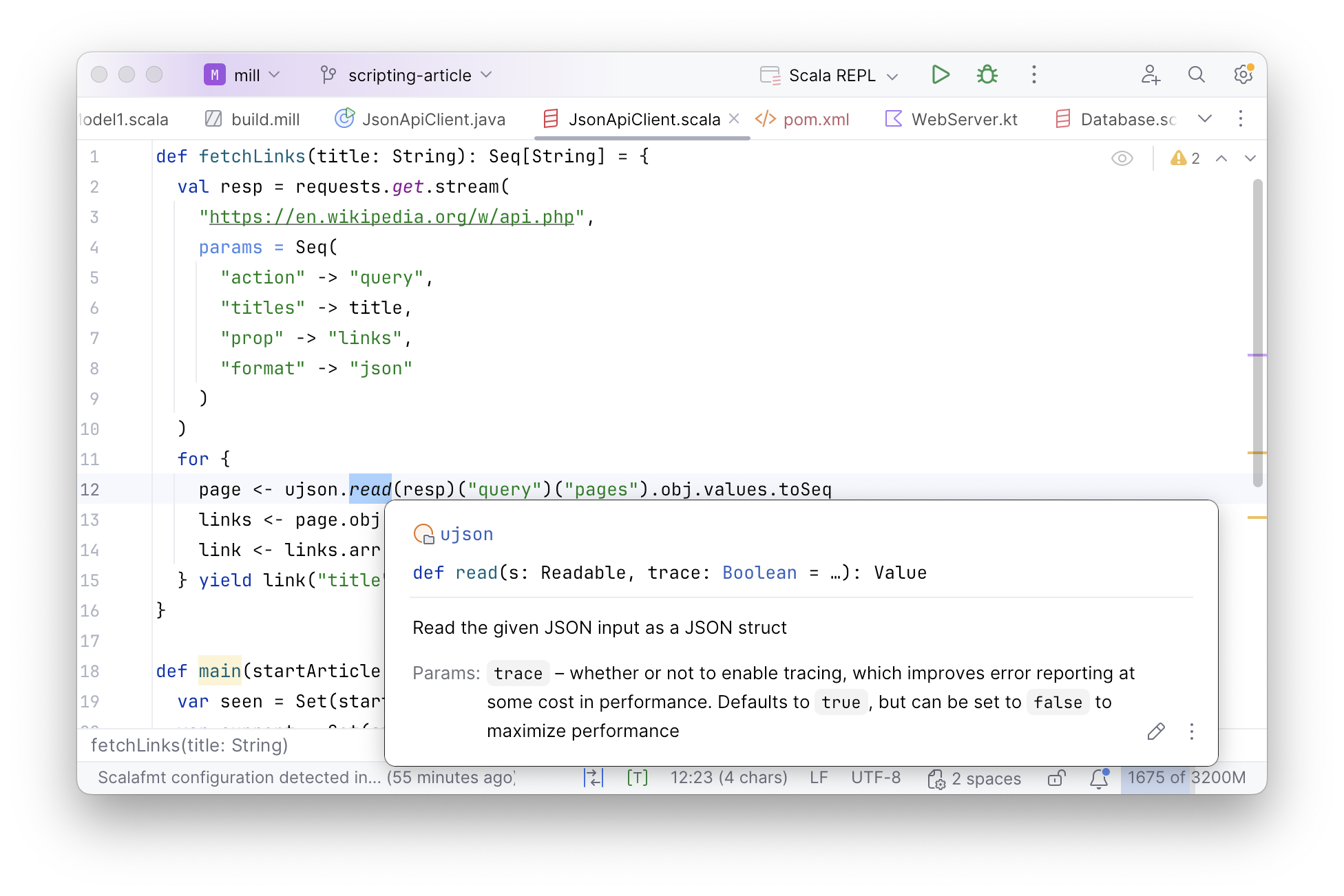
We have full support in IDEs like IntelliJ or VSCode: