Mill’s Android support is still young, but it already covers the full build pipeline: resource compilation, manifest merging, packaging, signing, running, and even testing on emulators.
What makes this different from Gradle are control and transparency: every build step is a visible Mill task, easy to run on its own, inspect, check its dependencies, or override, without needing any extra/third party plugins. That means you can debug problems faster, adapt the pipeline to your project’s needs, and extend it without fighting opaque built-in or plugin logic.
If you’re curious, the best way to appreciate this is to try it yourself:
Get the architecture-samples containing the Todo App.
> git clone git@github.com:android/architecture-samples.git
> cd architecture-samples
Install mill
> curl -L https://repo1.maven.org/maven2/com/lihaoyi/mill-dist/1.0.5/mill-dist-1.0.5-mill.sh -o mill
> chmod +x mill
> echo "//| mill-version: 1.0.5" > build.mill
> ./mill version
Configure the mill build
> curl https://raw.githubusercontent.com/com-lihaoyi/mill/bef0194f3eecb4c7938f07e0cfcdf8d741a04468/example/thirdparty/androidtodo/build.mill >> build.millStart the emulator and run the app
> ./mill show app.createAndroidVirtualDevice
> ./mill show app.startAndroidEmulator
> ./mill show app.androidInstall
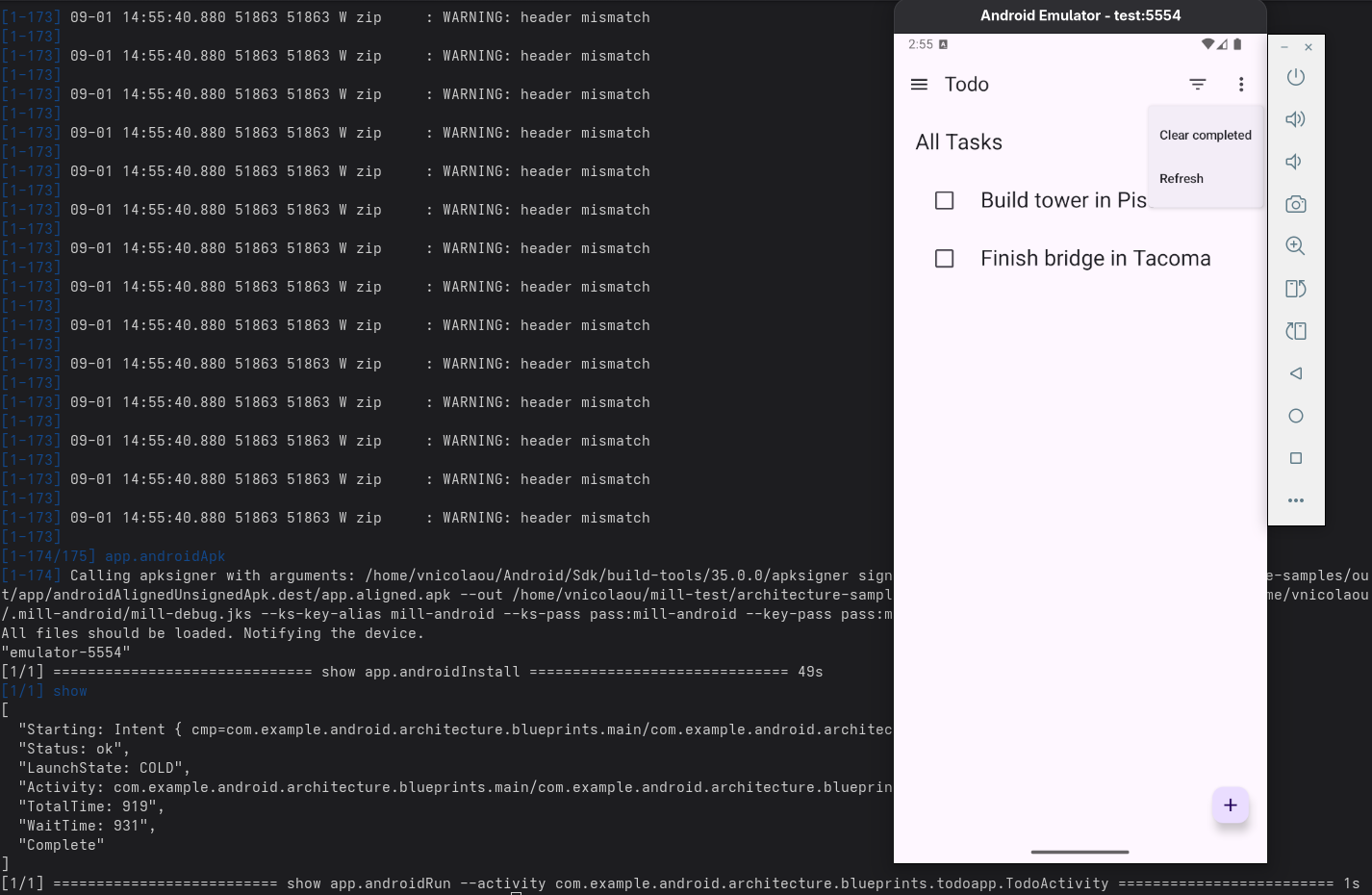
> ./mill show app.androidRun --activity com.example.android.architecture.blueprints.todoapp.TodoActivity
The Android Todo App built with Mill
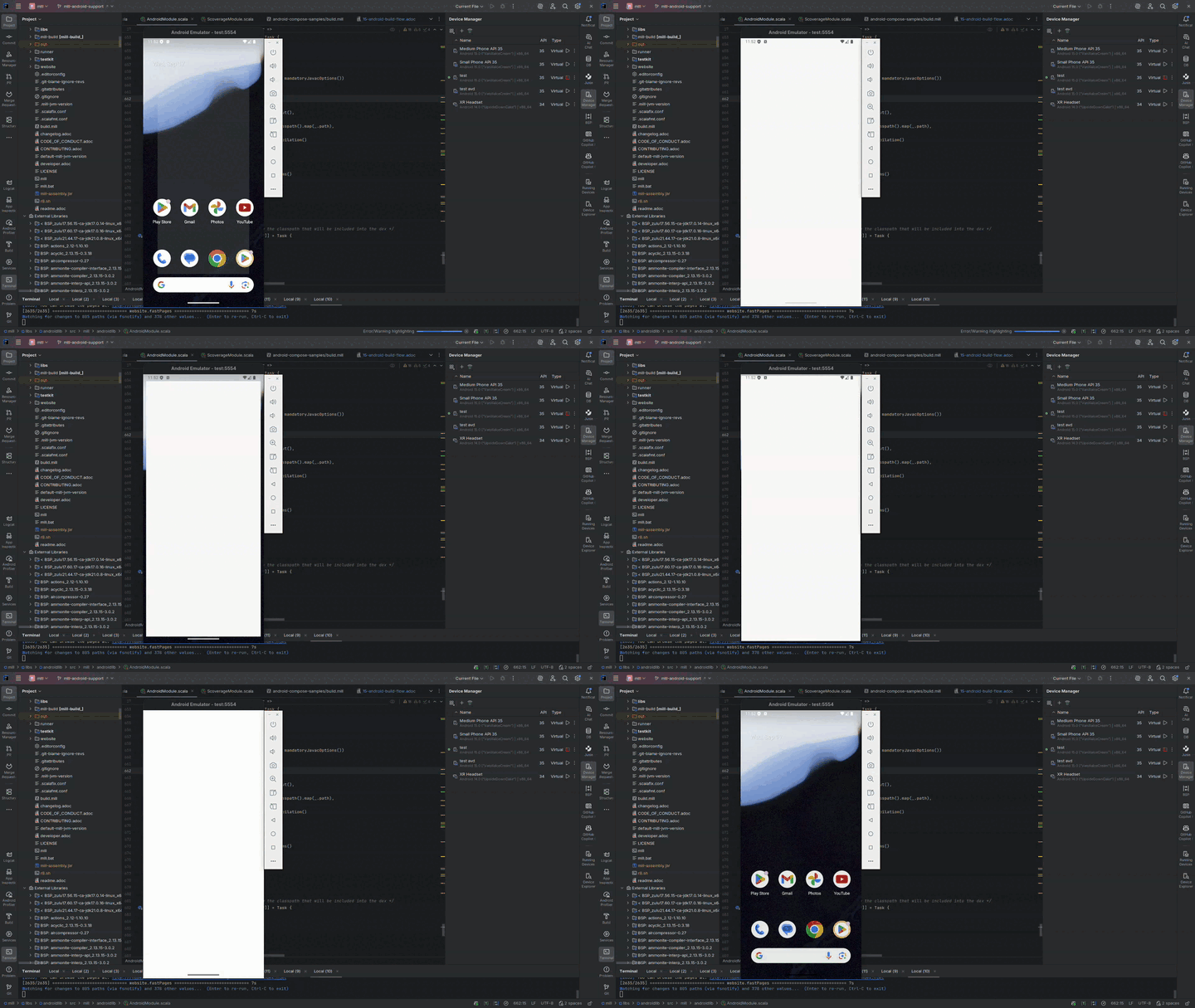
Run the instrumented tests and watch the app being tested inside the emulator:
Let’s say you want to know how the apk is built. First, you can check the plan of androidApk, i.e. which
tasks it depends on:
$ ./mill plan app.androidApk
[1/1] plan
androidSdkModule0.sdkPath
androidSdkModule0.buildToolsVersion
androidSdkModule0.platformsVersion
androidSdkModule0.remoteReposInfo
androidSdkModule0.installAndroidSdkComponents
androidSdkModule0.buildToolsPath
androidSdkModule0.apksignerPath
androidSdkModule0.zipalignPath
app.mandatoryMvnDeps.super.javalib.JavaModule
app.kotlinVersion
You can use this to visualise the relationships between these tasks and how they feed each other and ultimately the androidApk task:
$ ./mill visualizePlan app.androidApk
[3/3] visualizePlan
[
  ".../architecture-samples/out/visualizePlan.dest/out.dot",
  ".../architecture-samples/out/visualizePlan.dest/out.json",
  ".../architecture-samples/out/visualizePlan.dest/out.png",
  ".../architecture-samples/out/visualizePlan.dest/out.svg",
  ".../architecture-samples/out/visualizePlan.dest/out.txt"
]
[3/3] ============================== visualizePlan app.androidApk ============================== 2s
You can also check the code of each task and what it does exactly inside your IDE:
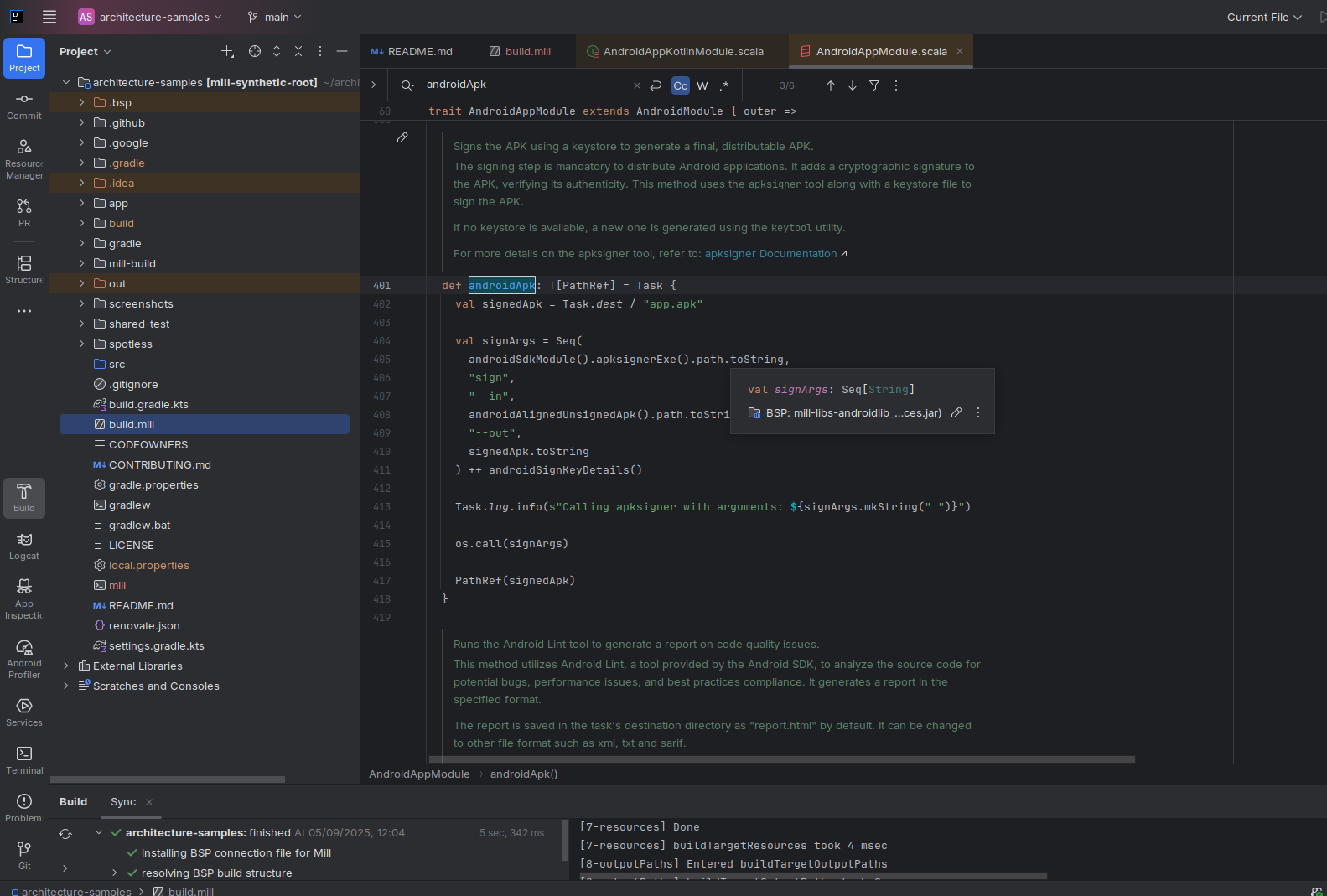
In addition, due to Mill’s direct style, you can reason what’s going on with relative ease.
Example: tweak the build in your build.mill
import mill._
import mill.androidlib._

object app extends AndroidAppModule {
  def androidApplicationNamespace = "com.example.app"
  def androidApplicationId = "com.example.app"
  def androidCompileSdk = 35

  // Add extra files into the APK
  override def androidPackageableExtraFiles = super.androidPackageableExtraFiles() ++
    Seq(
      AndroidPackageableExtraFile(
          PathRef(moduleDir / "assets/about.txt"),
          os.RelPath("assets/about.txt")
      )
    )

}