A Markdown notebook for macOS.
Your notes. Your files. Your machine.
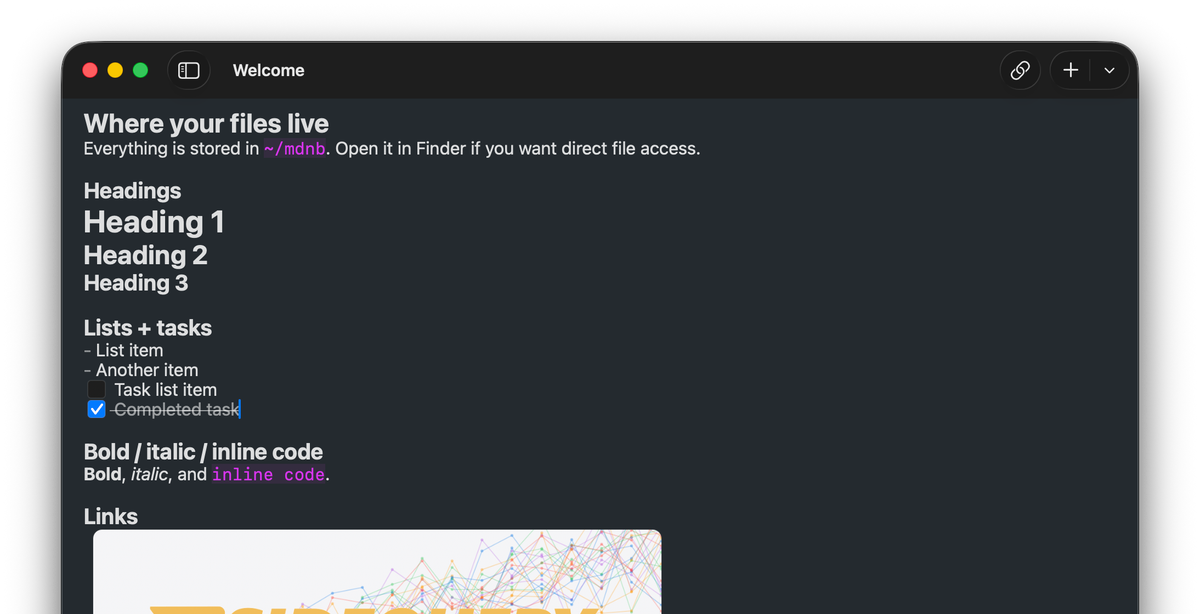
Your notes are just files
Every note is a plain .md file in a folder on your Mac.
No database. No proprietary format. Open them in any editor, grep them from the terminal, back them up however you want.
You could delete mdnb tomorrow and your notes would still be right where you left them.
projects/
2024-redesign.md
api-migration.md
journal/
2026-02-03.md
2026-02-04.md
reading-notes/
designing-data.md
ideas.md
# API Migration Plan
We need to migrate the REST endpoints
to the new [[api-gateway]] before the
[[2024-redesign]] ships.
## Timeline
- Week 1: Audit existing endpoints
- Week 2: Write new handlers
Markdown you already know
Standard Markdown. Nothing proprietary to learn.
- Link notes with
[[wikilinks]] - Render diagrams with Mermaid
- Track work with task lists
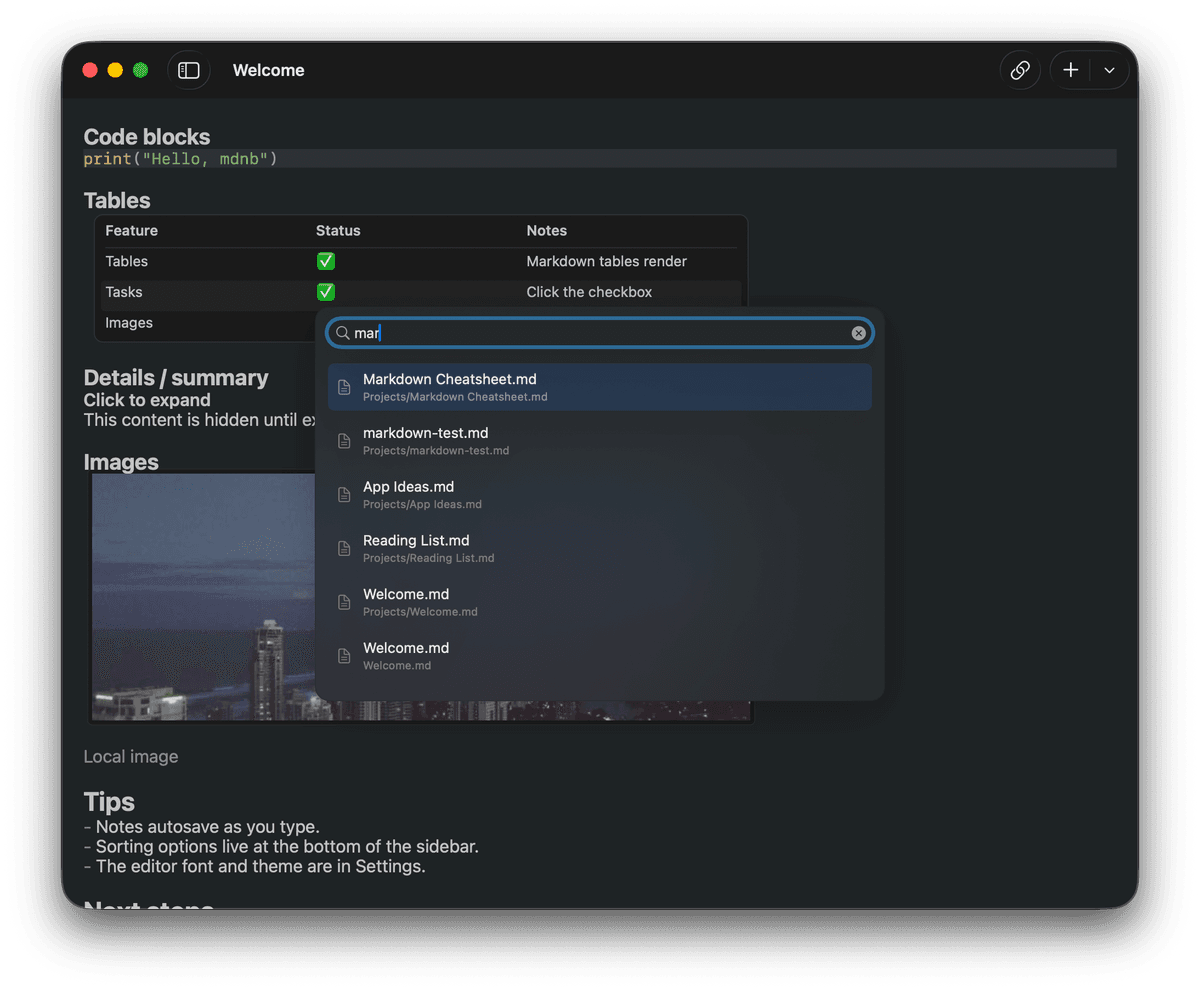
Find anything, instantly
Full-text search across every note, in milliseconds. Start typing and results appear before you finish the word.
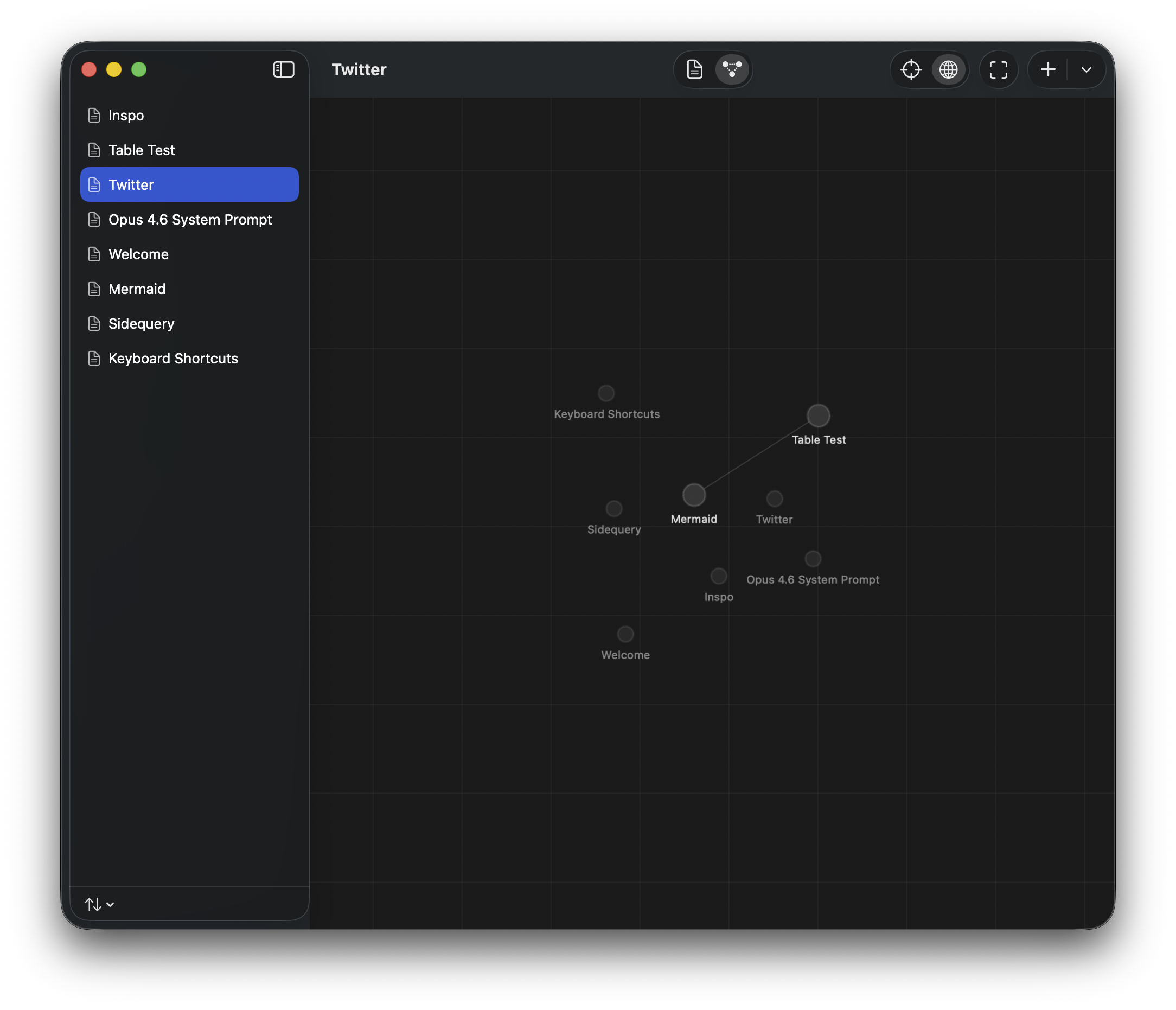
See how your notes connect
Backlinks show every note that references the current one. See the shape of your thinking at a glance.
Start writing
Free forever. Your notes stay yours, no matter what.
FAQ
What is mdnb?
A native macOS app for writing and organizing Markdown notes. Every note is a plain .md file on your disk.
How is it different from Obsidian?
Obsidian is an Electron app with hundreds of plugins. mdnb is a native Mac app with a focused feature set. That means faster launches, an interface that feels like it belongs on your Mac, and a command palette for quick navigation. If you want a plugin ecosystem, Obsidian is great. If you want a fast, clean writing tool that gets out of your way, that's mdnb.
What file format does it use?
Standard Markdown (.md) files. Every note is a regular file in a regular folder. Open them in VS Code, vim, or any text editor.
Does it sync across devices?
mdnb works with any folder on your machine. Point it at an iCloud Drive, Dropbox, or git-synced directory and it just works.
What platforms does it run on?
macOS only. Because your notes are plain Markdown files, you can read and edit them on any platform with any text editor.
Is it free?
Free. Your notes are plain files on disk, so they're yours whether you keep using mdnb or not.
If this is free, how do you make money?
We don't, yet. Team collaboration features are still to come.