
I've been vibe coding for a while now. Building features with AI, shipping things I never would have attempted alone, watching multi-AI pipelines chew through problems that used to take me days. It's genuinely exciting.
But somewhere along the way, I noticed something uncomfortable. The pipeline I built to help me ship faster had become the thing slowing me down. Not because it didn't work — it worked fine. The problem was that I'd automated a process without being clear about where it was going. And automation without intention? That's just faster chaos.
I went through three versions of my Dev Buddy plugin pipeline before I figured out what actually matters. Here's what happened.
The complicated success
The first version — v0.2.x — was a home-brewed ralph pipeline. If you're not familiar, the Ralph Wiggum technique is about using fresh context for each iteration: specs live on disk, the AI reads them fresh each time, and you loop until things are correct. No accumulated hallucinations, no context drift.
I built the whole thing from scratch. Custom orchestration, hand-tuned stages, glue code connecting everything together. And honestly? It worked. Features came out the other end. The multi-AI approach — different models checking each other's work — caught things that a single model never would.
But it was like building a Rube Goldberg machine. Impressive to watch, exhausting to maintain. Every time I wanted to change something, I had to trace through layers of custom logic. I was proud of it, but I also dreaded touching it. The pipeline that was supposed to save me time was eating my weekends.
I was spending more time maintaining the process than actually building features. That's a bad sign.
The simplification that backfired
So I did what any reasonable person would do. I simplified everything. Version 0.3.x stripped out the complexity, made things leaner, more straightforward.

And then I couldn't see anything.
The pipeline ran, but I had no idea what was happening inside it. I'd kick off a process and just... wait. Is it working? Is it stuck? Did something fail silently three steps ago? No idea. The simplification had thrown out the complexity, but it also threw out the visibility.
I'd check back an hour later and find the pipeline had gone in a completely wrong direction, or was spinning on a problem it should have flagged immediately. Progress was invisible. Failures were invisible. I was flying blind.
That's when a colleague mentioned backpressure.
The concept comes from systems engineering — when a downstream system can't keep up, it pushes back on the upstream system instead of silently dropping data or falling over. It's how well-designed pipelines handle overload: the system tells you something's wrong instead of pretending everything's fine.
And I thought: what if my AI pipeline did that? What if, instead of silently continuing when something went wrong, it pushed back? Surfaced the failure, retried with fresh context, or stopped and asked me to weigh in — instead of just gliding ahead?
The breakthrough
Combining backpressure with the Ralph loop changed everything. For the first time, the pipeline stopped smiling and nodding at obviously bad work.
Every stage has gates now. Mechanical backpressure (tests, type checking, linting) runs after every build. But the orchestrator doesn't trust the AI's self-report. It runs the checks independently. If something fails, the pipeline loops back with the failure context baked into the next attempt. Fresh context, fresh perspective, but with the knowledge of what went wrong.
I configure different AI models at different stages (discovery, requirements, code review) so blind spots from one model family don't compound across the pipeline. If you want to see the full architecture, here's the flow diagram.
The result? Complicated projects that used to take days of back-and-forth now complete in a few hours of execution. I kick it off, steer it through the early checkpoints (discovery, requirements, and decomposition each pause for my approval), and then let it grind through build, review, and UAT on its own.
But I need to be honest about something. It still depends heavily on two things: the model's performance and how detailed your plan is. A weak model or a vague plan and the pipeline will loop endlessly, burning tokens without making progress. The tool amplifies whatever you give it — good direction or bad.
Know what you want first
This is the most important thing I've learned from doing vibe coding for this long.
You need to know what you want before you start. Not roughly. Not "I'll figure it out as I go." You need an actual end goal.
I usually spend hours on the plan file before anything starts implementing. And not just writing it once — I iterate on it. Start the process, notice gaps in the plan, stop, improve it, restart. Sometimes I go through this loop three or four times before the plan is solid enough for the pipeline to run cleanly.
That sounds slow. It sounds like it defeats the purpose of AI-assisted development. But those hours of planning save days of rework. When the plan is clear, the pipeline hums. When it's vague, the pipeline produces confident-looking garbage.
The trap I kept falling into was scope creep. I'd start with a clear, focused plan. Then I'd think of one more thing. Then another. Then the plan would grow and grow until it turned into this giant monster I was tired just looking at. The implementation list would stretch across the screen and I'd feel this wave of fatigue before anything had even started.
I've felt that exhaustion more times than I'd like to admit. And every time, the root cause was the same: I let the scope expand beyond what I originally wanted. I stopped knowing what "done" looked like.
That's when I realized I needed a way to mechanically enforce "done." Not a feeling, not a checklist I'd ignore. An actual gate.
The UAT gate
The idea came from a simple question: what if there was a skill that did all the testing for me?
Not unit tests. I already had those. But unit tests check individual pieces. They don't check whether the whole thing flows the way a user expects. I'd seen too many cases where every unit test passed but the actual feature was broken in practice. The pieces worked; the flow didn't.
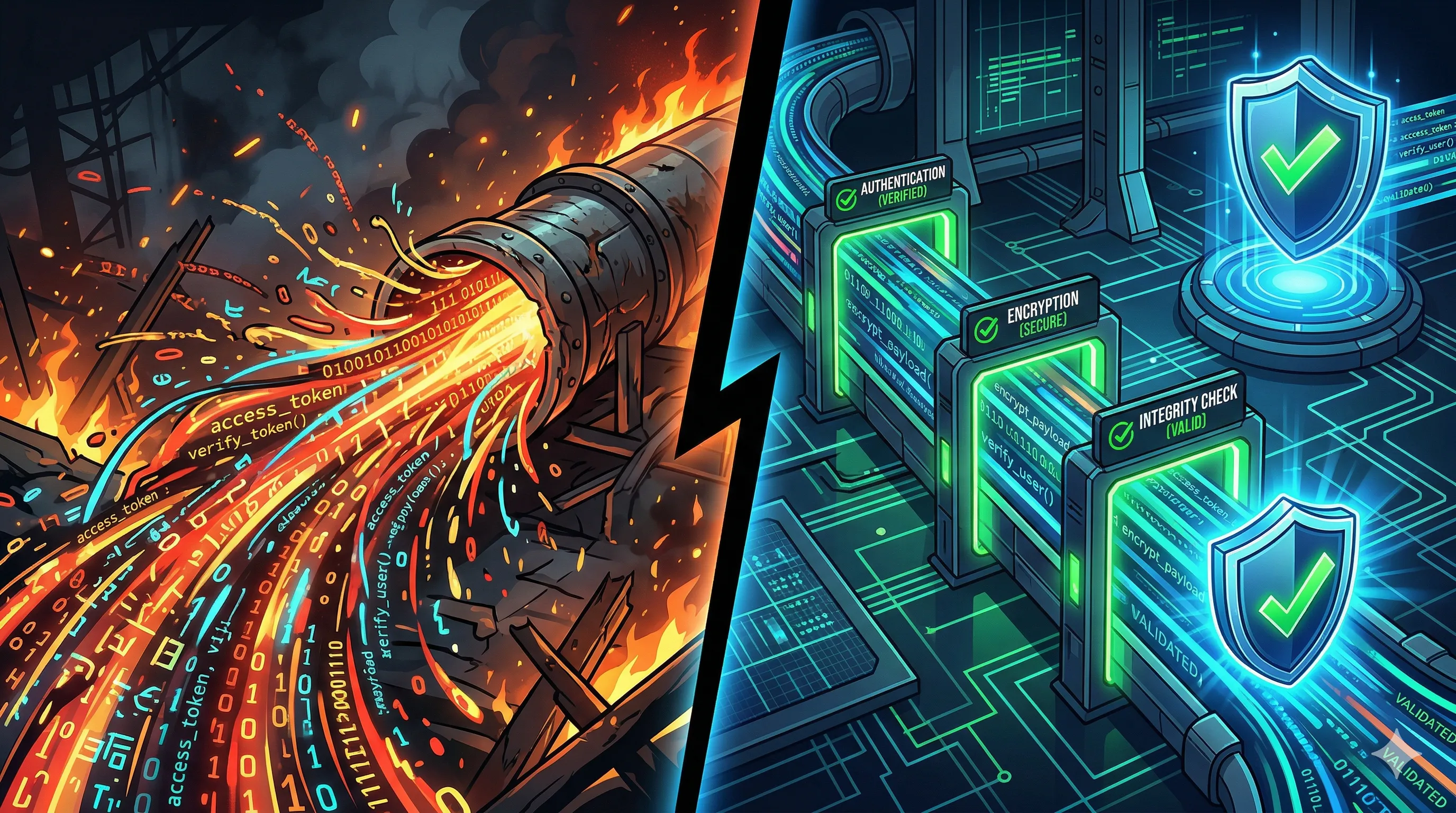
So I built something different. I list out all the scenarios I care about — positive and negative — in a folder. A skill traverses those scenarios and runs user acceptance testing automatically. Not just "does the function return the right value," but "does the feature actually work the way I described it?"
Then I added that UAT step as a gating factor in the Ralph loop. The pipeline doesn't call the work done until UAT passes. If a scenario fails, it identifies the affected units and loops them back through build and code review, then re-runs UAT. It keeps going until everything passes. If it can't get there within the iteration limits, it escalates to me instead of pretending it succeeded.
So far, it's been pretty successful. The UAT gate catches things that unit tests miss — integration issues, flow problems, edge cases that only surface when you test the actual user experience. And because it's automated, I don't have to remember to test everything manually. The pipeline won't let me ship something that doesn't match what I said I wanted.
The UAT scenarios are really just a machine-readable version of "what I want." And the gate refuses to let the pipeline pretend it's done when it isn't.
What I'd tell myself a year ago
The tools matter less than you think. Backpressure, the Ralph loop, multi-AI review, all the scaffolding around the pipeline. Useful, sure. But the thing that actually made the difference was getting clear about what I wanted before I started automating.
Scope discipline beats tool sophistication every time. A well-defined goal with a simple pipeline will outperform a vague goal with the most sophisticated orchestration you can build. I learned that the hard way, three versions deep.
If you're curious about the technical side, the Dev Buddy plugin is open source. There's also a step-by-step tutorial if you want to set it up yourself. But the architecture isn't the point of this post.
The point is simpler than that. If you don't know what "done" looks like, no amount of pipeline engineering will save you. I spent three versions learning that.