Central tags
Tags and tag groups are defined once for the whole organization. Renaming, recoloring, merging or archiving a tag applies to every object that carries it, across every landscape.
MapleSpire
C4 modeling · open source
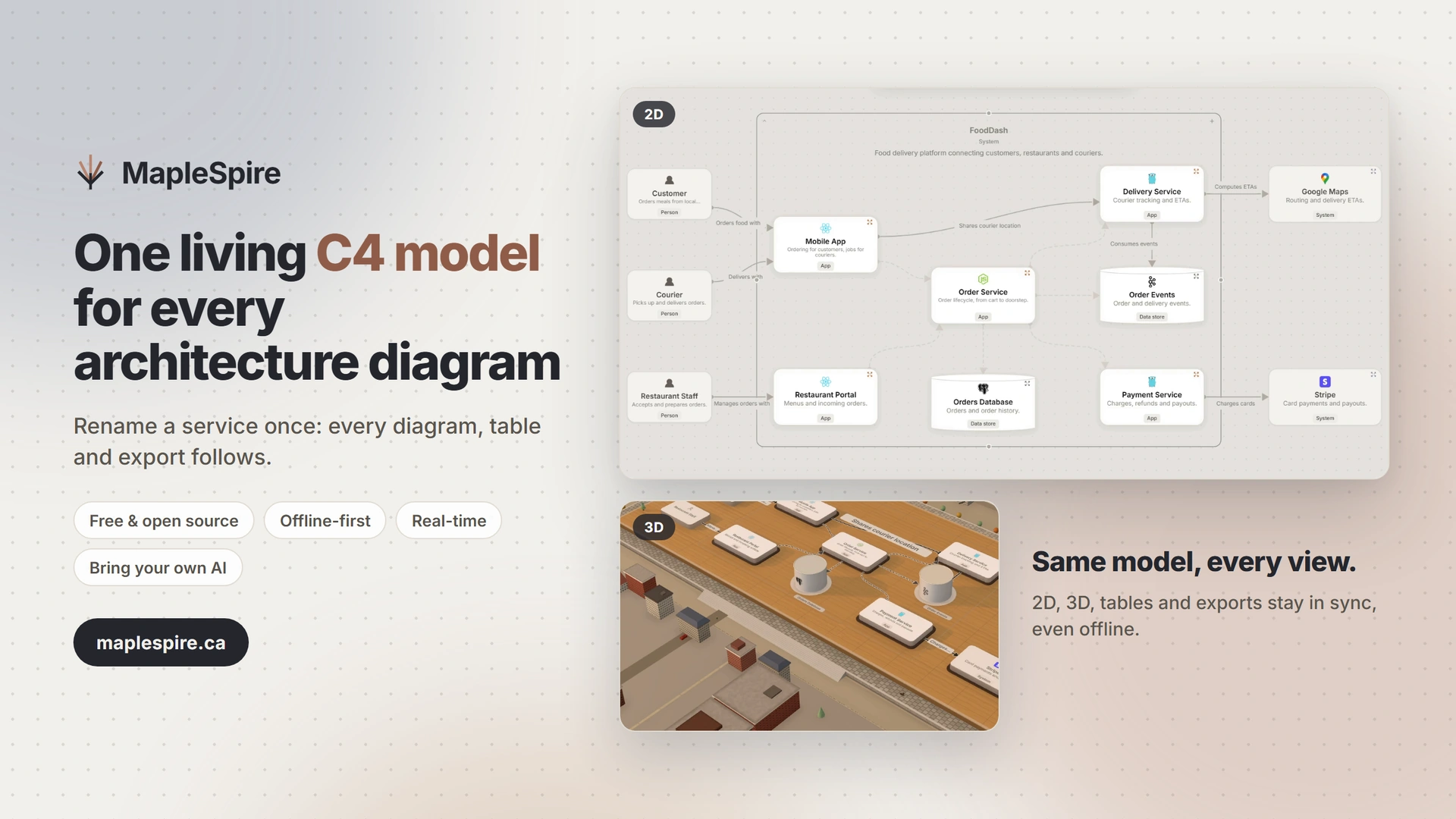
MapleSpire replaces diagrams that drift out of date with one shared model: every object exists once, every view reflects it, and tags and technologies are managed in one place for the whole organization.

Hand-drawn diagramsMapleSpire
Copies to reconcileDrag to compareOne source of truth
01The model
Every object and relationship exists exactly once. Diagrams reference them, so renaming a service or fixing a dependency updates every view it appears in.
Model once, explain from every angle.
02The system
Systems, containers, components and dependencies read at a glance, then open up to the level of detail each conversation needs.
The right view for every audience.

03Collaboration
Edit together in real time or keep working offline: your changes sync as soon as the network is back.
Architecture stays current long after the meeting.
Product tour
From a system description to a living C4 model: AI, connected views, offline editing, decision records, drafts, collaboration, MCP and 3D.
English and French captions available on YouTube.
Governance
In drawing tools and DSLs alike, tags and technologies are free text, copied from element to element and repository to repository. MapleSpire keeps them in organization-wide catalogs, so a fix made in the right place applies everywhere.
Tags and tag groups are defined once for the whole organization. Renaming, recoloring, merging or archiving a tag applies to every object that carries it, across every landscape.
Technologies come from a managed catalog with aliases, icons and a lifecycle (active, deprecated, retired). Each usage records the version in use, and new entries go through submission and approval.
Organization roles, teams with read or write grants per landscape that inherit downward, and OIDC single sign-on with Google or Microsoft.
Prepare a change in a draft, review the change list, then merge with conflict detection. Per-diagram history, restore points and ADRs complete the audit trail.
Open source
MapleSpire’s code is published under the AGPL-3.0 license. Host it yourself with Docker Compose, or try the hosted demo first — it is built for evaluation, not production.
No per-editor licensing: the software and its demo are free.
Public code under the AGPL-3.0 license at github.com/MapleSpire/maplespire.
Docker Compose with PostgreSQL and Redis: your data stays on your infrastructure.
In short
A candid market view
Compare MapleSpire with IcePanel, Structurizr, Visio, draw.io and diagram-as-code tools. This grid separates native C4 capabilities from manual work, and centrally governed metadata from free text.
Checked against official product pages on August 2, 2026.
| Product | Approach | C4 support | Connected model | Teamwork | Offline editing | Self-hosting | Source | Public entry point | Best fit · limits |
|---|---|---|---|---|---|---|---|---|---|
| MapleSpireOur productOfficial sourcesGitHub | Visual model | Native | Yes | Real time | Yes | Yes | Open source | Free and open source (AGPL-3.0) · free hosted demo | Visual C4 on one shared model, with organization-wide tag and technology catalogs, real-time collaboration and offline sync. Self-hosted sync currently runs as a single instance. |
| IcePanelOfficial sourcesDocsPricing | Visual model | Native | Yes | Real time | No | No | Closed | Free: 5 editors / 100 objects · Growth: US$40/editor/mo, annual | A mature hosted visual C4 model. The documented product is SaaS; there is no general offline editor or self-hosted edition. |
| ArchylOfficial sourcesFeaturesPricing | Visual model | Native | Yes | Cloud / platform | No | Enterprise / inquiry | Closed | Free individual plan · paid per editor | C4, architecture-as-code and AI-assisted discovery in one product. On-premise is a higher-tier feature; offline editing is not documented. |
| StructurizrOfficial sourcesServerEnterprise modelling | Model as code | Native | Yes | Cloud / platform | Yes | Yes | Mixed | Free open-core server and local viewer · licensed binaries for SSO and roles | Precise C4 modelling as code, reviewed in Git. Tags and technologies are free text per element, and the enterprise landscape is regenerated from team workspaces. |
| C4 ModelOfficial sourcesMethodTooling | Method / notation | The definition | N/A | N/A | N/A | N/A | N/A | Free method and documentation | The shared vocabulary behind the comparison. It defines abstractions and diagrams, but provides no editor, storage or collaboration itself. |
| Microsoft VisioOfficial sourcesPlans | Drawing canvas | Manual | No | Real time | Yes | No | Closed | In some Microsoft 365 plans · Plan 1 US$5 / Plan 2 US$15 user/mo, annual | Broad business and technical diagramming with Microsoft collaboration. C4 and cross-view consistency remain manual. |
| LucidchartOfficial sourcesProductPricing | Drawing canvas | Manual | No | Real time | Limited | No | Closed | Free: 3 docs / 60 shapes · Individual US$9/mo + tax | Polished cloud diagramming and co-editing. Offline is limited to previously opened documents and it is not a C4 model. |
| CreatelyOfficial sourcesPlansPlan details | Drawing canvas | Manual | Partial | Real time | Limited | Enterprise / inquiry | Closed | Free: 45 items/workspace · paid plans | A flexible visual workspace with data-backed objects and collaboration. C4 semantics and cross-view architecture rules are manual. |
| SmartDrawOfficial sourcesFAQPricing | Drawing canvas | Manual | No | Real time | No | No | Closed | Free trial · Individual US$9.95/mo, annual | Template-rich technical drawing with real-time multi-user editing. It requires an internet connection and has no free plan. |
| draw.io / diagrams.netOfficial sourcesAboutOffline | Drawing canvas | Manual | No | Cloud / platform | Yes | Yes | Open source | Free core editor · paid Atlassian integrations | Excellent free, open and offline drawing control. C4 diagrams are drawings, so repeated elements and views must be reconciled manually. |
| Excalidraw / Excalidraw+Official sourcesPricingSource | Whiteboard | Manual | No | Real time | Limited | Editor only | Mixed | Free editor · Plus US$6/user/mo | Fast, human sketches and collaborative workshops. The editor is open source, while Plus is hosted; neither is an architecture model. |
| Archi + coArchiOfficial sourcesArchiPlugins | EA model | Mapping / add-on | Yes | Git workflow | Yes | Local + Git | Open source | Free | Strong free ArchiMate modelling with Git-based coArchi collaboration. C4 requires a mapping or add-on and collaboration is not live co-editing. |
| MermaidOfficial sourcesC4 syntaxDocs | Diagram as code | Experimental | No | Git workflow | Yes | Yes | Open source | Free open source · optional Mermaid Chart plans | Convenient diagrams inside Markdown and code review. Its C4 syntax is officially experimental and each diagram remains separate. |
| PlantUML + C4-PlantUMLOfficial sourcesC4 libraryPlantUML | Diagram as code | Strong library | No | Git workflow | Yes | Yes | Open source | Free open source | Mature C4 diagrams in repositories and documentation. It is a drawing library, not a connected visual architecture model. |
| D2Official sourcesDocs | Diagram as code | No native C4 | No | Git workflow | Yes | Yes | Open source | Free open source · optional commercial tooling | Readable, fully offline architecture-as-code with strong automatic layout. It has no native C4 semantics or built-in live collaboration. |
Prices are public list prices in USD where available, before tax. “C4 Model” is a method, not software. Plans change: follow the descriptively labelled official sources in each row.