The whole planet in 3D.
Free for Mac with Apple silicon.
From orbit to the Matterhorn
The whole Earth in 3D, built from open map and elevation data.
Explore
Pan and zoom from orbit to street level. Search for any place by name.
Fly
Press P to fly. Three vehicles: Kestrel, Phase Manta and Sparrow.
Photograph
Set the date, time and weather. Save the view as a 4K image.
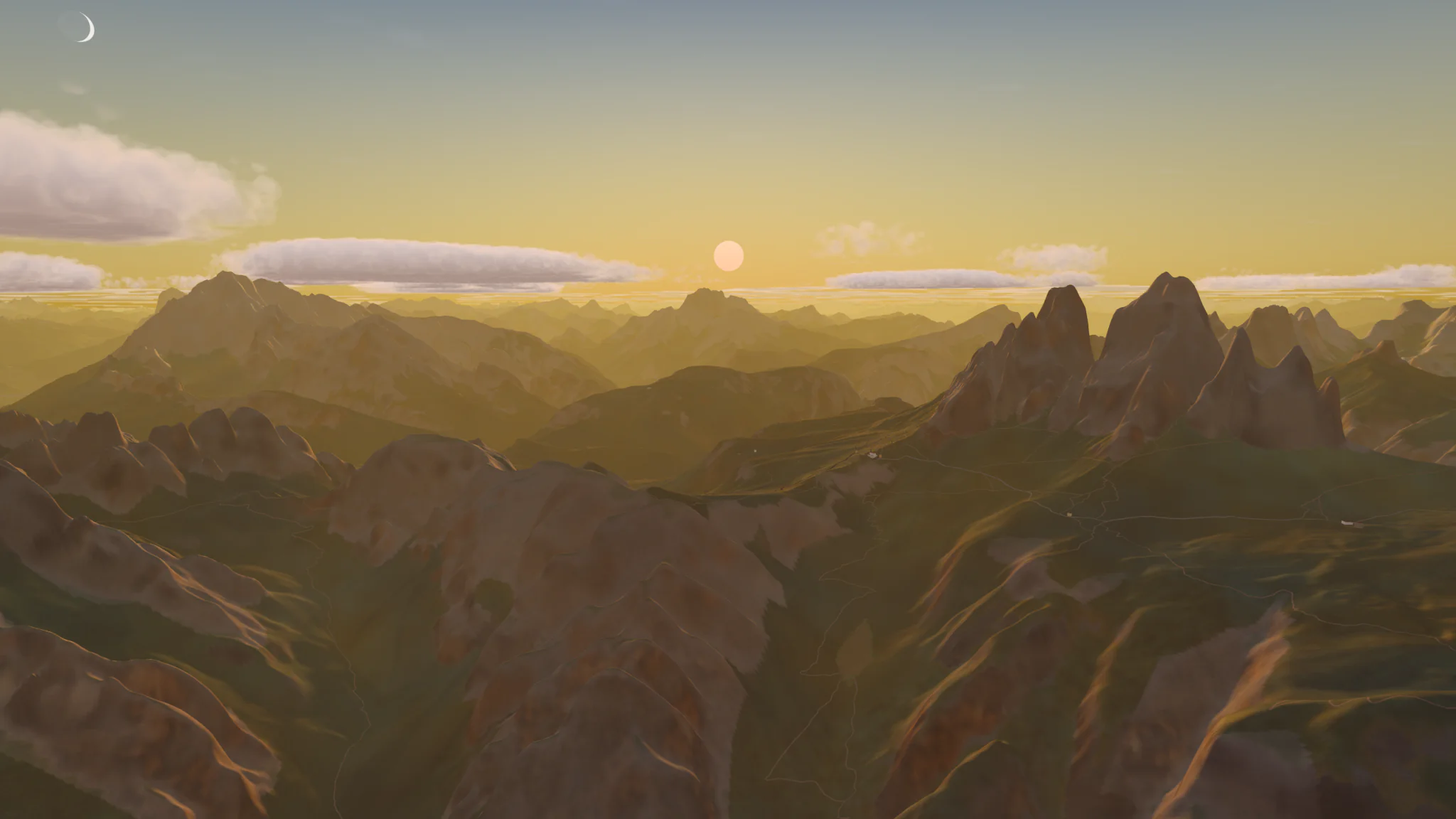
Dolomites
Italy. Tre Cime at sunset.
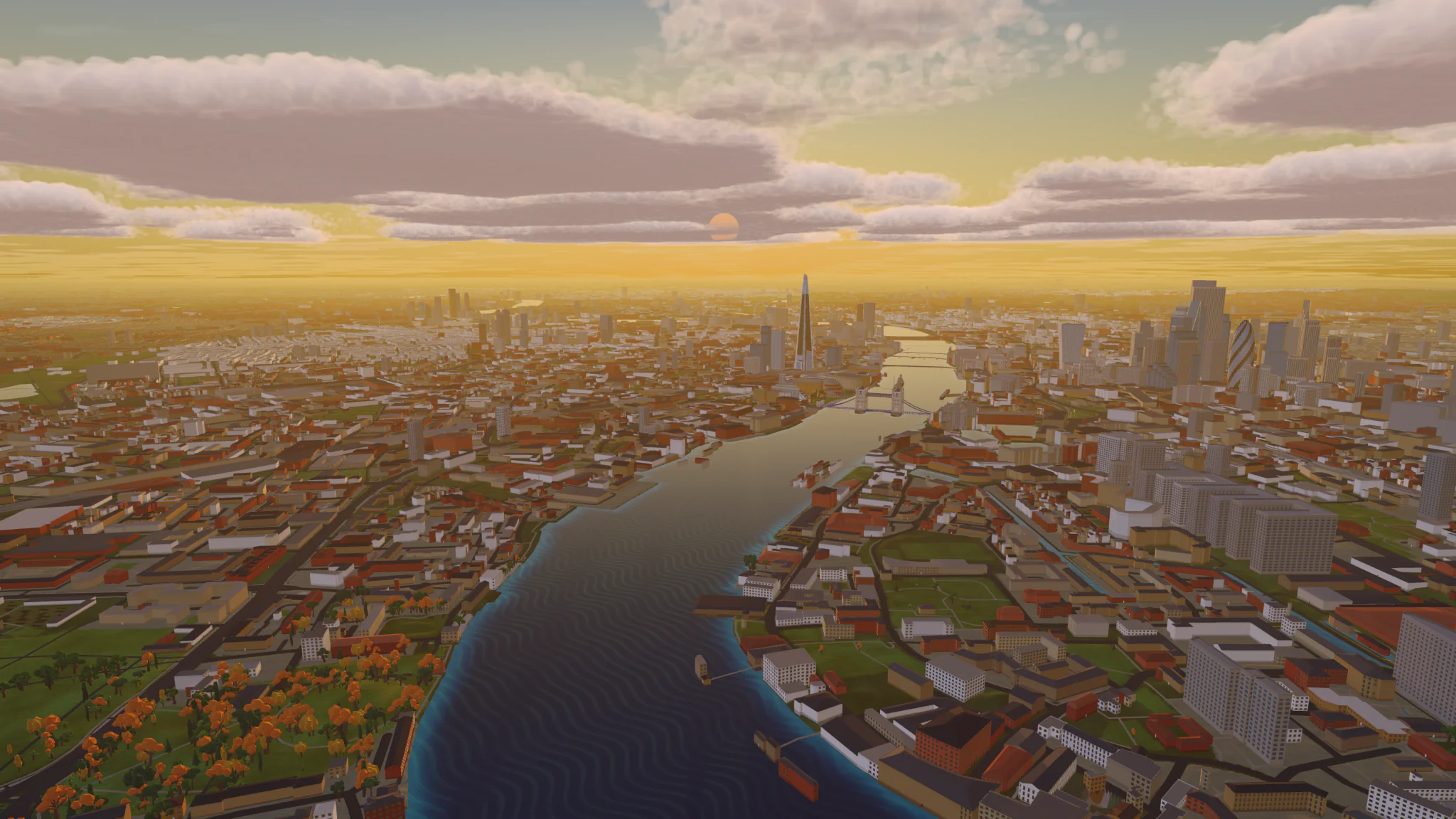
London
United Kingdom. The Thames at sunset.
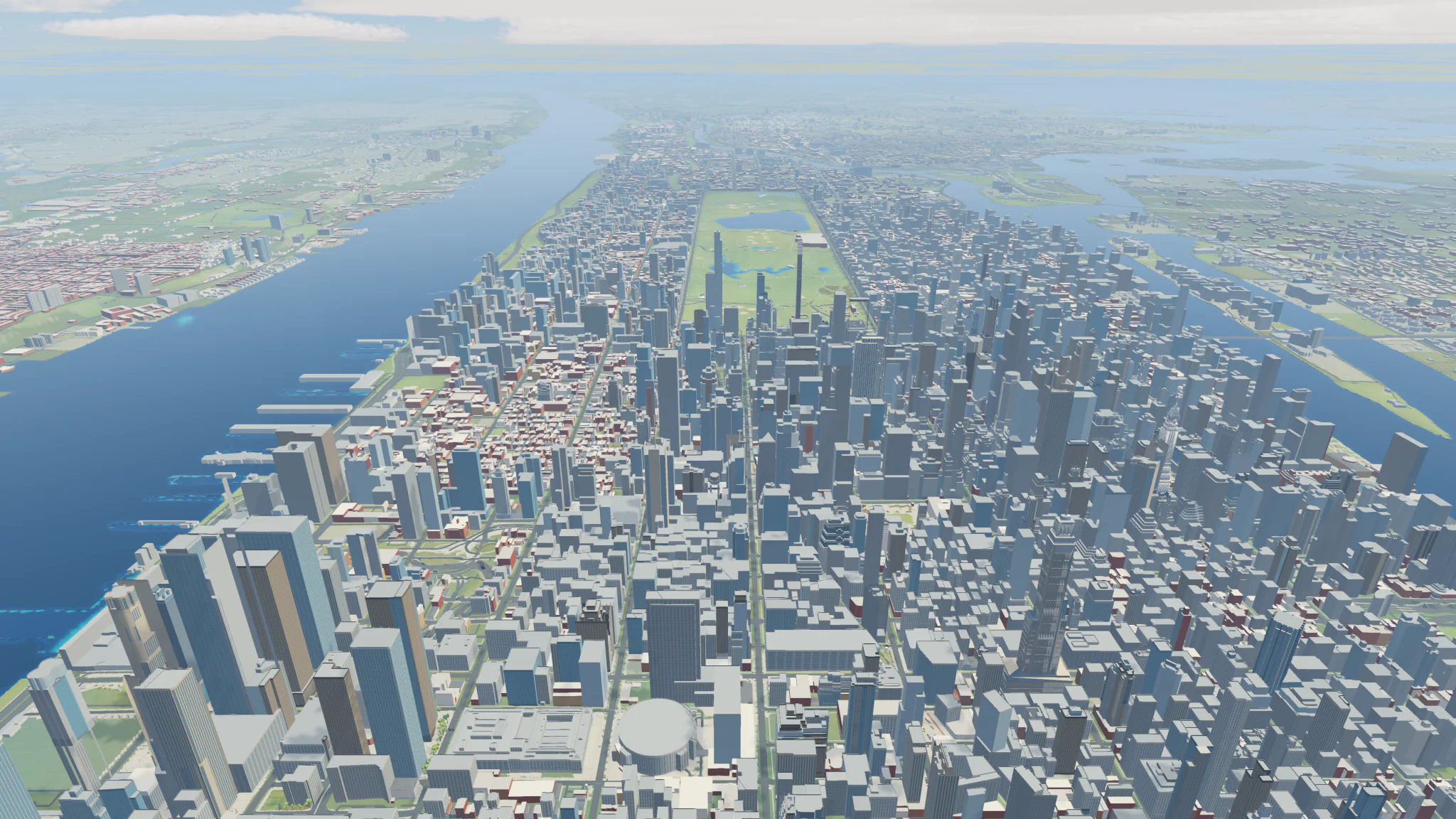
New York
United States. Midtown and Central Park at midday.
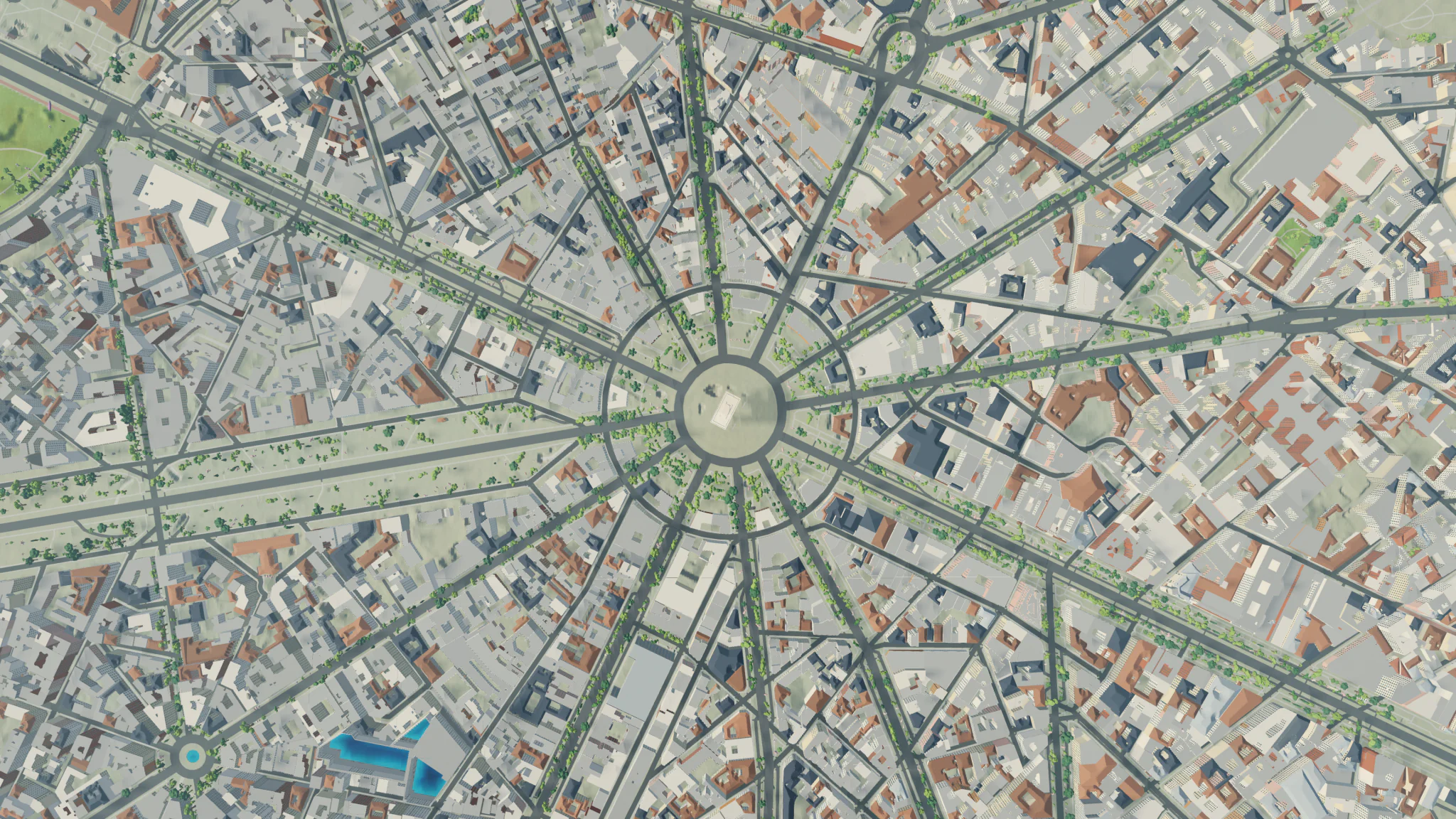
Paris
France. Place Charles de Gaulle, straight down.
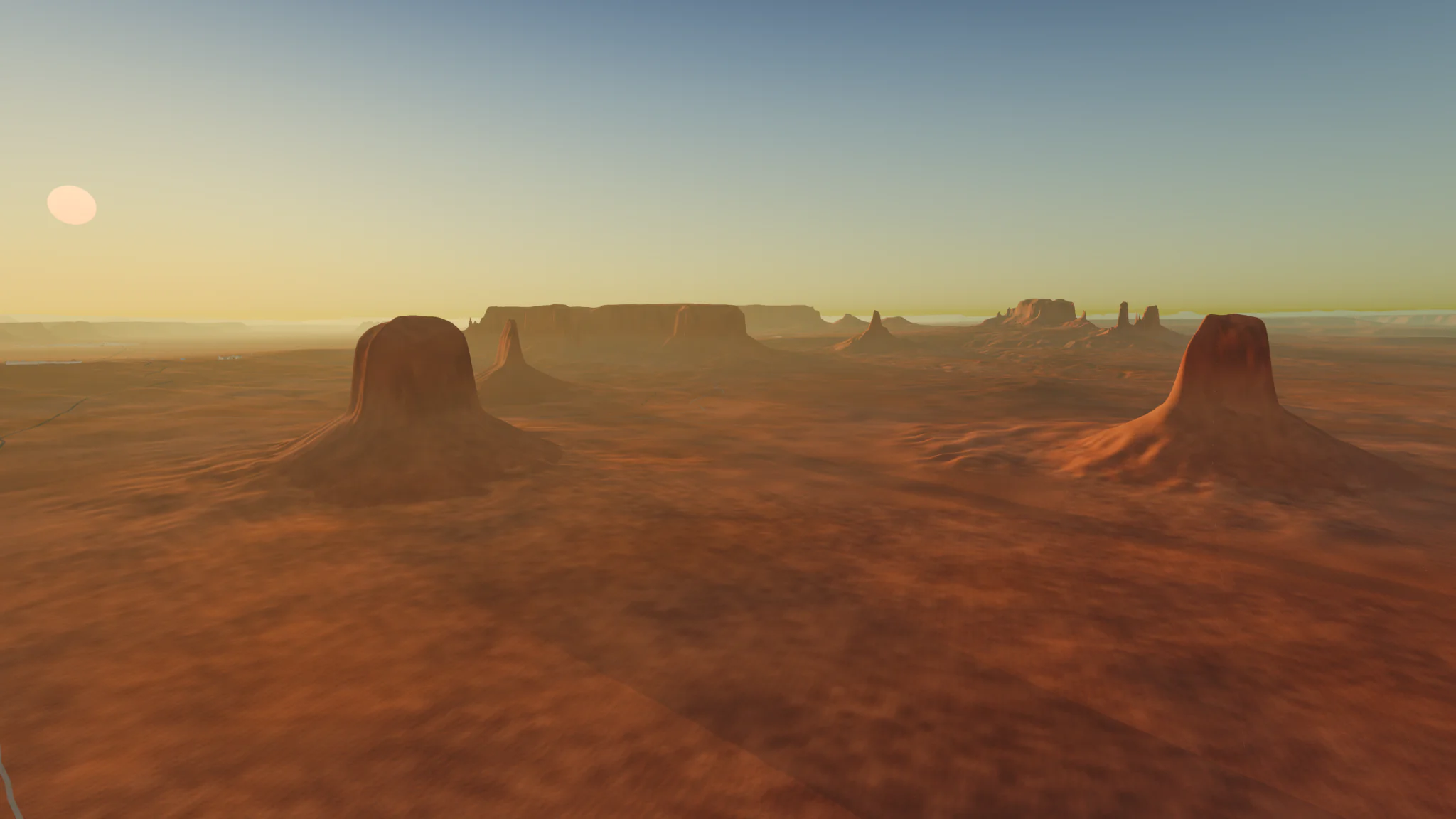
Monument Valley
United States. Buttes at sunset.
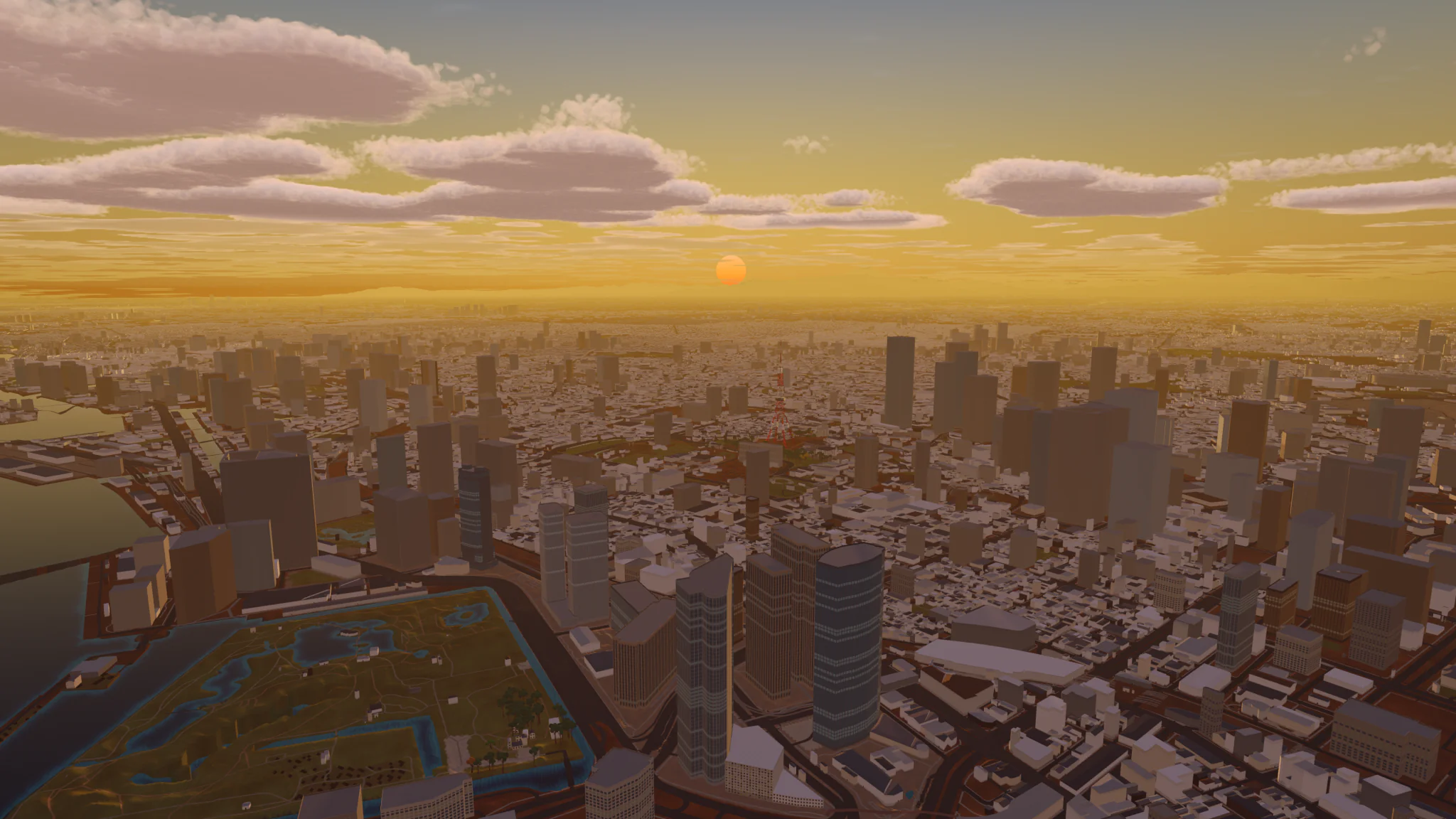
Tokyo
Japan. Chiyoda at sunset.
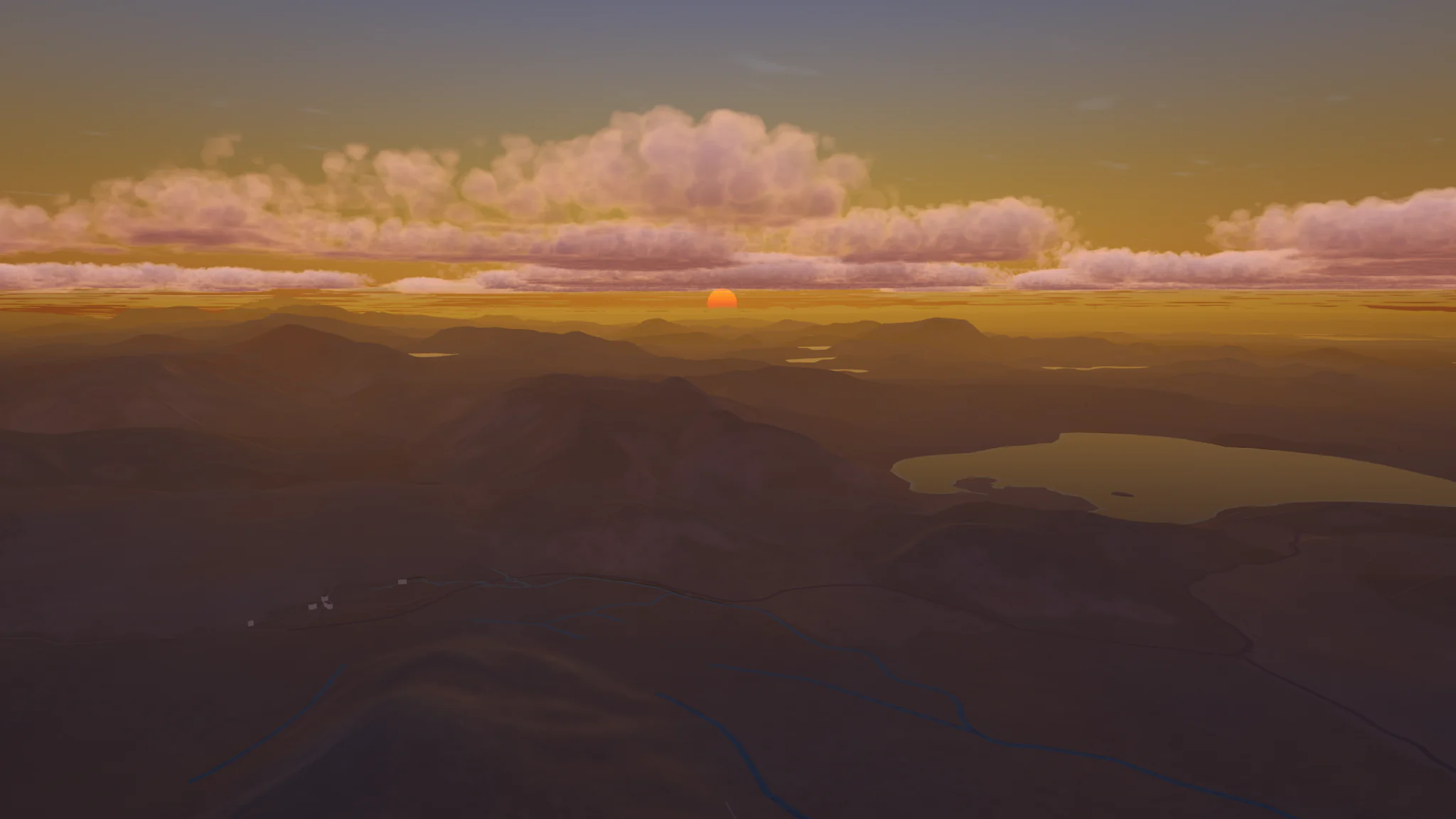
Icelandic Highlands
Iceland. Highlands at sundown.
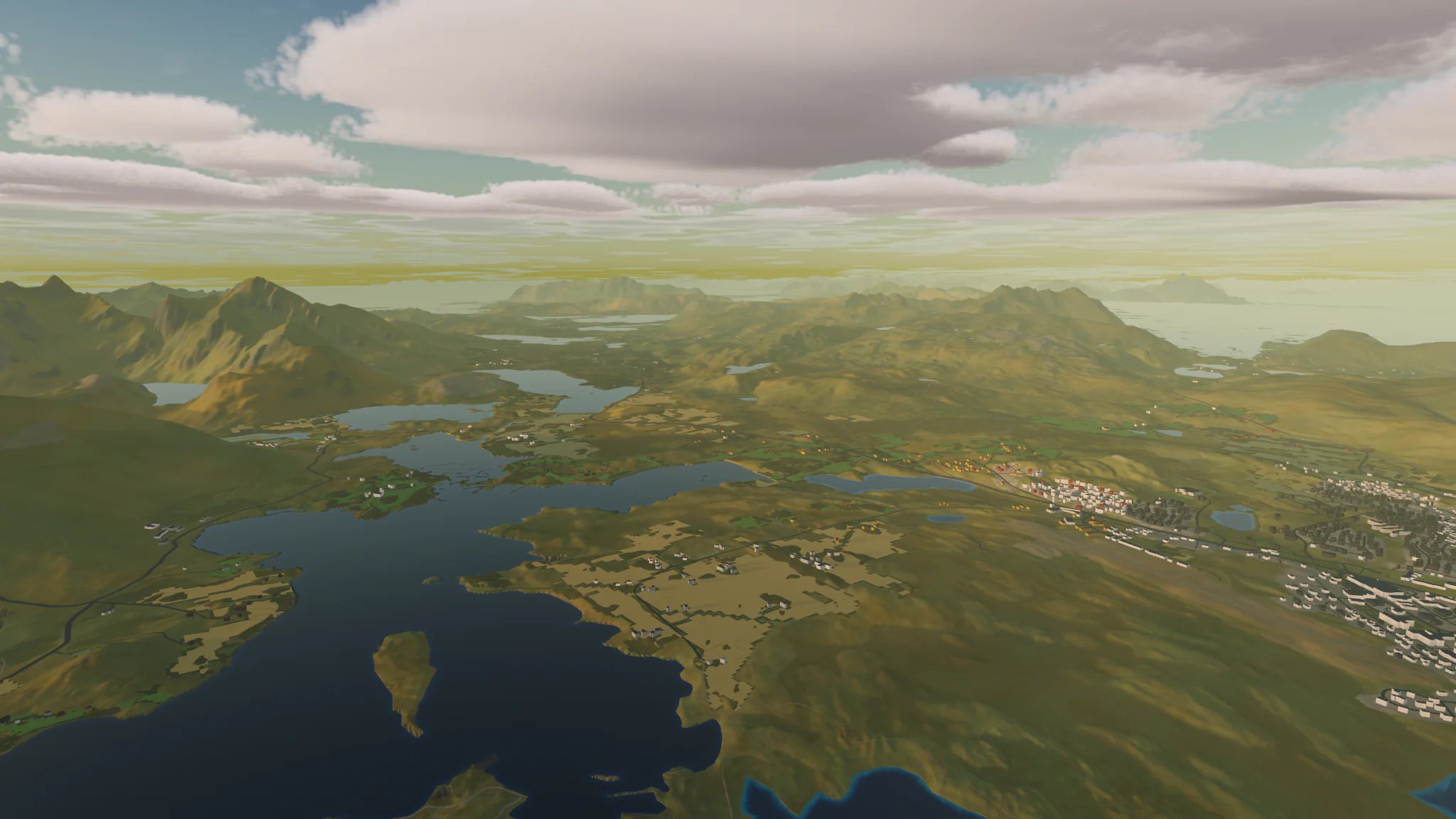
Lofoten
Norway. Islands in the evening.
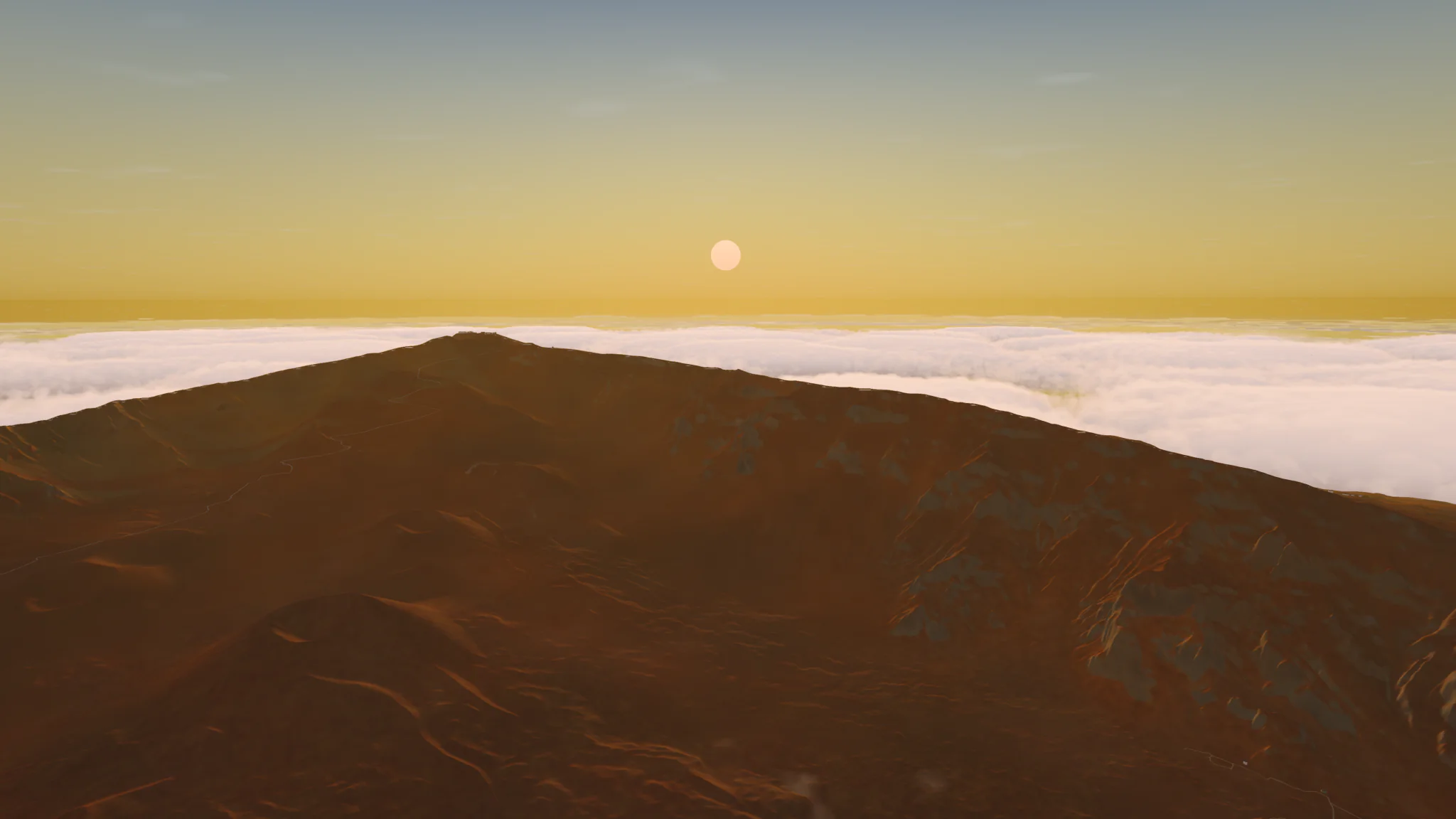
Haleakalā
United States. Summit above the clouds at sunset.
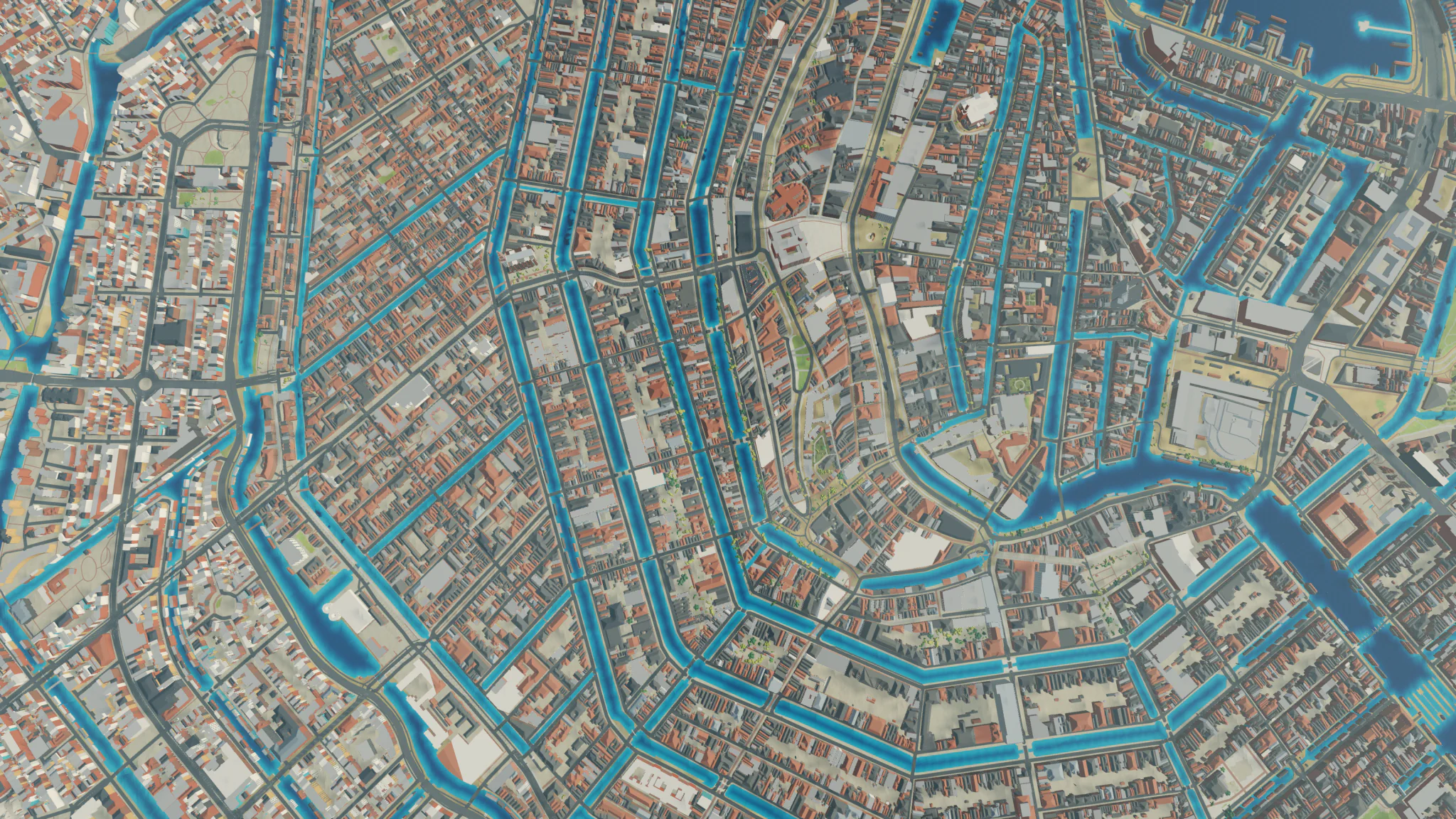
Amsterdam
The Netherlands. Canal rings, straight down.
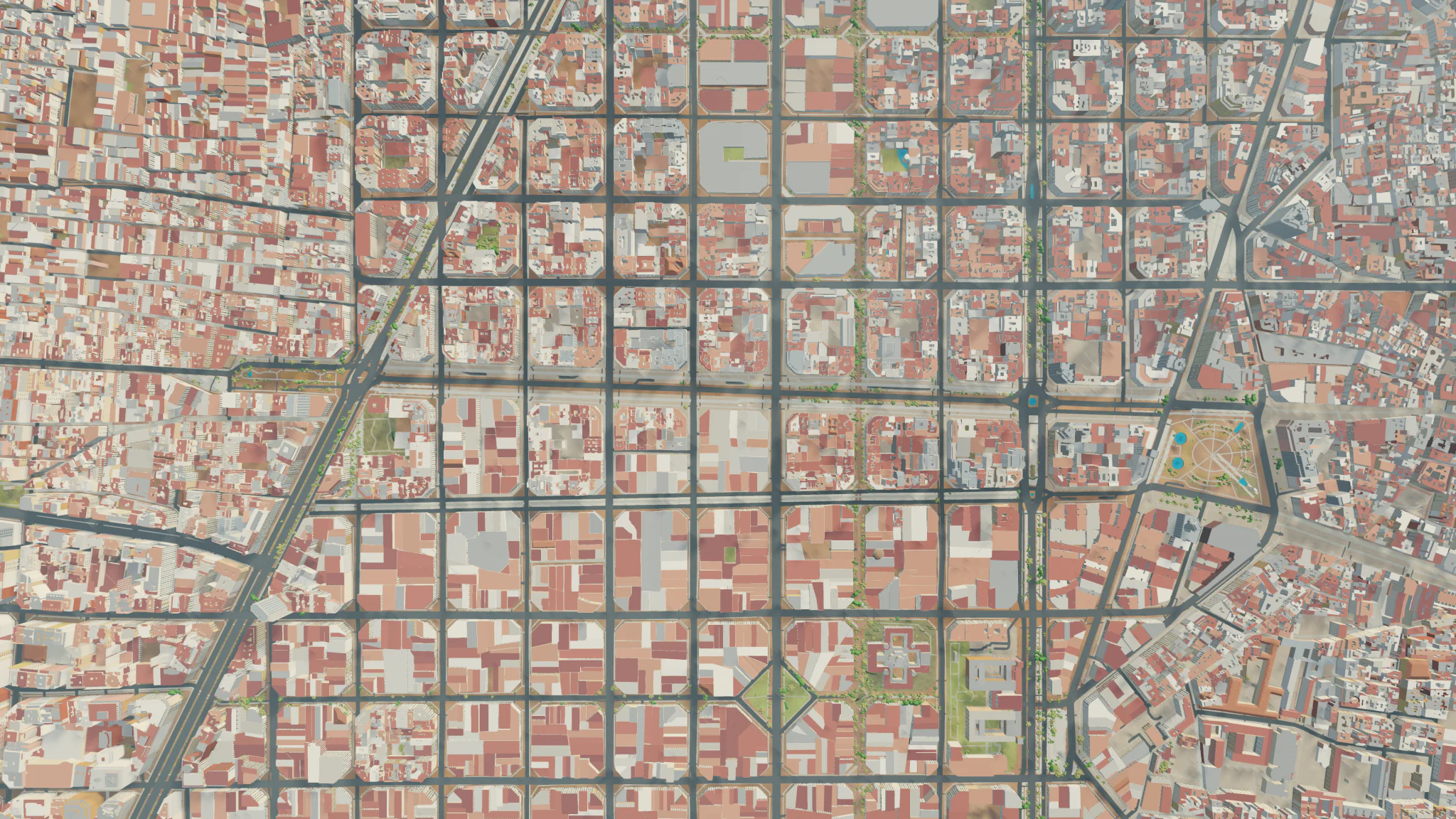
Barcelona
Spain. Eixample grid, straight down.
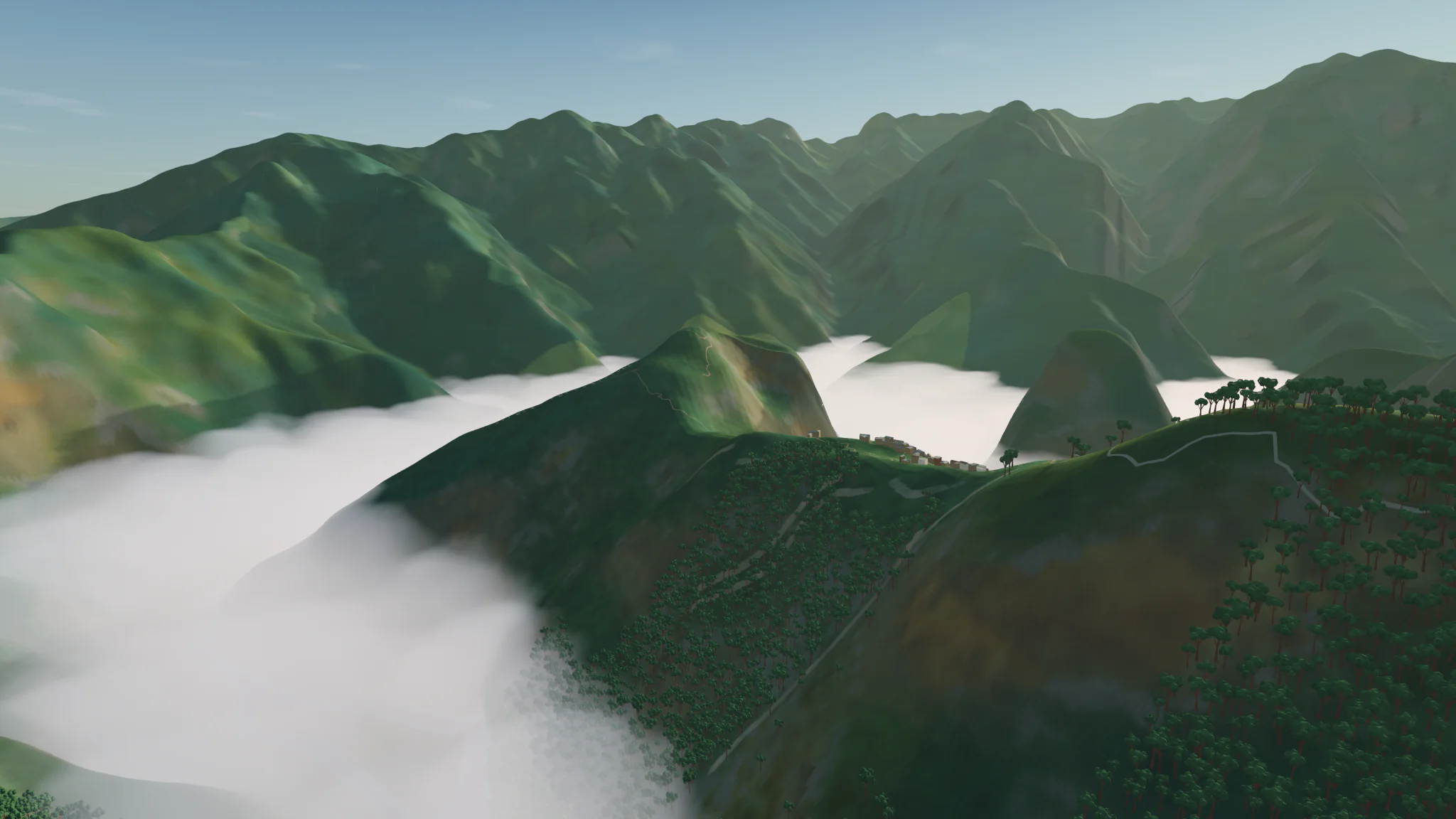
Machu Picchu
Peru. Ridge above valley cloud.
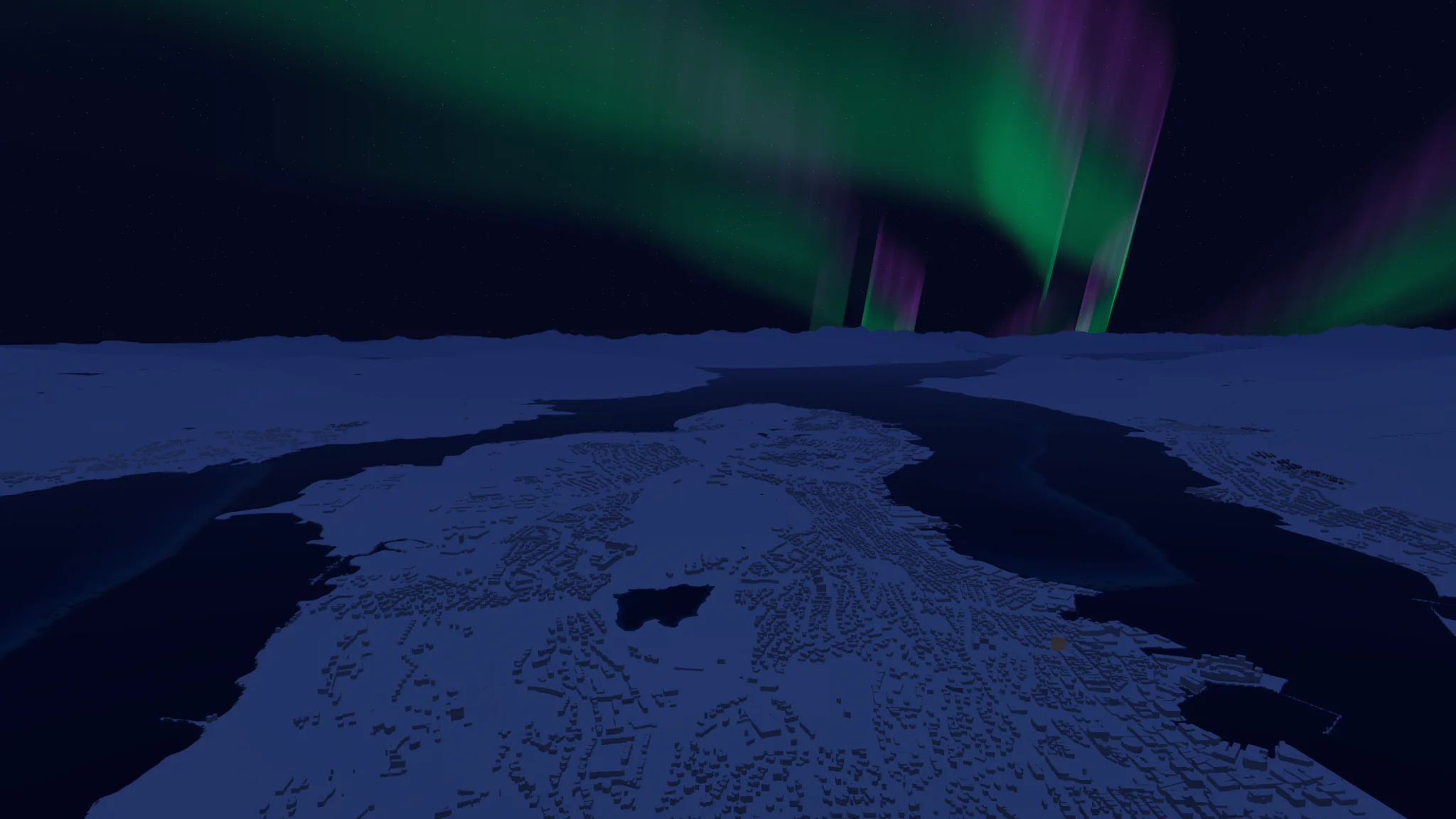
Tromsø
Norway. Aurora over the city at night.
Landmarks
231 landmarks are modelled individually, from cathedrals and castles to towers and temples. Here are 15. Can you find all 231?
What it does
Terrain
Elevation for the whole planet, with finer detail where national data exists.
Cities
Buildings, roads and water from OpenStreetMap. Buildings follow the local style of their region.
Light
The sun, moon, stars and aurora follow the date, time and location. Step the clock by an hour with [ and ].
Weather
Simulated clouds, rain, snow and fog, with seasonal snow cover. Not a live forecast.
Photos
Saved as 4K PNG files in Pictures/Low Poly Earth, each with a JSON file recording the camera, place and time.
Search
Find any place by name or pick it on the world map. The camera flies there from wherever you are.
Controls
Explore
- Drag
- Pan
- Scroll
- Zoom
- ⌘ or Ctrl + drag
- Rotate and tilt
- WASD or arrows
- Pan
- Q E
- Rotate left, right
- R F
- Tilt up, down
- + −
- Zoom in, out
- /
- Search
- Enter
- World map
- T
- Show the place name
- [ ]
- One hour back, forward
Fly
- P
- Start or stop flying
- WASD
- Move and steer
- Shift
- Boost
- Space C
- Rise, descend
- Space
- Jump, on the Sparrow
- V
- Next vehicle
- 1 2 3
- Kestrel, Phase Manta, Sparrow
- Esc
- Show or hide the controls
- ⌘ ,
- Settings
Settings has six tabs: Interface, World, Flight, Data, Photos and Storage. Turn data sources on or off under Data. Clear downloaded data under Storage.
33 photographs
All rendered in the app.
Download for Mac
- Version
- 0.2.0
- Price
- Free
- Requires
- Mac with Apple silicon, macOS 13 or later
- Download size
- About 640 MB
Open the downloaded disk image and drag Low Poly Earth to Applications. The app is signed and notarized by Apple. Release notes and checksums are on GitHub. Questions? See the FAQ.
The browser version needs a desktop computer and a browser with WebGPU, such as Chrome. It loads map data as you explore instead of installing.
FAQ
The world
Is this the real Earth?
It is built from real elevation, imagery and map data, with procedural detail added. Accuracy varies with the data available for each place.
Can I see my house?
If your building is mapped in OpenStreetMap, yes: its outline and height, rendered in the local style. It is not a photograph, so there are no real facades. If it is missing, add it to OpenStreetMap and it will appear in a later map update.
Why is my area wrong or missing buildings?
Detail depends on OpenStreetMap coverage and the elevation data available for each place. Report it on GitHub with the location.
Is the weather real?
No. It is simulated from climate data and the season, not a live forecast.
Are the sun, moon and stars accurate?
They follow the real date, time and location, and the stars come from ESA’s Hipparcos catalogue.
Were the landmarks modelled by hand?
Yes, all 231. Some are original geometry and some are adapted from openly licensed models, all credited in the app.
About
Is it open source?
Not yet, but I am working on open sourcing it soon.
Did you use AI to build it?
Yes. Low Poly Earth was built entirely with the latest GPT and Claude models over around 80 days.
How is this different from Google Earth?
Google Earth shows photographs and 3D scans of the real world. Low Poly Earth builds a stylized world from open map and elevation data: buildings follow each region’s local style, light and weather are simulated, and you can fly vehicles and take 4K photos.
Is this a flight simulator, like Microsoft Flight Simulator?
No, but you can fly around in three vehicles. They are for getting around and sightseeing, not realistic flight. It is much smaller and runs on any Apple silicon Mac.
Is it a game? Is there anything to do?
Explore, fly and photograph. There is also a landmark hunt: can you find all 231? It is mainly my hobby project; I tried to gamify it but then removed those parts.
Install and support
What Mac do I need?
Any Mac with Apple silicon running macOS 13 or later, and the more powerful the better. It was tested on an M1 Max MacBook Pro.
Windows, Linux, Intel Macs, iPad?
Not supported yet. If there is interest, I will port it to Windows and Linux.
Is it safe to install?
It is signed and notarized by Apple, so macOS checks it before first launch. It needs no account, and nothing you do is sent to the developer.
How do I update or uninstall it?
There is no automatic updater. Download the new version from this page, or watch the GitHub releases. To uninstall, first clear downloaded data in Settings > Storage, then drag the app to the Trash.
Where do I report a bug?
Open an issue on GitHub with the location and a screenshot if you can, or write to us.
Privacy and data
Does it track me?
No account, no analytics, and it never asks for your location. Place search runs offline on your Mac. The map and terrain services see your IP address and which areas you load, as any online map does; the privacy policy has details.
Does it need an internet connection?
Yes, for full detail. Buildings, roads, water and fine terrain stream from online map and elevation sources. Without a connection, only the bundled global terrain and imagery are shown.
How much disk space does it use?
The download cache is capped at 12 GB by default and adjustable in Settings > Storage.
Under the hood
What is it built with?
Rust and wgpu, running on Metal. It is a native app, not Electron or a web view.
How does it render the whole planet?
It streams map and terrain data on demand, builds the world near you in increasing detail, and caches it on disk.
Why is it blurry for a moment when I arrive somewhere?
Detail streams in as you move. It is faster the second time because of the cache.