1
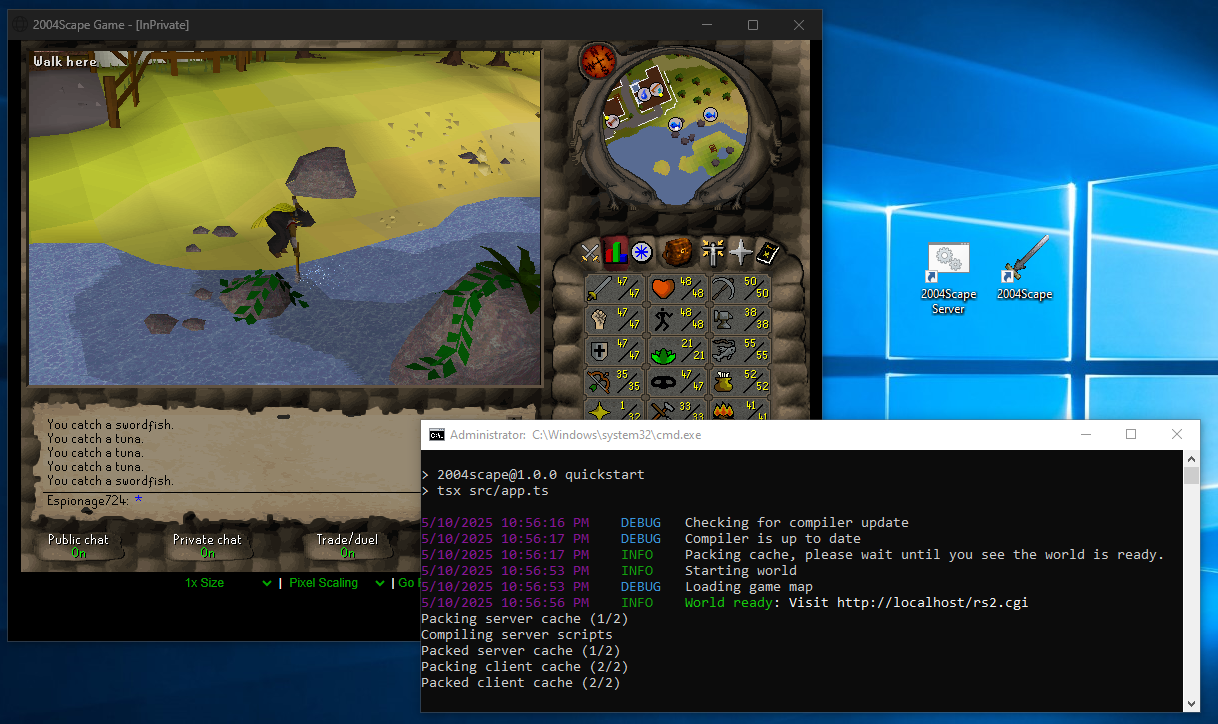
Notes:
Information:
- Combination of commands and scripts (DIY; not a repack)
- Branch
225 - Minimal dependencies (no Flatpak or containers; all tested on bare-metal)
- Official files and native OS scripting
CMDWindows,BashLinux,shFreeBSD- Easy save data back-ups (
tar’s player.savall OSs) - Easy updating directly from Lost City sources
- XDG launcher with right-click options (Linux and FreeBSD)
- Upstream
bunWindows and Linux,npmFreeBSD
Extras:
- 2-click log-in (auto-fill user/pass)
- Default
Pixel Scaling(not Auto) SC55_zzdenisSoundfont for enhanced music (info)NODE_CLIENT_ROUTEFINDER=false(info)NODE_DEBUGPROC_CHAR=:(commands with 3-colon:::instead of::~)
Windows:
- Standalone client with built-in Microsoft Edge
msedge_proxy(screenshots)
Linux:
- Standalone client with
webkit2gtk4-minibrowser(screenshots)
FreeBSD:
- 2025/08/20: Updates locked for
npm(Bun wasn’t supported 2025) - Test Bun notes
Other:
- My 2004Scape localhost progress pics
- How I self-host things (notes and pictures)
- For Shield of Arrav and Heroes’ quests: Don’t start SoA, meet the requirements to start Heroes’ Quest, back-up your save data and duplicate it, then open up two clients, do SoA, and immediately the gang parts for Heroes’ (to be tested
 )
)
Enjoy!
sneeze 2
Really nice, I appreciate the contribution.
Updated Windows notes (notably Firewall rule)
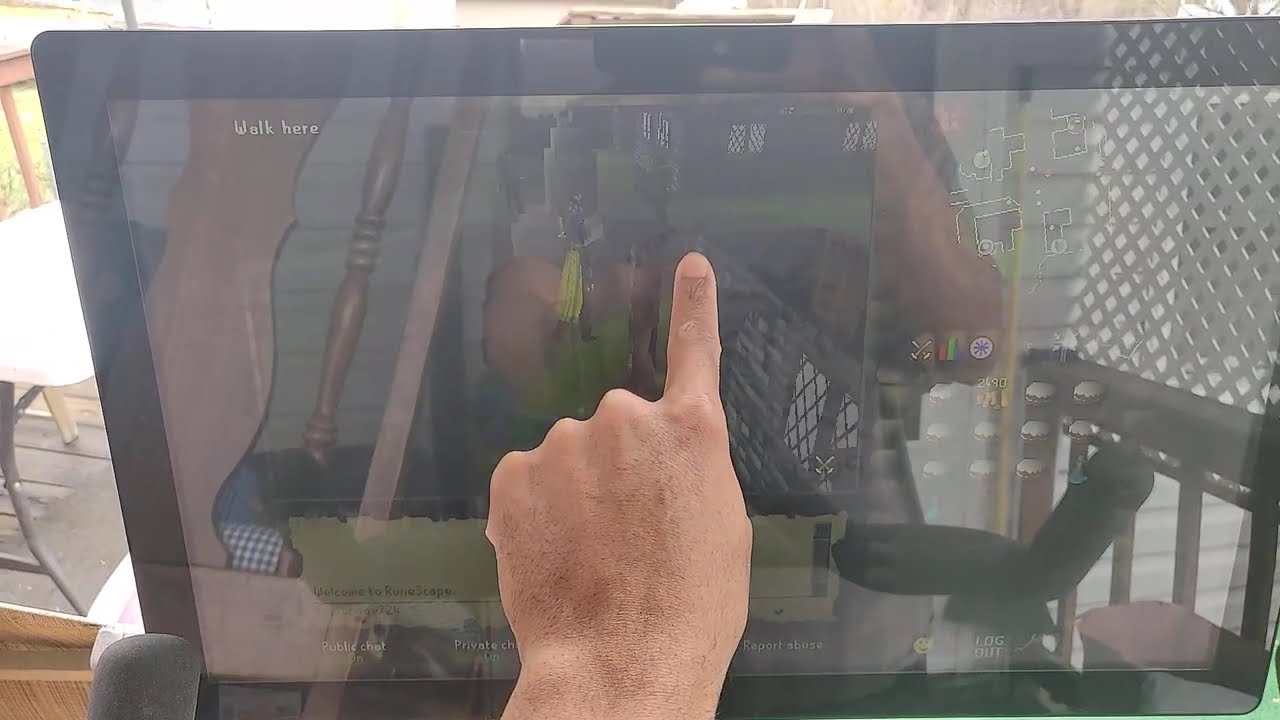
Also runs on a Peloton bike with on-screen bike stats!
Latest arm64 Firefox and F-Droid Fennec sideload no-problem, and bike stats overlay via grupetto.

Also on official/Live 2004Scape servers:
is there anything about editing save info? trying to give myself admin rights and looking into commands. or could you point me in the direction i can get this info. thanks!
Works at 35,000 ft in Airplane Mode 

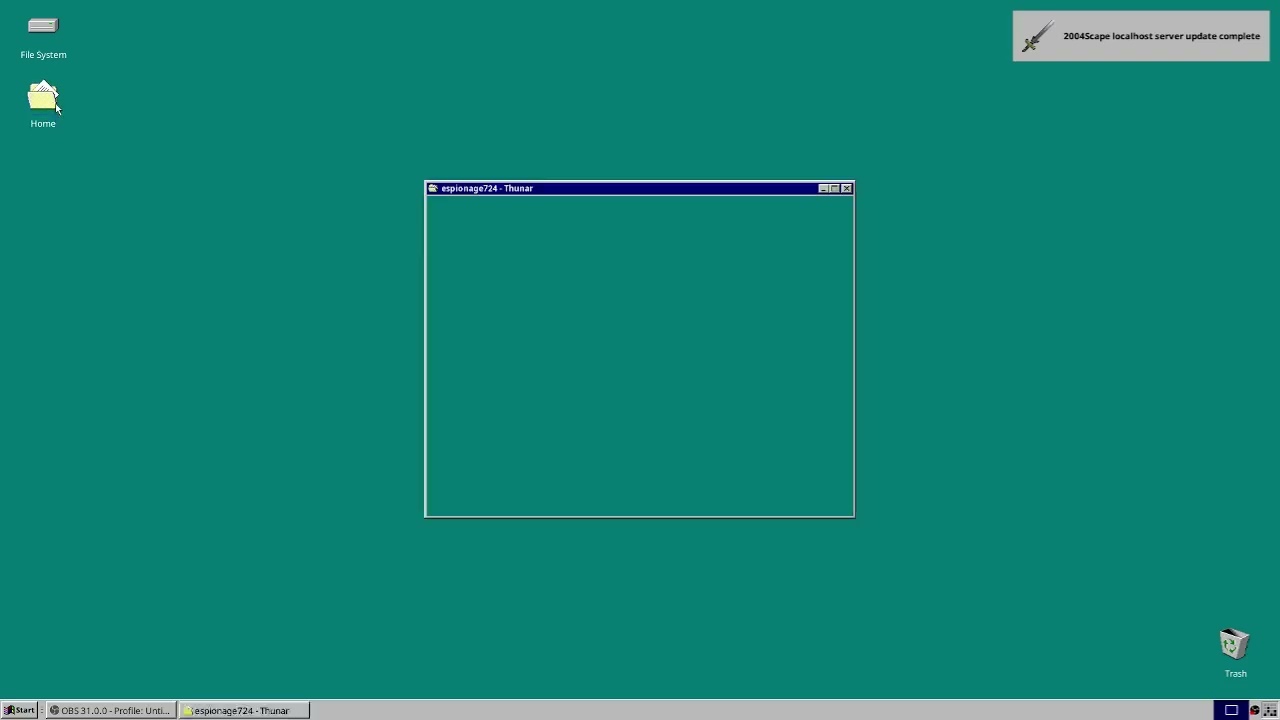
FreeBSD video:
Updated Linux notes!
- Now Ubuntu with
gnome-terminal - Notifications named
2004Scapeinstead of genericnotify-send - Symlink for
TimGM6mbSoundFont (info, other SFs)

Updated Linux notes!
- Debian 12.10 (Xfce with
xfce4-terminal) - Java 17 (
openjdk-17-jre-headless) - Latest Node.JS used from upstream (new
PATH=$PWD:$PATHand--prefixusage)
And symlink tests for Windows for the SoundFont (SC55_zzdenis sounds good)
General Windows and Linux notes updates!
Linux:
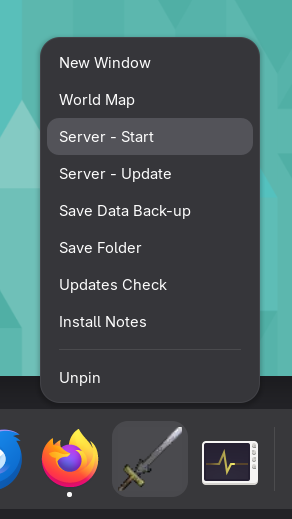
- Now openSUSE Tumbleweed + GNOME (
kgxTerminal) gnome-terminal,konsole,ptyxis, andxfce4-terminaldrop-ins- Fluid GM SoundFont (easy to switch
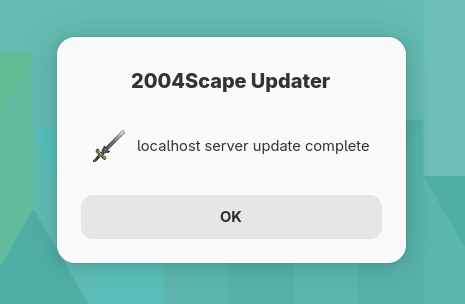
.sf2/distros like TimGM6mb/Debian) zenityfor notifications (previous was genericnotify-send)
Windows:
- Windows had similar update/save notifications with
MSG - Microsoft Edge standalone launches on main notes with a new one through
msedge_proxy.exe - TimGM6mb SoundFont used on Windows (
SC55_zzdeniswas 200MB+ and increased browser RAM usage significantly)
WebKitGTK has a MiniBrowser that works nicely to have 2004Scape standalone, and it supports native Wayland!

Works Live too:
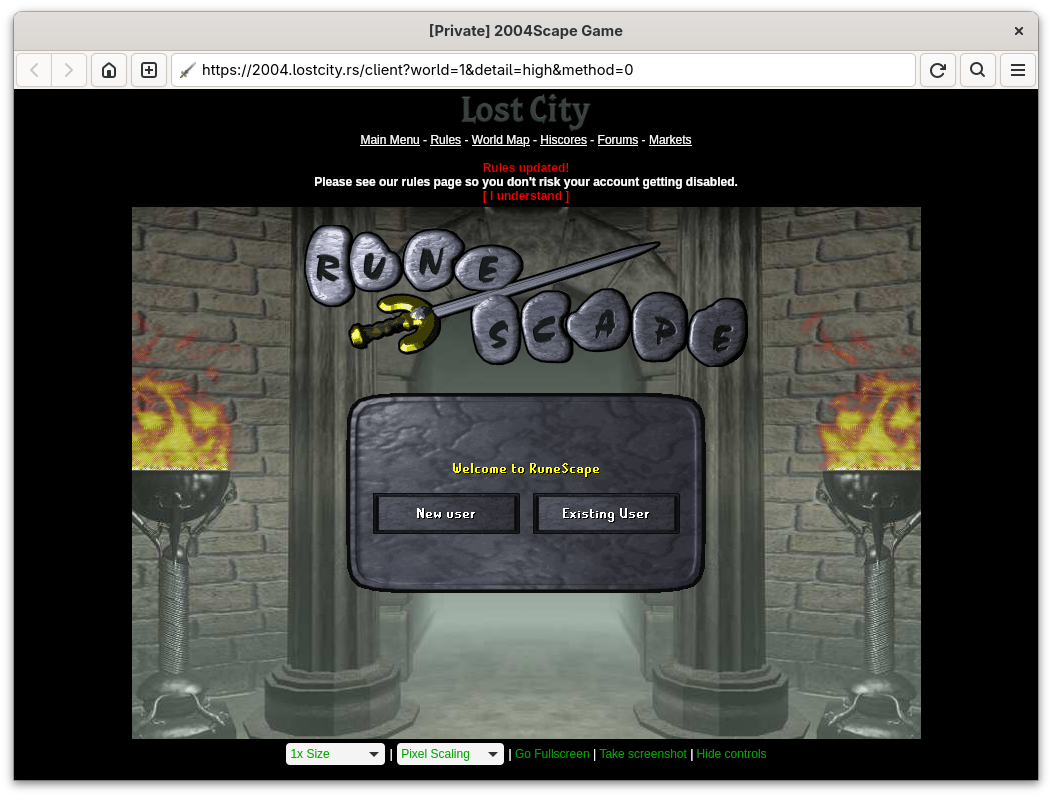
On openSUSE MiniBrowser is provided by webkit2gtk4-minibrowser package (there’s gtk3/etc versions)
I launch with:
'/usr/libexec/libwebkitgtk-6_0-0/MiniBrowser' --autoplay-policy 'allow' --private --features='-PreferPageRenderingUpdatesNear60FPS' 'http://localhost:8888/rs2.cgi'
I’m not sure if PreferPageRenderingUpdatesNear60FPS is needed (I still get 70+ on vsynctester), but apparently there was a thing on iOS with iPhones and 120Hz screens where Safari would lock to 60Hz unless that setting was disabled.
Updated Windows notes!
- Updater script now firewall blocks incoming by-default
SC55_zzdenisSoundFont back (others had subtle pops in music)- Edge standalone connection drops resolved with tweaks
- New updater script tailored for LAN play:
LAN Opener 
- Removes custom SoundFont (low-end devices don’t handle large SFs)
- Deletes default firewall block rule
- Creates new firewall rule that allows LAN access via browser
- Regular updater script resets firewall to block all (and can include a SF
MKLINK)
Enjoy high-quality music on PC, run a quick shortcut for LAN, and play on another device like a Peloton bike
zzg 14
This is very impressive, keep up the good work!
Windows notes now uses msedge_proxy by-default for the client shortcuts!
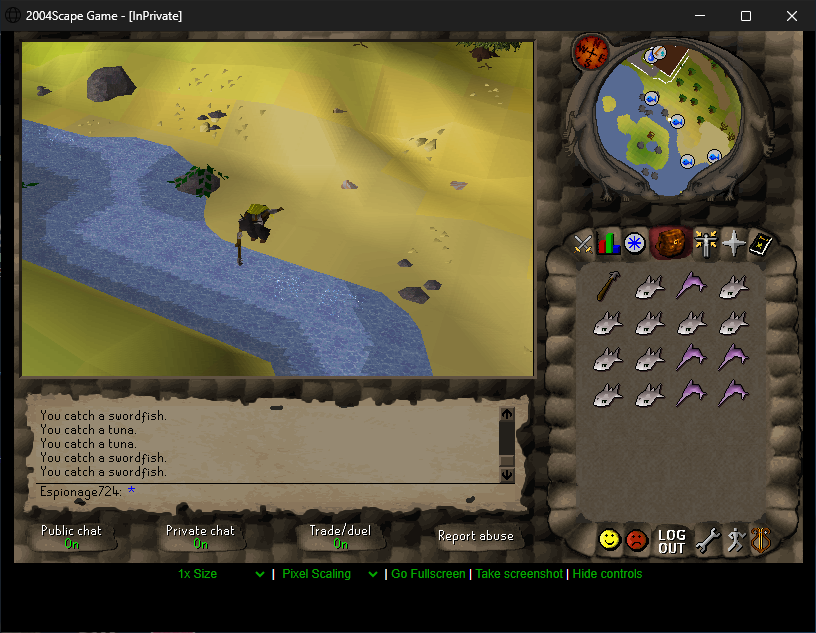
"%ProgramFiles(x86)%\Microsoft\Edge\Application\msedge_proxy.exe" --proxy-server="localhost:80" --kiosk --edge-kiosk-type="public-browsing" --new-window --window-size="830,640" --app="http://localhost:80/rs2.cgi"
It works good Live too:
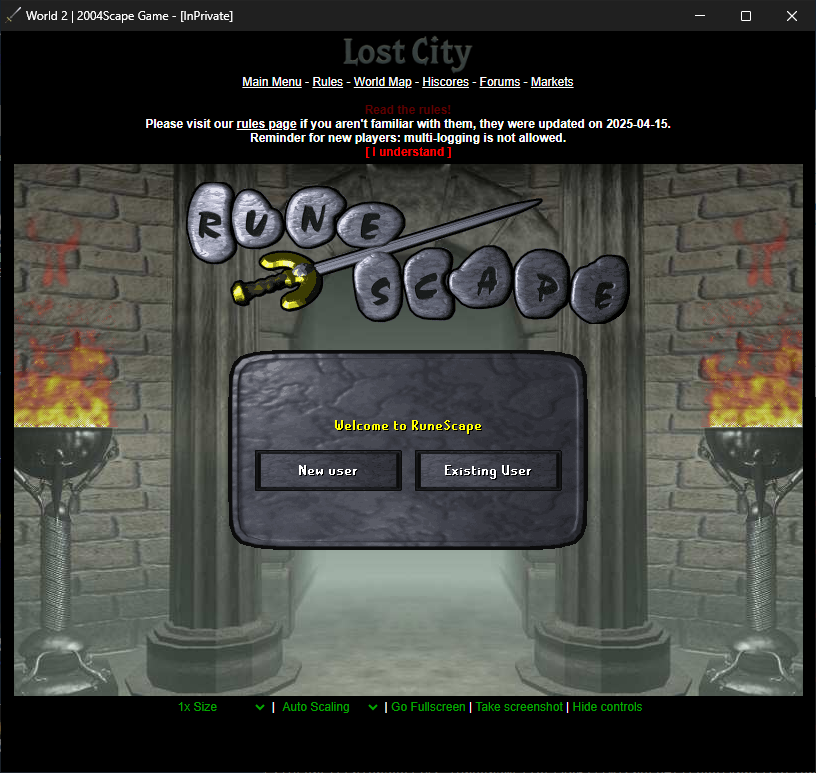
World 2:
"%ProgramFiles(x86)%\Microsoft\Edge\Application\msedge_proxy.exe" --kiosk --edge-kiosk-type="public-browsing" --new-window --window-size="830,780" --app="https://2004.lostcity.rs/client?world=2&detail=high&method=0"
This is really cool, thanks for the hard work! I should really get a local instance running so I can play around with the code a bit, seems like fun!
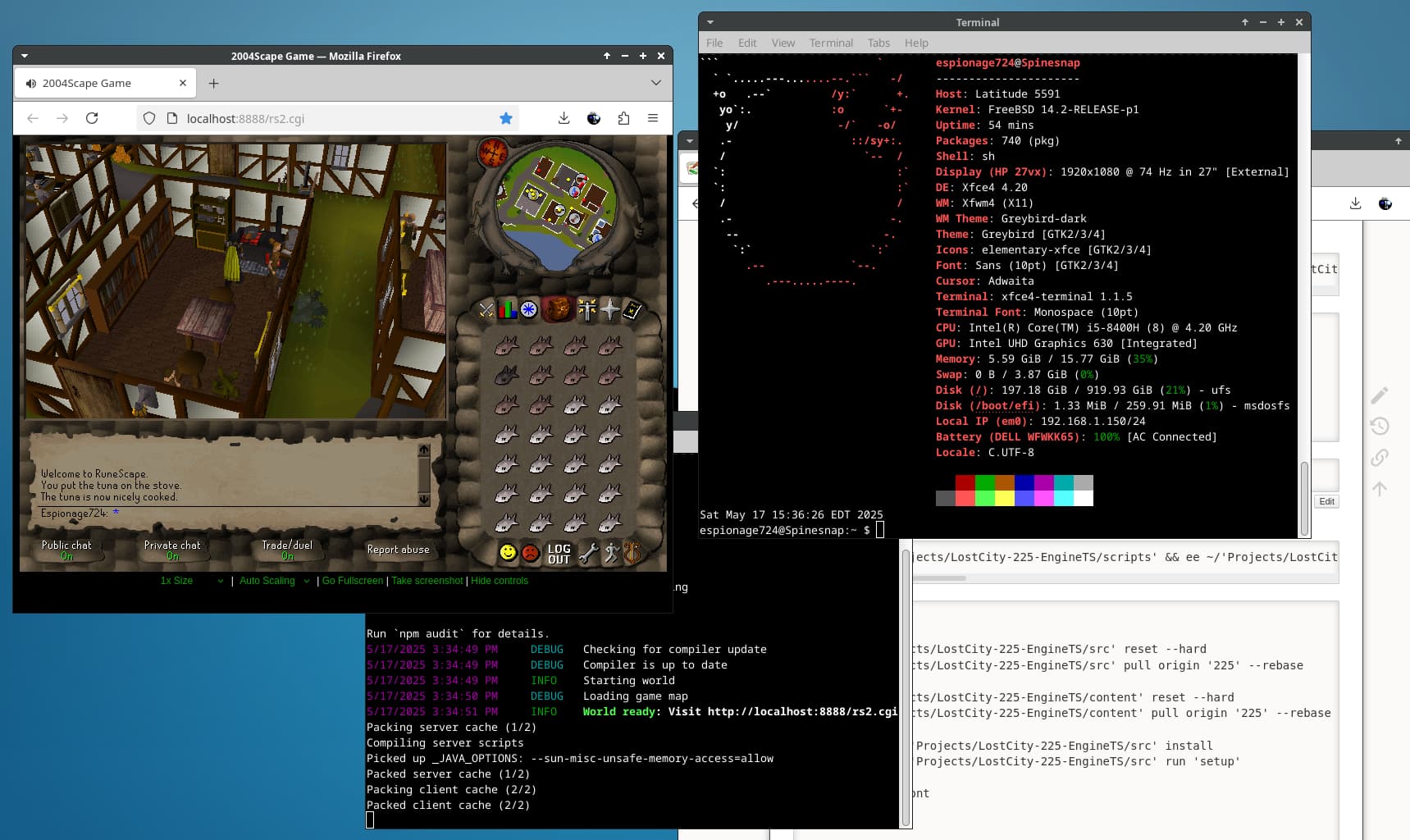
Updated FreeBSD notes!
- Java 24 and Node.js 23
- Switched to new Engine-TS and Content repos
painting2.png used for icons/notifications(back to oldfavicon.ico)SC55_zzdenisSoundFont- FreeBSD notes locked to last Node.js/
npmsupported commit (no Bun support)

Other:
- Linux notes still use the old
2004Scaperepo - Brief testing shows Windows 7 likely isn’t compatible (Node + security algos)
Do you have a way to launch this on an android phone? Would love to be playing rs offline on plane flights and such!
Not quite; last year I tried Termux but ran into something with Node dependencies (was before tsx stuff so might be different nowadays).
I’ve heard Google Pixels got a native Android terminal around March 2025 that apparently has a Debian environment. I have notes for Debian 12 that might work as a base and it might also work for Chromebook’s Linux environment.
Winlator might also work (it booted World of Warcraft 3.3.5 ). 2004Scape server worked through Wine with Node on FreeBSD in the past (pre-tsx).
I also have a small router box that could theoretically run a server with Linux config (Node.JS exists on OpenWRT).
Bun may run under Termux; I’ll likely try something eventually
Updated Windows notes!
- Switched to new Engine-TS and Content repos
bun.exeused now (previously Node.js/npm)- Auto-fill login with
sedscript via Git’ssh.exe(notes) .envfile works easy withbun --env-file=localhost.env(notes)- Firewall rules and LAN opener removed for now (
bun.exeuses random dir intempand looks odd to try to firewallnode.exe)
Save back-up batch is tuned for my NAS share for even quicker backups That and the sed auto-fill log-in makes for even easier convenience!
Having sh.exe and bash.exe from Git will make future scripting more interesting  (like 2009Scape)
Collin 21
I am poking in to see the crazy showcase of “Where will he play 2004scape next”
 Peloton Bike
Airplane
Where next? 
zzg 22
What about a Peloton Bike on an airplane?