Seek to:00:00 /
We’re excited to share the next major step in Linear’s evolution. For the vision behind Linear Agent, read the letter from our CEO, Karri.
As execution accelerates, the bottleneck in product development shifts toward judgment: deciding exactly what to build and where your team’s time, attention, and tokens are best spent.
Your workspace already contains much of the context needed to drive good product decisions, but getting to it means reading through threads, combing the backlog, reviewing customer requests, and piecing together what’s relevant.
Linear Agent brings all of that context within reach.
Built directly into Linear, and accessible everywhere, Linear Agent understands your roadmap, issues, and code. It can help you synthesize context, make recommendations, and take action.
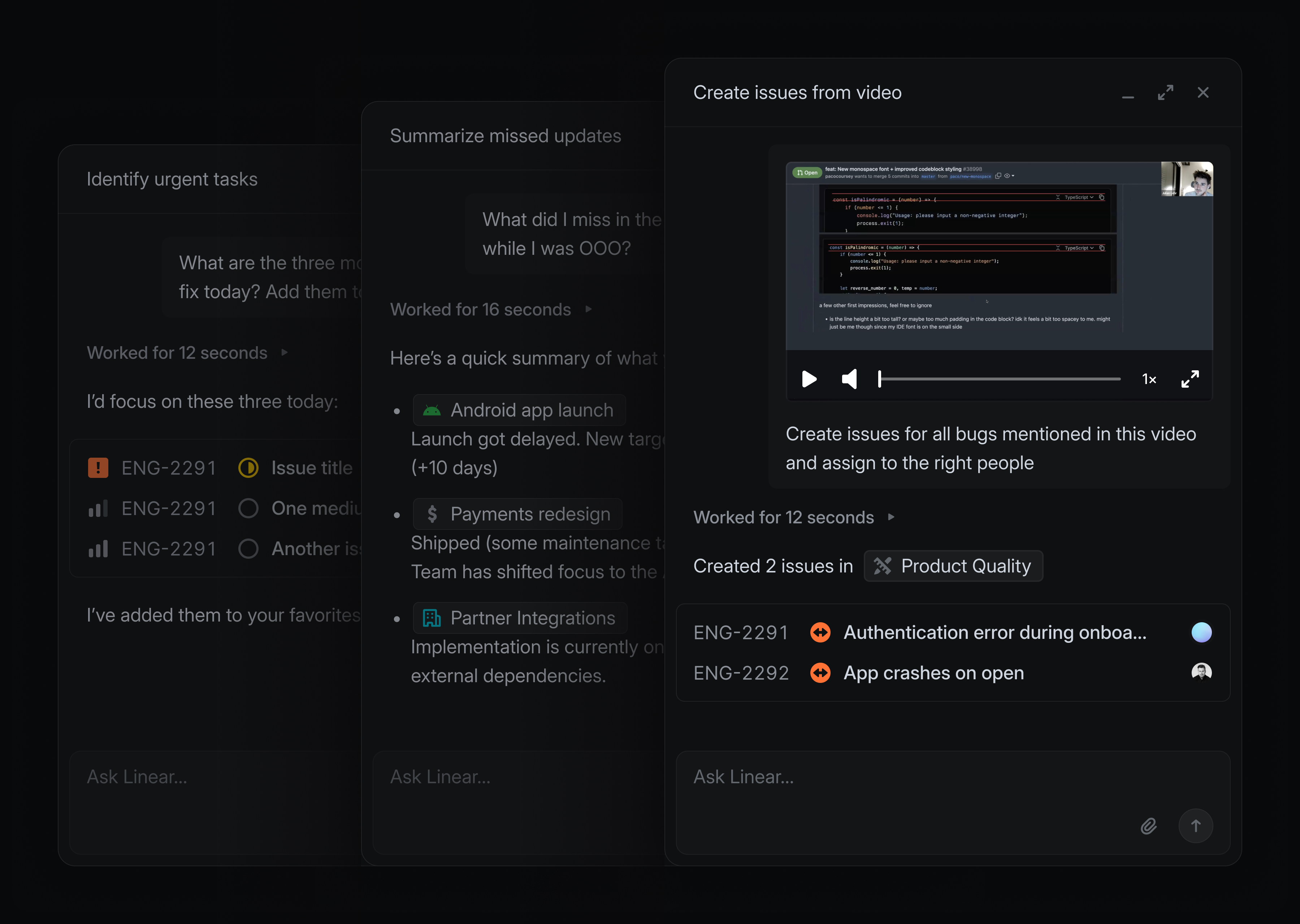
For example, when starting a new project, instead of manually researching past feature requests, you can ask Linear to find related issues, group them by relevance, and pull the right ones in. From there, ask it to extract common requirements across customer requests and scope out a starting point for your spec — all in a few minutes.
Linear Agent is powered by frontier language models and fully grounded in the context of your workspace. Use it to supercharge your everyday workflows:
- In Slack, send: “@Linear Make issues based on the discussion here and assign them to me”
- When writing a project update, tell it: “I’m writing an update for this project. What’s changed recently, and what should I include?”
- When planning your next cycle: “Read this backlog and pull out repeated themes that we can prioritize”
- When you come back from time off and need to know what’s going on: “Is anything at risk or falling behind that I should be aware of?”
Linear Agent works with you wherever you are. Open a chat from the bottom-right of the desktop app (shortcut Cmd/Ctrl + J) or the mobile app, or mention @Linear in any comment or reply. It’s also available in Slack and Microsoft Teams.
Skills and Automations
As you use Linear Agent, you’ll find workflows worth repeating. When a conversation gets you to a good result, you can ask Linear to save it as a reusable skill. This is especially useful for recurring workflows, like catching up on projects or drafting issues from meeting notes. Run a skill from the skills menu in any chat or with a slash command. Linear will also automatically use skills when it thinks they are applicable.
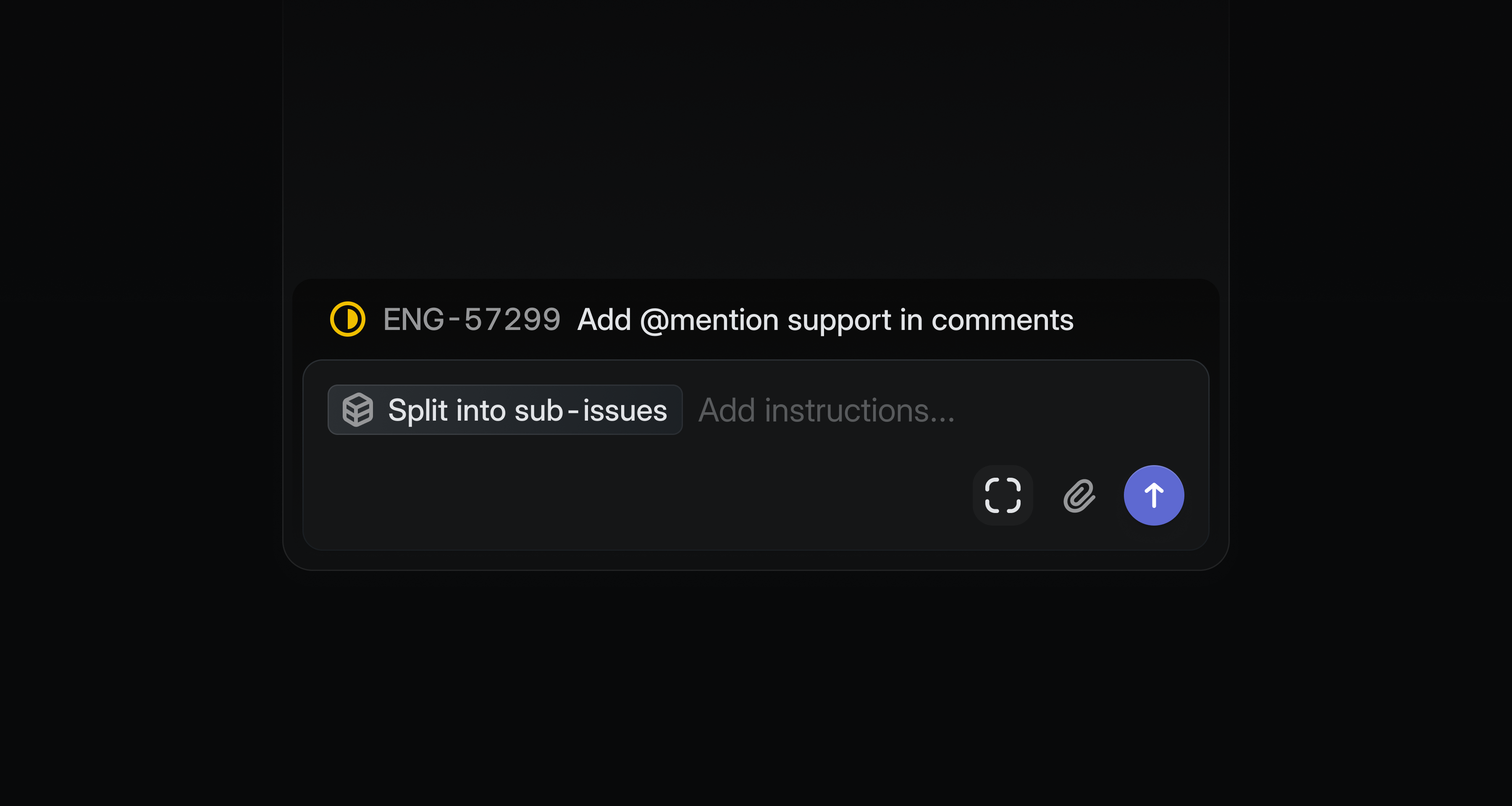
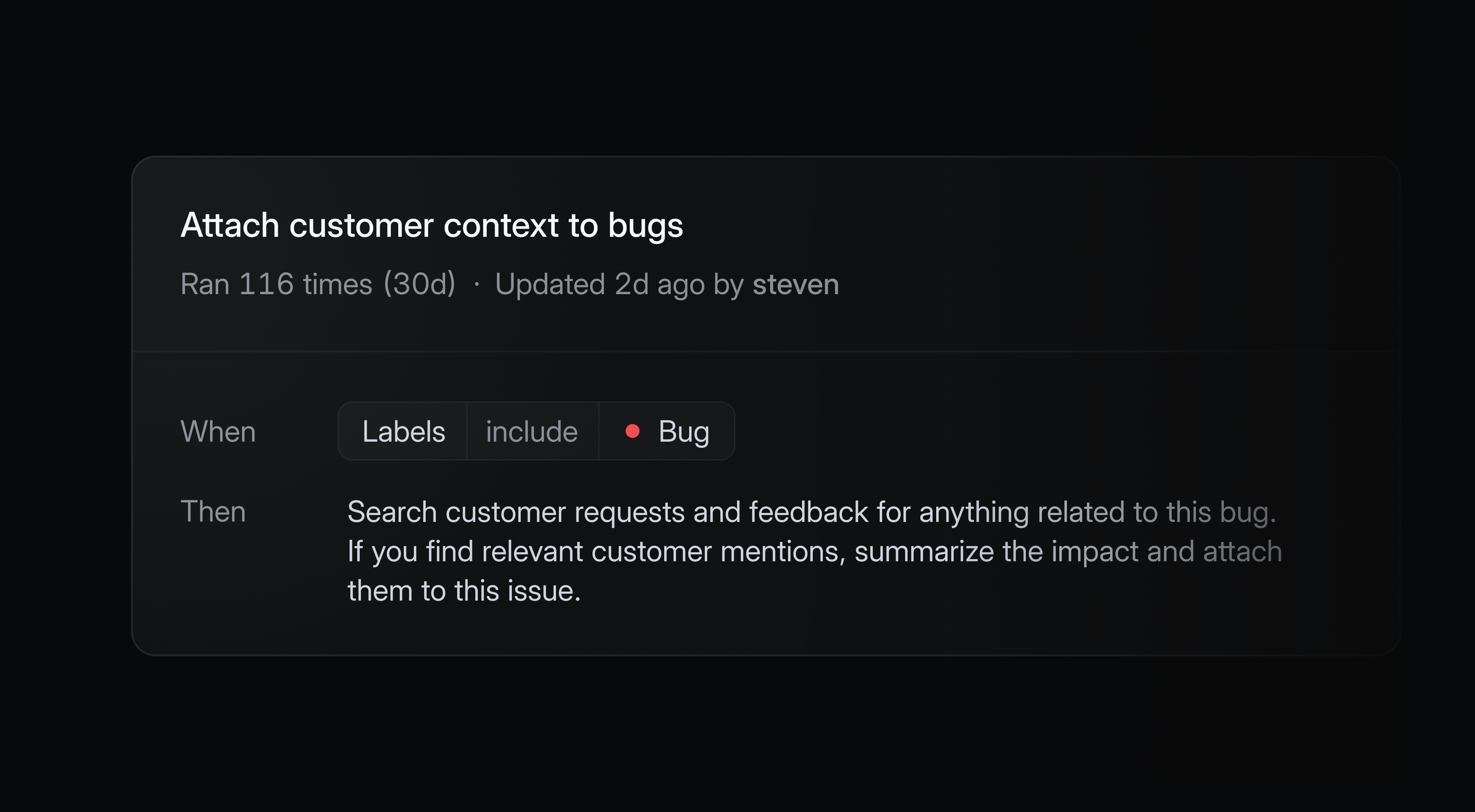
You can also trigger agent workflows automatically when issues enter triage. Every new issue adds context to your workspace, and Linear can intelligently help you refine, synthesize, or act on it.
Automations are available on Business and Enterprise plans.
Code Intelligence (coming soon)
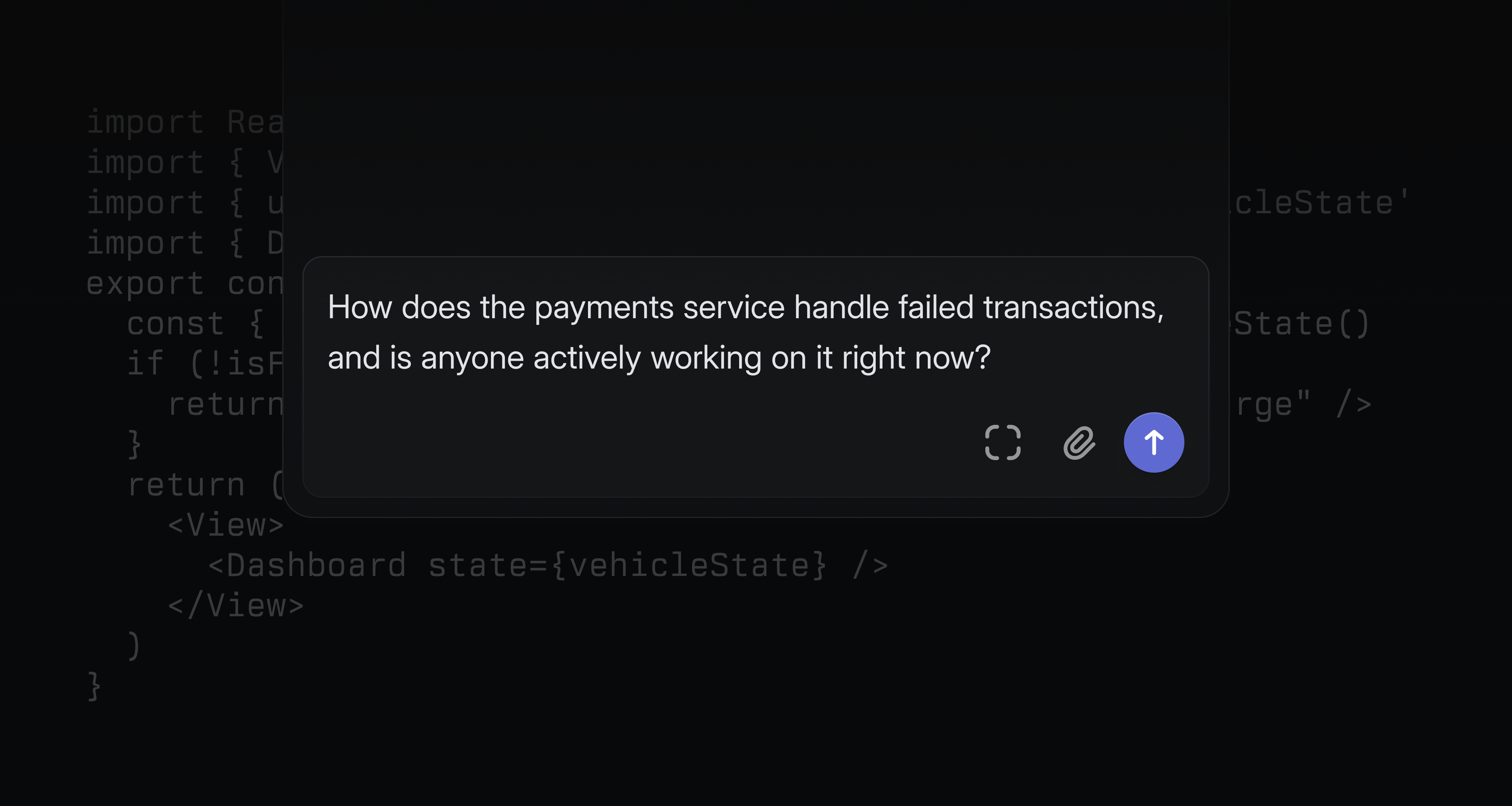
We’re also announcing Code Intelligence, a capability that extends Linear Agent’s understanding to your codebase. Once enabled, it supports code-aware tasks like diagnosing app functionality and designing technical specifications.
Non-technical teammates can ask questions they’d normally have to track down an engineer to answer — how a feature works, who owns a system, what recently changed — and get a reliable response.
Code Intelligence is coming soon to Business and Enterprise plans.
Availability and pricing
Linear Agent is now available in public beta for all teams. Agent and Skills are included on all Linear plans. Automations and Code Intelligence are available on Business and Enterprise.
During the beta period, all features are available at no additional cost as we refine and expand the product.
At general availability, we expect chat functionality — in-app, in comments, Slack, and Microsoft Teams — to remain included in the base seat price. High-volume compute capabilities like Automations and Code Intelligence may move to usage-based pricing beyond a certain threshold.
We’ll provide clear advance notice before any pricing changes take effect. Reach out if you have any questions.
Asks
Slack channel mentions in form submissions now display the channel name with a link (instead of ID)Documents
Added hover tooltips showing user names in multi-user version historyEditor
Added a command to change displayed properties (milestones, projects, etc.)Editor
Added syntax highlighting for ReScript (.res, .resi) filesEditor
Milestones now appear in the @-mention menu when writing project updatesEditor
Improved text selection when mentions are at the start and end of linesOAuth
Clarified webhook warning to indicate reauthorization is required for existing installationsProjects
AddedDescriptionfield to display options forProjectslist viewsSettings
Added search to the timezone selector in team settingsTriage Rules
Added support for removing an issue’s assignee
Cycles
Fixed right side overflow in cycle detail viewCycles
Fixed cycle tabs only showing the team name instead of the cycle nameExports
Fixed Google Sheets exports failing when spreadsheets exceed size limits; exports are now disabled with notification and can be re-enabled with a fresh sheetGitHub
Fixed issue attachment links not updating after repository renamesImporters
Fixed projects imported from Shortcut epics being incorrectly archived across shared teamsInitiatives
Fixed manual sort order not persisting when reordering sub-initiatives in custom initiative viewsiOS
Fixed date mentions using incorrect time zoneiOS
Fixed initiative reminder notifications opening an unsupported page instead of the update composerIssues
Restored the copy branch name button in the post-creation toastIssues
Fixed blank description and activity feed during initial loadIssues
Fixed project property from templates not applying via template URLsMilestones
Fixed Slack notifications no longer showing progress percentage for removed milestonesNotifications
Fixed view subscription notifications for due date window filters so issues now trigger when entering a bounded rangeProjects
Fixed project association being removed when creating issues for teams not yet in the project; now prompts to add the teamSecurity
API keys now persist across suspend/unsuspend cycles (inactive while suspended)Settings
Fixed a bug causing the admin modal to appear empty on first openTriage
Fixed a sporadic 404 when moving issues between teams
- GraphQL subscriptions can now be used with the API
- Added filtering to issue created/updated GraphQL subscriptions
- Added the
Team.parentfield in the public API - Added validation of template
descriptionDataagainst the ProseMirror schema to reject invalid node types
- Added support for pagination in the
list_commentstool viacursor,limit, andorderByparameters - Improved initiatives to now return and accept multiple parent initiatives instead of a single parent
- Use G then X to open the team archive
- Cmd/Ctrl J now opens Linear Agent