OpenAI Codex users can now delegate issues directly to the Codex agent without leaving Linear.
Codex can answer questions about your codebase, fix bugs, or take a first pass at issues in your Triage queue. Assign issues to the Codex agent, and it will use the full issue context, automatically choose the right repo, and start working on a solution.
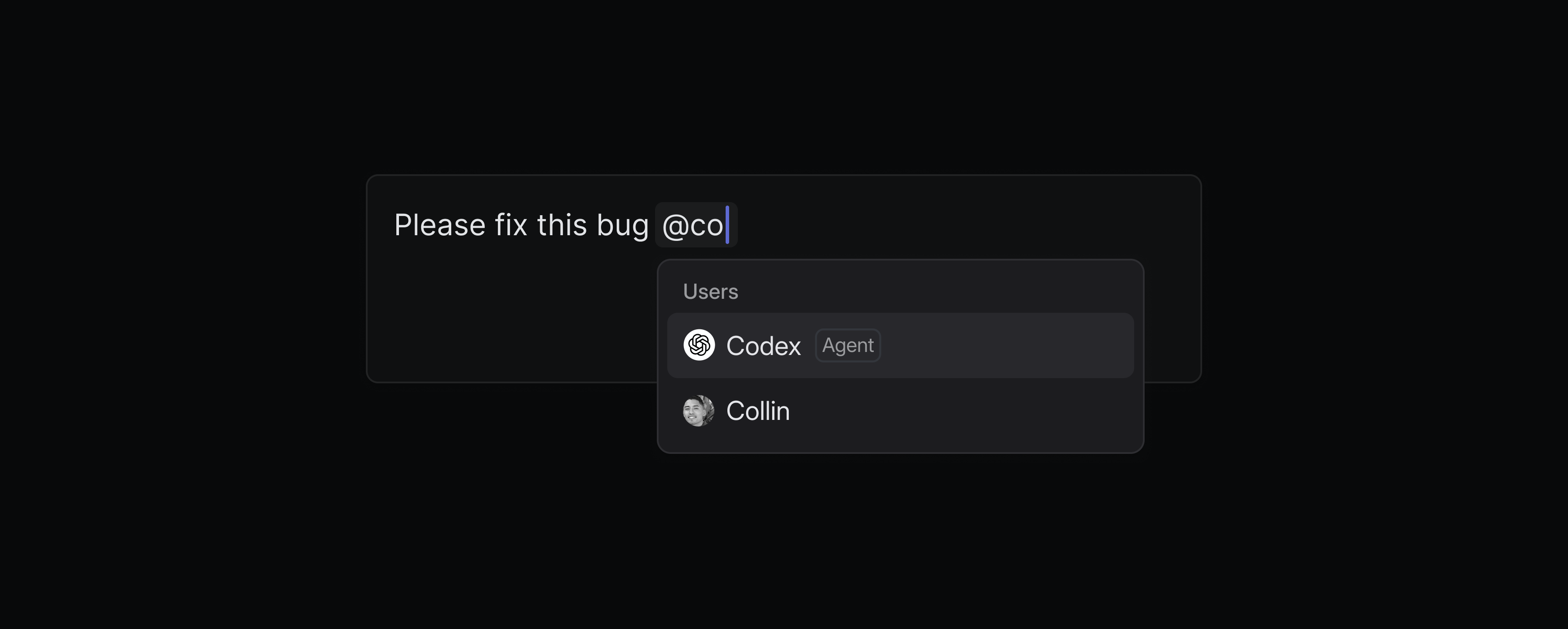
Engineers can fully delegate well-defined issues to Codex, so they can stay focused on more complex projects. Follow Codex’s reasoning as it works on the issue or just review the summary when the task finishes. When you’re ready, open the Codex task on web to review the code changes and turn them into a PR.
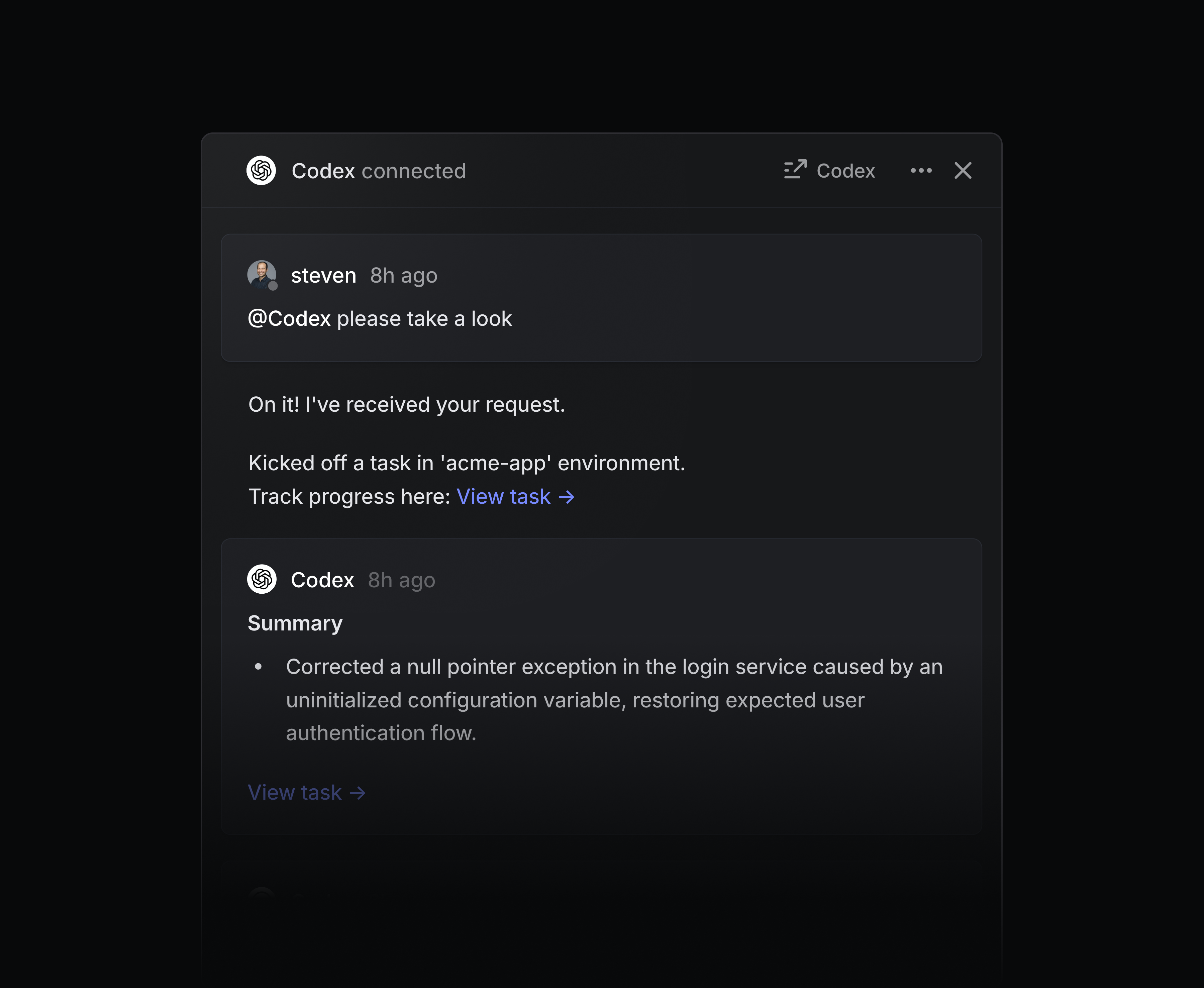
Codex gives every team engineering-level help — without consuming actual engineering time. Support teams can ask Codex to explain how the code works when triaging bug reports. PMs and designers can use Codex to prototype new ideas, or even handle small coding tasks like updating copy or fixing UI issues.
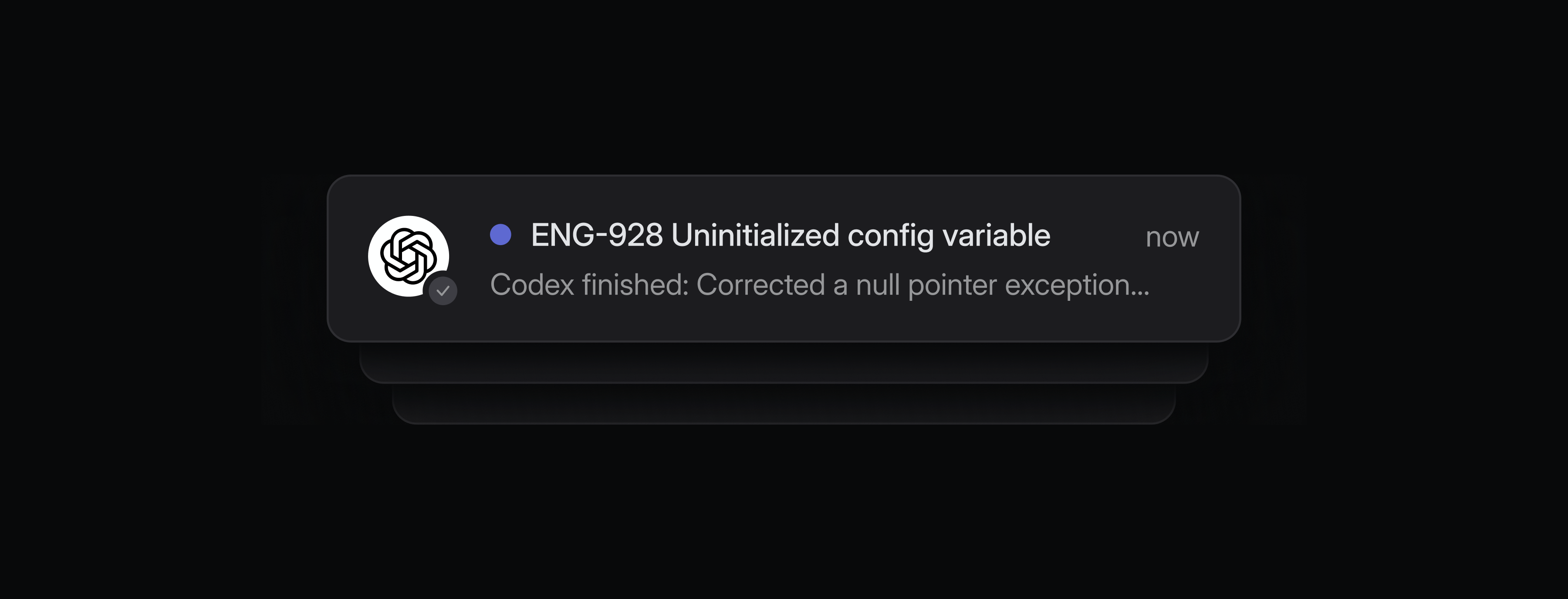
You can assign multiple issues to Codex and it will work on them in parallel. You’ll receive inbox notifications when Codex needs your input or when work is ready for review.
To get started, add the Codex agent to your Linear workspace. You’ll be asked to connect your ChatGPT account when you delegate an issue to Codex for the first time. You must be on a ChatGPT paid plan and connect your Github account to use Codex. Learn more in our docs.
Workspace owners
Enterprise plans now have a new Workspace owner role, the highest permission level in Linear. Workspace owners have exclusive control over billing, security settings, OAuth app management, audit logs, and workspace exports. This change enables admins to continue to handle everyday management needs while limiting who has access to the most sensitive settings in your Linear workspace. Learn more in the docs.
Initiatives in Google Sheets
Linear’s Google Sheets integration can now sync initiatives in addition to projects and issues. Initiatives sync to their own dedicated Google Sheet with properties including owner, teams, description, health, and target dates.
Use this sheet to power external analysis and workflows for high-level planning. To get started, enable the Linear Google Sheets integration from your Linear workspace settings and toggle on Sync initiatives.
Agents
Archiving an agent’s only session on an issue will remove that agent as delegatedAgents
Links to agent sessions now unfurl properly in SlackArchive
Improved the visibility of a toast with the project/initiative link when restoring them from the archiveAsks
Improved notifications to the Slack channel when you turn on auto-creation of Asks on new messages for the channelCommand Menu
Refined keywords for “View workspace owners” and “View workspace admins” actionsCustomer requests
Improved styling of synced and sync source badges on customer requestsEditor
Improved inline comments made on diagram code to be shown when the diagram is in preview modeiOS
Added support for mentioning issues, projects, documents, and initiativesiOS
Added indicator for new posts in PulseMy Issues
Made it clearer that board view cannot be used when in focus groupingPR Automation
Merging a revert PR of a revert PR now marks the issue as completedPull Requests
Improved visibility of pull requests in the Recently viewed menuPulse
Project and initiative updates now use kebab-case in their URL hashesRecurring Issues
Recurring issues are now auto-assigned to cycles based on their due dateSettings
The label creation button is no longer disabled when filteringTeams
Improved team settings changes so that only members of public teams can now change settings unless they are also a workspace admin or ownerTime-based Insights
Opening an issue from a time-based insight graph while holding Command/Control will open it in a new tab
Agents
Fixed the agent session event webhooks payload stripping image attachmentsArchive
Checked boxes are now visible for archived projects and initiatives listsArchive
Open in ... actions now work for archived itemsArchive
We no longer show the New update action for archived projects and initiativesAsks
Users no longer see private Slack channels that they aren’t members of in Asks settings in their Linear workspaceCommand Menu
Fixed typing in IME mode (e.g., Chinese/Japanese) incorrectly invoking actions mid-compositionComments
Fixed broken layout on small screens when creating a sub-issue from a commentCustomer Requests
Fixed a lag in the customer dropdown where the Create new customer action label would fall behind while typingDashboards
Fixed an issue where the Hide None toggle did not work when segmenting by label groupsEditor
Pasting content copied from a numbered or ordered list into a todo list preserves the todo list’s checkboxEditor
You can now insert an empty line between blocks like images by pressing up or down when the block is selectedFigma Plugin
Fixed the Figma plugin to now surface all teams, not just the first 150 teamsFilters
Fixed a bug where choosing the current date in any date filter showed 0 seconds agoFilters
Fixed misalignment of some initiative filters when searching for filter optionsGitHub integration
We now reconnect pull requests to the GitHub integration if they get stuck updatingGitHub integration
Fixed an incorrect error message that sometimes showed that a reconnect was needed after reconnecting the GitHub integrationInbox
Fixed an issue where dropdown menus in the project update schedule configuration appearing behind other elementsInitiatives
Fixed the initiative list rows jumping a few pixels when collapsingInline Comments
Fixed the inline comments panel flickering and losing focus when new comments are addedInline Comments
Fixed a bug causing inline comments to disappear when editing and dropping a file into the editorIssues
Fixed the undo action for removing a specific label from an issueIssues
Middle clicking on a PR badge in issue lists now opens the PR in a new tab as expectedIssues
Fixed issue titles overlapping triage actionsLabels
Fixed label colors not updating immediately in settings when changing a label group’s colorList
Fixed dragging issues to empty groups not working correctly with manual orderingNotifications
Fixed an issue causing the Mark all notifications as read action to work unreliablyProjects
Fixed initiatives not being properly cleared when removing a template during project creationProjects
Fixed project group headers grouped by lead to respect user name display preferencesSettings
Fixed an issue where multiple dropdowns were being open at once in triage automation settingsSettings
Fixed branch-specific rules three-dot menu not opening, preventing editing or deleting branch rulesSlack
Disconnecting and reconnecting the Slack integration now correctly updates the enablement date for the integration on the integration settings pageSubscriptions
Fixed correctly subscribing or unsubscribing from issues and all comment threads when selecting or deselecting a user in the issue activity headerTeam membership
Guests can no longer be set as owners of private teamsTeams
Fixed an error that prevented viewing and recovering recently deleted teams in workspace settingsTemplates
Fixed keyboard navigation in the issue template mode selection modalTooltips
The positions of tooltips across the app are now more consistentUI
Fixed emojis in the emoji picker rendering darker on desktopUI
Fixed an issue showing “Linear” as the assignee on narrow screensViews
Fixed an issue where view and display options could not be reset for state-based viewsViews
Fixed an issue where view descriptions generated for initiative filters showed initiative IDs instead of initiative namesWebhooks
Fixed a bug where if an app user was added to a team that was later changed to private, webhooks for that private team’s data wouldn’t fire (for agents, they would never respond).
Authentication
issueUpdateis now allowed with theissues:createscopeCustom Views
TheincludeSubTeamsonupdatesnow works even for custom views with no team ID definedIssue
We now expose all changes to an issue’s workflow state through theIssue.stateHistoryfieldProjects
Added the ability to create a project from a template via APIWebhooks
Added support forProjectLabelwebhook updates
- It is now possible to copy the issue ID and title together via the Shift Command Option ‘ shortcut, or by holding Option while selecting Copy title from the menus
- You can now use Command/Control C to copy project milestones as a link