Assign issues to Cursor and launch background agents from within Linear.
Seek to:00:00 /
You can now add Cursor as an agent in your workspace. The Cursor agent can work alongside your team to make code changes or answer questions. When an issue is delegated to Cursor, it will use the full issue context to create a plan and start working on an implementation.
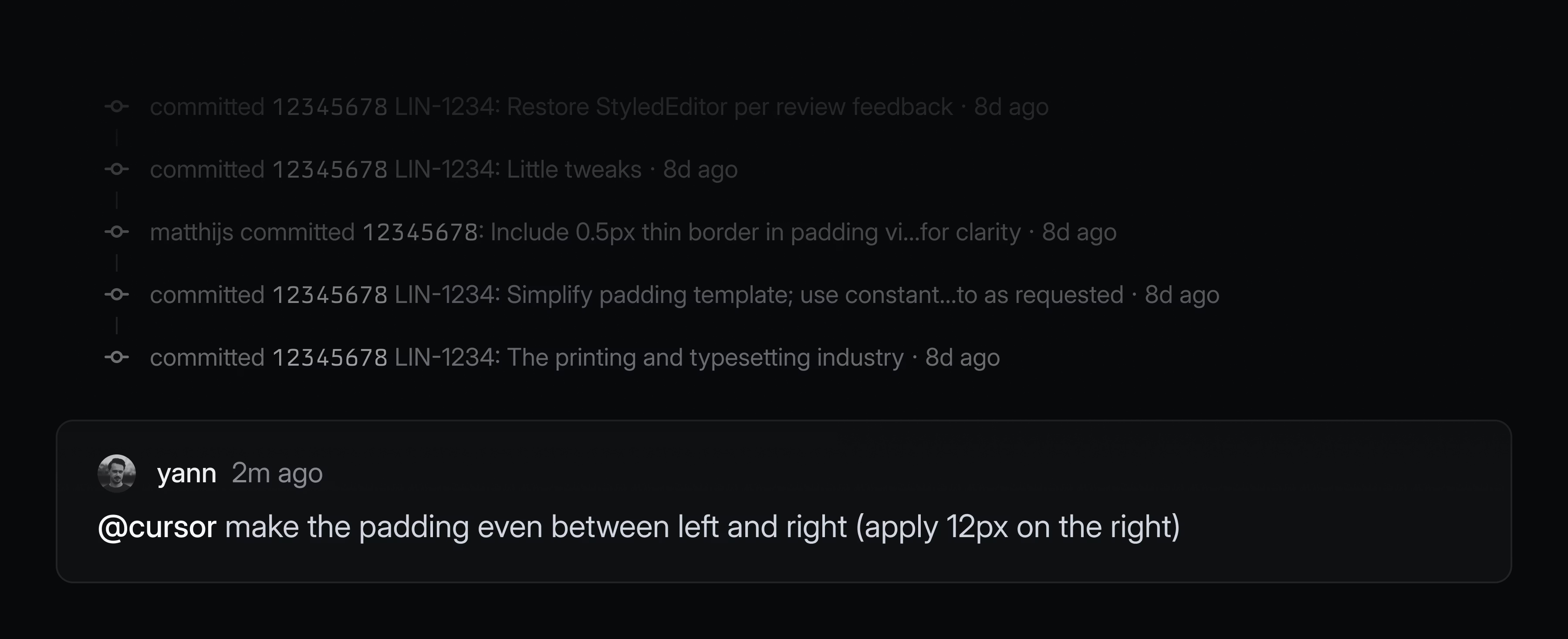
Engineers can fully delegate well-defined issues to Cursor without leaving Linear. Describe the task in plain language and Cursor will automatically create a branch, draft a PR, and notify you when the work is ready for review. If the code changes need further refinement, you can continue prompting by commenting on the issue or take over the work directly in the Cursor app with a seamless handoff.
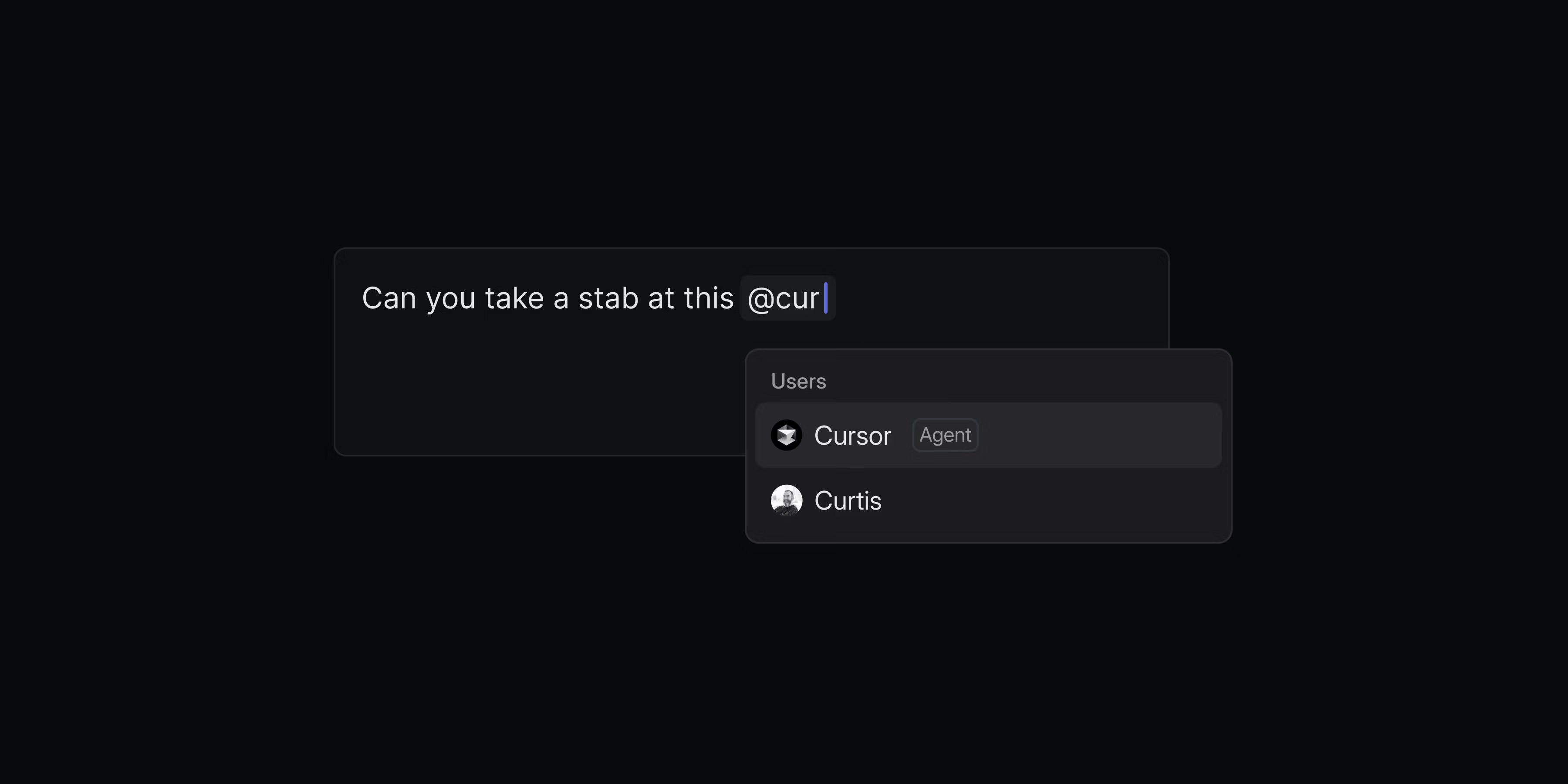
Cursor background agents can be used by your whole team—not just engineers. Team members can directly ask Cursor how the code functions to investigate customer issues, rather than escalate all of those questions to engineering. Designers and PMs can specify quick prototypes to validate new ideas, or even ask the agent to handle small UI fixes, copy updates, or other polishing tasks.
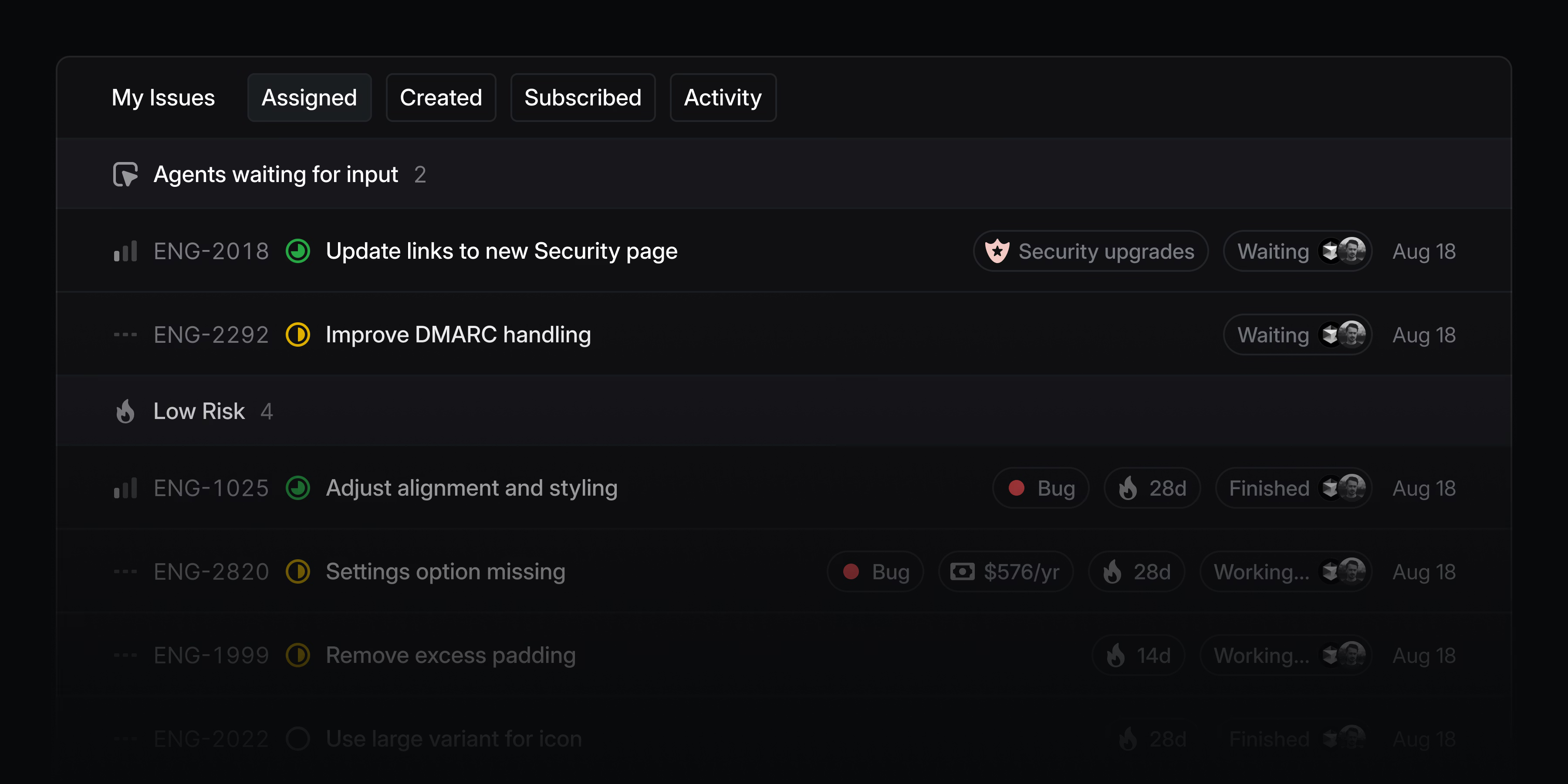
You can monitor all issues delegated to Cursor and other agents from the My Issues view and you’ll be notified when an agent needs your input or when their work is complete.
To add Cursor to your Linear workspace, enable the integration. You’ll be asked to link your individual Cursor account when you delegate an issue to Cursor for the first time. Check out the Cursor documentation to learn more.
Initiative views
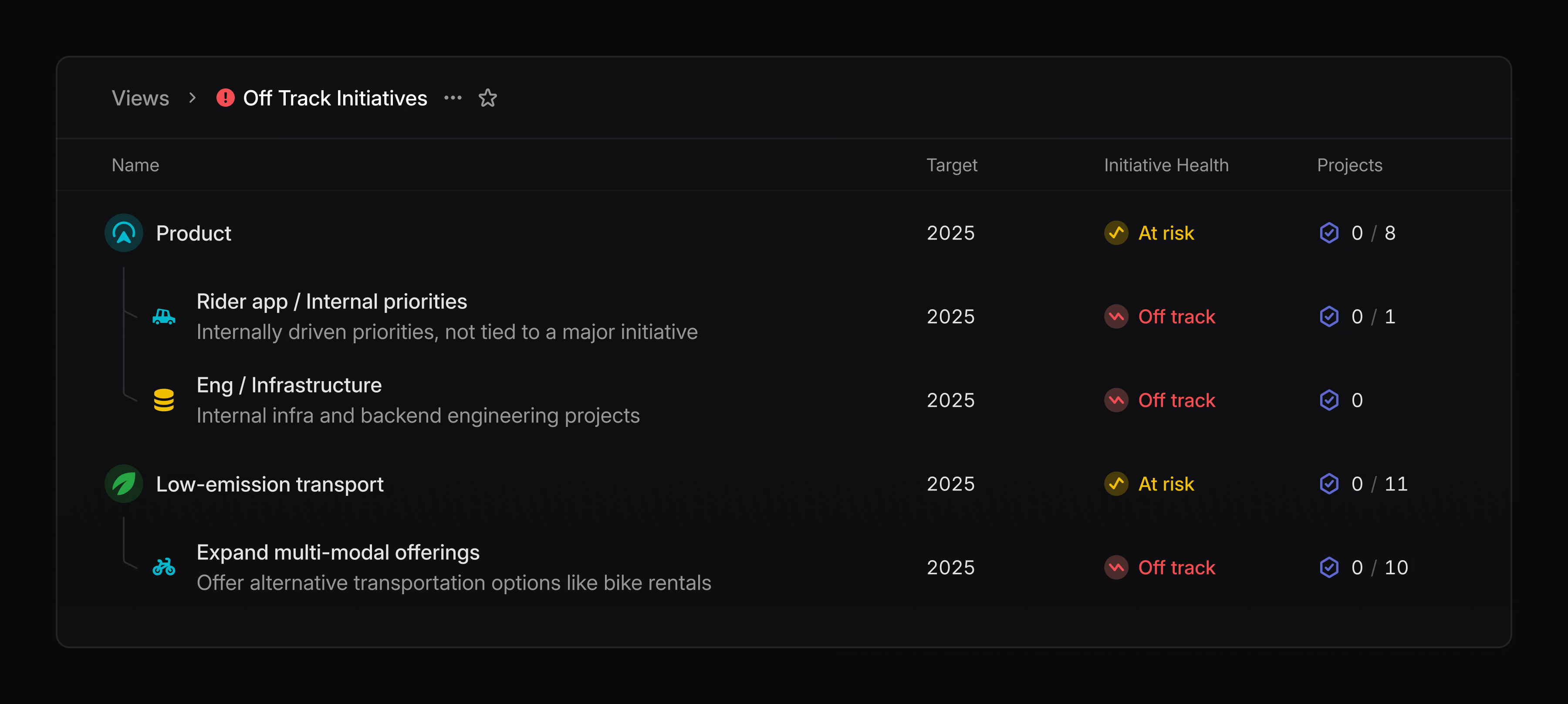
Build curated lists of initiatives that can be shared with the rest of your team. Views can be created by filtering on properties—like owner and teams—or by specifying specific initiatives that you want to include.
Create an initiative view by going to your workspace’s views page or by filtering your initiatives list and saving it as a new view. Initiative views are available on enterprise plans.
Asks
Asks title summarization now respects the original script variant between simplified and traditional ChineseCommand menu
Quick search now allows searching for issues by attached pull request, issue, or other attachmentsCommand Menu
“Copy issue title” now shows up when searching for “name”Customer Requests
It’s now possible to set the ordering direction for the customer requests listCustomer requests
Improved customer request creation from an integration. We now create and find a customer even if it has no domain.Editor
Improved how headings behave around new lines created with Shift EnterGitHub
Reviews from Github bots no longer move issues to a “reviewed” stateGitHub
Reviews and comments by GitHub bots will no longer move reviews to “Todo” for the authorIntegrations
Improved loading performance for integration settings by prefetching OAuth app connection status to remove loading flashesLists
Improved performance when scrolling through listsPerformance
Improved performance when working with a large number of selected issuesTriage rules
You can now add an issue to a project using Triage Rules
Command Menu
Fixed Cmd Shift , copying the project link instead of the document linkComments
Fixed a bug where it was not possible to unsubscribe from an issue after adding a commentCustom Views
Fixed newly created issues not appearing in some custom viewsCycles
Fixed an issue where the “Edit parent cycles” action showed up even when the parent did not have cycles enabledEditor
Fixed cursor positioning when undoing actions in collaborative editorsEditor
Fixed navigating around new lines created using Shift Enter in FirefoxEditor
Prevented pasting placeholder marks into non-template editorsEditor
Fixed exiting a code block with the down arrowFilters
Fixed a bug where the “does not include” initiative filter would not work correctlyGitHub
URLs in comments and reviews imported from GitHub and other external systems will render as if they were inserted in Linear directlyIssue creation
The new issue modal now closes immediately after pressing Esc when there are no unsaved changesMenus
Fixed bottom-left positioned menus animating from the wrong directionPerformance
Reduced rendering time by up to 40% when visiting pages in the application for the first timeProject views
Fixed a bug that prevented users from resetting the health “quick filter” in the sidebarProject Views
Fixed an issue where a new view’s filter would be missing if the current view was in timeline or board modeIssue subscriptions
Fixed bugs where users mentioned in root comments would always get resubscribed to a comment thread when a new child comment was created, and where edits to comments mentioning users would also automatically resubscribe them to the comment thread, even if they had manually unsubscribedViews
Fixed filters flickering on issue views at certain resolutionsViews
Fixed incorrect due date filtering around timezones
- Included issue in response payload for
issueAddLabelandissueRemoveLabel
- You can now undo setting a due date on issues with Cmd Z
- Added peek on the customer’s page so you can quickly preview issues or projects without leaving the page (press space)