Why browser automation got complicated
Browser automation used to be a pretty clear category. You wrote a script with Playwright, Selenium, or Puppeteer. The script opened a browser, clicked through a flow, and did the same thing every time you ran it.
AI agents made this more confusing. There are now a lot more tools that involve both browsers and models, but they do very different things. One might help a developer write a script, while another might run a browser in the cloud or let an agent decide what to click next.
This post is my attempt to map the landscape. Not every category is clean. A few tools overlap. But the map is still helpful because it tells you what kind of problem each tool is actually trying to solve.
Quick map
| Category | Examples | What it does | Best for | Main tradeoff |
| Browser automation frameworks | Playwright, Selenium, Stagehand, UiPath | You write RPA code that controls the browser directly. | Known workflows where you want deterministic code. | Powerful, but painful to author and maintain. |
| Browser tools for coding agents | Agent Browser, Playwright MCP | Give coding agents browser context and browser controls. | Local development, debugging, and testing. | Great feedback loop, but not production automation by itself. |
| Agentic browsers | ChatGPT Atlas, Comet, Dia | Put an AI assistant inside the browser you use directly. | Reading, summarizing, and acting across pages while a person is present. | Useful for interactive work, but not a durable automation surface. |
| Full browser agents | Browser Use, Operator, Claude computer use | Let an agent decide browser actions at runtime. | One-off or changing workflows where flexibility matters. | Slow, expensive, and harder to audit than a script. |
| Browser cloud infra providers | Browserbase, Kernel, Steel | Host browser sessions and production browser infrastructure. | Scale, persistence, proxies, recordings, and managed sessions. | Often paid service - but worth it if this is for your business. |
| Agent-assisted automation tools | Libretto | Turn browser exploration into durable, maintainable automation. | Repeated workflows that need to be maintained over time. | More setup than a live agent, but faster, cheaper and easier to inspect. |
Category 1: browser automation frameworks
Examples: Playwright, Selenium, Puppeteer, Stagehand, UiPath, Automation Anywhere, Blue Prism, Power Automate.
The first category is browser automation frameworks. These are the tools people have conventionally used for web scraping, end-to-end testing, and workflow automation. You write code that opens a browser and tells it exactly what to do.
They are useful because the workflow is explicit. The code says which page to open, what to click, what to wait for, and what data to pull out. That makes the automation easier to inspect than a black-box agent run. But these scripts are also notorious for being painful to write and maintain.
Traditional RPA platforms like UiPath, Automation Anywhere, Blue Prism, and Power Automate live near this category too. They are broader enterprise automation suites rather than developer-first browser automation frameworks.
Stagehand fits in this category, but it changes the feel of the code. You still write a program, but parts of that program can be natural-language actions or extraction steps. That can make authoring much faster when selectors are annoying or the page structure keeps changing.
Its upside is also its downside. Once the code says "click the submit button," the code no longer fully explains what will happen at runtime. You get flexibility, but you give up some inspectability.
Category 2: browser tools for coding agents
Examples: Agent Browser, Playwright MCP.
The next category is tools that let your coding agent open and use a browser locally. E.g. skills, MCP servers, or CLIs that lets your agent open a browser and do some work on it. These are often available for free and open-source.
They are usually used for testing web apps locally, or running one-off flows. Some of them are also able to connect to your local Chrome instance using a Chrome extension e.g. Claude in Chrome. These tools are especially useful for closing the feedback loop for agents - letting them test their own flow and see where it breaks means less work for you.
They are great for local coding work but not the right tool if you need browser automation to run in the cloud, or if you are trying to run the same workflow often.
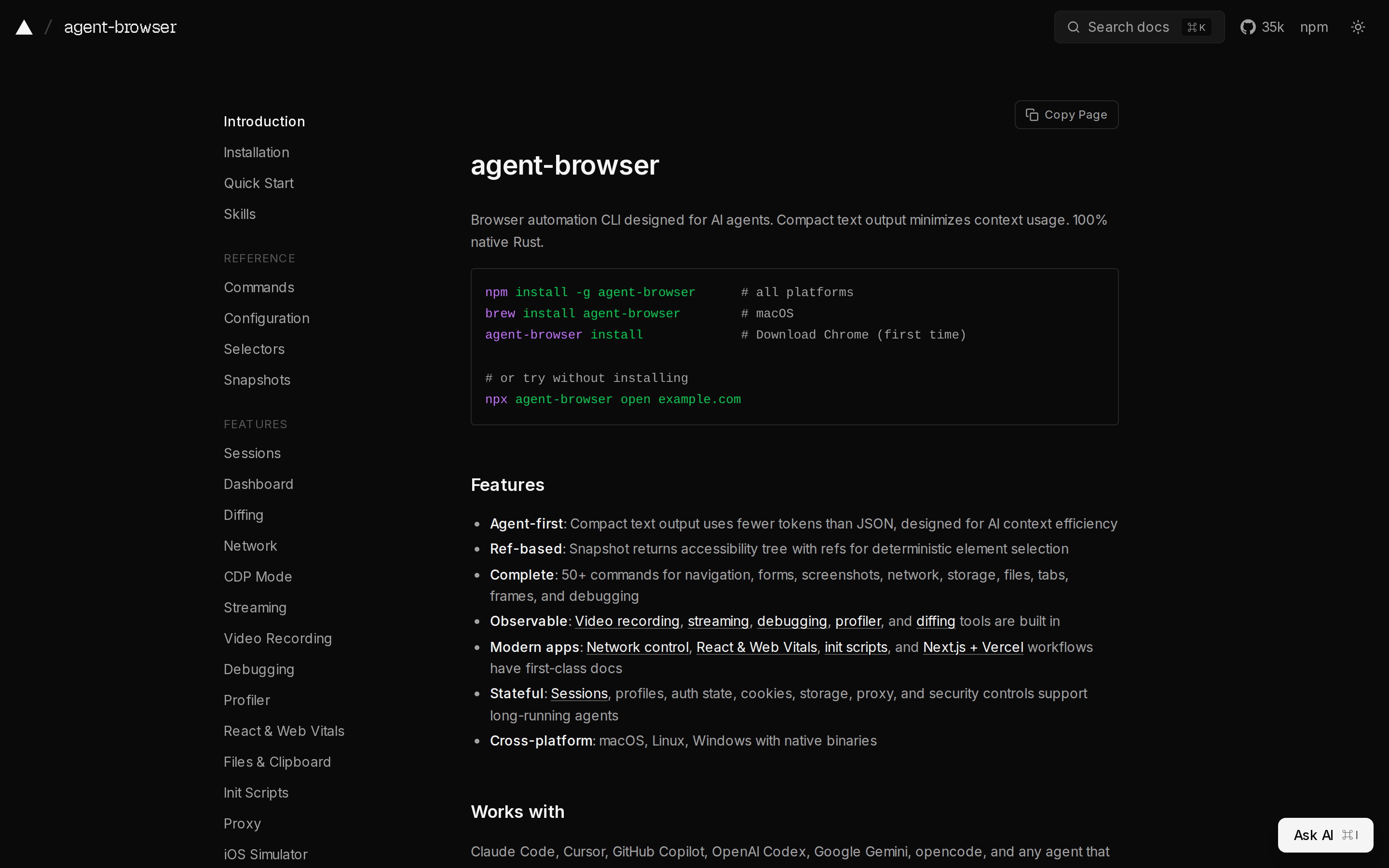 agent-browser homepage showing installation commands and features
Category 3: agentic browsers
Examples: ChatGPT Atlas, Perplexity Comet, Dia.
Agentic browsers are regular browsers with an AI assistant built into the browsing experience. Instead of asking an agent to open a separate browser somewhere else, you browse normally and the assistant can read the current page, summarize tabs, answer questions, or sometimes act on your behalf.
This category matters because it moves browser agents closer to everyday browsing. If the task starts with "help me understand this page" or "help me work across these tabs," an agentic browser can feel much more natural than opening a separate automation tool.
The tradeoff is that these tools are usually optimized for a person sitting in front of the browser. They are not a clean way to ship a repeatable workflow, expose it as an API, or debug it later. They make the browser feel more capable, but they do not necessarily turn a messy browser task into maintainable automation.
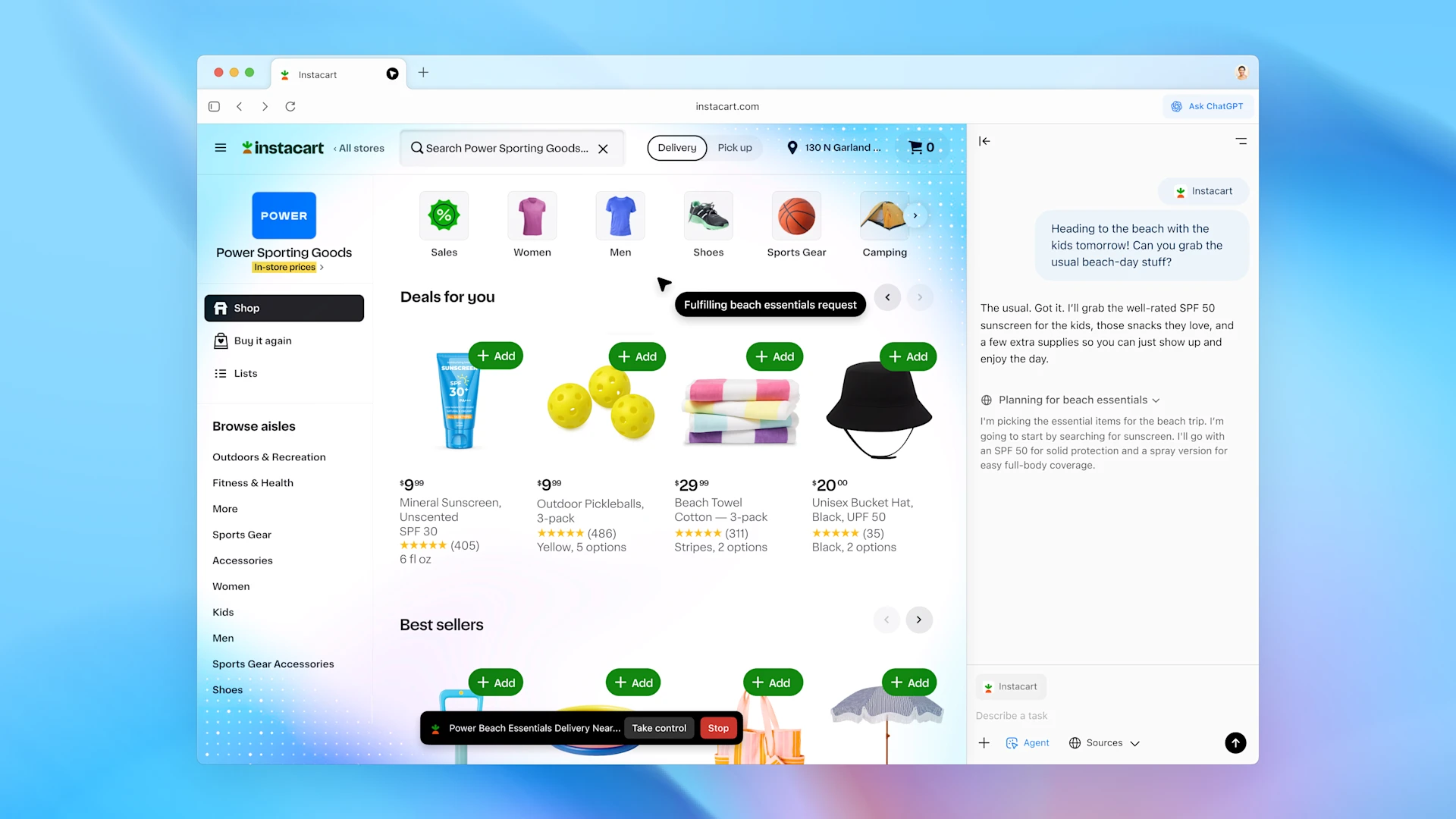 ChatGPT Atlas showing agent mode in a browser with an Instacart page and ChatGPT sidebar
Category 4: full browser agents
Examples: Browser Use, OpenAI Operator, Claude computer use.
A browser agent is basically an agent with access to a browser tool, with the sole purpose of performing some goal workflow on the browser and often running in the cloud.
The difference from browser tools for coding agents is who owns the loop. Tools like Playwright MCP give your local coding agent browser access while it is building or debugging, giving you full control. A full browser agent is often a paid managed service from a provider.
 Browser Use homepage showing a browser agent workflow
That makes browser agents useful for workflows where the path is not fixed, like if you are booking a tennis court for example, or for one-off workflows. The tradeoff is that every run is a little live. It's slower, more expensive, less predictable, and harder to audit than a script. If you're reserving a tennis court, it's fine, but you wouldn't want to ask a browser agent to send a bank transfer for example.
Category 5: browser cloud infra providers
Examples: Browserbase, Kernel, Steel.
Browser cloud providers are the infrastructure layer. They give you hosted browser sessions, plus the operational pieces that get annoying once a workflow leaves your laptop: persistence, logs, recordings, proxies, captcha-solving and auto-scaling.
You can host simple browser automation scripts yourself via a Chromium docker container or similar, but adding in everything that makes production browser infra is worth outsourcing to a managed service.
Category 6: agent-assisted automation tools
Examples: Libretto.
This brings us to Libretto, which is trying to solve a specific gap in the map: how do you get the ease-of-use of an agent exploring a workflow, but end up with something closer to a fast, cheap, reliable automation script?
Libretto is a skill and CLI for coding agents that helps them build and maintain browser automation code. You give your coding agent access to Libretto (just tell it to "fetch and follow https://libretto.sh/start.md"), then ask it for a workflow, like "open Craigslist and tell me what the first 10 entries on the lost+found page are", or record the actions you want to automate. Your agent uses Libretto to turn that exploration into fast, cheap, deterministic automation code.
With a browser agent, you pay for the model to reason through the task every time. With Libretto, you pay that cost once while the workflow is being authored. After that, the workflow can run in the cloud as normal automation, with no token cost on every run.
Libretto is best when the workflow is worth keeping around. If you only need to do something once, a browser agent is probably simpler. But if the same flow needs to run again, be debugged later, or become part of a product, it is better to have code and traces you can inspect instead of a fresh agent run and a prayer every time.
Conclusion
The browser tooling space is messy because, with agents, the browser is suddenly useful in a lot more ways.
Traditional RPA has always lived in this slightly niche corner of software: important for the teams that needed it, but too brittle and specialized to become part of most developers' lives. Agents are changing that. They make it feel possible to automate workflows that used to be too messy, too visual, or too annoying to turn into software.
The direction feels clear: the browser is becoming a much more powerful surface for automation than it used to be.