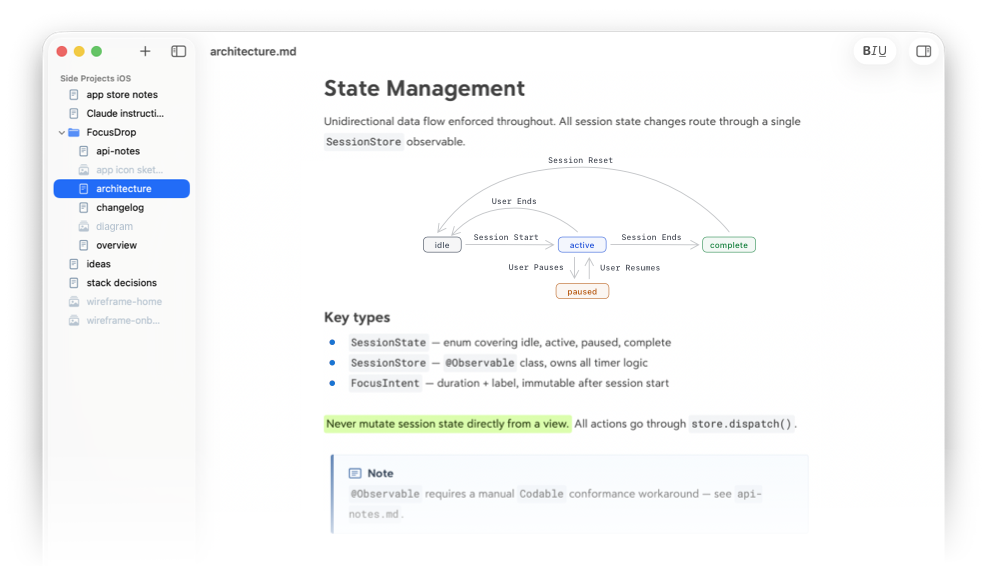
Single file editor
Open any MD file with editor-only view to get straight to work.
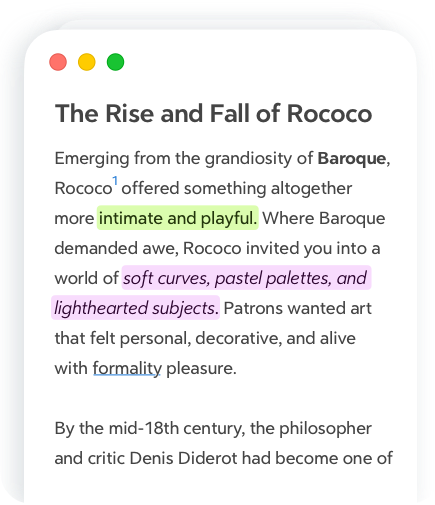
From a quick edit to a full documentation project
Open any MD file with editor-only view to get straight to work.
Full folder structure in the Sidebar. Click any file to start editing instantly.
Full Markdown support with live rendering, rich text styles,
tables, inline images, and more
The big picture and the fine details,
always within reach
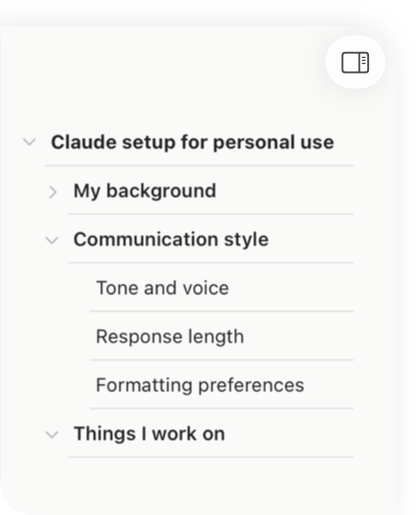
A bird’s eye view of your document. Jump to any section in one click.
Word count, paragraph count, and reading time, all at a glance.
Discover more features from writing to publishing
Open multiple files in one window
Instantly find what you need
Copy as txt, RTF, MD, or HTML
Export as PDF, PNG, ePub, and more
Everything you want to know about Lettera
When will Lettera be released? Will it be Mac only?
We are still polishing the details before the full release. Mac is our focus for now, and we want to get it right before thinking about what comes next. Stay tuned.
Is Lettera free?
Lettera is free to try during the beta. We will share more about pricing when the full version is ready.