Improve instruction at each tier and increase student participation with your mobile device.
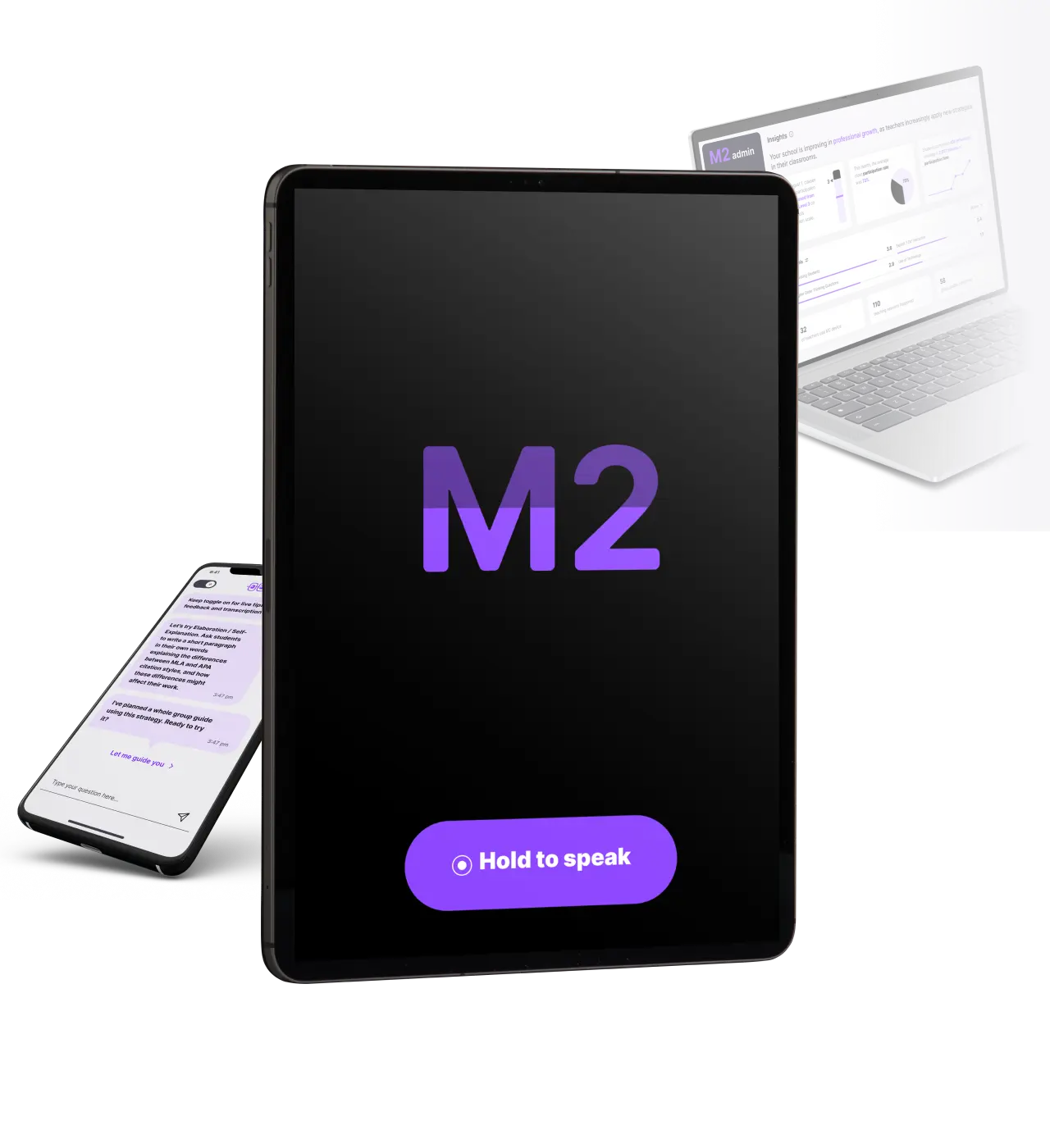
Slide

Set up your device to listen to class and get thesupport you need
How it works
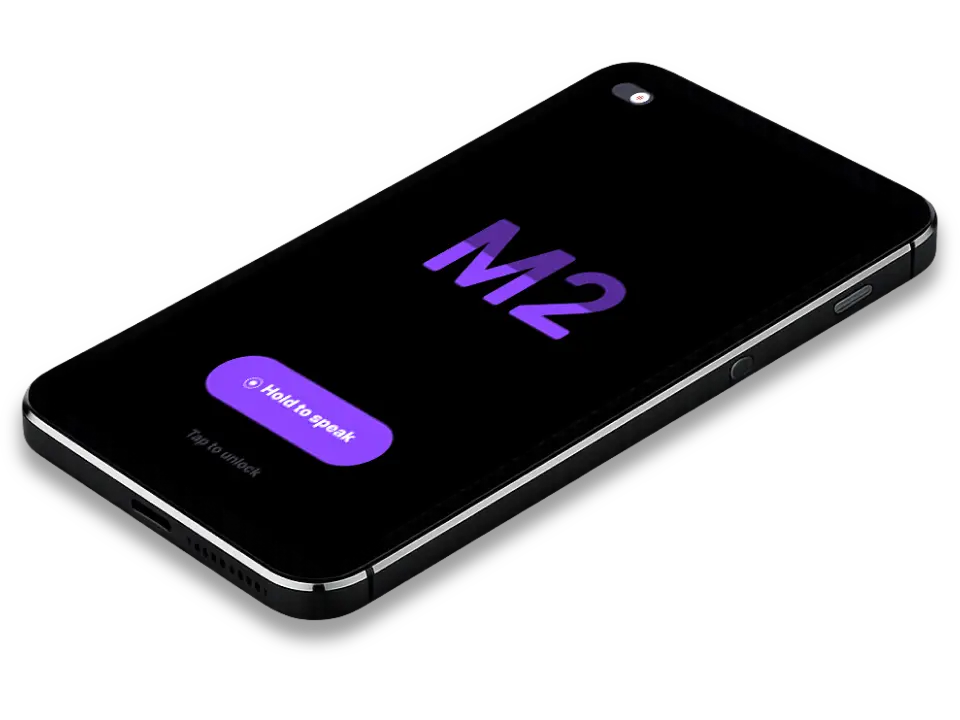
Listens through your device microphone to build context and measure participation levels. Add in your lesson plan for more context.
Click for immediately actionable, best-practice tips or request exactly what you need.
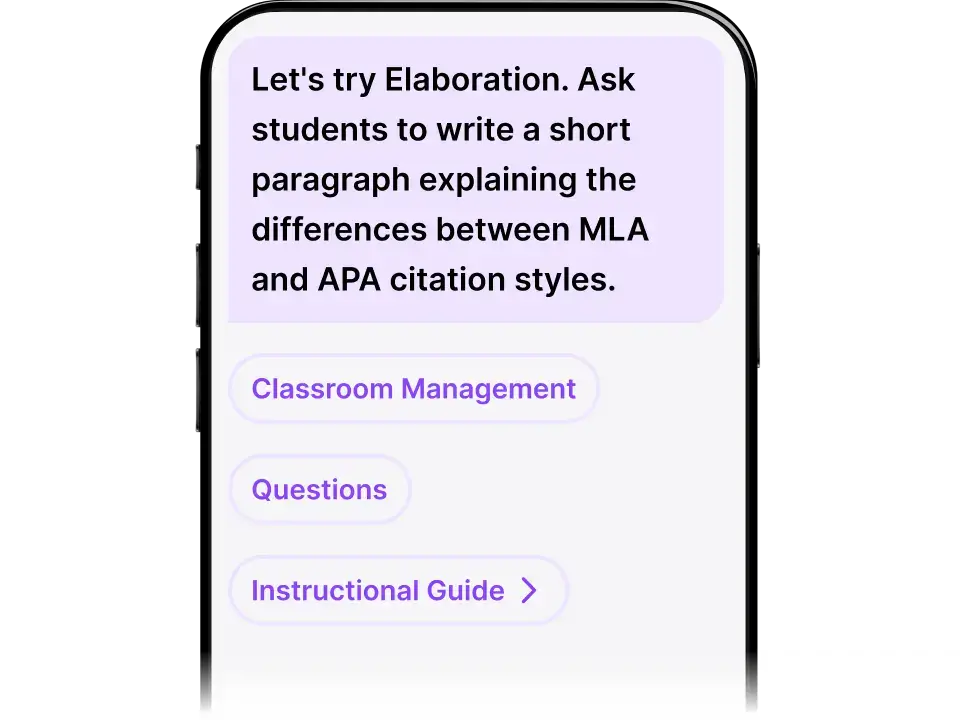
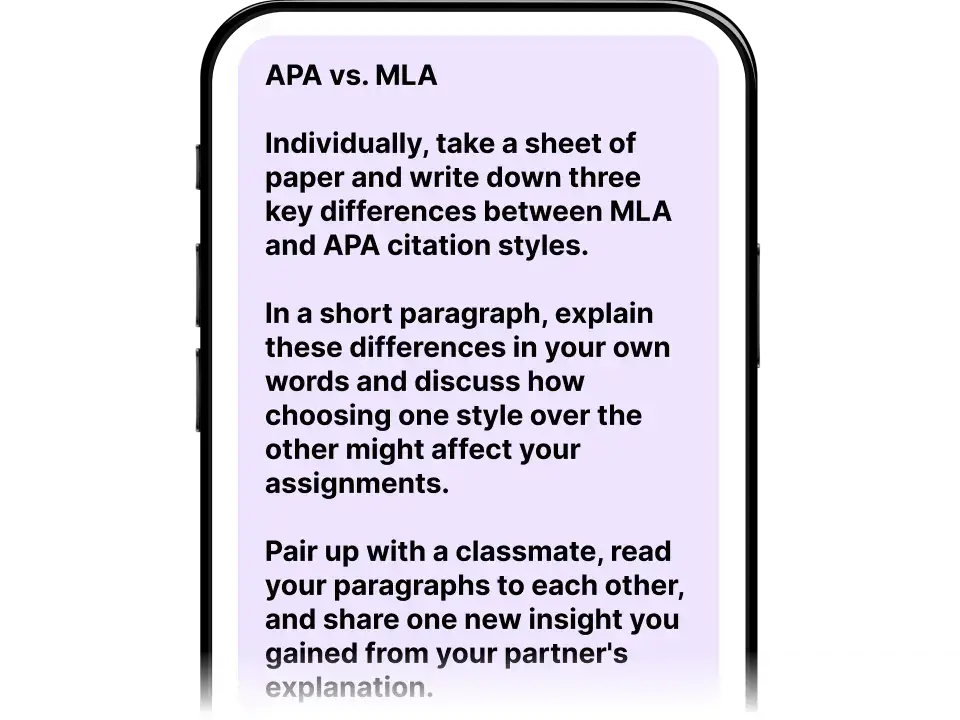
Generates relevant, high-impact learning strategies for teachers to guide the whole class.
Get immediate takeaways summaries, exit tickets, Reflections and Guided activities for each tier tomorrow.
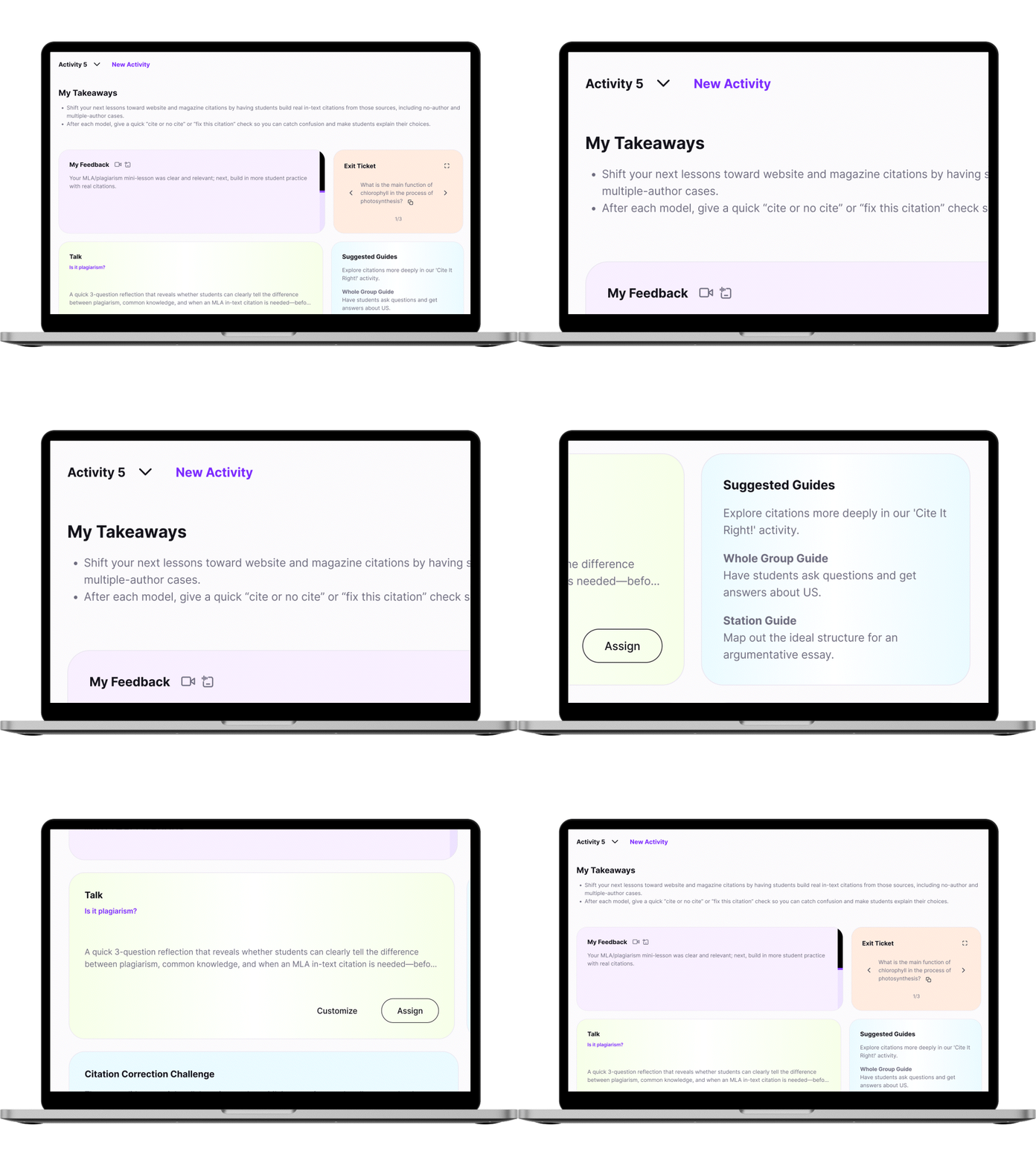
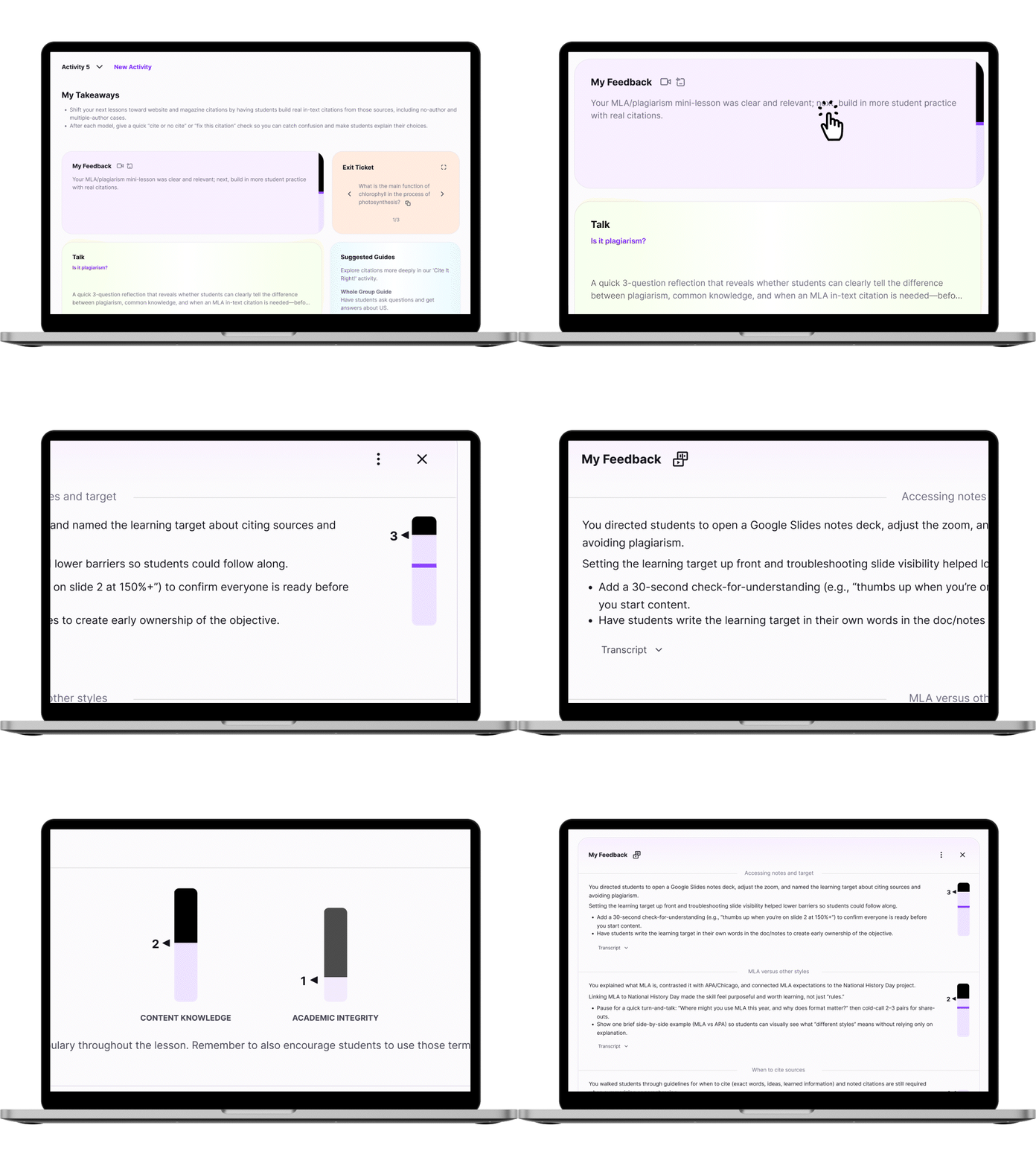
Get detailed feedback on your teaching based on participation levels, and your schools frameworks, standards and curricula when part of a Team.
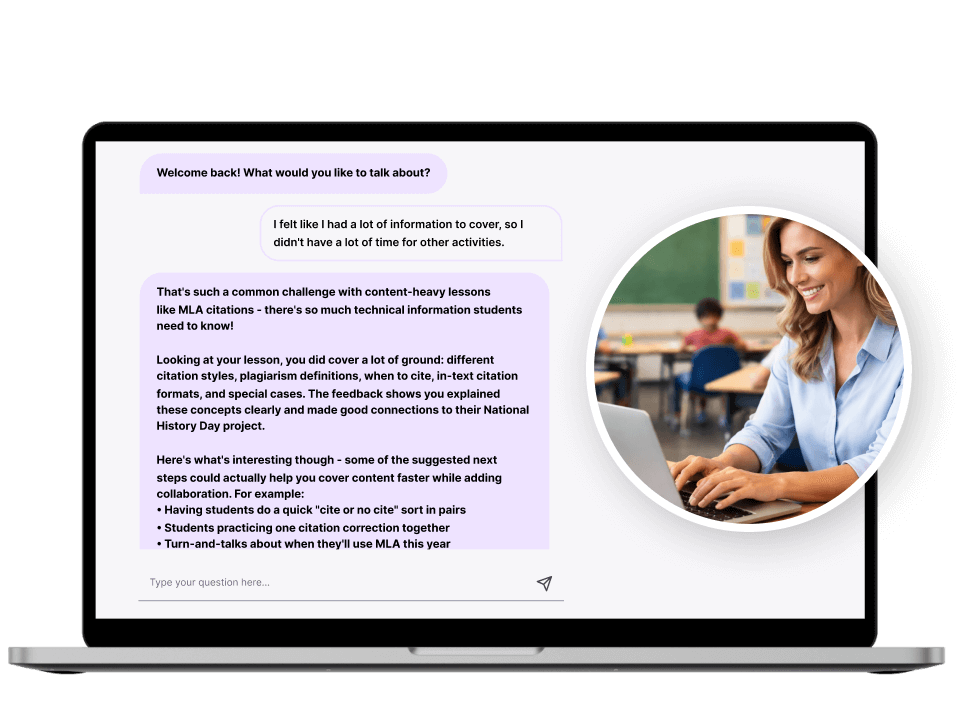
Reflect anytime by chatting with M2. Ask questions. Clarify your understanding of feedback. Get new ideas.
Reflections
Enhance cognitive participation in learning
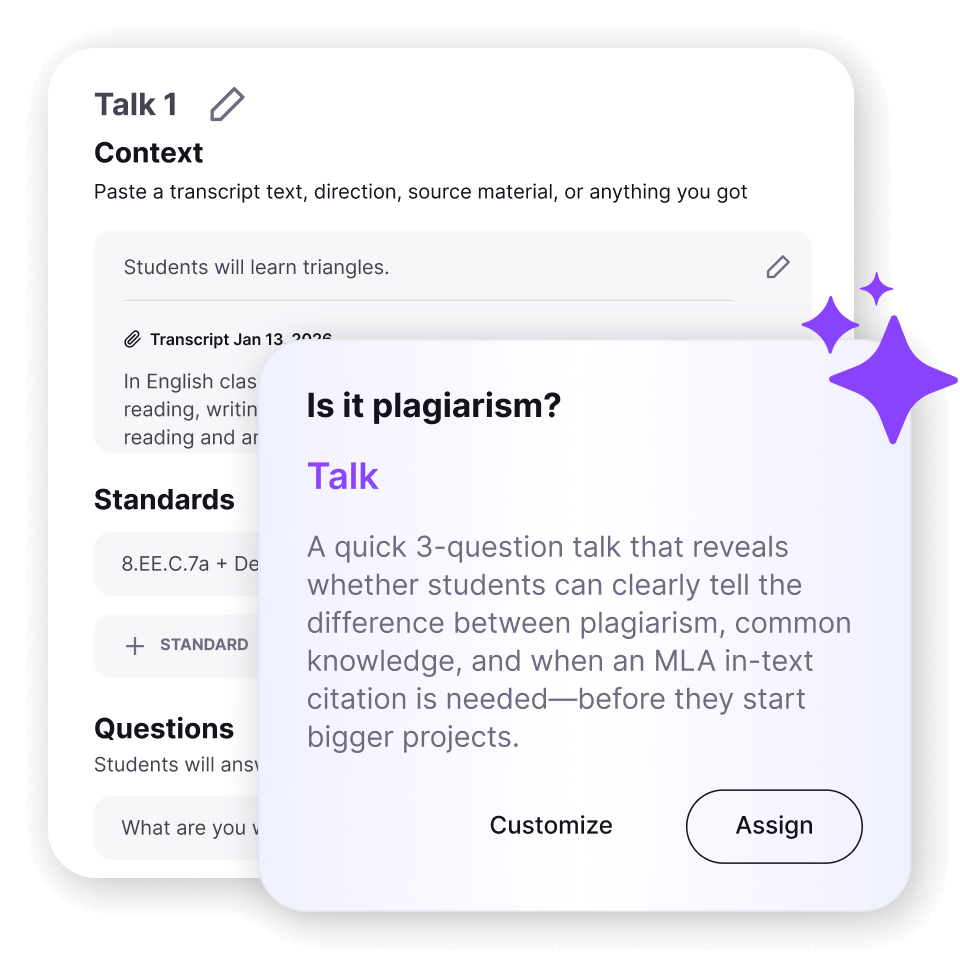
Spoken assignments students complete on web or mobile devices to extend their cognitive participation in learning and help assess understanding levels. For all ages and grades.

Easy, automated setup
Talks are automatically generated after each class. You can also set them up manually, and soon – create them from a standard, reading passage, or just text. Use them for individual feedback on class experiences, promoting activities like reading and writing, or even as summative oral assessments.
Individualized insights
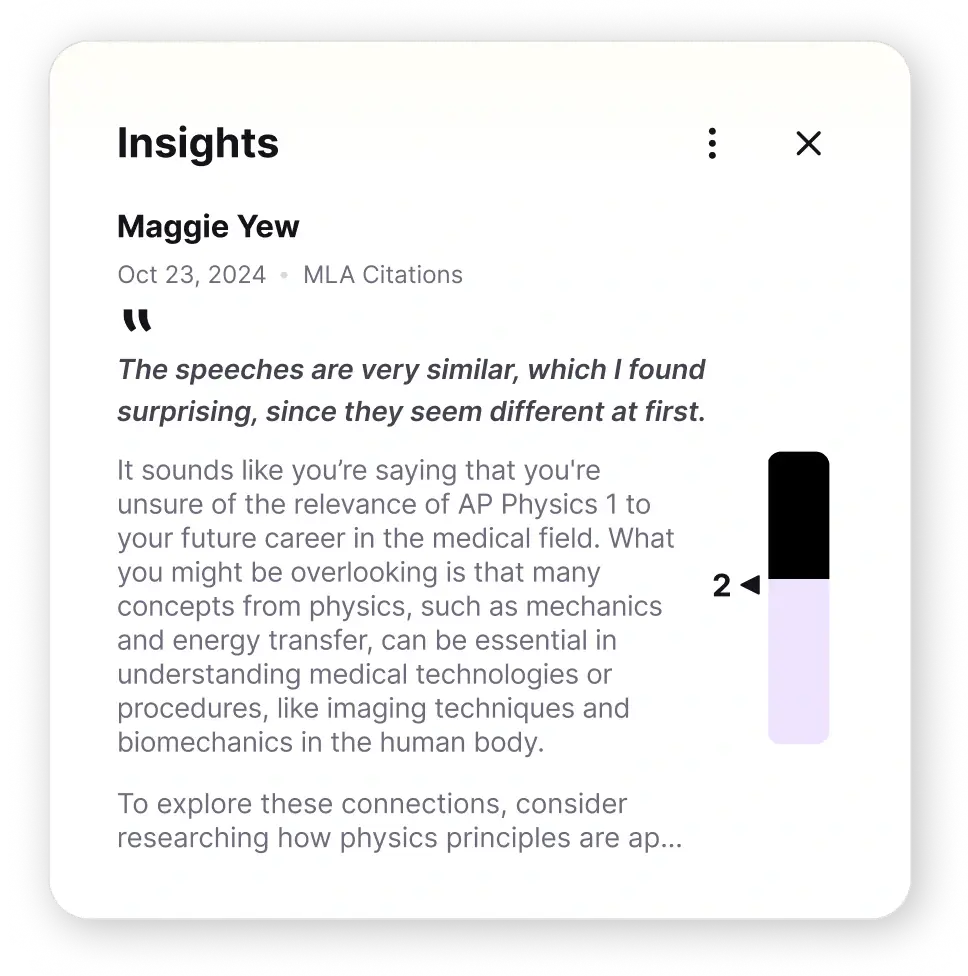
Gives teachers a dashboard of insights that help them plan for tomorrow’s class based on students individual needs identified in each reflection.
Make the difference
Setup a 15 minute conversation where we’ll learn about your needs, explore our solutions, and see how participation can make the difference in your school.