LetsEnhance: Image quality AI - make photos HD/4k & more online

5 min read Original article ↗

Drag and drop anywhere to upload

Image before processing with LetsEnhance
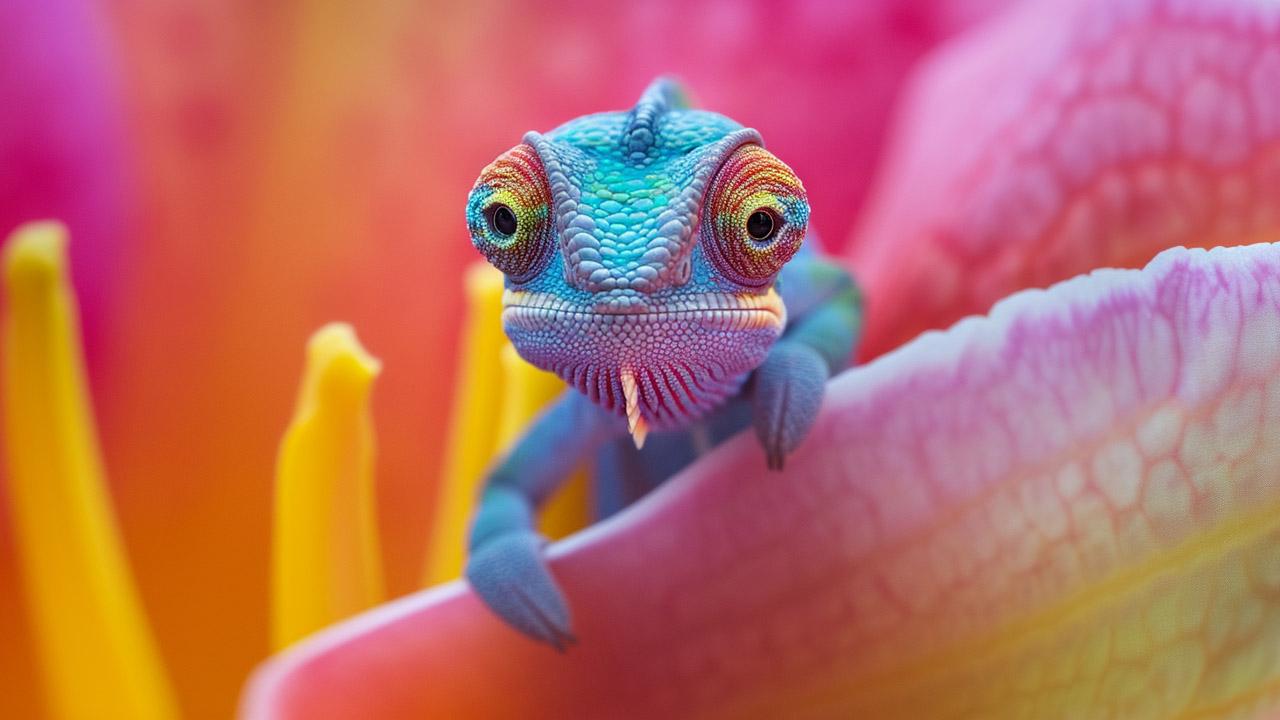
Image after processing with LetsEnhance

Correct colors and lighting

For eCommerce

Claid.ai: Photos that boost sales & win hearts

Claid.ai result illustration

Get product photos that do the selling for you. Crystal-clear, perfectly staged, and ready to shine online.

AI image generation

Breaking Bad, Ghibli anime style...|

Try the new AI image generator

Turn words into high res images in seconds

Image before processing with LetsEnhance

Empower your creativity and business
with next-level image AI

Creative Professionals

Resize pictures, making them crisp, clear and ready for any web and print format.

Save time for creative tasks — let AI enhance low-quality images in seconds.

Upscale anything from old photos to digital art, from portraits to landscapes, from logos to product images.

Image before processing with LetsEnhance

Printing

Boost print quality: Leverage AI for superior resolution, colors, and clarity in prints.

Get 300+ DPI: Attain professional-grade, crisp, and detailed prints with any image.

API for print-on-demand: Enhance POD workflows with AI-powered upscaling API.

Image before processing with LetsEnhance

AI-generated art

High-resolution AI art: Enhance AI-generated images to create visually stunning masterpieces.

Upscale AI-generated art to desired resolutions, including HD, 4K, or larger.

Text-to-image generator: Turn words into captivating, unique artwork in seconds.

Image before processing with LetsEnhance

Increase resolution of UGC

A challenge of working with social media content is that not all images are professionally taken on camera. Brands and businesses also want to tap into the user-generated content shot by everyday people like you and me. And we found that the end use for those images was limited because they were a bit small. By using LetsEnhance we can provide high res print-ready content.

Image before processing with LetsEnhance

Blow up photos for large-size prints

LetsEnhance has greatly contributed to the photo exhibition. Thanks to LetsEnhance‘s quality and timely work, we ensured the best quality campaign images that were printed and displayed on large-size canvases.Read case study

Image before processing with LetsEnhance

Automatically edit product photos

Images are a key part of any website, and optimizing them is vital for a good user experience. Therefore being able to enhance low-quality pictures and resize them for specific devices can improve performance, UX and conversions.Read case study

Image before processing with LetsEnhance

Use any pic in your work.
Restore JPEGs. Improve iPhone photos

Dashboard screen overview

Batch editing

Batch editing

Upload and edit multiple images at once

One-click presets

One-click presets

Make your eComm & real estate pics look professional

Enlarge to any size

Enlarge to any size

Convert small photos to HD, 4k, 8k or higher

From big posters to VR

From big posters to VR

Increase image size up to 500 MP. Get 300+ DPI density

Fast and simple

Fast and simple

Auto enhance and edit your pictures in seconds

Color correct

Color correct

Fix white balance and saturation with HDR filter

100M+ images
enhanced

10,000+ people love us

I've tried other AI-related image tools... both free and paid, and LetsEnhance is the only one that I would recommend 10 out of 10 times.

10 years ago, I paid £10K for a system that could do half as much as this platform :-)

Incredible software. Professionally speaking it's life-saving. Can't recommend enough.

LetsEnhance has become integral to my workflow and it keeps getting better and better.

I run a t-shirt shop and some of the images I have aren’t the greatest quality, and it saves me time from having to go to different places to get a better image

Brilliant digital solution, it’s great to boost real estate images from my phone for the company website.

Popular questions

How to make a high-resolution image online?

LetsEnhance fixes low resolution photos automatically with minimal settings:

  1. To upscale an image and change its resolution, upload it to our website and click "Enhance". This will make your picture twice as big and improve its level of detail and sharpness.
  2. To enlarge your photo up to 6x, select Balanced as Upscale and pick a Custom size before processing.
  3. To make the resolution of your image up to 16 times higher, select Balanced as Upscale and pick a Custom upscaling factor or set the exact Width and Height you need.

To what maximum resolution can I enlarge my image?

Free users can upscale images up to 64 megapixels, for paid subscriptions the cap is 256 MP. Business plans come with a 500 MP limit.

How can I enhance a photo?

To convert your picture to high definition and make it sharp:

  1. Upload it to https://letsenhance.io/boost
  2. Turn on the "Light AI" toggle to improve colors and lighting.
  3. Click "Enhance".
Your pic will be ready in a few moments

How to remove JPEG artifacts?

When you enhance images using any upscale mode - Magic, Balanced, Gentle, Digital Art - we clean your image from compression artifacts and JPEG noise.

What pictures work best with LetsEnhance?

Our online app works best with unprocessed JPEGs and PNGs that were not upscaled or sharpened before. If your image was upscaled or scanned, sometimes decreasing resolution before processing can yield much better results. Experiment!

How does LetsEnhance work?

LetsEnhance is an automated AI image upscaler and fixer. It uses Super Resolution technology based on Deep Convolutional Neural Networks along with other machine learning techs. A couple years ago, it was impossible to dramatically increase photo size without losing quality. Your best option in Photoshop’s Bicubic Interpolation just made your picture blurry. This is not true in case of Neural Networks and AI. Our ML-powered application is trained on a huge dataset of pictures, so it can add extra details and pixels to photos, much better than traditional software.

Each new user gets 10 free credits. Feel free to test our photo enhancement software, and if you like the results you can buy one of our subscription plans or one-time bundles.

Is there an iPhone or Android LetsEnhance app?

At the moment, we don’t have native iOS apps or Android APKs. But you can use our photo enhancer online from any popular mobile browser.

How does your tool differ from other image editing software?

We recommend LetsEnhance if you're looking for an intuitive online app that improves pictures without Photoshop and manual editing. Our AI combines features of a one-click image upscaler, sharpener, retoucher and clearer.