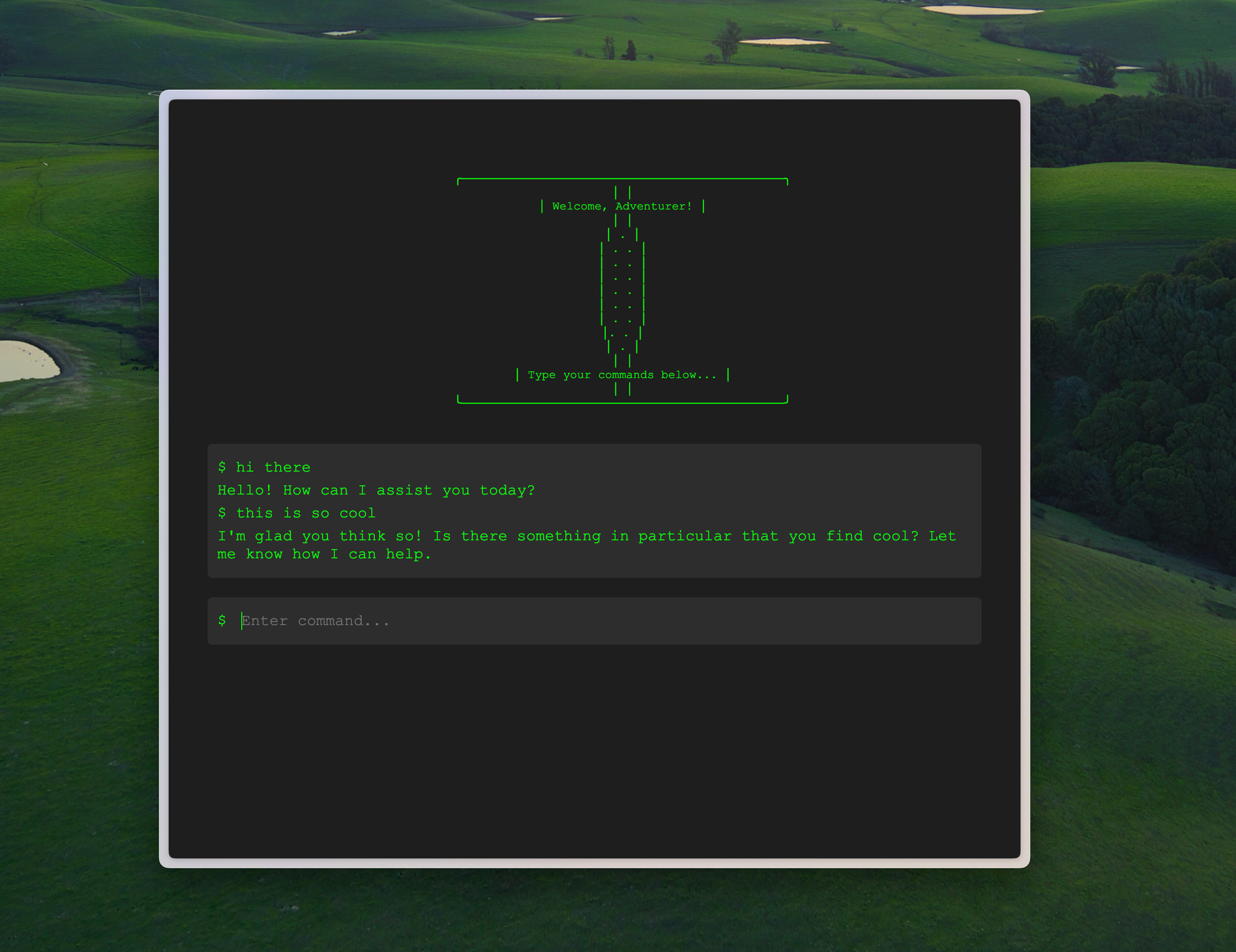
Today, I’m going to be showing you how to deploy a Python application
We’re going to go from entirely local to nice & easy cloud:
Using the power of containers
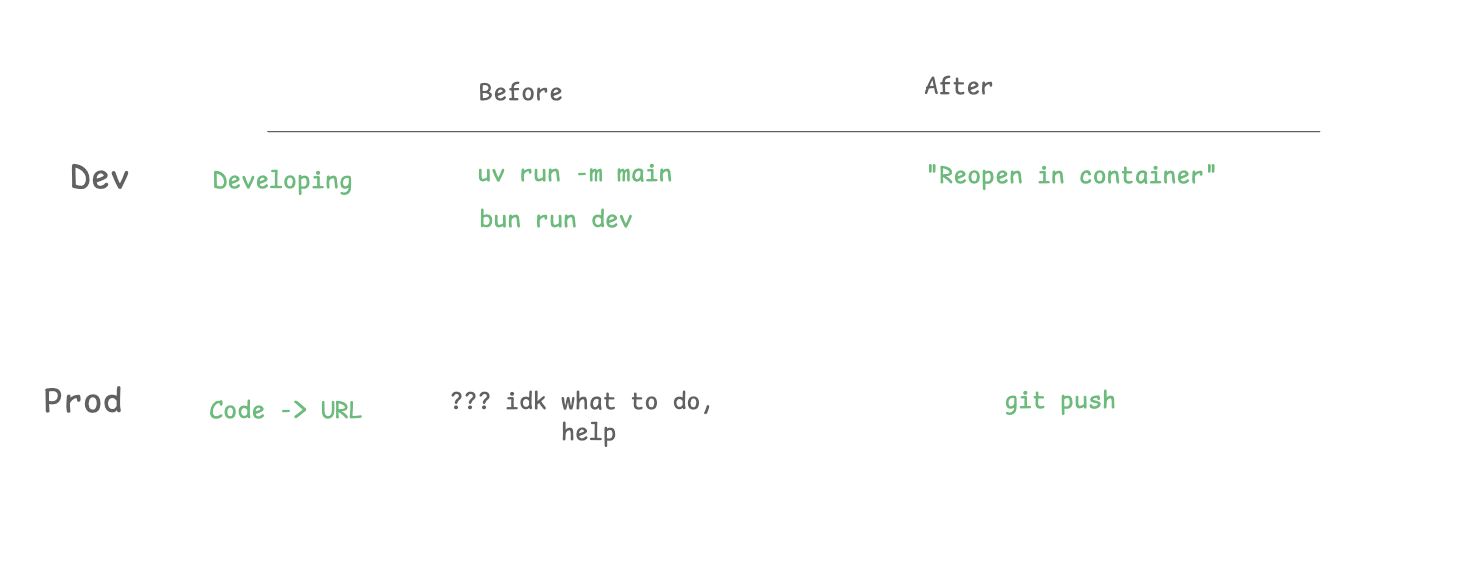
Like you, I’m skeptical of overengineered solutions. In this case, I think it’s worth it. For the cost of adding some files to your repo, you get:
Great developer experience.
Instant hot reloading
No worries about dependencies
Not too hard to set up
Great deployment experience
Pushing to production takes <10s
See your production logs
Easily connect to different infra pieces (DB, etc)
That said, if you read the whole article & think there’s better ways to do things please let me know!
Basically, I want something like Vercel, but for Python. Locally, it should feel the same as just running on your computer:
$ python me.py
Listening on :8000!
For production: It should be as easy to push to production as “git push”. Ideally, with as little “management” as possible! So I’m ruling out Google Cloud Functions or stuff like that.
For the longest time, I was like, “Nah, no containers for me. No Kubernetes. I just want a single computer, 1 VPS, and make regular files on it, just like Pieter Levels.”
They’re not as bad as they sound, really. Pretty lightweight.
And developing with containers is almost exactly the same as developing on your computer.
In fact, you can get AI to generate the basic files for you:
Dockerfile — the “image” that you run (1 container)
docker-compose.yml — can run multiple containers if you want
✨ .devcontainer ✨ — Tells Cursor to automatically run the container when you enter the space!
It’s pretty fun configuring it to run properly. The important points were getting hot reloading to work & getting git extensions to work. After that, developing inside the container feels pretty much the same as developing locally.
I got AI to generate a Dockerfile and docker-compose.yml for my FastAPI app.
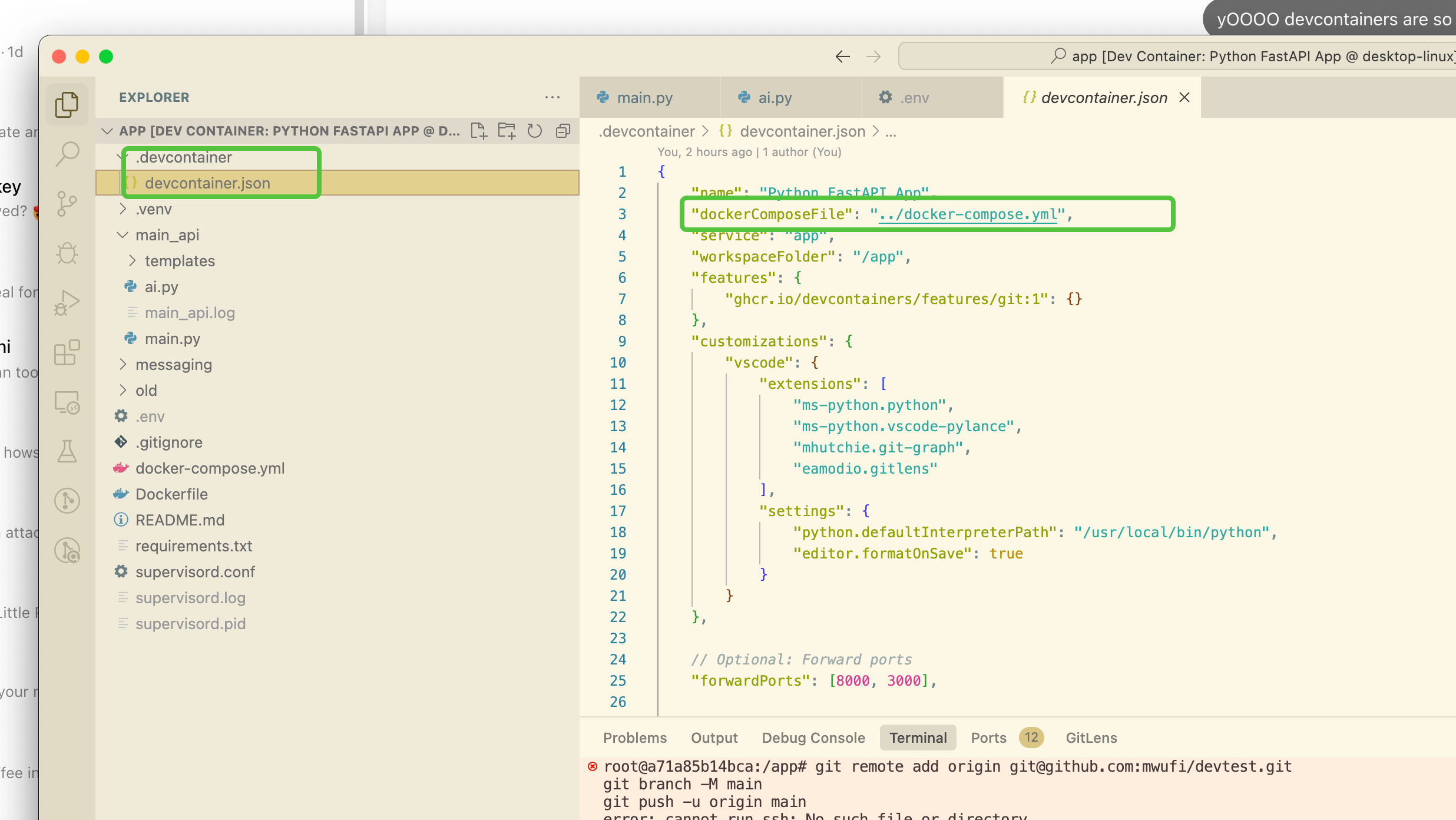
I think they’re just regular containers, but super well-integrated into VSCode (and by extension, Cursor).
Here’s how to activate them:
Once you have this “.devcontainer” folder, you can just open it in VSCode via Cmd+Shift+P, and selecting “Reopen in Container”
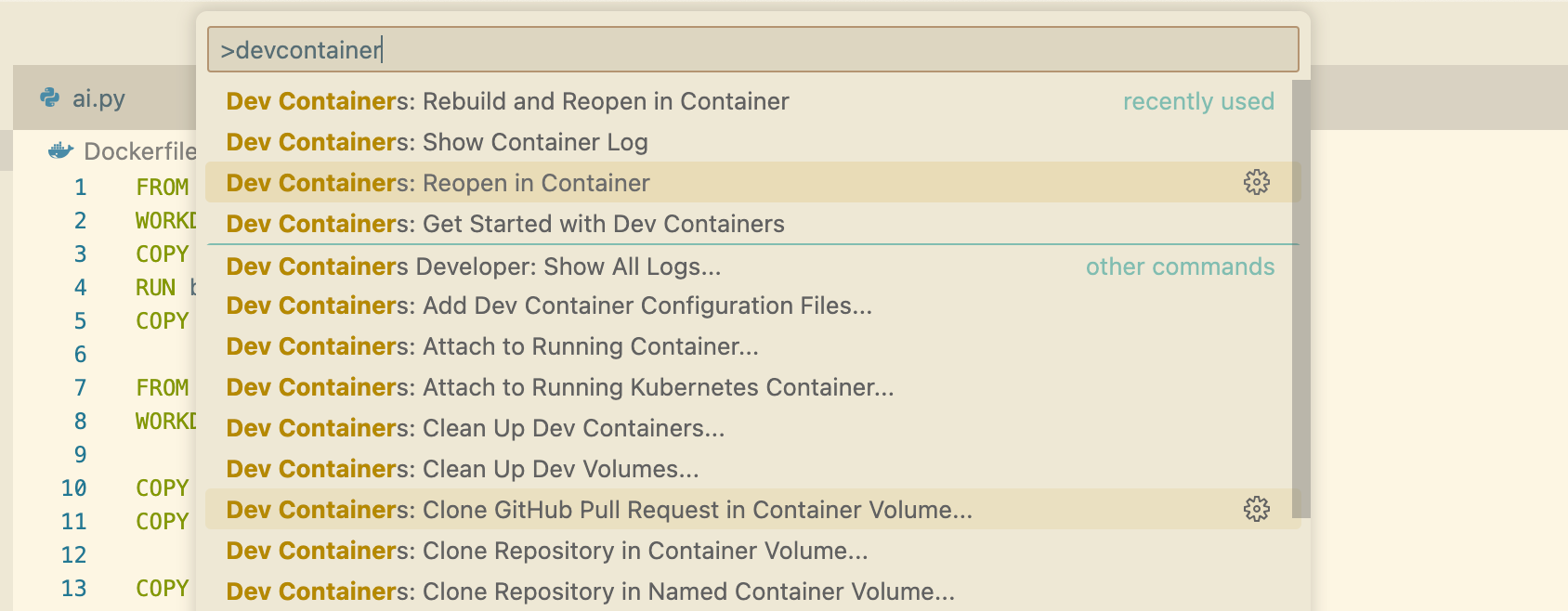
et voila! Your code will download the right dependencies, build itself, and run the service… everything it says on the tin (Dockerfile).
so you can go to your friend’s computer, not even have Python installed, and just get to work right away.
Alright, you say. Dev is not bad, what about deployment? How do I get my service from laptop to cloud?
Short answer: Railway. and it works shockingly well.
It costs $5/mo, sure, but it’s even easier than Vercel — you just set it up, add ENV variables, and click deploy.
Your containers build, run, and with one (1) click, you can get a public address
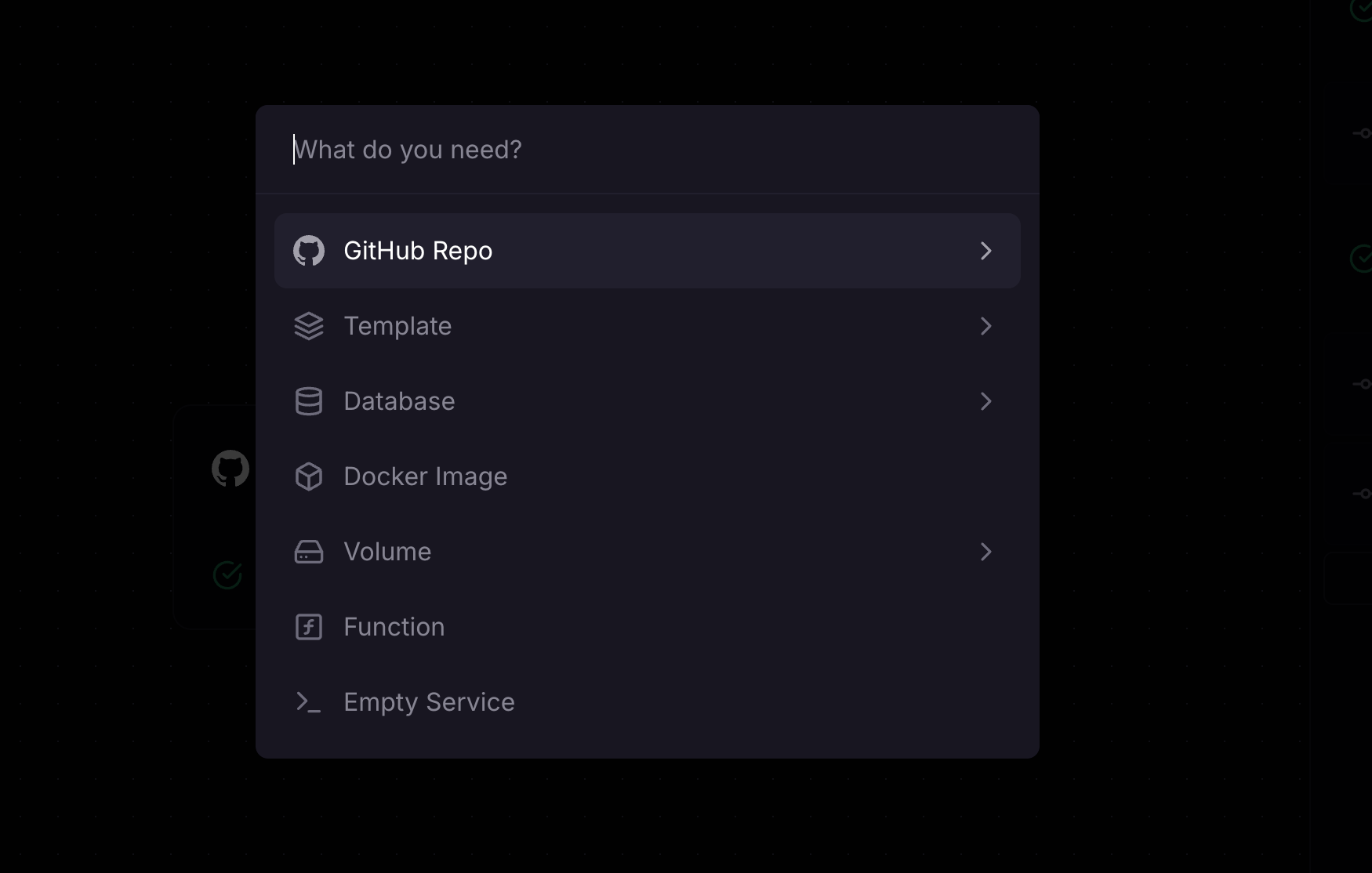
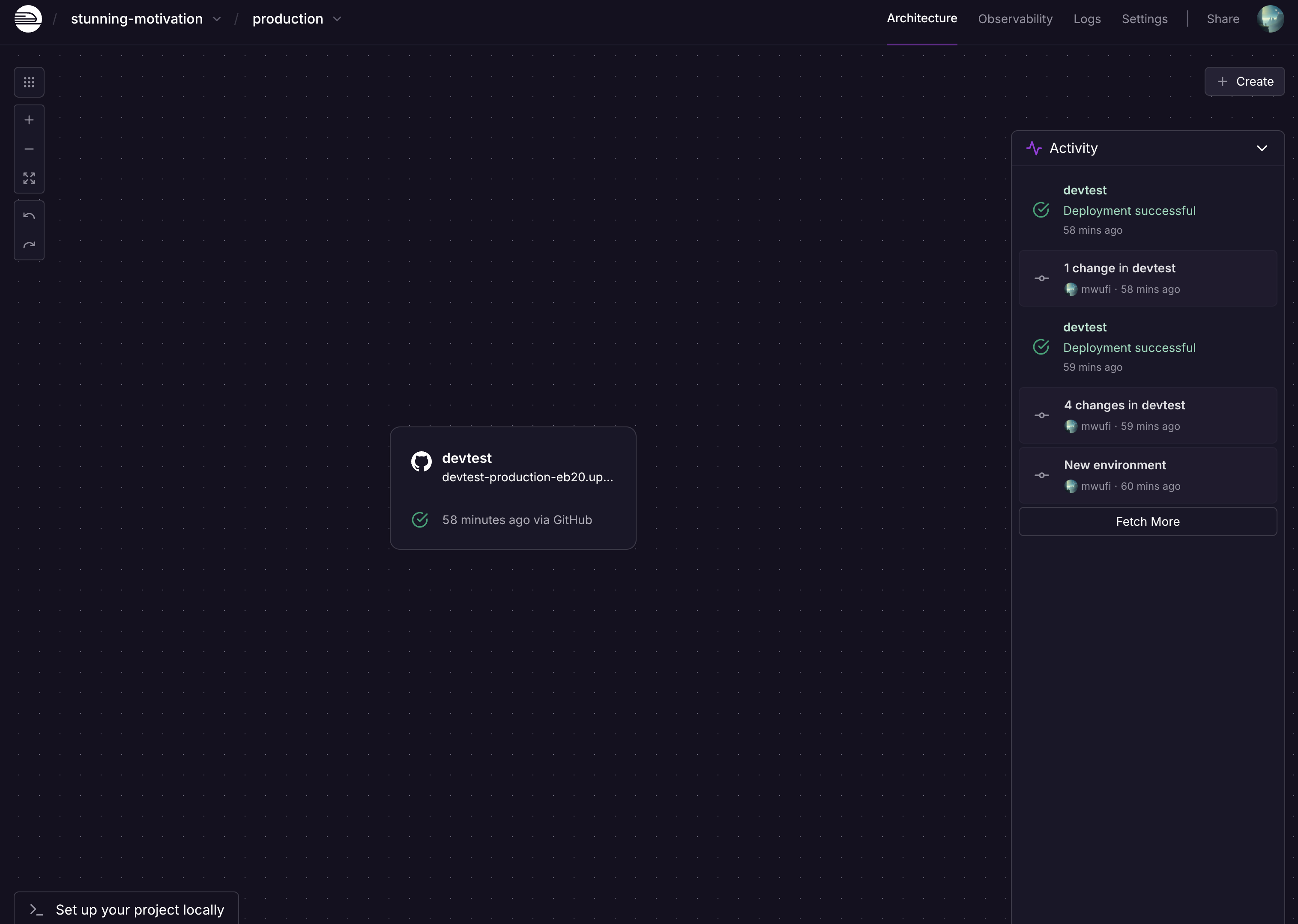
In less than 3 minutes, I have my deployment up:
https://devtest-production-eb20.up.railway.app/
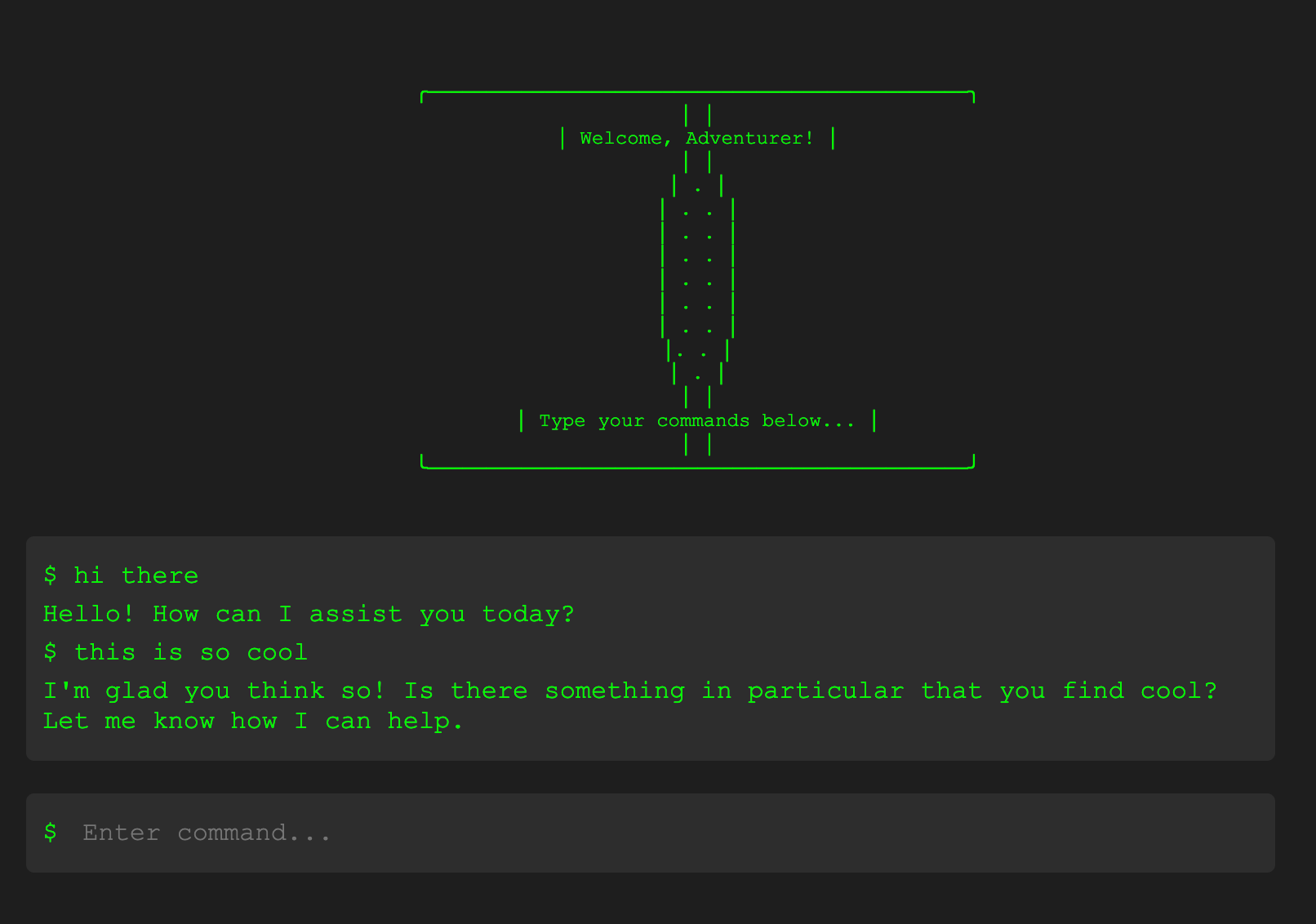
This definitely covers my goals for fast deployment and fast development, so I’m going to stop here!
If you liked this read, try it out, or tell me how I can improve this setup!
Github repo: https://github.com/mwufi/devtest/
If you’re a vibe-coder looking to get off Lovable or Bolt.dev and take things into your own hands, start using dev containers!
I’m still not sure what’s the best DB, but I’ll let you all know once I figure that out.
Go build fun stuff!

The setup I have going is this:
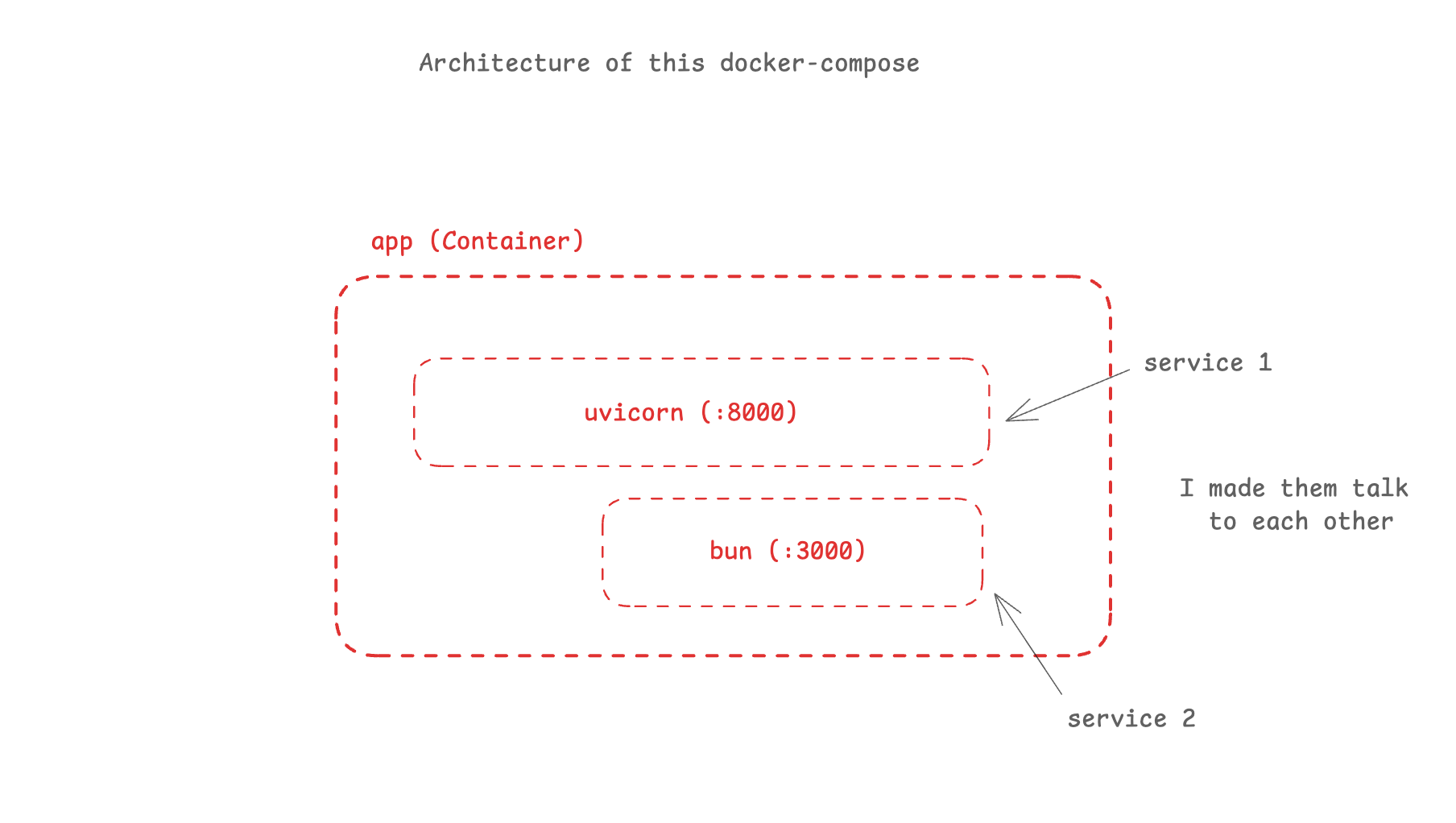
Github repo: https://github.com/mwufi/devtest/
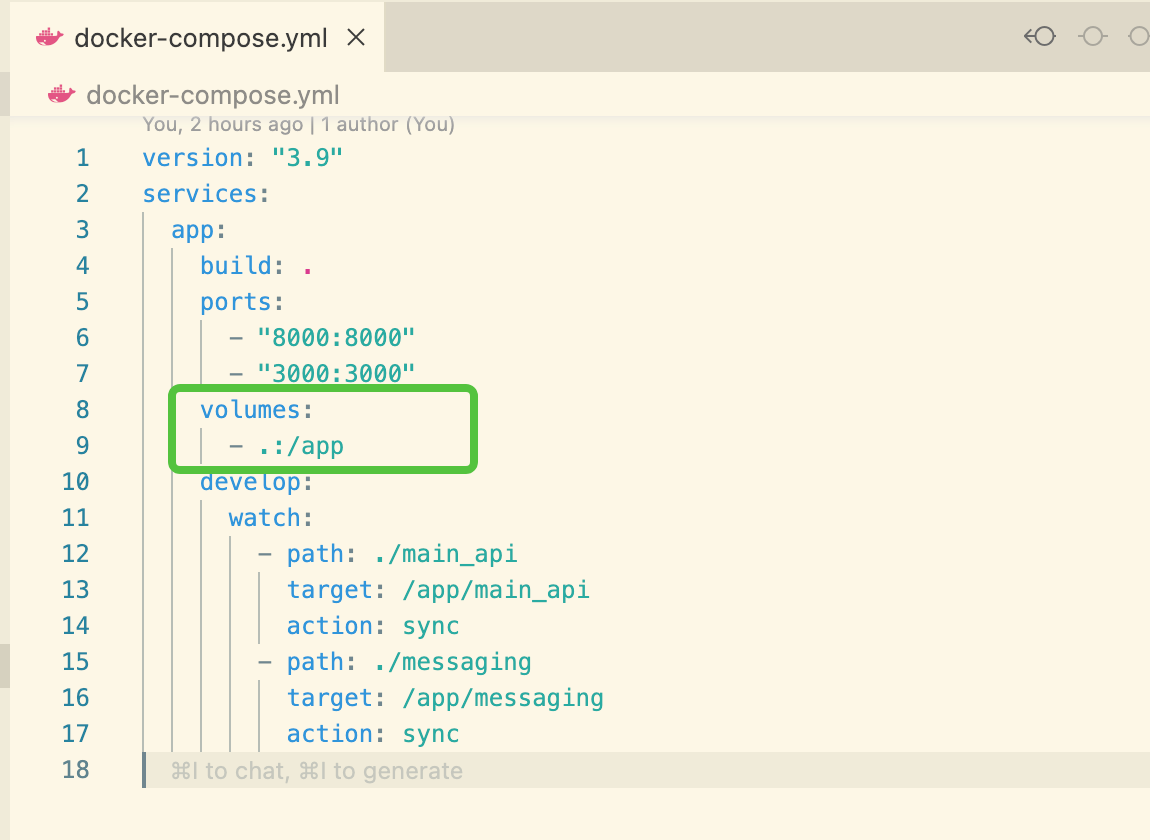
In `docker-compose.yml`, you can use Compose Watch to watch specific directories for changes.
For hot reloading, you have 2 options (either make the Python server reload itself, or make the container reload itself).
Why did I choose “sync”? (because the AI said so, ha ha ha)
For real, here's the key difference between sync and sync+restart, so you can pick yourself:
sync: Only copies the changed files from your host machine to the container. The application keeps running and needs to handle the file changes itself
Great for: Hot reloading frameworks (like Next.js in dev mode or FastAPI with --reload)
Example: If you change a React component, Next.js will automatically refresh without needing a restart
sync+restart: Copies the changed files AND restarts the entire service
Good for: When you need a fresh start of your application
Example: Changes to configuration files, environment variables, or when adding new route files that aren't auto-detected
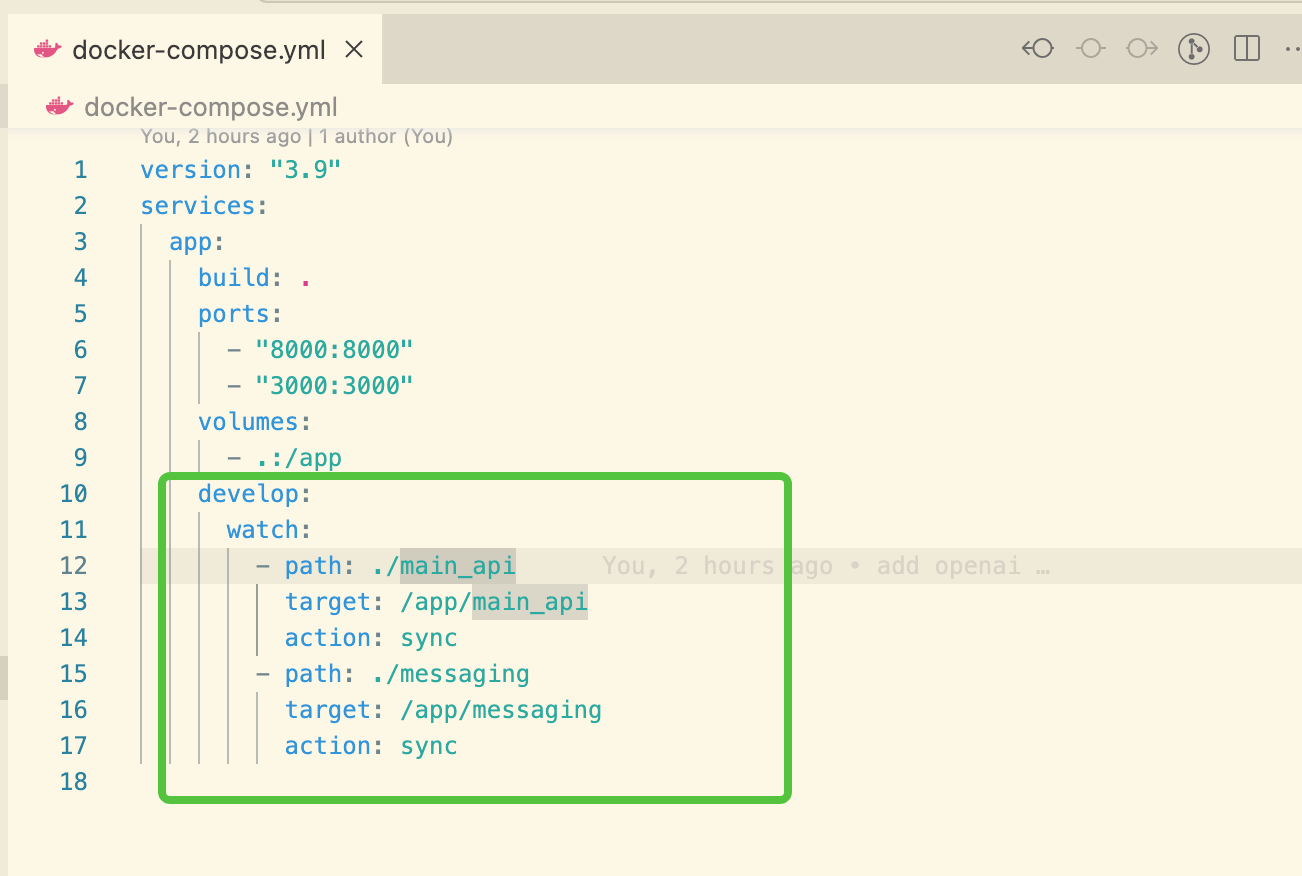
Basically you have to include the root folder in the container, since it contains the “.git” folder. If you do this correctly, you’ll be able to get the nice sidebar & git commit from VSCode/Cursor. If you don’t, you’ll have to open a terminal on the outside & do it.
Here’s a fun thing I learned:
“.” - means the current folder
“/app” - where it gets mapped to inside the container
“:” - separate the two