💻
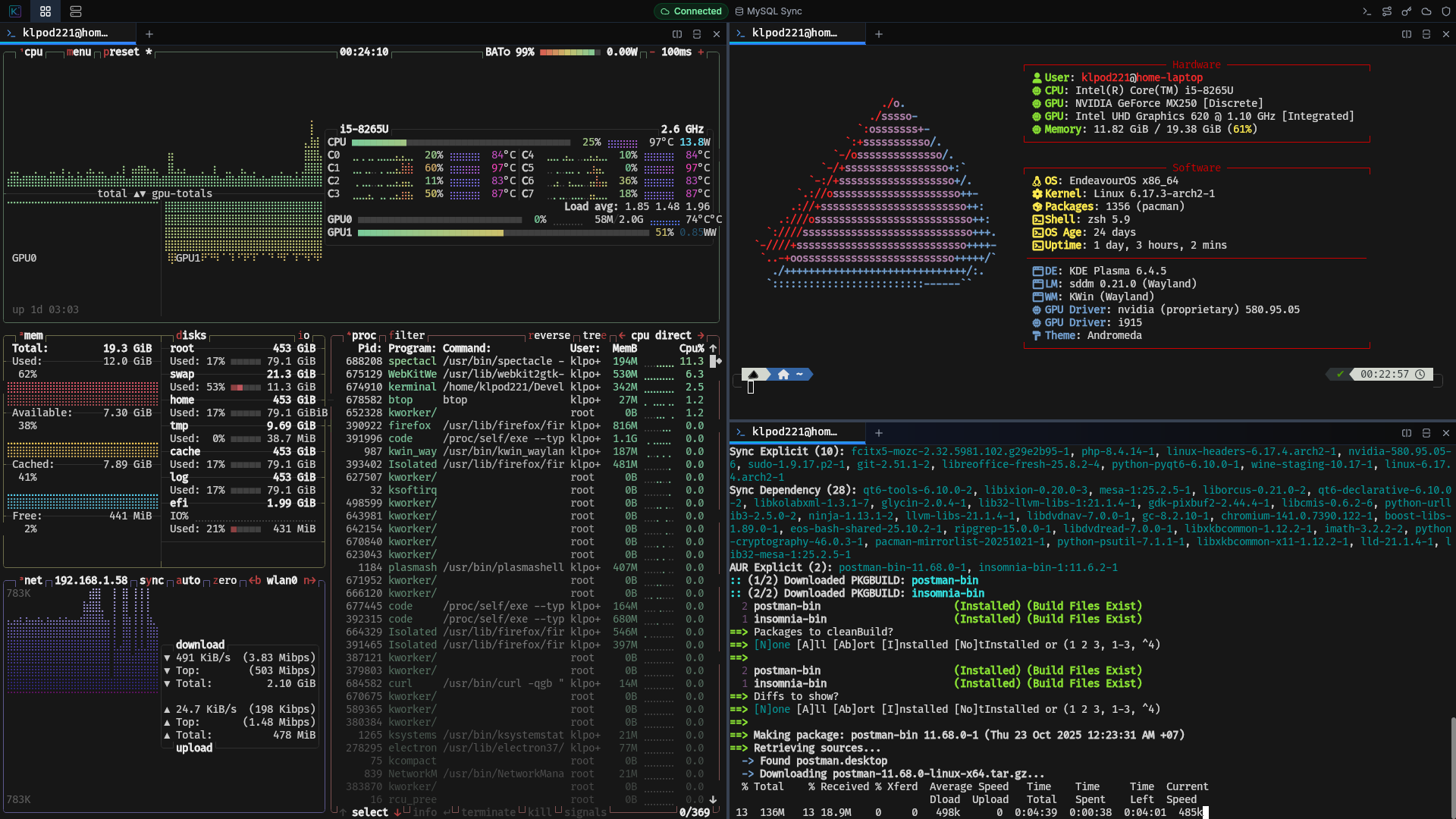
Multiple tabs and split panes, native shell integration, WebGL-accelerated rendering with Unicode 11 support.
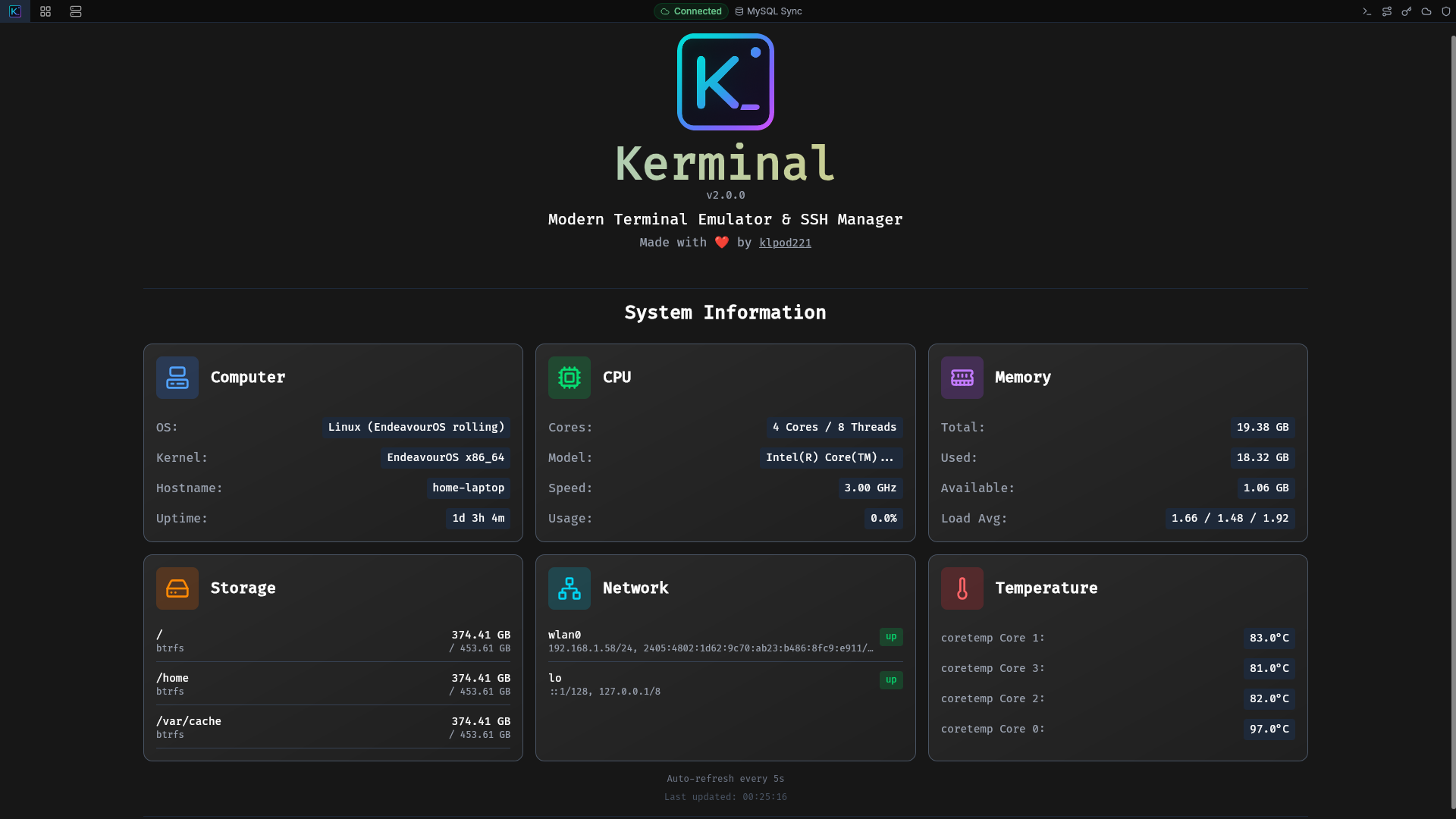
A powerful, feature-rich terminal emulator with advanced SSH management, session recording & playback, multi-device sync, and enterprise-grade encryption.

💻
Multiple tabs and split panes, native shell integration, WebGL-accelerated rendering with Unicode 11 support.
📡
Profile organization with groups and colors, key authentication, proxy support, and jump host chains.
💾
Record sessions in asciicast format with playback controls. Command library with variable substitution.
🔄
Sync via MySQL/PostgreSQL/MongoDB with AES-256-GCM encryption. Conflict resolution and auto-sync.
🔒
Master password protection, device-specific keys, keychain integration, and auto-lock sessions.
🎨
Beautiful dark theme, keyboard shortcuts, customizable colors, and real-time status indicators.
Download Kerminal for your operating system.
macOS Users
App is unsigned. Run the following command after download:
bash
xattr -rd com.apple.quarantine /path/to/Kerminal.appbash
yay -S kerminal
# or kerminal-bin for binarybash
git clone https://github.com/klpod221/kerminal.git
cd kerminal && npm install
npm run tauri build