Hero
Accept payments
Conditional logic
Customized email notifications
The easiest way to
Create powerful forms, fast.
Gather more data. Signups, feedback, and anything else. With forms that are refreshingly unique and engaging.
Notion like question blocks
Rating
Checkboxes
Phone No.
Date
Time
Number
Link
Email
Long answer
Signature
Multiple choice
Ranking
And many more!


Features
Unlimited forms & submissions
No paywalls. Create as many forms as you need with unlimited submissions, adhering to our fair usage policy.
Gather every type of data
Collect data with 28 flexible question types. Ideal for surveys, research, and feedback.
Privacy-friendly forms
Collect data with GDPR compliant. Your data is encrypted, secure, and confidential.
Ready-made templates
Start fresh or use community templates. Choose the ideal starting point to customize it.
Advanced analytics
Track performance and analyze responses with real-time metrics and detailed reports.
Customize form
Make forms worth filling out. Personalize your design by adjusting colors, fonts, buttons, and more.
Partial submissions
Capture and save incomplete form responses to gather valuable insights and enhance decision-making.
Features
Create intelligent forms
Advanced features like conditional logic, calculated fields, and hidden fields for a seamless user experience.
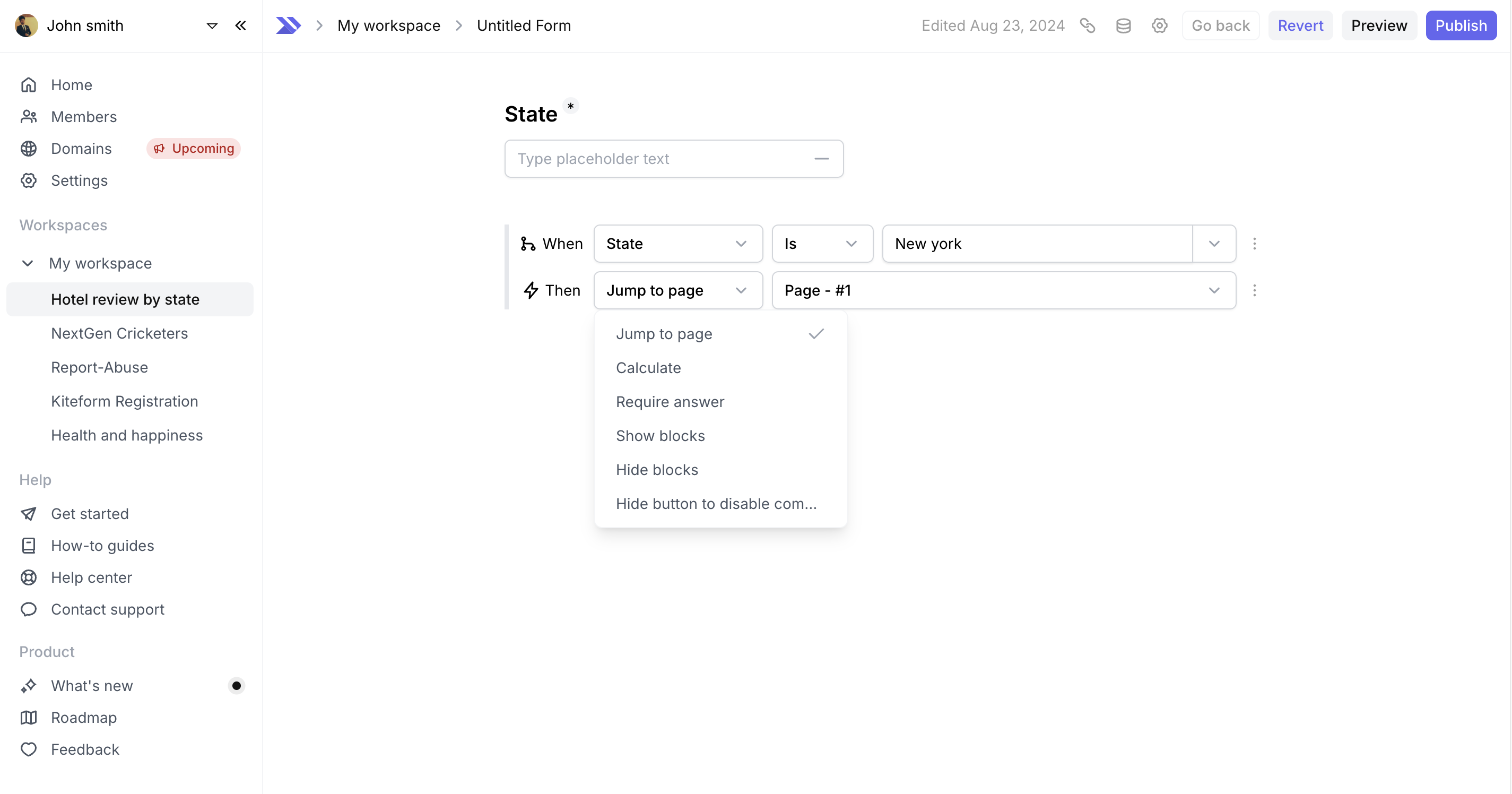
Conditional logic
Tailor your forms with conditional logic, displaying fields based on user responses.
Hidden fields
Capture data silently with hidden fields, invisible to respondents but vital for tracking.
Calculated fields
Automate calculations within your forms using calculated fields for quick and accurate results.
Answer piping
Dynamically insert previous answers into follow-up questions with answer piping.
Features
Effortless form creation
Create forms effortlessly and connect with your favorite tools, all while reaching a global audience.
Integrations
Seamlessly connect your forms with your favorite tools through powerful integrations, streamlining your workflow.
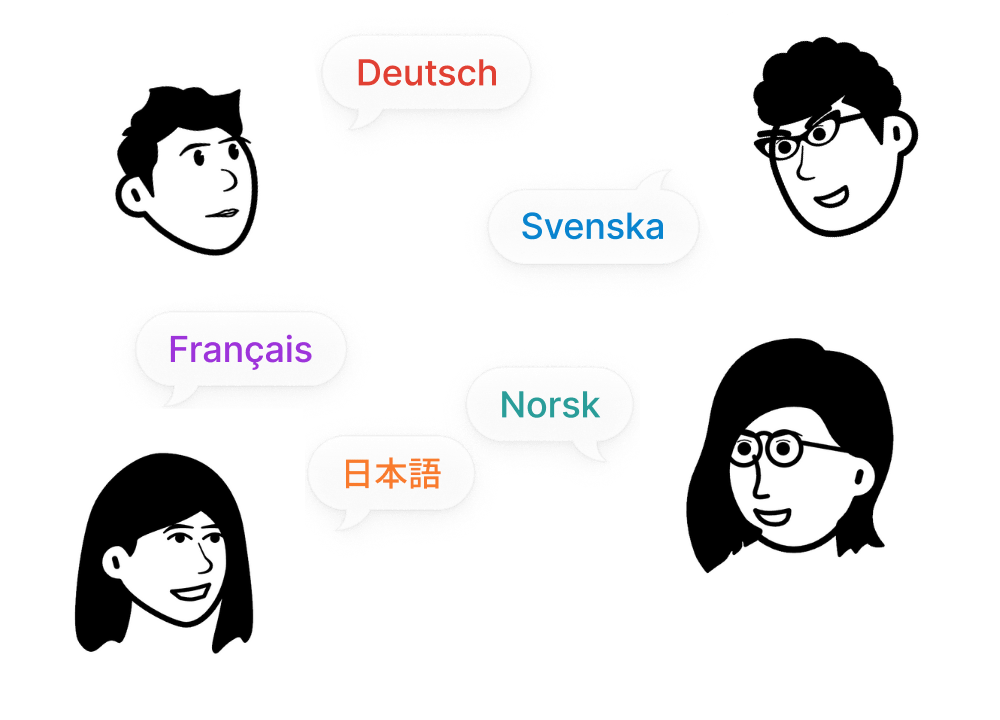
Languages
Reach a global audience by creating forms in multiple languages for a diverse user experience.
"Creating forms with Kiteform is effortless, just like working in Notion. It’s packed with features yet so easy to navigate. Highly recommend!"
Sujeet Pillai
CTO @ Incentivate
"We love how simple and customizable Kiteform is. It’s as easy to use as Notion, and our forms have never looked better"
Stephen Raphael
Chief sales & marketing officer
"Switching to Kiteform was a game-changer. The simple, Notion-like interface makes form creation quick and seamless."
Frequently asked questions
Yep, Kiteform is totally free! As long as you stick to our fair use guidelines, you can collect unlimited responses without worrying about your account getting shut down. In exchange, you'll see a "Made with Kiteform" badge on every form, which helps us spread the word. If you need more advanced features, like removing our branding, team collaboration, or extra customization options, you can upgrade to Kiteform Pro for a fixed price.
To create a new form, log into your Kiteform account, click on "New Form" from the dashboard, and start adding blocks. You can customize each block, add multiple pages, and use features like conditional logic to tailor your form to your needs.
Absolutely! Kiteform supports multi-page forms, allowing you to break down your forms into multiple sections or pages. This is particularly useful for long forms, improving user experience by making them easier to navigate.
Conditional logic in Kiteform allows you to create forms that dynamically change based on user responses. For example, you can show or hide certain blocks, make specific answers required, or jump to different pages depending on the user's input.
Unlike Typeform, Kiteform provides everything you need to create beautiful and powerful forms for free, including unlimited forms and responses. Kiteform features an intuitive interface that works like a text document—just start typing to create and customize any type of form, without being restricted to the single-question-per-page format that Typeform uses.
If you encounter any issues with your form, check the help pages on our website for troubleshooting tips. Common issues include problems with conditional logic, payment integration, or form embedding. If you need further assistance, our support team is always available to help.
If you're stuck with anything don't hesitate to get in touch with us. You can always reach us from the chat within the app, or you can email us at support@kiteform.com and we'll get back to you within 48 hours.