Colorado squawfish huchen, searabine garpik
Some fish text. Some fish text. Some fish text. Some fish text. Some fish text. Some fish text. Some fish text. Some fish text. Some fish text. Some fish text. Some fish text. Some fish text. Some fish text.
16 May
• Second test title
Colorado squawfish huchen, searabine garpik
Some fish text. Some fish text. Some fish text. Some fish text. Some fish text. Some fish text. Some fish text. Some fish text. Some fish text. Some fish text. Some fish text. Some fish text. Some fish text.
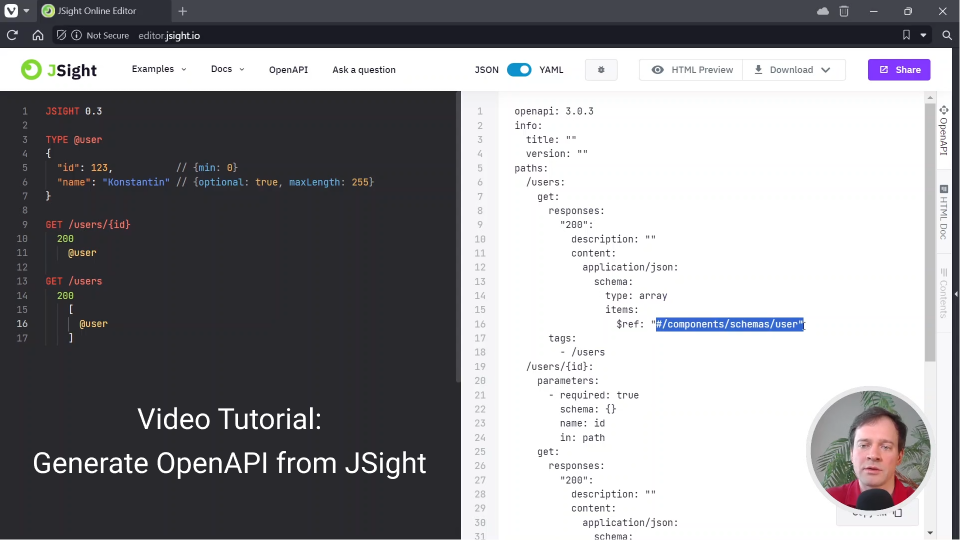

JSight Online Editor
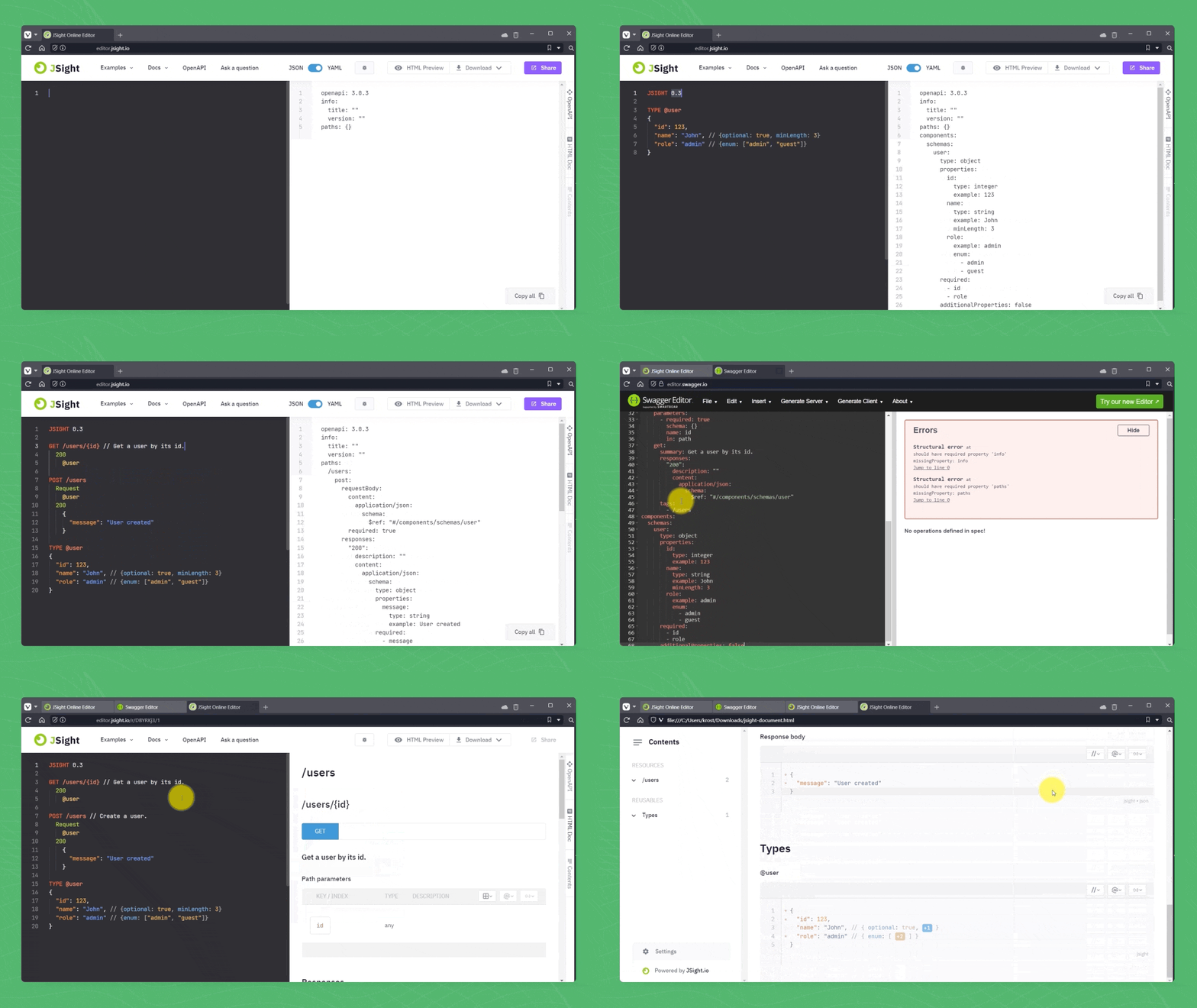
- Generate OpenAPI automatically
- Download beautiful HTML docs
- Share API specifications in the cloud
- Design REST and JSON-RPC in one specification
- Completely free and open source
JSight CLI
- Generate OpenAPI definitions
- Generate beautiful HTML docs
- Completely free and open source
jsight doc html "my-api.jsight" > "my-api-doc.html"

jsight convert openapi yaml "my-api.jsight" > "my-api.openapi"

jsight convert openapi json "my-api.jsight" > "my-api.openapi"
JSight Validator
ValidationError error = JSight.ValidateHttpRequest(
    "my-api-spec.jsight",                // JSight API spec path
    "POST",                              // method
    "/api/hello-world",                  // url
    new HashMap<String, List<String>>(), // headers
    "{\"message\": \"Hello, World!\"}"   // body
);

if( error != null ) {
  servletResponse.getWriter().write( error.toJSON() ); // return 404 HTTP error
}
- Validates HTTP requests and responses against the JSight API definition
- Numerous languages supported (Java, Golang, PHP, etc.)
- Extra fast validator (from 5 microseconds)
- Completely free
Compare JSight with OpenAPI
JSight API 0.3
JSIGHT 0.3

GET /cats/{id}
  200
    {
      "id"   : 123,   // {min: 0}
      "name" : "Tom"
    }
OpenAPI 3.0 (Swagger)
openapi: 3.0.3
info:
  title: ""
  version: ""
paths:
  /cats/{id}:
    get:
      parameters:
      - name: id
        in: path
        required: true
        schema: {}
      responses:
        200:
          description: ""
          content:
            application/json:
              schema:
                type: object
                required: [id, name]
                properties:
                  id:
                    type: integer
                    minimum: 0
                    example: 123
                  name:
                    type: string
                    example: "Tom"