The First Wireless Telephone
A short quiz in two parts for you:
- When was the first wireless telephone invented?
- Who invented it?
The answers are surprising and not at all what you might have expected. If you’re like me, something involving radio is probably popping into your mind. But that’s entirely wrong. The first wireless phone used light—actually reflected sunlight—to carry the signal. You’ve probably heard of the technology. Back before computers, young nerds used to experiment with light-based phones (you could even buy kits). They were not, of course, terribly useful because of their limited range and line of site requirement, but they did see use in World Wars I and II as a secure alternative to radios for short range communications. And, of course, the idea forms the basis of today’s ubiquitous fiber optics cable.
When was it invented? That’s one if the surprises. It was in 1880 a decade and a half before radio communication was first demonstrated. That should give you a hint as to the inventor. It was Alexander Graham Bell, the (widely accepted) inventor of the conventional telephone. It’s design is described in the linked post. Bell named his invention the photophone and was more proud of it than the enduring invention for which he is famous.
A final amusing anecdote was that Bell wanted to name his daughter Photophone but fortunately for the girl, her mother prevailed and she was named Marian.
Elfeed 4.0.0
Daniel Mendler, who took over as maintainer of the world’s best RSS reader, Elfeed, has announced the release of Elfeed 4.0.0. You can read the Change File to see what’s new but the most important point for me is that the maintainership of Elfeed has successfully transitioned from Chris Wellons to Mendler.
When Wellons announced his retirement from the Emacs ecosphere, I, and I’m sure others, had a moment of apprehension. We all wondered if anyone could fill Wellons’ large shoes. I’m happy to say that Mendler has shown himself up to the task and is doing a great job moving Elfeed forward.
As I’ve said before, I consider Elfeed an almost perfect RSS reader. It’s easy to configure it to operate the way you need it to. One of Mendler’s changes that I really like is the ability to pop into EWW if you need to. I use it from the default Elfeed text buffer but also from the WebKit mediated display if there are too many ads and blinkenlights on the default page. As I’ve said before, I have a growing appreciation of EWW and am a bit surprised to find it becoming one of my go to tools.
The important point, though, is that if you’re an Emacs user who has an RSS feed, you should definitely try out Elfeed. You won’t, believe me, want to go back.
Correcting The Orientation of macOS Photos on Linux
JTR over at The Art Of Not Asking Why describes a problem—and its resolution—that I didn’t know existed. The TL;DR is that photographs taken with an iPhone are always captured in landscape mode but Apple’s software detects portrait photos and corrects the orientation on the fly.
That leads to the problem: when iPhone portrait mode photos are shown on Linux using Org mode they are shown in landscape mode. You can get the details from JTR’s post.
The fix is pretty easy. He uses the mogrify tool of ImageMagick to auto-orient the photos based on their EXIF data. Since he’s viewing these photos in Org mode he wants an easy way of making the conversion from within Emacs. That’s a perfect job for Álvaro Ramírez’s dwim-shell-command, which JTR uses.
Take a look at the code and see how simple it is. Even if you aren’t an Elisp expert, it’s easy to do things like this with dwim-shell-command right from Emacs.
Emacs 31.0.90 Pretest
Sean Whitton writes to tell us that the first Emacs 31 pretest, emacs.31.0.90, is available for download. It’s been almost two years since the first Emacs 30 pretest came out so we’re pretty much on schedule for our yearly major release.
As always, Irreal wants to give a huge shout out of thanks to all the developers who work so hard to keep the Emacs development bandwagon rolling. They do all this for free so we each owe them a word of thanks and, as I always say, the drinks are on us if we find ourselves in the same bar as one of them.
Whitton’s post has all the details concerning downloading and verifying the latest tarball. If you don’t mind living on the edge, give it a try and report any problems.
🥩 Red Meat Friday: Score One For The Luddites
As many of you know, I have a special contempt for what I call “the new Luddites”: those who find (nonsensical) fault—usually for performative reasons—with technology. The most common current sign of the new Ludditism today is giving up smart phones in favor of retro flip phones. My favorite old time example of this was the reaction to calculators when they first became available. “Kid won’t learn how to do arithmetic” or “Rich kids who can afford calculators will have an unfair advantage” and lots of other silly fear mongering was rampant.
The latest grist for this mill is, of course, AI. Much ink and many pixels have been spent lamenting the fact that people who rely on AI will no longer be able to write, think critically, or solve elementary problems. The narrative is, mutatis mutandis exactly the same as that from those lamenting calculators as precursors of the Apocalypse.
Irreal is very skeptical about AI and refuses to jump on the bandwagon but, at the same time, is taking a wait and see attitude. Whether AI can even begin to live up to the hype remains to be seen but the results on one aspect of the AI story may be in.
The Daily Californian has a disturbing story about the number of failures in beginning Computer Science classes at Berkeley. The department’s guidelines anticipate that about 7% of students in those classes should receive a D or F but last semester 35.3% of students in CS 10 and 10.6% of students in CS 61A received Fs.
Berkeley CS professors believe that reliance on AI to complete assignments and exams as well as inadequate mathematical preparation are to blame. The article has a graph showing the number of students receiving a D or F in 3 technical courses for the last 3 spring semesters and the typical historic results. The results aren’t pretty.
Why are the results different from the advent of the calculator? I think the main difference is that calculators enabled students to avoid a tedious mechanical chore that had nothing to do with thinking or problems solving, whereas AI can all too easily serve as a replacement for thinking and problem solving.
The takeaway? The new Luddites may have been right for once.
Inhibit The Mouse In Emacs
James Cherti has a new version (Release 1.0.4) of his inhibit-mouse package available. As the name suggests, it disables the mouse while you’re using Emacs. I’ve written about inhibit-mouse before. As I said in my previous post my first thought was that I don’t need this because I’ve already trained myself not to use the mouse while I’m in Emacs.
The thing is, though, that I mainly use my laptop—a MacBook Pro—which has a trackpad for mouse operations. Since I often use my laptop on my lap while sitting on the couch, it’s easy to inadvertently touch the trackpad with my palm and change focus from one window to another. Turning off the mouse would eliminate that from happening. Still, I do use my trackpad to scroll Web pages and emails that are displayed with WebKit because there’s no other decent way of doing so. Happily, inhibit-mouse is very configurable and you can, in particular, disable it’s use in any major modes you like. That may solve my WebKit problem.
Inhibit-mouse is a reimagining of Steve Purcell’s disable-mouse package. Cherti claims inhibit-mouse has some advantages—such as being more efficient—over disable-mouse. Take a look at the repository to see what they are.
If you’re looking for a way to banish the mouse from your Emacs experience, this seems like a good way of doing so. You can even leave a couple of escape hatches if you need to.
Writing Is Like Science
Rachel Yang is a studying to be a research scientist. She’s currently a Ph.D. student at MIT but has already worked on some projects leading to breakthroughs. She tells the story of the first such project when she was an undergraduate.
The project itself was a success. After some trial and error she managed to produce the desired result. That’s when the problem began. Her professor asked her to write up her results as a research paper. She panicked. She was perfectly confident while doing her research but was convinced that she couldn’t write intelligibly.
What she discovered was that writing was a lot like doing science. You could think of it as trial and error. You produce a first draft and fix the obvious problems with it. You iterate on that process until you reach a satisfactory product. Just like doing science.
This seems to me to be an appropriate story for Irreal because many in our industry hate writing and feel they aren’t good at it. As Yang explains, it just a matter of mindset. Writing is not unlike what you do everyday in your job: make a first stab, improve on that, iterate.
Update [2026-06-04 Thu 11:26]: Added link to Yang’s post.
Sdcv-quick Update
Years ago, when I learned from mbork how to get my own copy of Webster’s 1923 dictionary my dictionary use was vastly improved. If you don’t know why having Webster’s 1923 is a big thing, here’s my original post on it from 2015.
For Emacs users, the package you need is quick-sdcv.el, an update of the original sdcv package. Actually, quick-sdcv useful for a lot more than just Webster. You can even use it to access the Oxford English Dictionary from within Emacs. Obviously, there’s a lot to like.
The point of this post is to pass on the announcement that sdcv-quick has been updated. If you do any writing at all you need sdcv and Webster’s 1923. Having the OED is a bonus. Happily, it’s easy to have it all in Emacs with sdcv.
My Growing Appreciation For EWW
A couple of weeks ago, I wrote about using EWW to avoid paywalls and my experiments to see if it really worked. As I reported, it did in a surprising number of cases. But as I also wrote, I’m not that interested in avoiding paywalls so I didn’t expect to get much out of the experiment other than satisfying my idle curiosity.
It turns out though that I discovered using EWW could be very restful. As I wrote in that last post,
The other thing I learned is that reading content with EWW can be a very restful experience. No ads, no blinkenlights, and sometimes, no paywall either. I didn’t try running EWW with eww-readable but that would probably make the experience even more restful.
My normal procedure is to read my feeds with Elfeed—the world’s best RSS reader—and to display the original Web page in the same buffer with elfeed-webkit. That gives me a browser like view of the page. The problem is, my ad blocker doesn’t work with elfeed-webkit so I get all the trash and abuse one gets with a default page load1.
During my experiment I discovered that calling EWW when a site gets out of control is an excellent solution. The latest version of elfeed makes this easy so if I site becomes too obnoxious, I simply switch to EWW and invoke eww-readable with R to provide a quiet and restful wall of text (complete with the accompanying pictures).
It’s amazing how much junk we just take for granted when all we want to do is read an article or post. EWW takes away a lot of the sting. No, it’s still not going to replace the browser but it’s an excellent companion to it.
Rethinking Your Desk
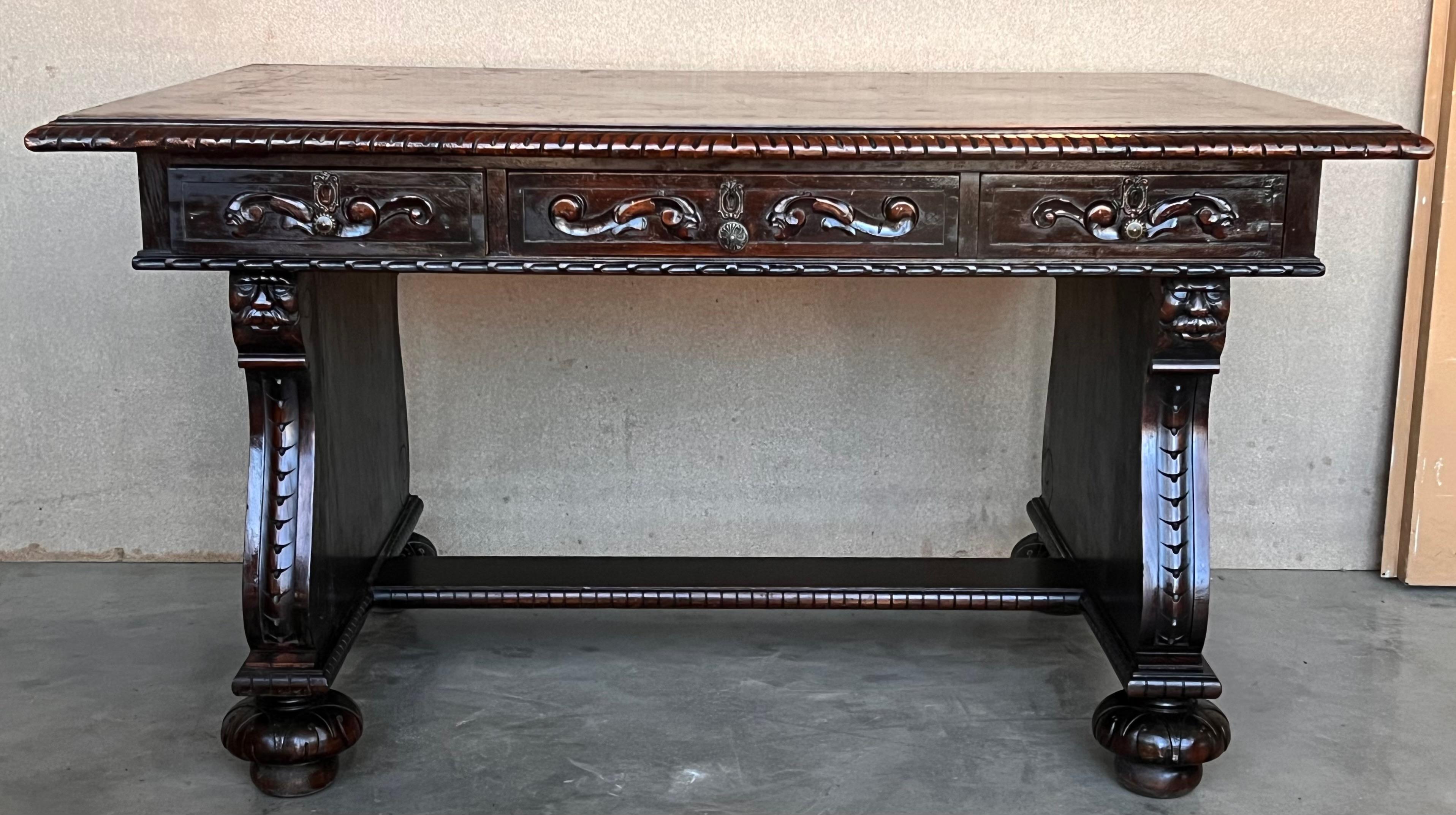
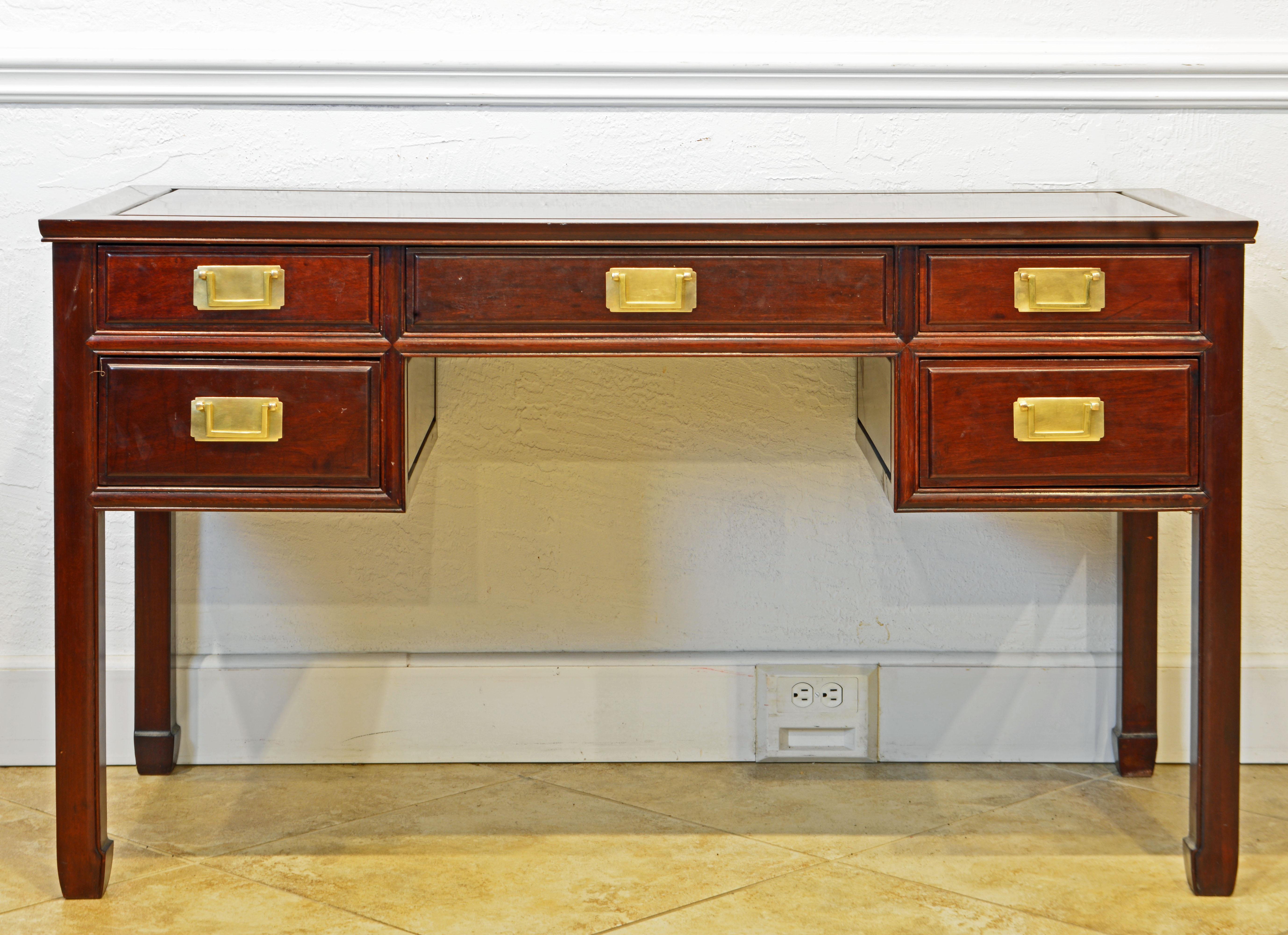
I’ve always had a thing about desks. I really enjoy looking at pictures of people’s work areas and in particular their desks. I’ve gone through stages. Sometimes I really liked renaissance desks, sometimes colonial desks, and sometime modern desks. Basically, I just want a table that can hold my computer, keyboard, and a few other work items.
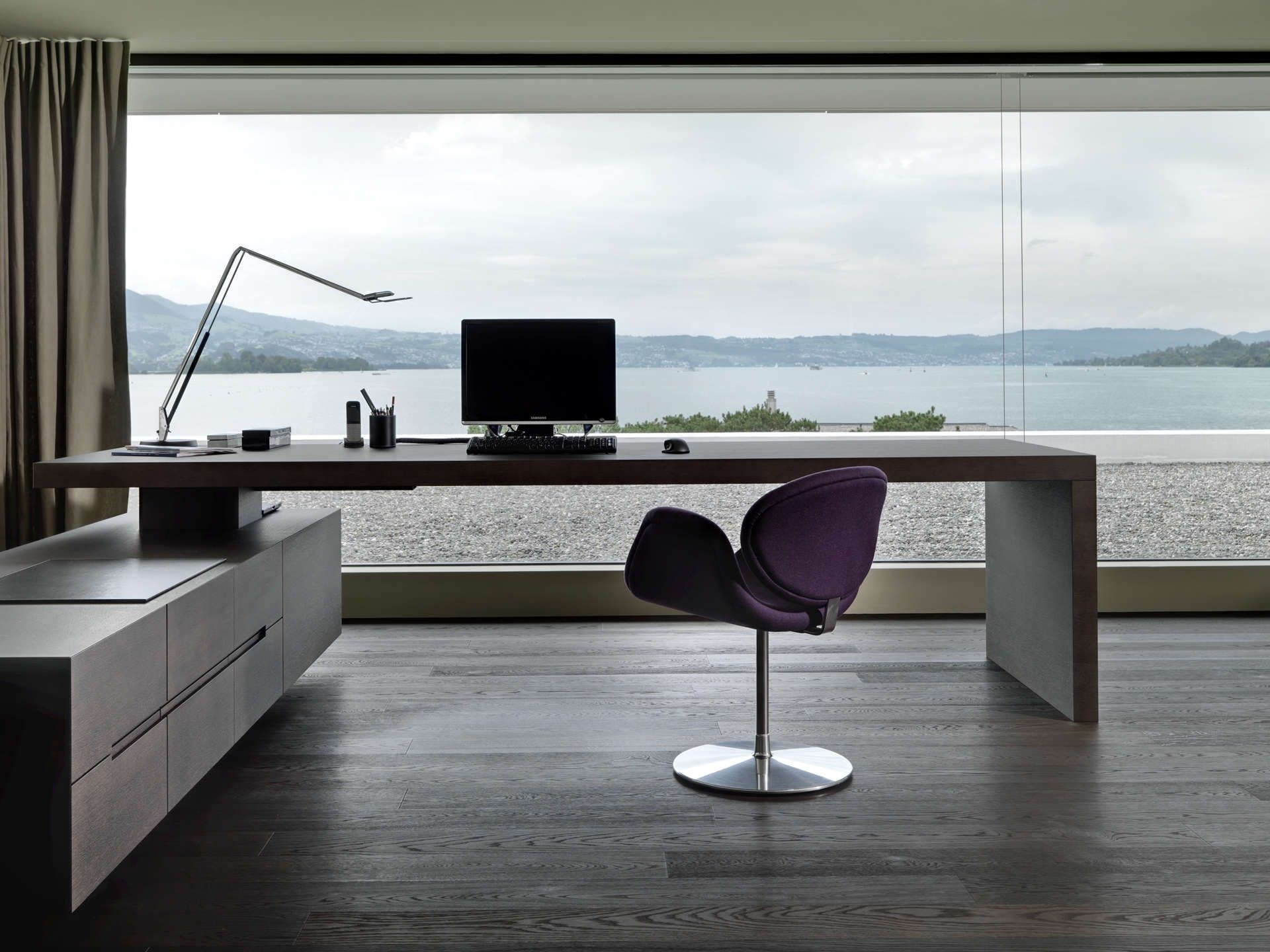
Fatih Arslan has his own take on the matter. Like me, he appears to prefer a desk that is basically a table but he has a unique view of how to use it. His idea is to have two desks in one. His physical desk is 200 cm long, which gives him a lot of room. The surprising thing is what he does with all that length.
He divides the desk into two parts. One half is the “digital side” where he has his computer, his keyboard, and little else. In order to earn a place on this side of the desk, something has to be used regularly for his writing, coding, or taking business calls.
The other half is the “analog side”. It’s for things that don’t need a screen. It has pens, notebooks, books he reading, and miscellaneous sheets of paper that he’s working on.
The split makes perfect sense. One side’s for computer tasks and the other side is for activities that don’t require a computer. Arslan has been using the setup for about 10 months and it’s working well for him.
There is, I think, something to be said for having space on your desk that’s not taken up by a keyboard and on which you can write with a pen, read a book, or simply play with the kids.