


Integrity brings notes, canvases and AI chats into one connected workspace


think deeper, organise visible, and get results faster

Think across formats
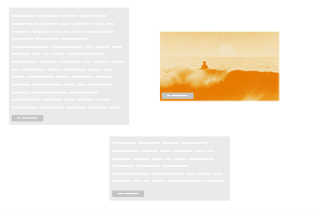
Combine notes, canvases, and AI chats. Ideas move seamlessly across surfaces
feature
Universal blocks
From text and images to tables, notes, and AI chats — everything lives on every surface. Drag and drop to flow forward without friction
One tree, infinite branches
Notes, canvases, and AI chats grow from one project tree — always visible and navigable


feature
Sidebar transparency
See what lives on any page and canvas without opening it. Your project structure stays visible and navigable from anywhere
AI that reads the room
AI conversations inherit your full workspace context
section
image

Note

ai-chat
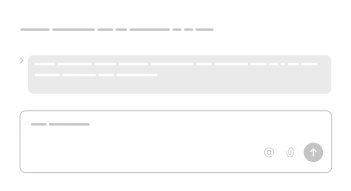
Make an action plan from @brainstorming ideas



feature
Multiple minds, one conversation
Choose from ChatGPT, Claude, Gemini, and more — all inside one conversation. Switch anytime without starting over
Who it’s for?
Founders
planning strategy

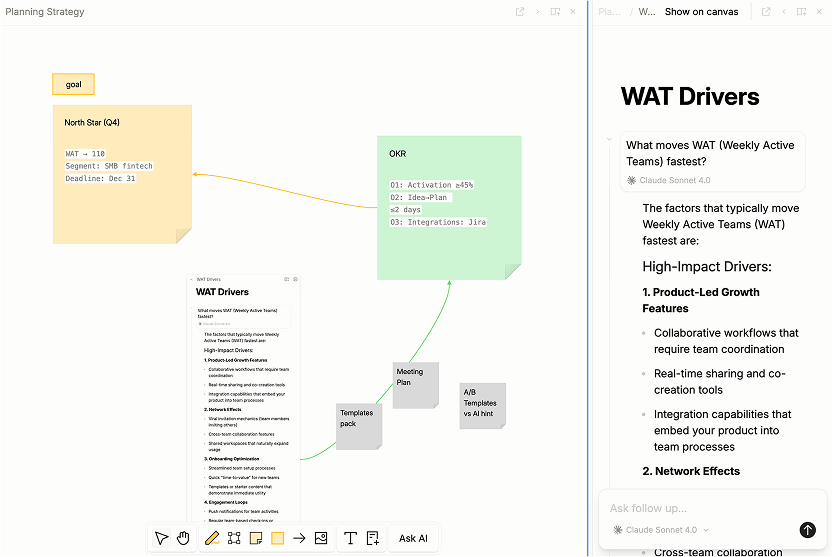
project managers
building roadmaps
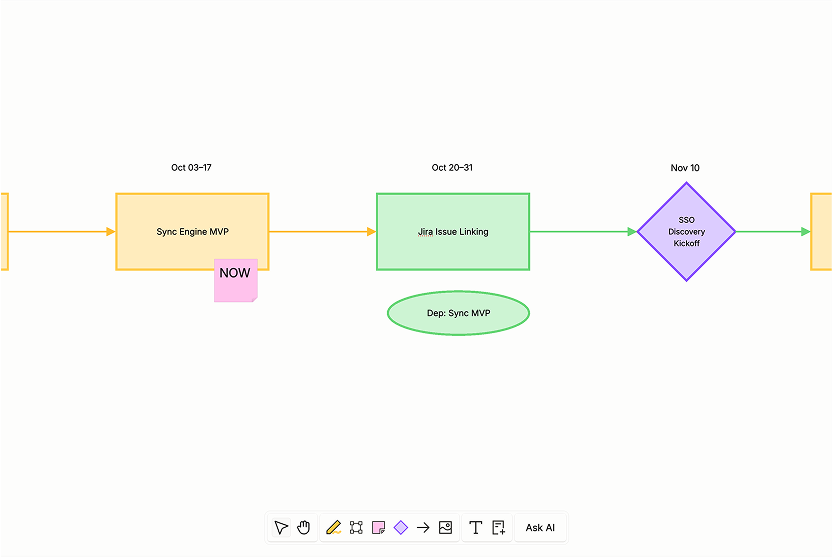
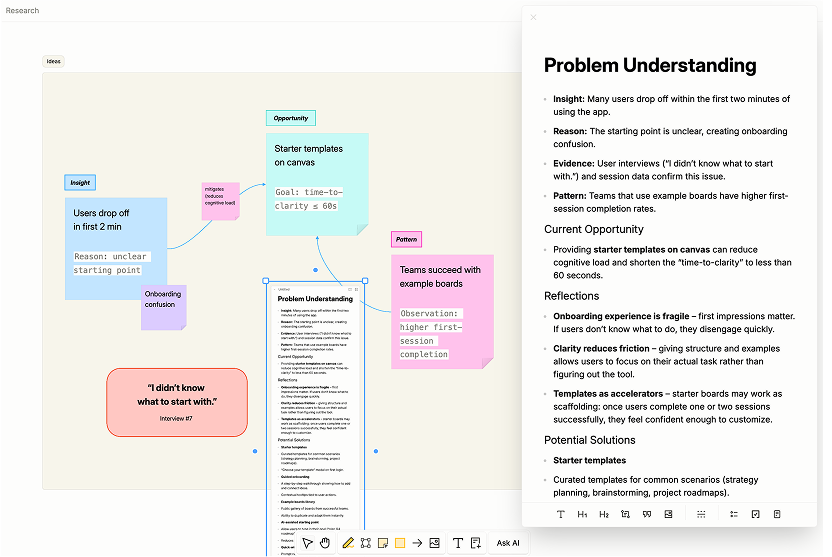
researchers
connecting ideas
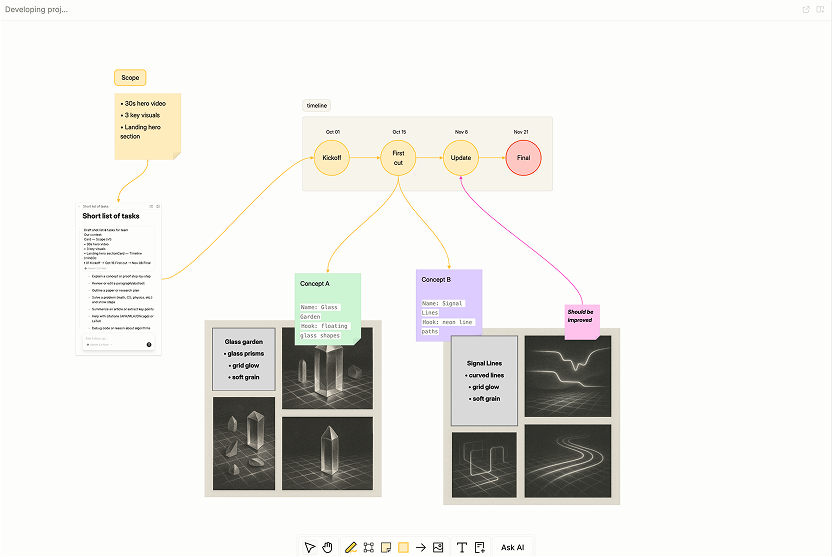
Creatives
developing projects


…and for anyone tired of manually moving content between Notion, Miro, and ChatGPT
Coming soon
-
AI Threads on Canvas
Parallel, branching, collaborative: the future of AI chats on a canvas.
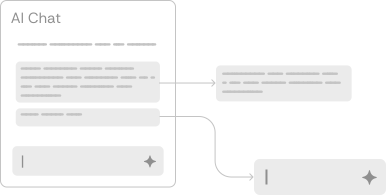
soon
-
Unified task manager
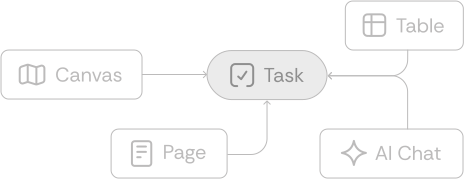
Tasks scattered across pages, canvases, and AI chats? View them all in one consolidated dashboard. Finally, an eagle's eye view of what needs doing.
soon
-
Publish & Collaboration
Share your ideas with the world or invite your buddies to work together.

soon
Simple, honest pricing
Start free. Upgrade when your team grows — billed per member, cancel anytime.
Free
$0
Free forever
- Up to 3 members
- Agents
- Limited AI tokens
- 5 MB / file upload
- 7-day history
Most popular
Pro
$12 / member / mo
billed monthly
- Everything in Free, plus
- Unlimited members
- More AI tokens
- 1 GB / file upload
- 30-day history
- MCP
Team
$24 / member / mo
billed monthly
- Everything in Pro, plus
- Most AI tokens
- 90-day history
- SSO
- Priority support
Connect your tools
Integrity speaks MCP, so the tools you already use plug straight in. Connect an account once and the AI can work with what's in it — no copying anything across.
- Notion
- Slack
- Linear
- Asana
- ClickUp
- Todoist
- Figma
- Sentry
- Stripe
- PayPal
- Cloudflare
- Fireflies
- Granola
- Zoom
- Gmail
- and many more
Take Gmail: connect it read-only and Integrity can search your mail and pull a thread into a note or a canvas — it never sends, drafts, or changes anything. Choose read & write and it can also prepare drafts and apply labels. You pick which one at the moment you connect, every connection is per workspace, and you can disconnect at any time.
We only ever request the access the mode you chose needs, and we use what a connection returns to answer you inside your workspace — nothing else. Read the Privacy Policy for the full picture.