Shader CSS (single-file bundle)
Draws any HTML element through a WebGPU or WebGL fragment shader driven by CSS custom properties. Add your own GLSL or WGSL with defineEffect().
· HTML-in-canvas experiments
Experiments and drop-in libraries built on the HTML-in-canvas
API. A <canvas> draws live child elements in 2D, WebGL or WebGPU while they keep taking clicks, typing,
text selection and accessibility.
Chrome 157+ ships HTML-in-canvas on desktop and Android (this site also sends an Origin Trial token for Chrome 148 to 156;
how to check or enable it). Without it, every page here shows as plain HTML.
Started as a <slot> experiment by Paul Kinlan: read the story.
Thirty-one highlights of what HTML-in-canvas can do. In every picture, the UI is live HTML drawn by a canvas and you can interact with it.
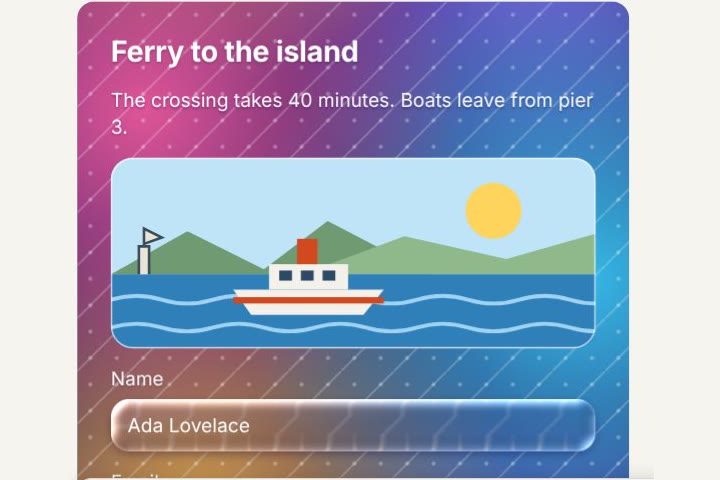
Twenty-nine skins (glass, stained glass, clay, thermal, LED board, comic, X-ray, oscilloscope) wrapped round each element of a live form.
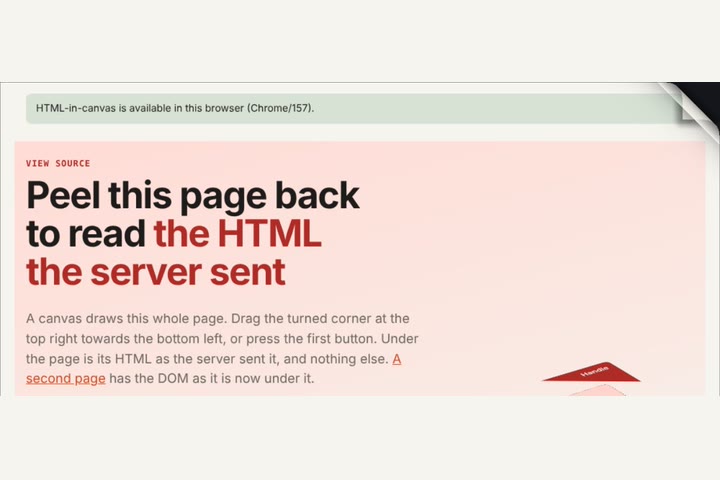
One canvas draws the whole page. Drag the turned top-right corner and the page rolls back like paper to reveal the HTML the server sent.
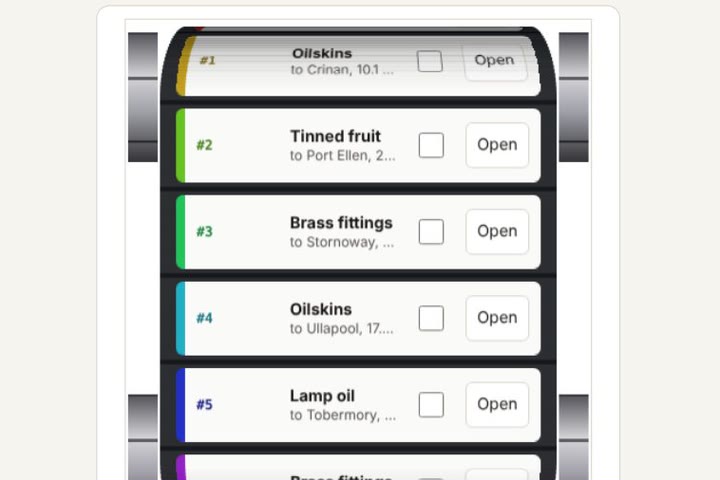
An endless list built from ten live DOM rows, drawn round two 3D rollers with checkboxes and buttons that still work as they roll by.
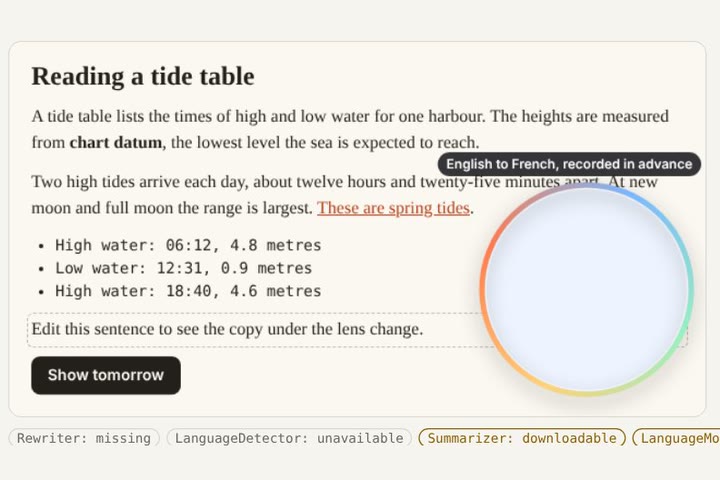
Drag a live lens over an article to translate, simplify or summarise only the words under it while editing the original text keeps working.
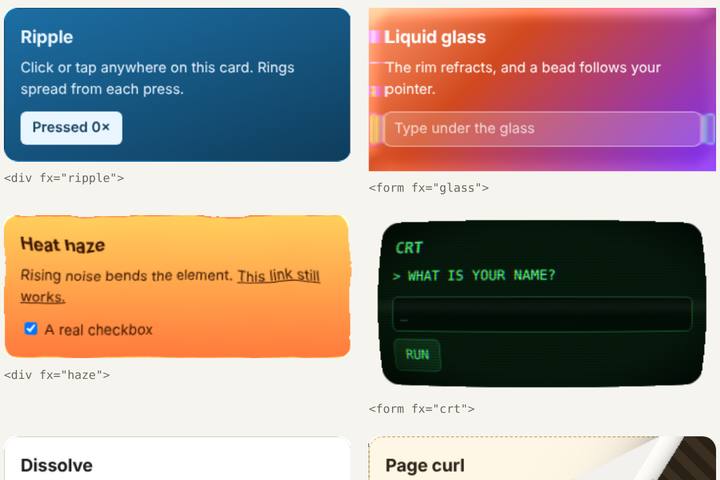
fx="ripple" draws an element through a fragment shader. CSS custom properties set the uniforms, and you can supply your own GLSL or WGSL.
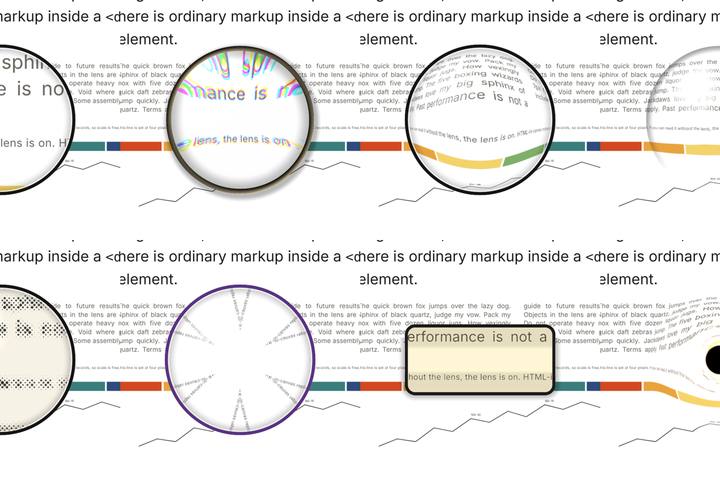
Fifteen lenses. The area under the lens is drawn again at the lens zoom, so 4px text stays sharp, and clicks and typing pass through.
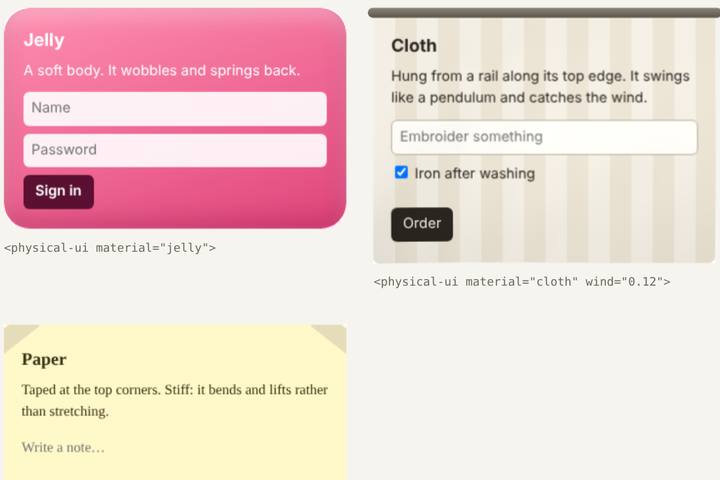
Forms drawn on jelly, cloth and paper meshes. Hit testing follows the mesh, so a click reaches the control under the pointer.
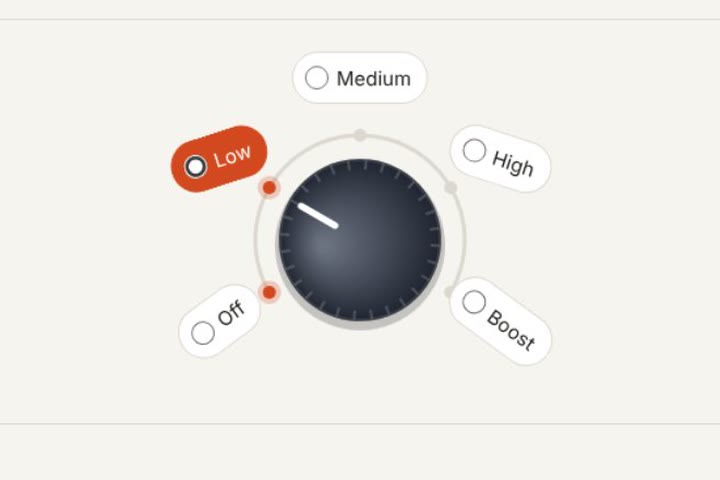
Real radio buttons arranged round a rotary dial, faders and gauges drawn by a canvas while keeping keyboard navigation and form values.
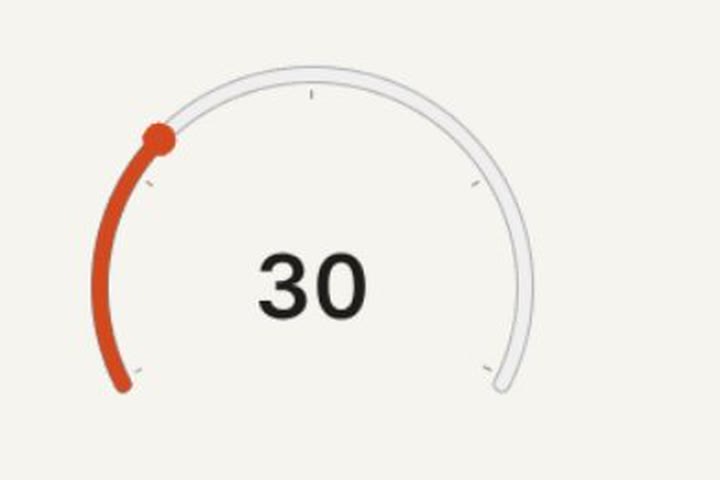
Five more input pickers, starting with a real <input type="range"> drawn in 3px slices round an arc with a live <output> in the middle.
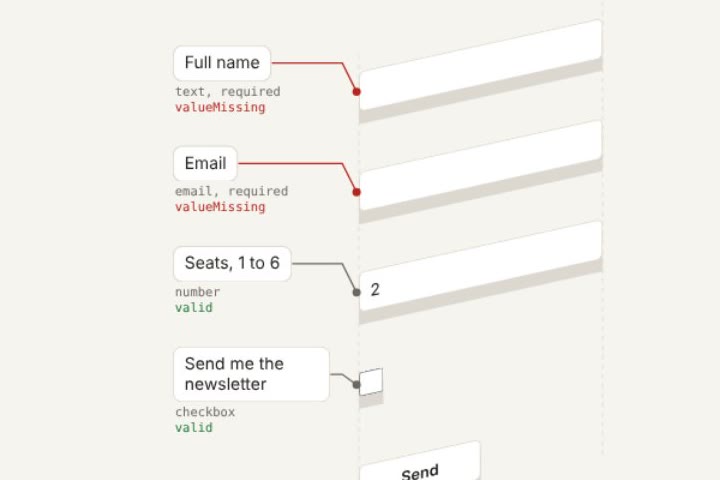
Skewed inputs and checkboxes wired to drawn callout lines that update live from the browser's own constraint validation state.
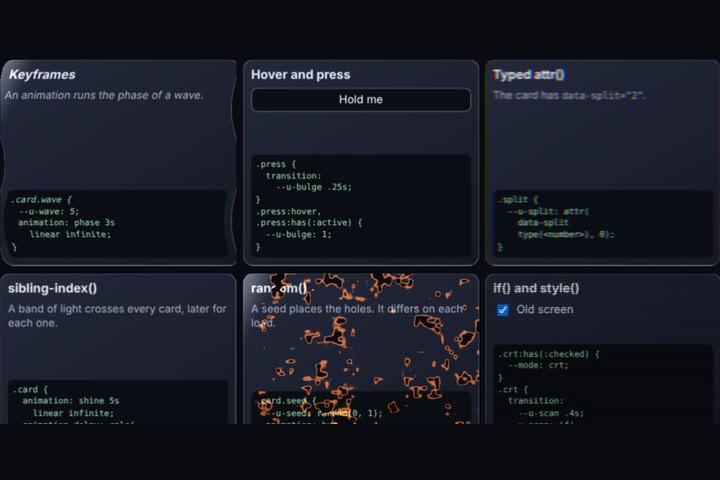
Twelve cards drawn through one shader whose uniforms come from CSS keyframes, typed attr(), random() and if(). Edit any card's CSS live.
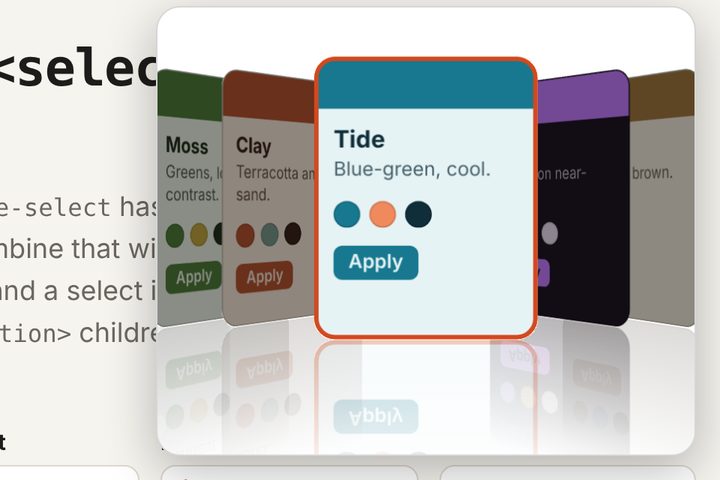
The options of a customisable <select> are drawn as a wheel, fisheye list, radial menu, 3D carousel, hand of cards or helix while keeping the value and keyboard.
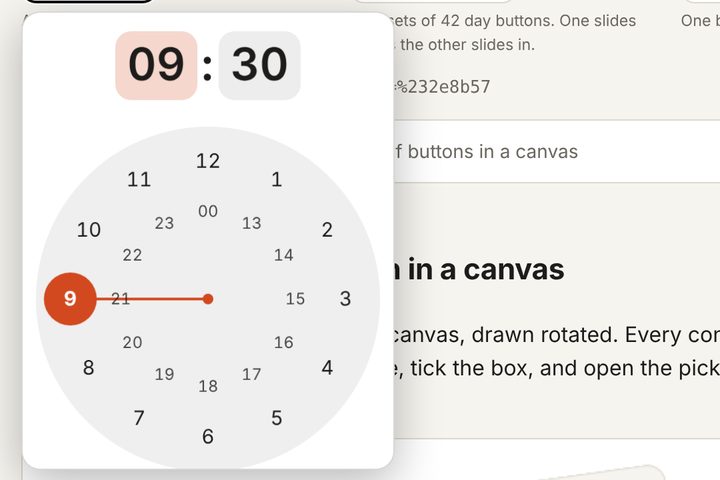
A clock, a calendar and a ring of swatches replace the built-in pickers of three ordinary inputs. Every hour and day is a real button.
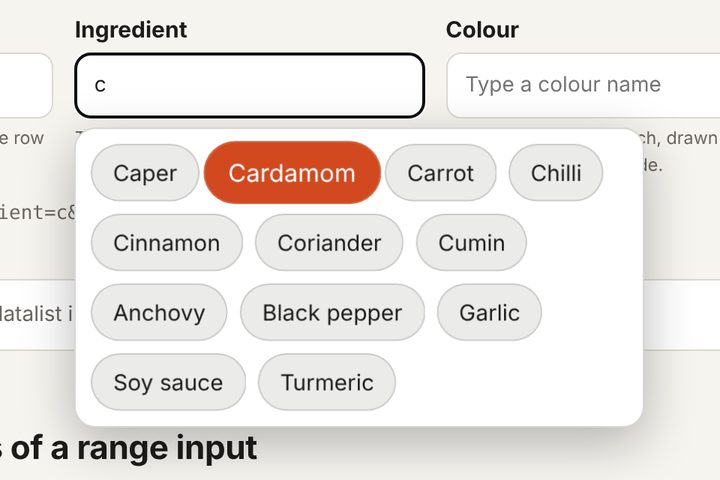
The <datalist> of a text input is moved into a canvas in a popover. Its options draw as a list or pills and rearrange as you type.
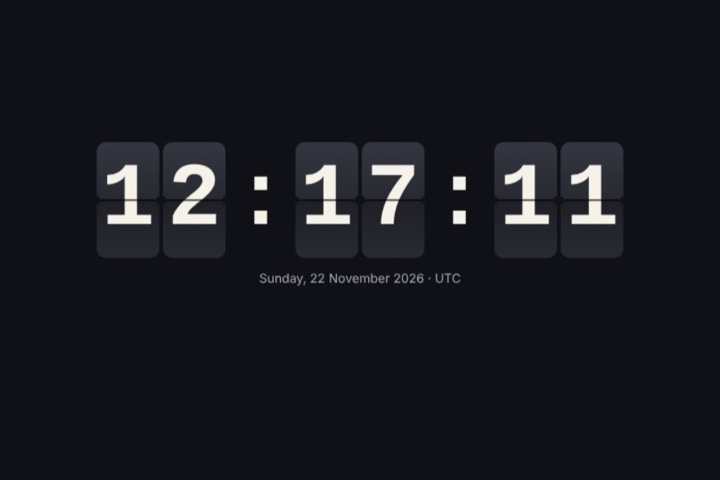
One <time> element whose digits flip from a snapshot of the old text to the new text, driven by paint events with no frame loop.
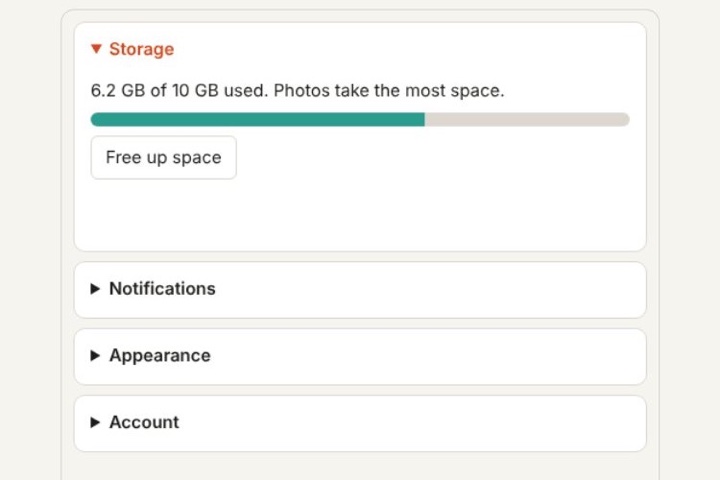
Four <details name> elements joined by a paper fold, drawn as sheared strips from a snapshot when closing and live when opening.
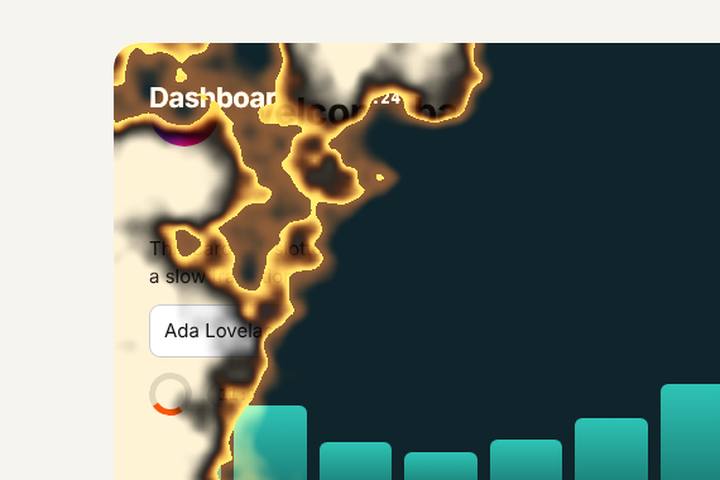
Shatter, fold and burn transitions drawn in WebGPU or WebGL. Both states accept input during the transition, and it can be held part way.
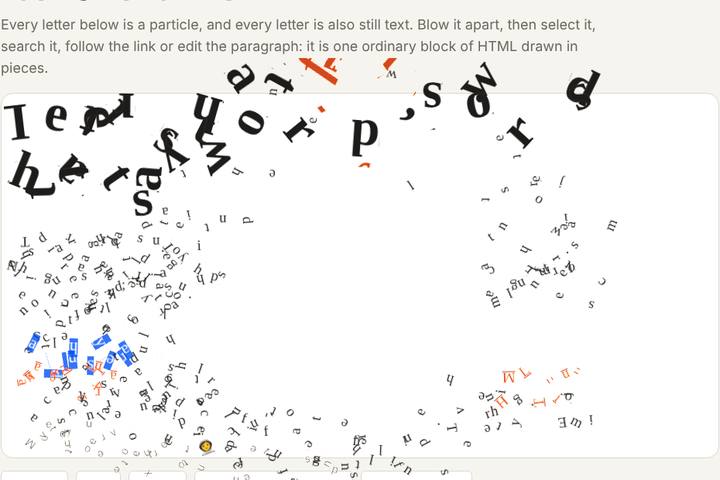
Each letter of a paragraph is a particle. The paragraph stays one element, so selection, find-in-page, links and editing keep working.
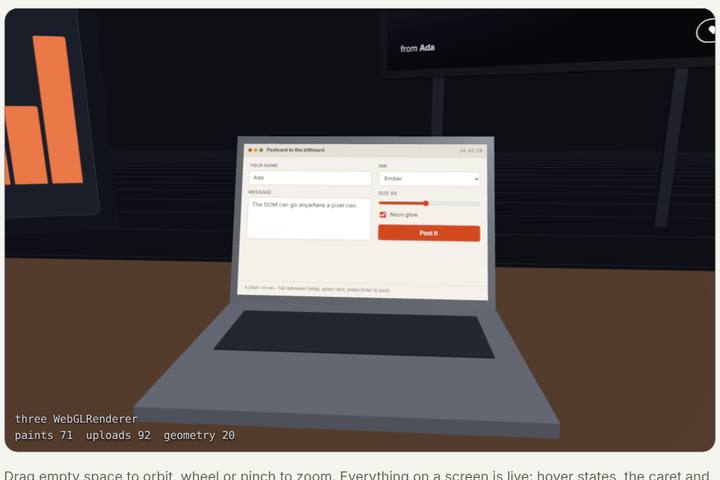
A form used as a texture on a laptop screen, a billboard and a curved wall. Typing, Tab and text selection work on all three.
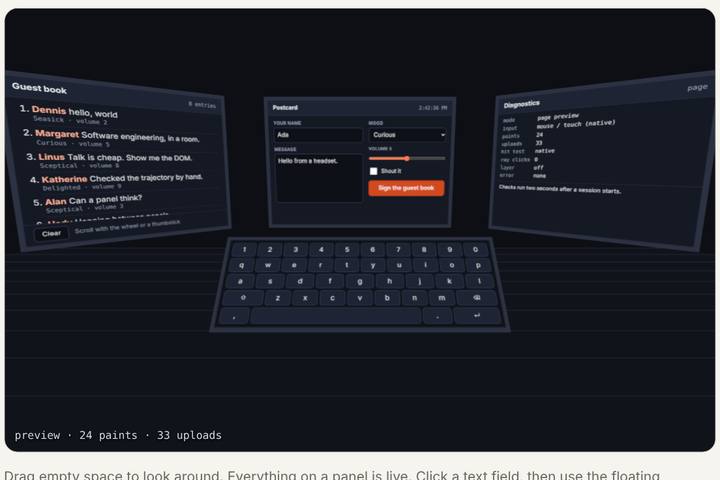
HTML panels in a three.js XR scene. Controller rays become pointer events on the elements. Includes a desktop preview and a headset emulator.
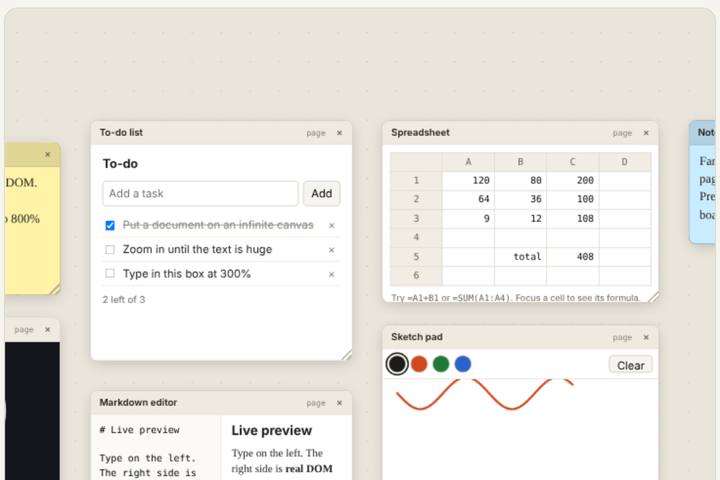
Each tile is an element or a same-origin iframe drawn under a zoom transform. Text is rasterised again at each zoom level, up to 800%.
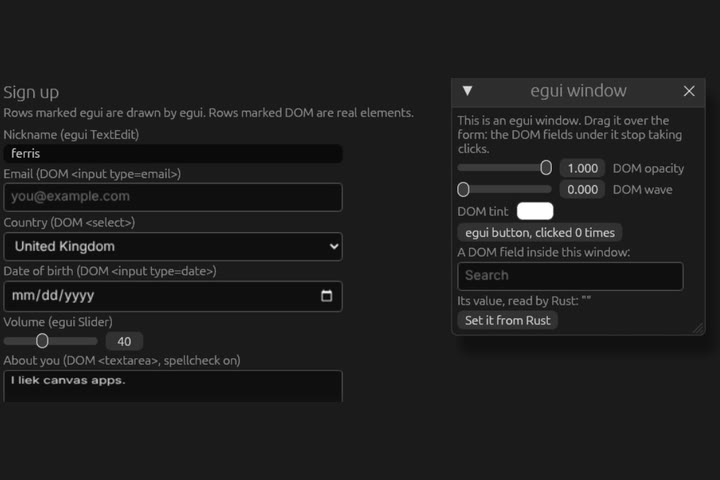
Real HTML inputs, selects and spellcheck textareas hosted inside WebAssembly egui and Qt Quick canvases, with working window occlusion.
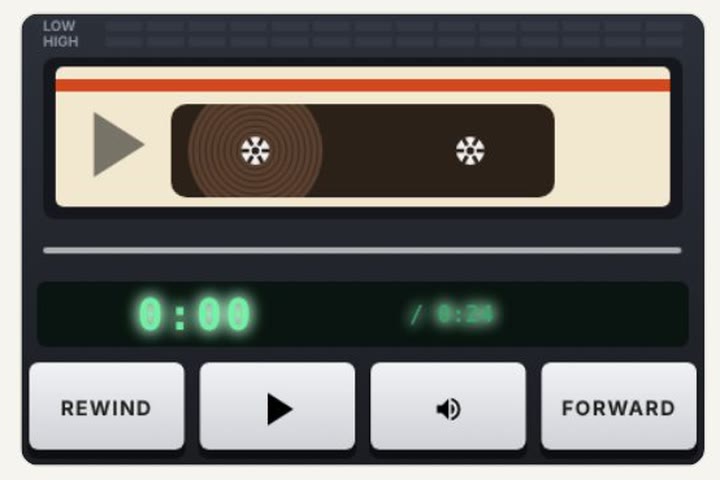
A tactile cassette deck with spinning reels and a glowing counter built out of real audio controls drawn into one canvas.
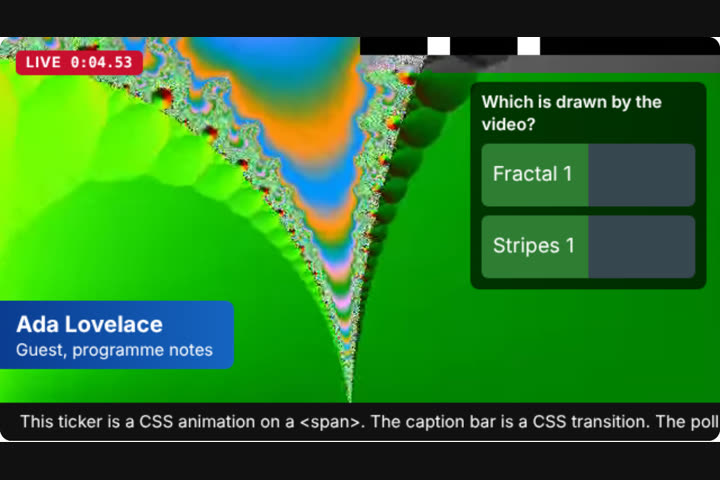
A caption bar, a poll and a ticker in HTML over a video, in one canvas. Record it with sound, export frame by frame, or send it over WebRTC.
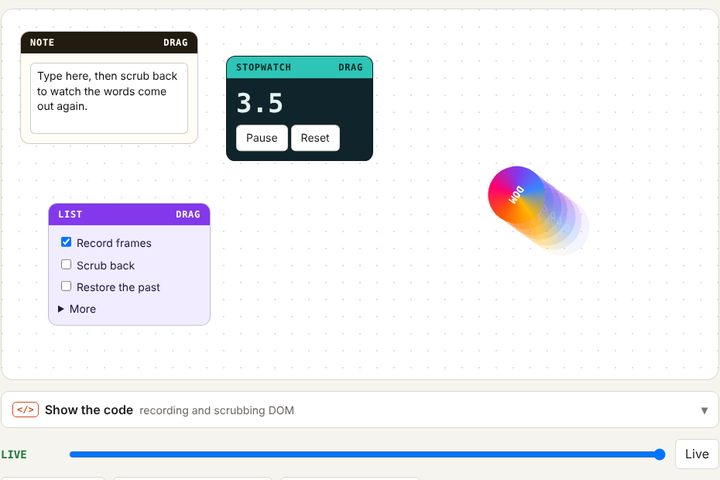
A ring buffer of frames of an element. Drag the slider to scrub earlier frames, replay the last five seconds, or restore an earlier form state.
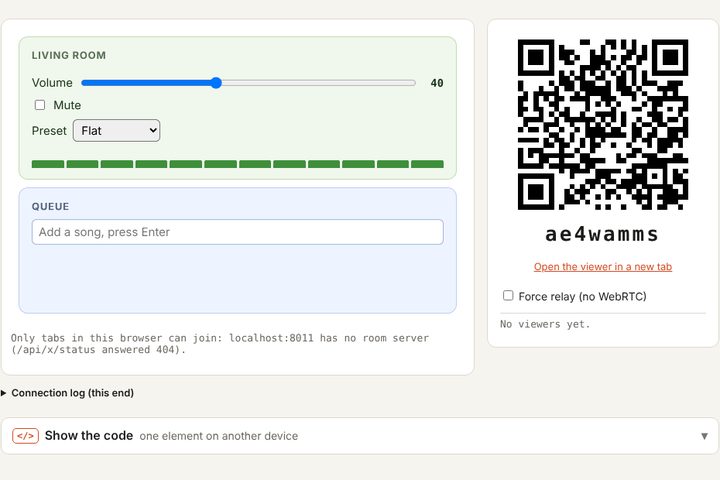
Scan a code and one panel of the page is on your phone over WebRTC. Taps and typing on the phone are sent back and applied to the element.
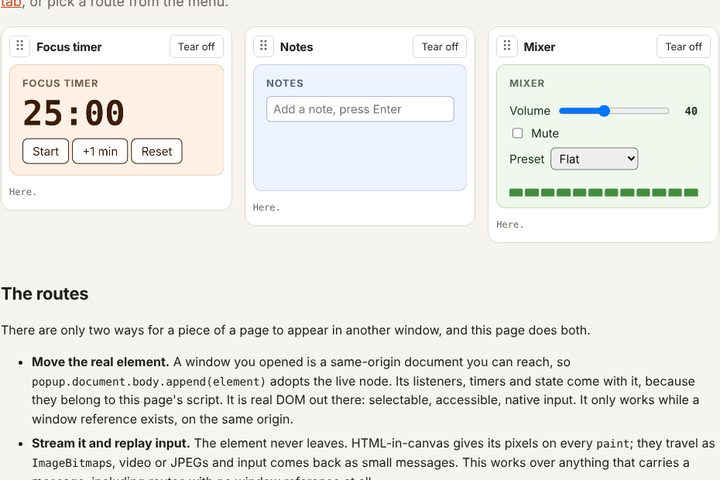
Pull a widget into a popup, an always-on-top window, another tab or another origin. What you do there happens to the element on this page.
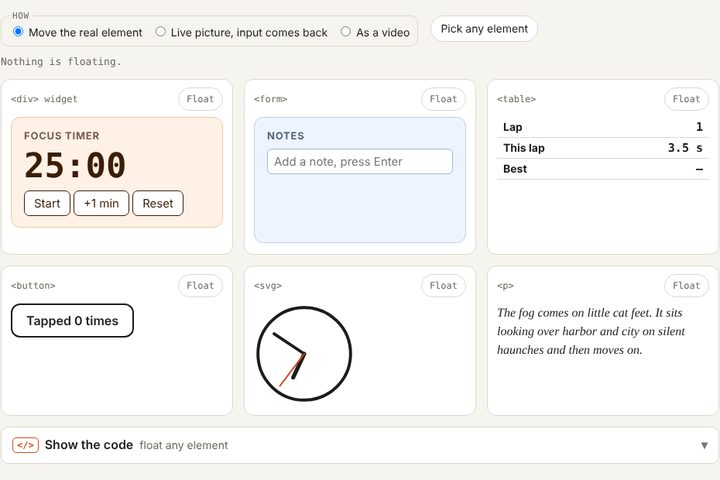
pipElement(el) puts an element in a window above your other windows: moved there, as a live picture that takes input, or as a video.
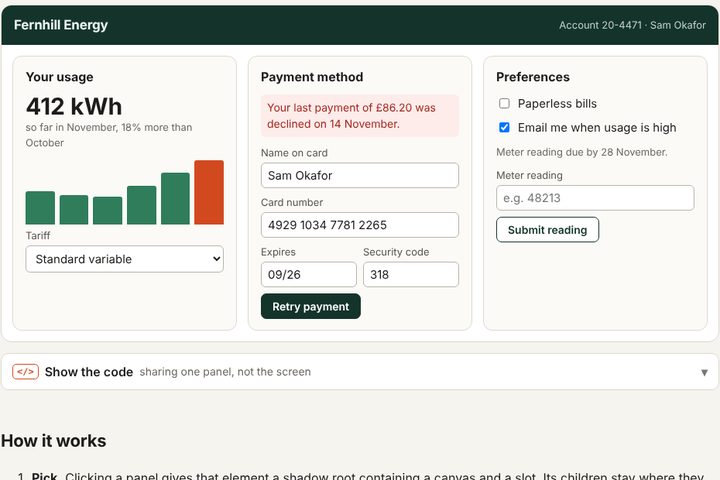
Send one panel to a support agent or a vision model instead of your whole screen. Private fields are blacked out before the frame is sent.
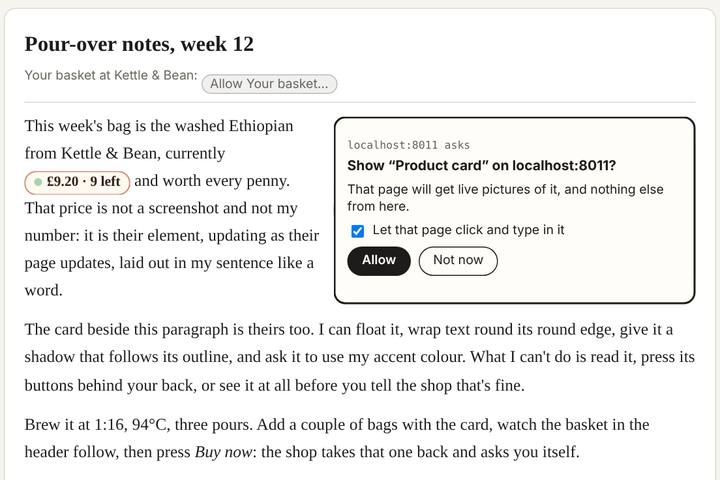
A price and a product card from another origin, laid out inline in a blog post. The other origin asks the reader before it sends any pixels.
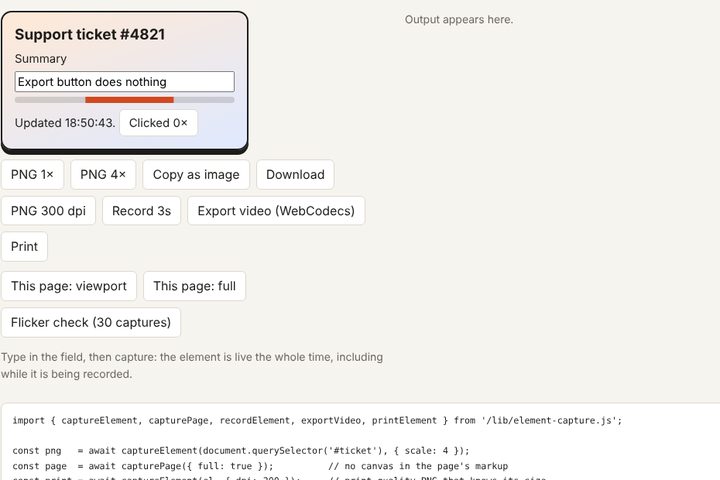
captureElement(el) wraps an element in a canvas for one frame and returns a PNG. The same library records video and prints at 300 DPI.
Several experiments grew into standalone, zero-dependency ES modules and custom elements you can import straight from
/lib/ (served with CORS enabled, Apache 2.0).
Draws any HTML element through a WebGPU or WebGL fragment shader driven by CSS custom properties. Add your own GLSL or WGSL with defineEffect().
The custom element that started this site: project light-DOM children into a canvas with draw(name, x, y), shader effects or an OffscreenCanvas worker.
Wrap any markup in a magnifier, glass, fisheye, thermal or X-ray lens. Sharp text re-rasterised at lens zoom, with clicks and typing passing through.
Draw live forms on simulated jelly, hanging cloth or taped paper meshes while keeping hit testing synced with the deformed surface.
Wheel, carousel, helix, clock, calendar, swatch ring and pill pickers for real <select>, <datalist> and date/time/colour inputs.
Shader transitions between two live states, a ring buffer of recorded DOM frames, and interactive per-glyph text particles.
Mirror any live element elsewhere on the page, draw custom canvas text-selection highlights, or wrap forms in 2D canvas effects.
Export any element to PNG, 300 DPI print or WebCodecs video, float it in Picture-in-Picture, or stream it to another device over WebRTC.
<canvas-slot> one module, no dependencies<script type="module" src="https://html-in-canvas.page/lib/canvas-slot.js"></script>
<canvas-slot id="stage">
<h2 slot="title">A heading</h2>
<button slot="cta">A button you can press</button>
</canvas-slot>
<script type="module">
const stage = document.getElementById('stage'); // the <canvas-slot> element
// draw(slotName, x, y) is drawElementImage() for the element in that slot.
stage.onrender = ({ ctx, draw, time }) => {
ctx.rotate(Math.sin(time / 800) * 0.05);
draw('title', 20, 20);
draw('cta', 20, 90);
};
</script>Every experiment asks one question about the API, shows its running code, runs live checks in your browser and lists what worked and what didn't. Pick a topic or type to filter all 140+ pages.
I'm still adding pages as I think of ideas. The RSS feed has an entry for each one, with its question, how it works and its findings.
The tutorial is the one page written to teach the API from scratch: how to check support, a 60-line page that draws one element, common errors and a glossary. To see one API call in use, open an experiment from this table and read its code listing.
| Call | What it does | Used in |
|---|---|---|
drawElementImage() | Draw an element with a 2D context. | Start here |
I kept running into the same four limits, and most of the code on this site is shaped by them. The tests behind each one are in FINDINGS.md, the friction log and the crash list.
ElementImage draws only into its source canvas. To show an element in another document, the pages send pixels and forward input events back.inert.About this site · Tutorial · Drop-in libraries · Friction log · RSS feed · Source on GitHub (Apache 2.0)