🔌 Cable ManagementSub-System
3D-Printed Cable Management
Underware is my snap-together cable channel system. 3D print the pieces, press them together and route every cable under your desk cleanly. No glue, no screws, no ugly cable spaghetti.
🧩 Snap-Fit
No Glue Needed
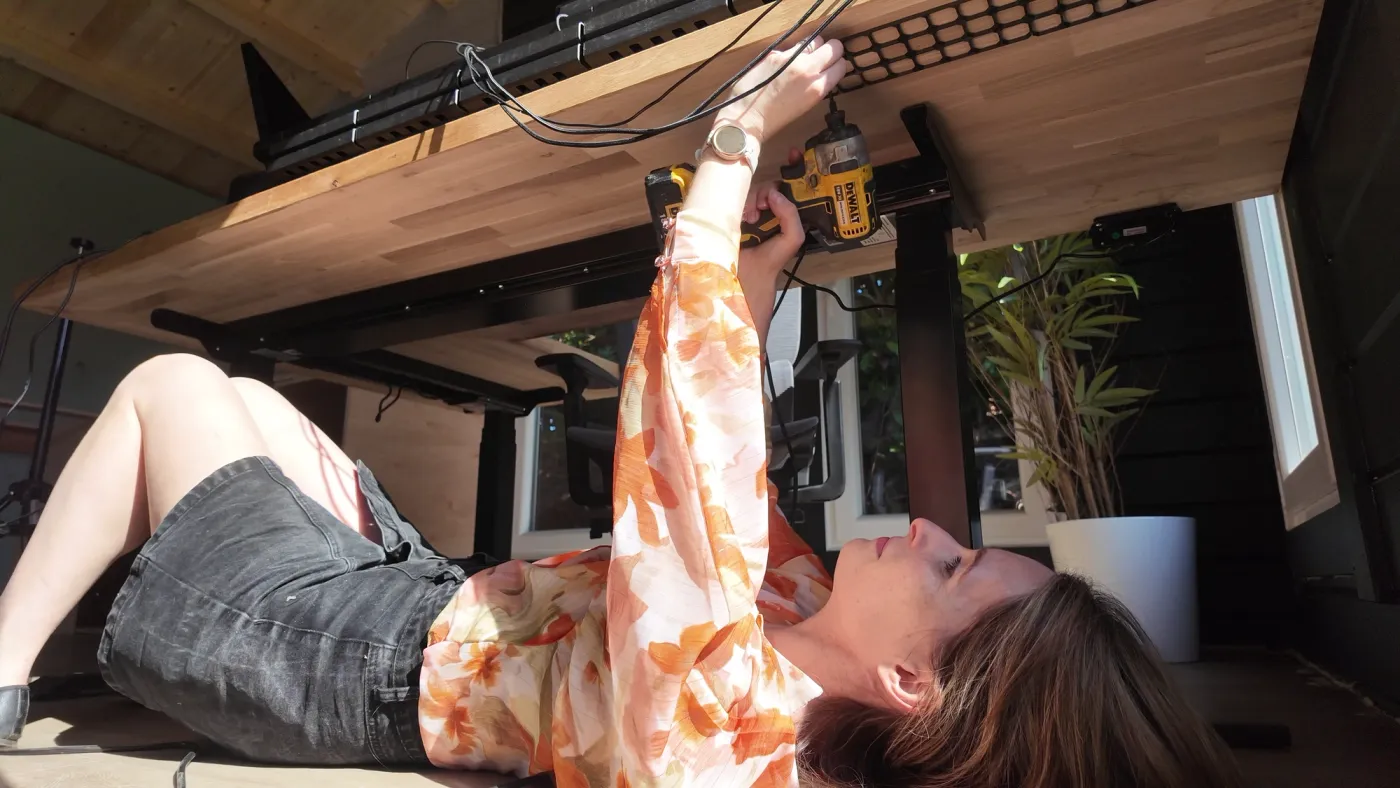
Why is cable management so hard?
You've tried velcro wraps, cable trays, and sticky clips. They sort of work — until you add a new device, change your desk layout, or the adhesive gives up.
The cable spaghetti problem
Monitor, keyboard, mouse, charger, speakers, desk lamp — modern desks have 6+ cables minimum. Without management, they tangle into an ugly mess within days.
Adhesive solutions fall off
Cable clips from Amazon look great for a week, then the adhesive gives up and everything drops. You end up with sticky residue and cables on the floor.
No system fits every desk
Pre-made cable trays are one-size-fits-none. Your desk is a unique shape, and your cables route to specific places. You need something custom.
Why I Built Underware
I wanted something that actually stays put
After trying every cable management product on Amazon, I realised the problem: they're all compromises. Cable trays are ugly. Adhesive clips fall off. Velcro wraps bunch cables together but don't route them anywhere. I needed a channel system that was custom-fit to my desk, mechanically secure, and easy to reconfigure.
Snap-fit means no commitment
Every Underware joint is a press-fit snap connection. Push to connect, pull to disconnect. No glue, no permanent fixtures. When you change your desk setup — new monitor, different cable routes — just pull the channels apart and reassemble in the new configuration. It's the same modularity philosophy as Gridfinity and openGrid, applied to cables.
Bonus: built-in LED diffusion
Print Underware channels in transparent PETG and they double as LED strip diffusers. Drop an LED strip inside, snap on the lid, and you get soft, even lighting along your desk edge, behind your monitor, or under shelves. One system, two purposes.
How Underware Works
01
Choose Your Foundation
openGrid is the standard choice. Multiboard is legacy. Or mount directly to any flat surface.
02
Pick Your Packs
Select from standard grids, channels, hooks and accessories.
03
Snap & Organise
Everything snaps into place. Rearrange any time as your set-up evolves.
Watch the Guide
Watch a quick walkthrough of how Underware works.
Browse Components
Every Underware component — from starter packs to customisers — is in the Parts Library. All curated and tested.
Where to Use Underware
Anywhere cables need taming — and a few places you might not have thought of.
🖥️
Under-Desk Routing
The primary use case. Route all cables from your desk edge to the power strip in clean, hidden channels.
💻
Behind Monitors
Vertically mounted channels that gather HDMI, DisplayPort and power cables behind your screen.
🧱
Wall Runs
Route cables along walls from desk to floor, or horizontally along skirting boards.
💡
LED Channels
Print in transparent or white PETG and use as LED strip diffusers. The snap-fit design makes changing LED strips easy.
Part of the System
The Missing Piece
Underware completes the desk setup. While Gridfinity organises the items on top and openGrid organises the wall above, Underware handles the cables underneath. Three systems, one perfectly organised workspace.
What You'll Need
Everything you need to get started is probably already on your bench.
🖨️
3D Printer
Any FDM printer works. Channels print flat with no supports needed.
🧵
PLA or PETG
PLA for standard channels. PETG (transparent) if you want LED diffusion.
📎
Adhesive Strips
3M Command strips or VHB tape for mounting under desks. No drilling required.
Ready to Banish Cable Spaghetti?
Download the free STL files and start with a single under-desk run. You will never go back to velcro wraps.
Enjoying Underware?
Every build, download, and tutorial is made possible by the Workshop community. Your support keeps the tools free and the builds coming.
Free tier available — follow along on Patreon at no cost
Never miss a build
Subscribe on YouTube for new projects every week
© 2026 Hands On Katie. Crafting beyond boundaries.
Some links on this site are affiliate links. I may earn a small commission at no extra cost to you.
v3.36