The Diptyx ereader is a dual-screen ereader that runs on an ESP32. It runs custom software capable of displaying EPUB files and uses two e-ink screens for a book-like reading experience. Through the built-in UI, you can scroll through chapters, add bookmarks, change the font type and size, and much more. When not in use, the ESP32 enters deep sleep, which minimizes power usage and allows for weeks of normal use. Currently the project is in the pre-campaign stage on crowdsupply, where you can subscribe to get notified for updates.
Now available for pre-order on Crowd Supply!

Diptyx E-reader is the ultimate ereader for readers that want to own their device and everything on it.
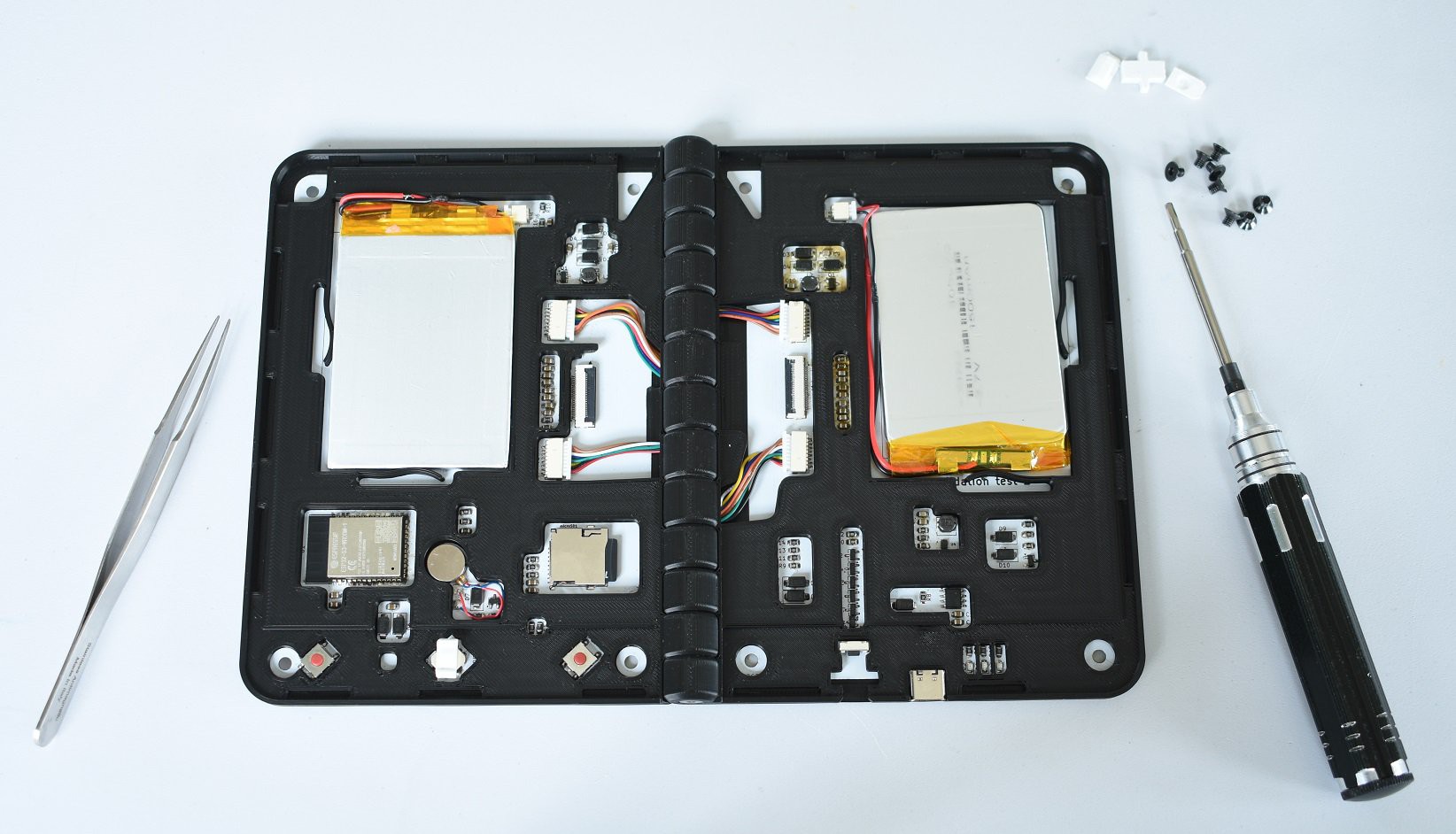
It utilizes the powerful ESP32S3 chip with 16MB of flash and 8MB of RAM, with an internal SD card for book and font storage. A usb type-C is present for charging and transferring files, and clever circuitry ensures the device knows when a cable is plugged in, even from deep sleep.
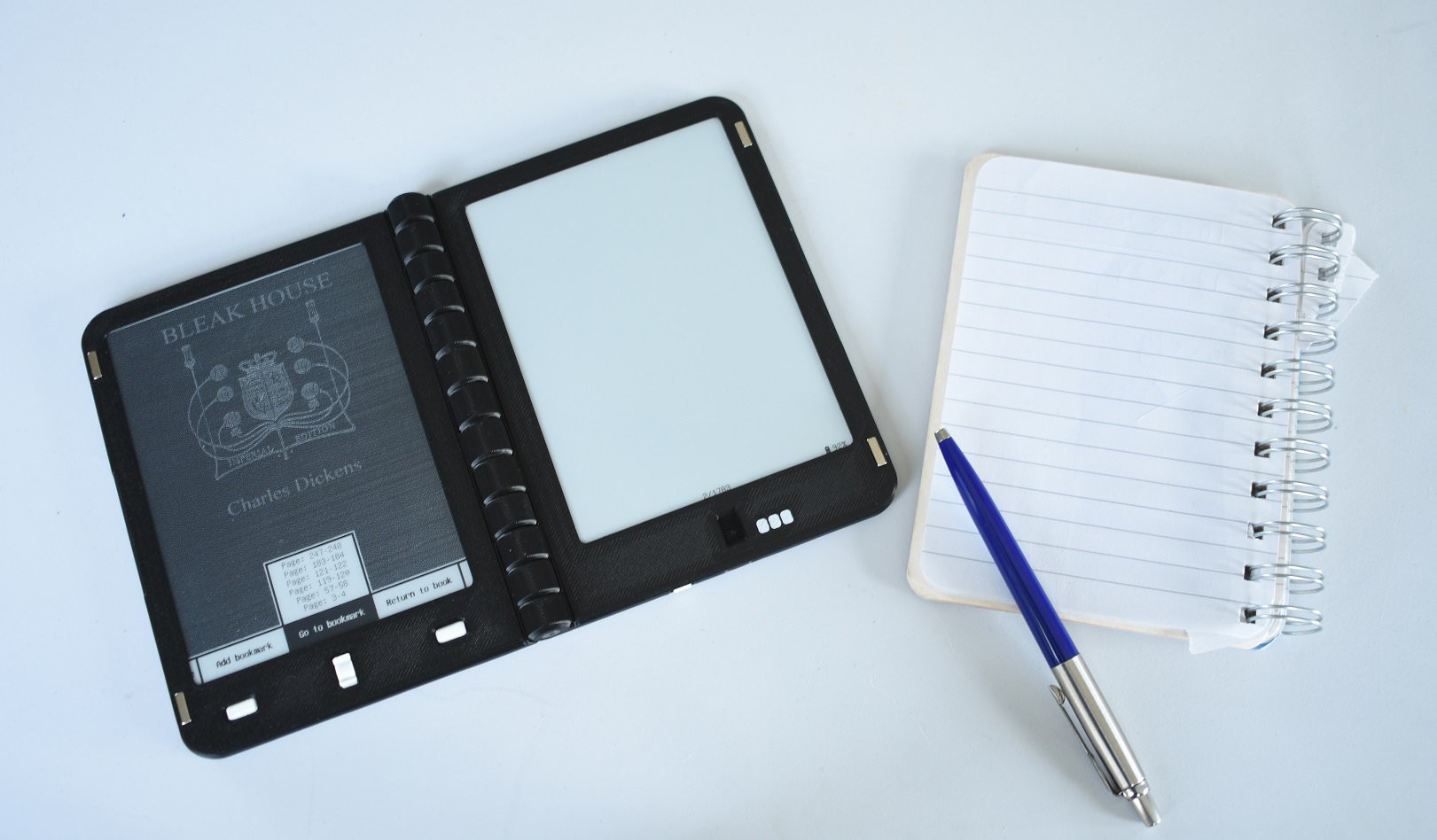
Two 1500mAh lipo batteries and an efficient tps6284 buck converter ensures weeks of normal use and many months in standby. Two 648*480 E-ink are used to show two pages of a book at once, giving a book-like reading experience. Customs LUT's are used for low-latency page turning, in combination with page buffering.
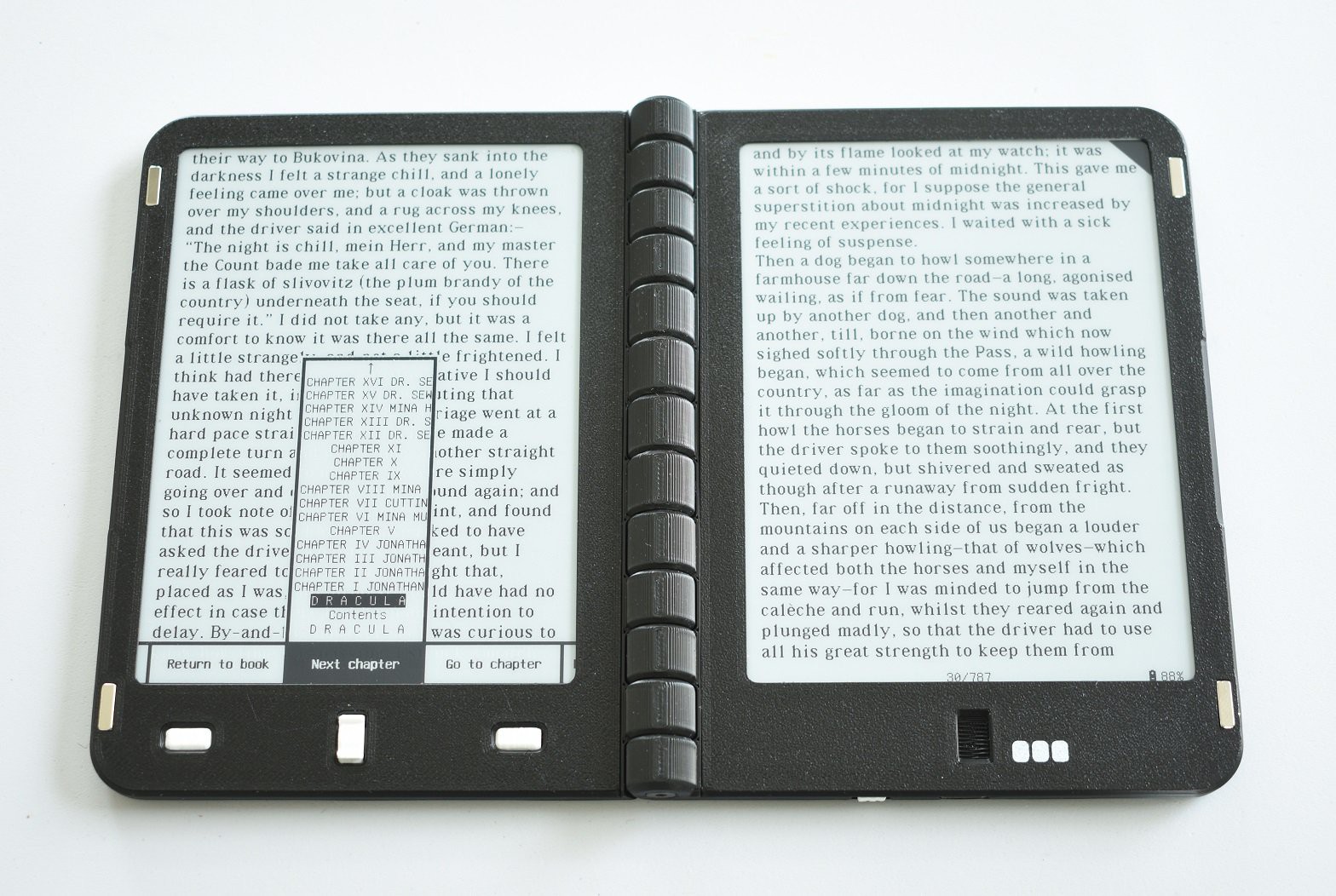
A 3 way button + 2 buttons are used for page turning and menu navigation. The built-in UI is used for editing both rendering and device settings, such as font size, standby timeout, line spacing. In addition, a quick menu is available during reading, which allows you to quickly toggle settings such as night mode, add and navigate bookmarks, and scroll through chapters. These settings are of course stored persistently in the flash memory of the ESP32.
The firmware is partially based on Atomic14's epub reader and can parse EPUB files with changeable fonts, font sizes, line spacing, and supports styles defined in css and can render images. Books are index before reading, allowing you to scroll through chapters and see how many pages a book has, this data is stored in non-volatile memory, but indexing has to be redone after changing settings such as font size or line spacing.
This project is currently in pre-launch on crowdsupply, where you can subscribe to get notified for updates: https://www.crowdsupply.com/diptyx/diptyx-e-reader
-
Quick software update: Pinning books & Unifont fallback
Martijn • 01/06/2026 at 14:39 • 0 commentsIt's time for another quick software update! In this update, two major functionalities are added, namely pinning books, and unifont fallback for special characters.
Pinning books
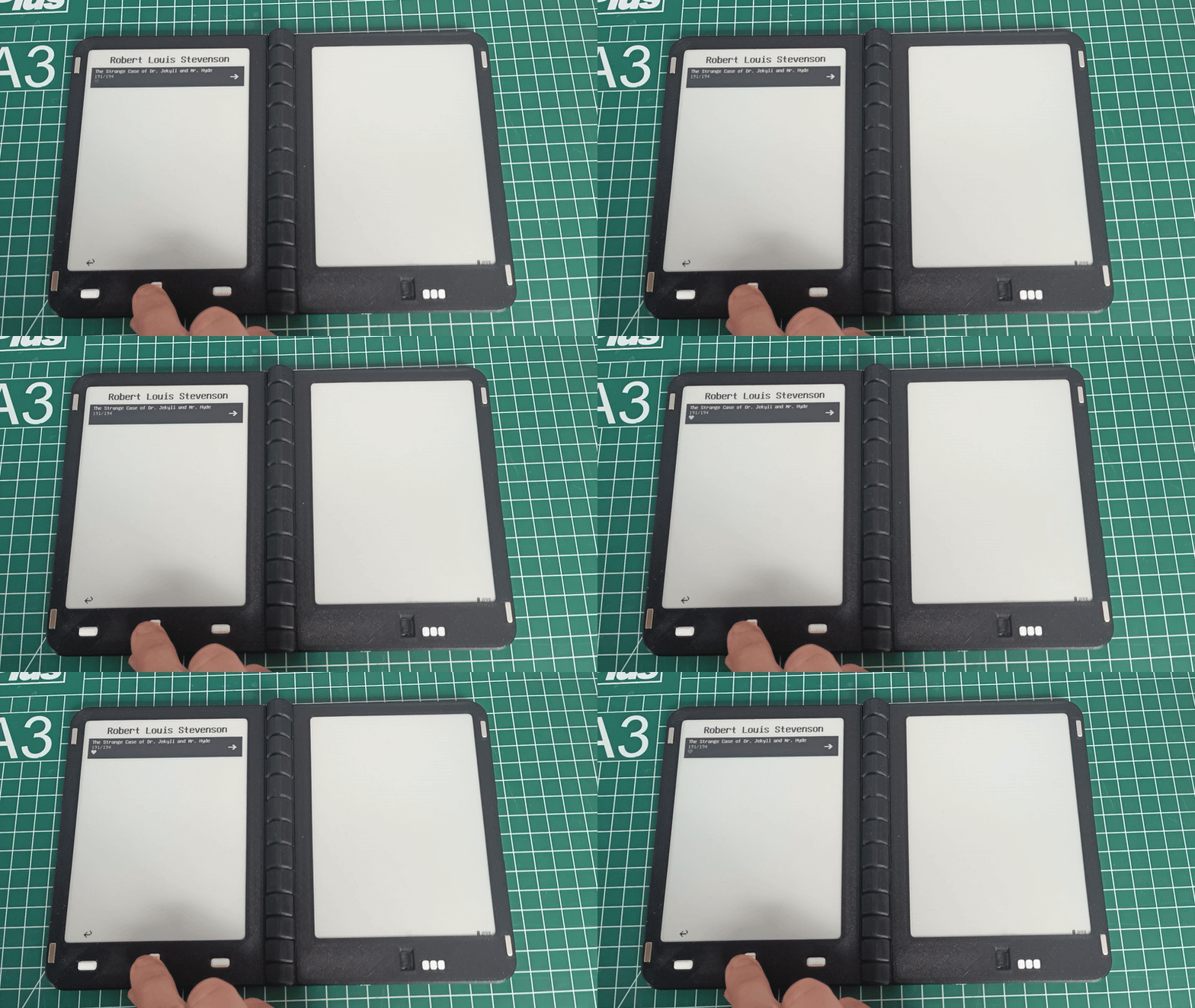
In the book library, you can now click on a book with the middle button to add it to your favorites list. This is shown as a small heart underneath the pagecount of the book,. Favorite books are listed under the favorite books tab, which is always the first element in the library menu.
![]()
Pin your favorite books with a single click 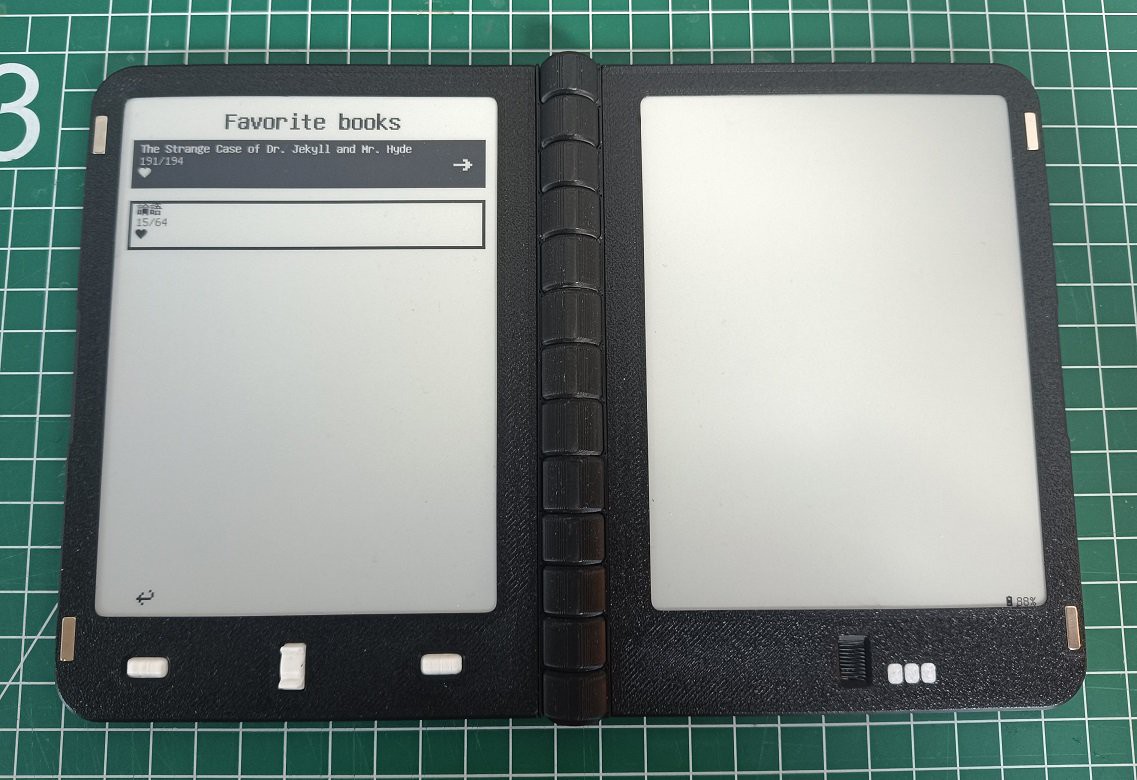
All your favorite books are listed in the favorite books tab Unifont fallback
Custom proportional fonts are supported in the .yaff format. These fonts often do not support non-european characters such as Chinese or Korean however. In this update, a fallback in Unifont is implemented: Characters that are not supported in the currently selected font are rendered in Unifont instead, this can be the case for normal characters, but also special characters like emojis for example.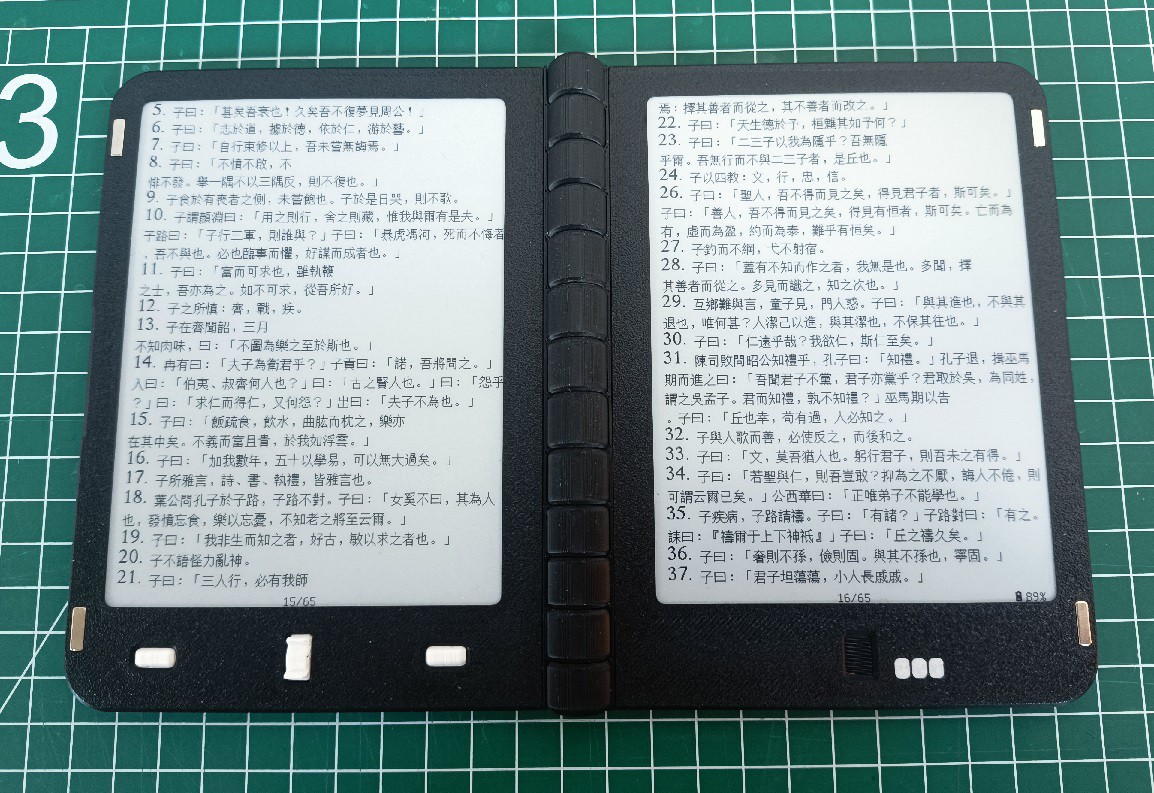
Latin characters and numbers are displayed in the custom YAFF format, chinese characters in the fallback Unifont font -
We are live on Crowd Supply!
Martijn • 12/12/2025 at 11:45 • 0 commentsI am excited to announce that the the crowdfunding campaign for the Diptyx E-reader has officially started!

-
Experimental test: Diptyx for writing
Martijn • 11/13/2025 at 12:43 • 0 commentsI have been quite intrigued by the idea of using the Diptyx E-reader as a platform for writing/note taking. The screens that I'm using have a update time of about 0.8s, with a custom LUT. In practice this means that the displays will start updating practically instantly, but takes 0.8s to finish updating, blocking any new data from being displayed in the mean time. It is possible to shorten this duration, but this then decreases the contrast of what is being displayed..
So that's where I got the idea: Instead of updating the pixels in a single refresh, we update each pixel in multiple quick updates. In this way, we get good responsiveness, but also good contrast.
We have 2 framebuffers, in these we store the target levels for each pixels (0 for white, 10 for black), and the current level. Now, for each frame we check if the level of each pixel is lower or higher than the target level. If this is the case, we update that pixel on the screen, and add or subtract 1 to the current level of that pixel.
If we now set the target level of pixel to 10, the pixel will receive 10 short updates in the next 10 frames, and will then be left in neutral. (this btw makes it also possible to use grayscales, simply by setting a lower target level! )In the video you can see a quick demo of what typing looks like with this technique:
With the two screens you could do some very cool things, like writing markdown in the left screen, and seeing the rendered text in the right screen. Or imagine a text adventure with the text interface in the top screen, and a view of the map or inventory on the bottom screen.
-
Quick software update: Bookmark retention
Martijn • 11/11/2025 at 16:02 • 0 commentsWhen reading with the Diptyx E-reader, you can add a bookmark to the current page by pressing the down button. This shows a black triangle in the top-right (like folding the corner of a page in a real book), and you can quickly jump to a bookmark in the quickmenu.
There is an issue with this however: When changing the rendering settings (font, font size, line-spacing, etc.), the layout of the book changes, and the book must be re-indexed. This changes what text is displayed on which page, meaning the bookmarks are now useless!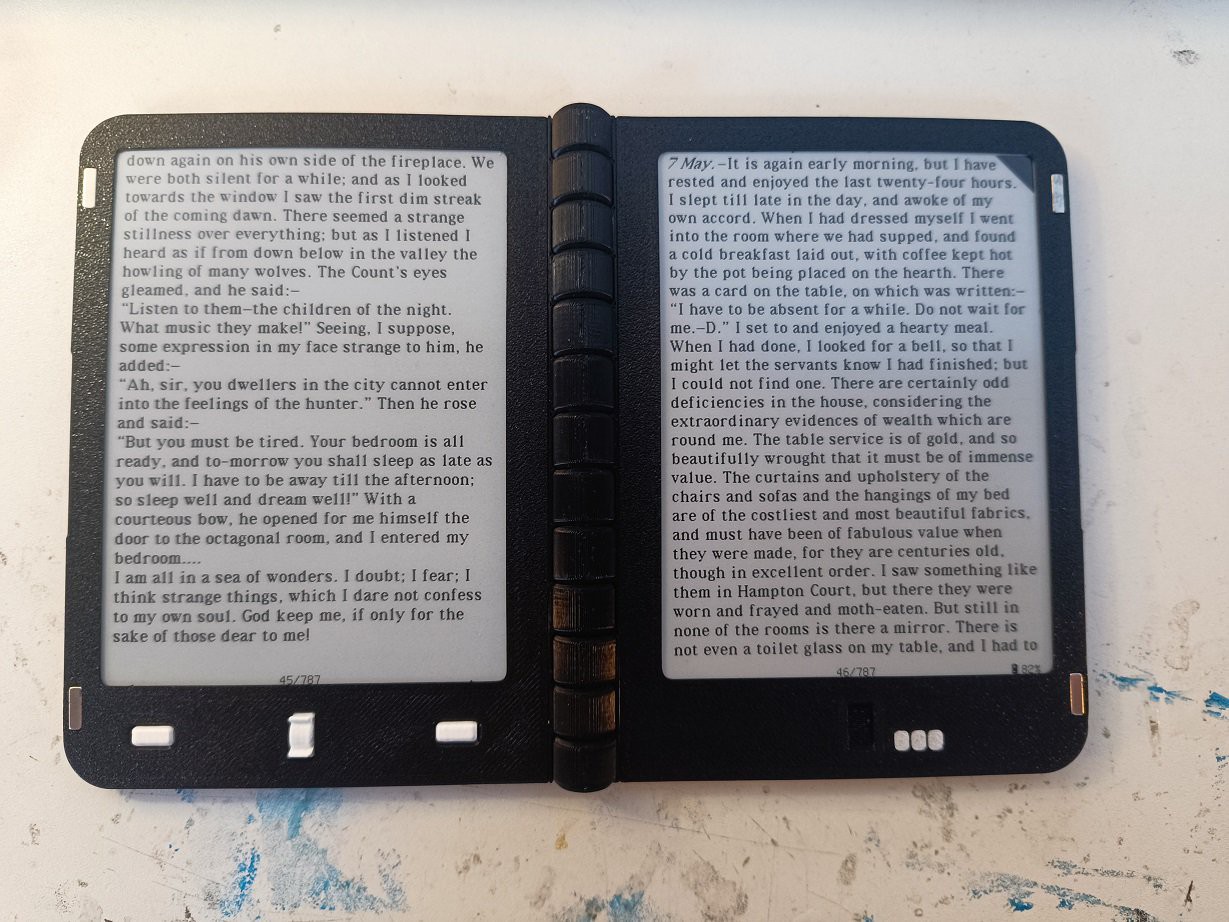
The black top-right corned indicates a bookmark is present here 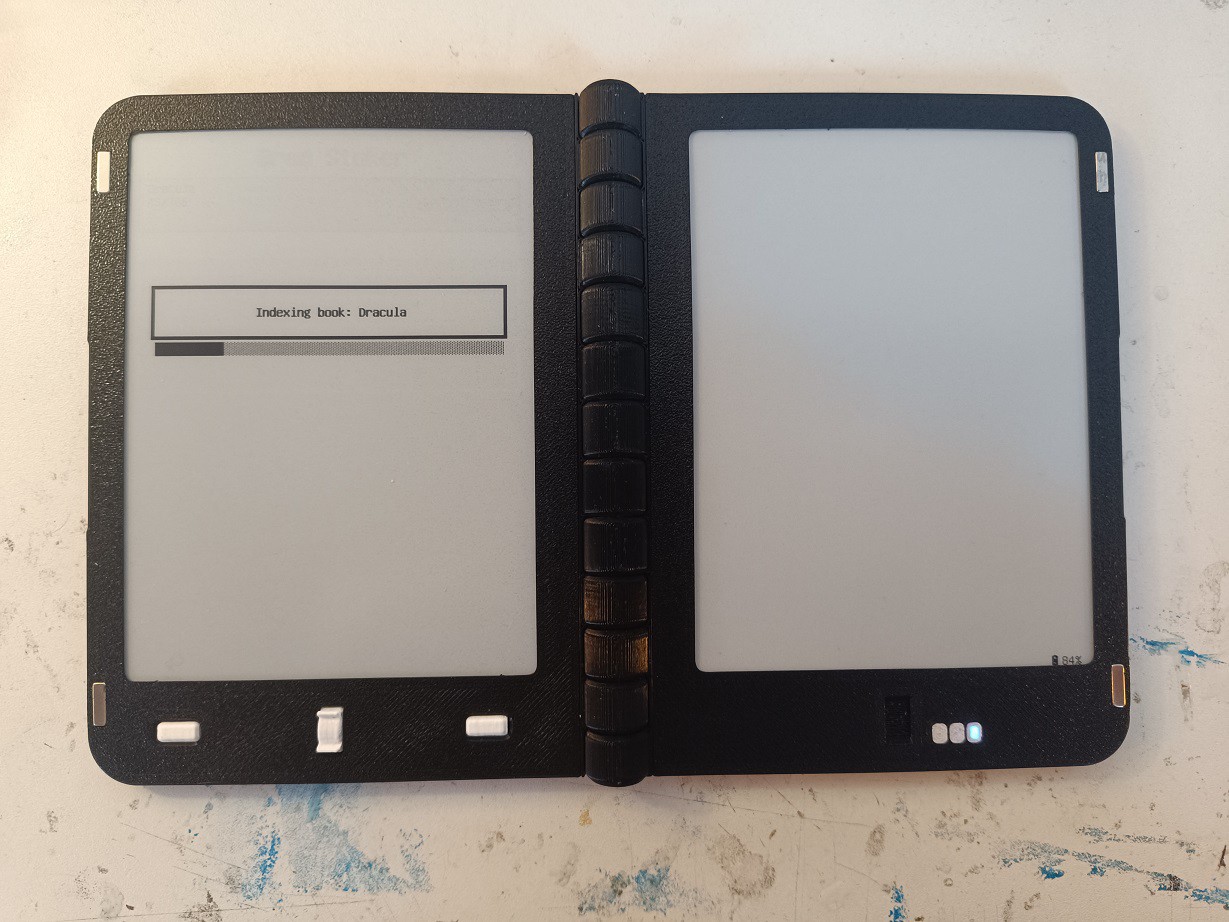
When changing the rendering settings, the layout of a book changes and it must be re-indexed In the latest software update, this has now been resolved. Instead of only saving the pagenumber of each bookmark, we now also store the chapter in which the bookmark is present, and the index of the first html element on the page that the bookmark points to. Now, when re-indexing the book after changing the render settings, the book indexing routine will check for every html element that it comes accross if the bookmark is present there, and change the pagenumber of the bookmark accordingly.
There can always be a slight discrepancy, as the contents of each page is slightly different when changing the render-settings, but even in the worst case the bookmark likely won't be off by more than a page after re-indexing.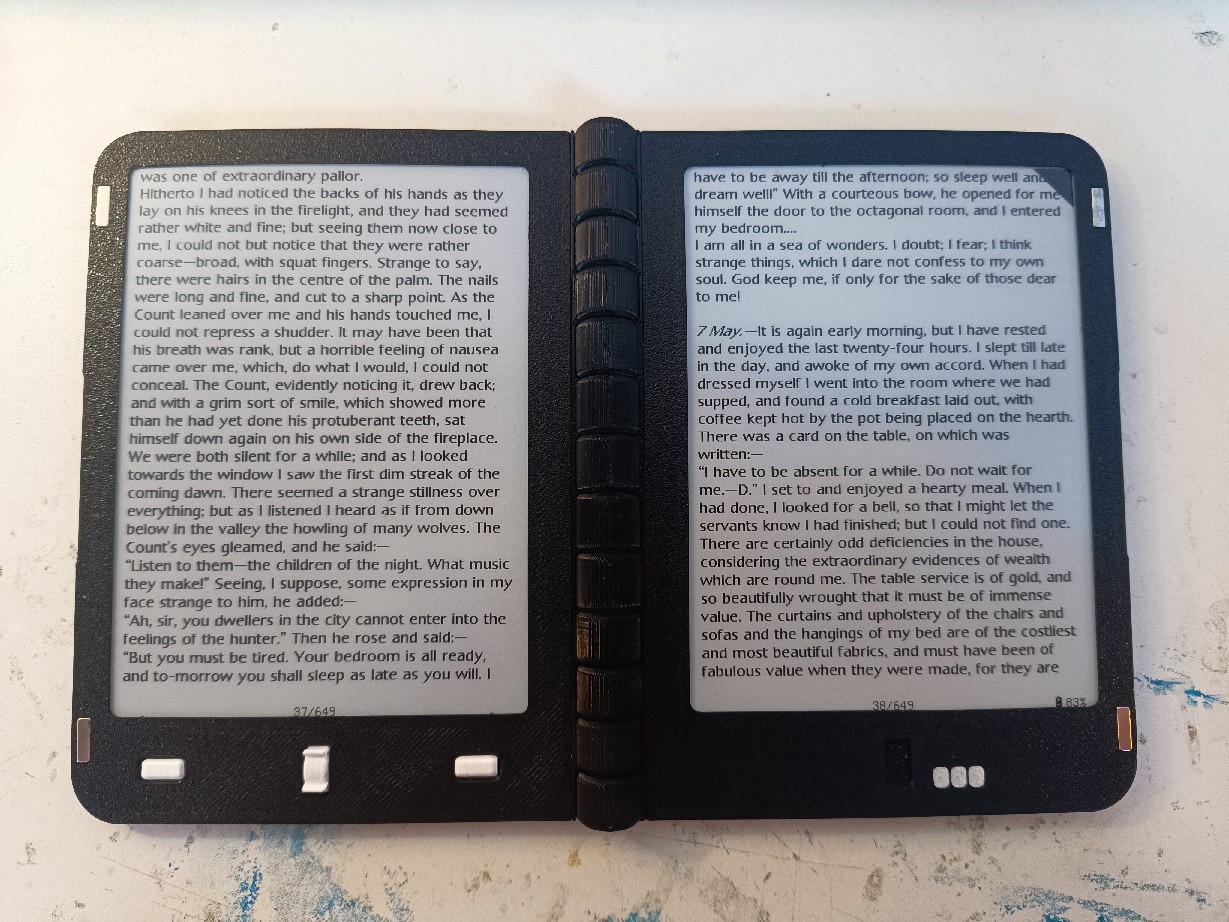
The font has changed, but after re-indexing the bookmark now still points to the correct content (also note how the pagenumber is now different) 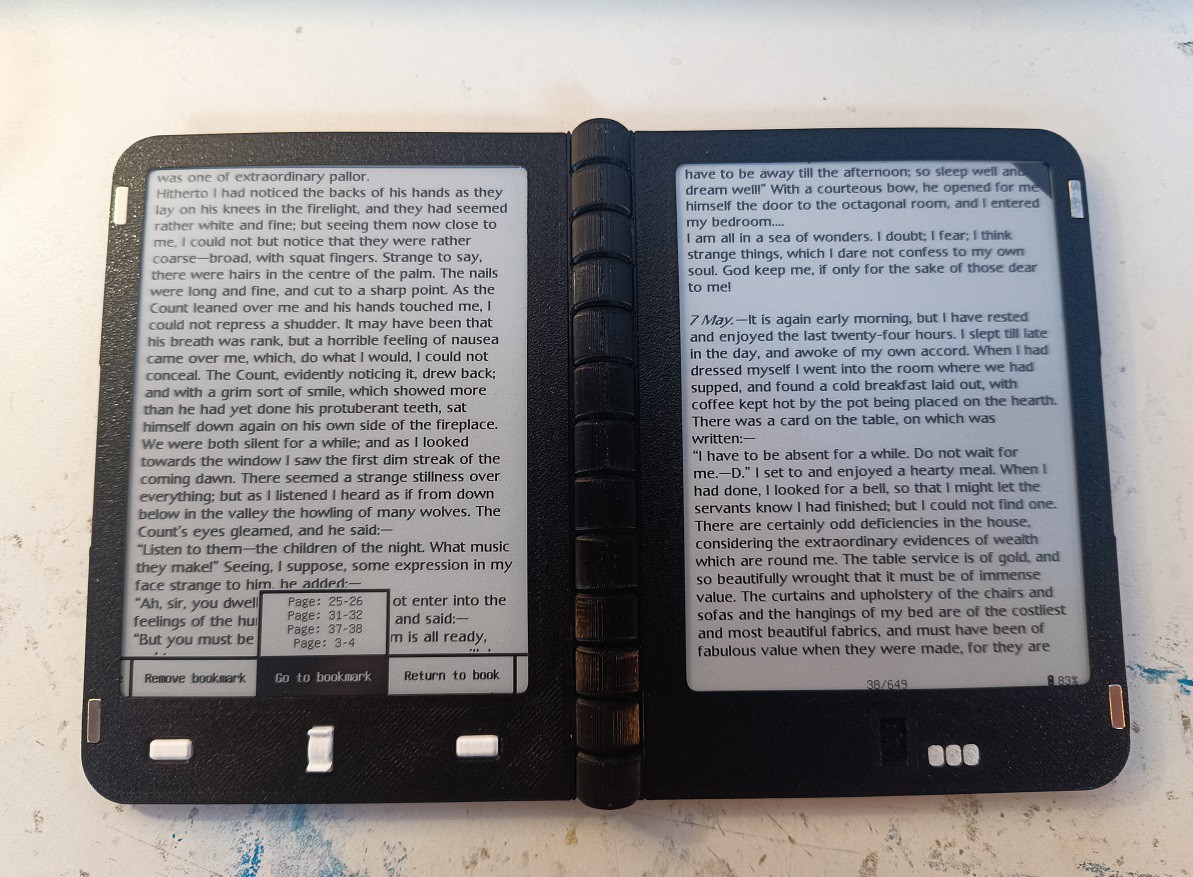
In the quickmenu, you can see all the bookmarks. These are all automatically updated when changing the book layout -
Quick software update: Standby screens
Martijn • 10/29/2025 at 10:19 • 0 commentsTo further customize your reading experience, I have added the functionality to choose the type of idle screen you want. By default, when the device enters stand-by or is manually shut down, the screens remain the same, except for a small notification in the lower-left corner indicating whether the device is in deep sleep or fully off.
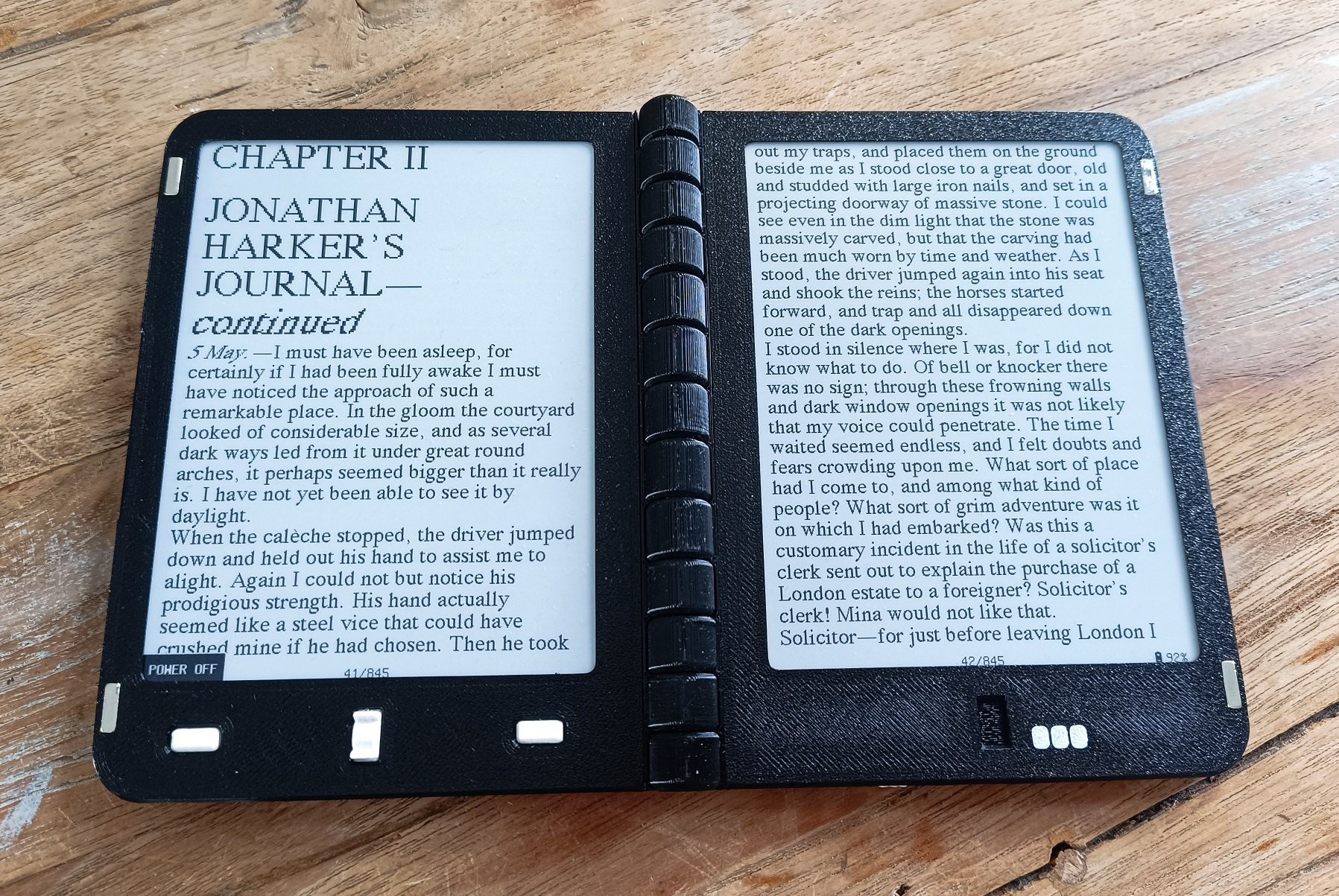
Now, in the settings menu there is a new setting, called standby screen, which can be set to 'none', 'current book', or 'custom'. When set to none, the previous behavior remains. When set to current book, the cover of the book that you're currently reading is displayed:
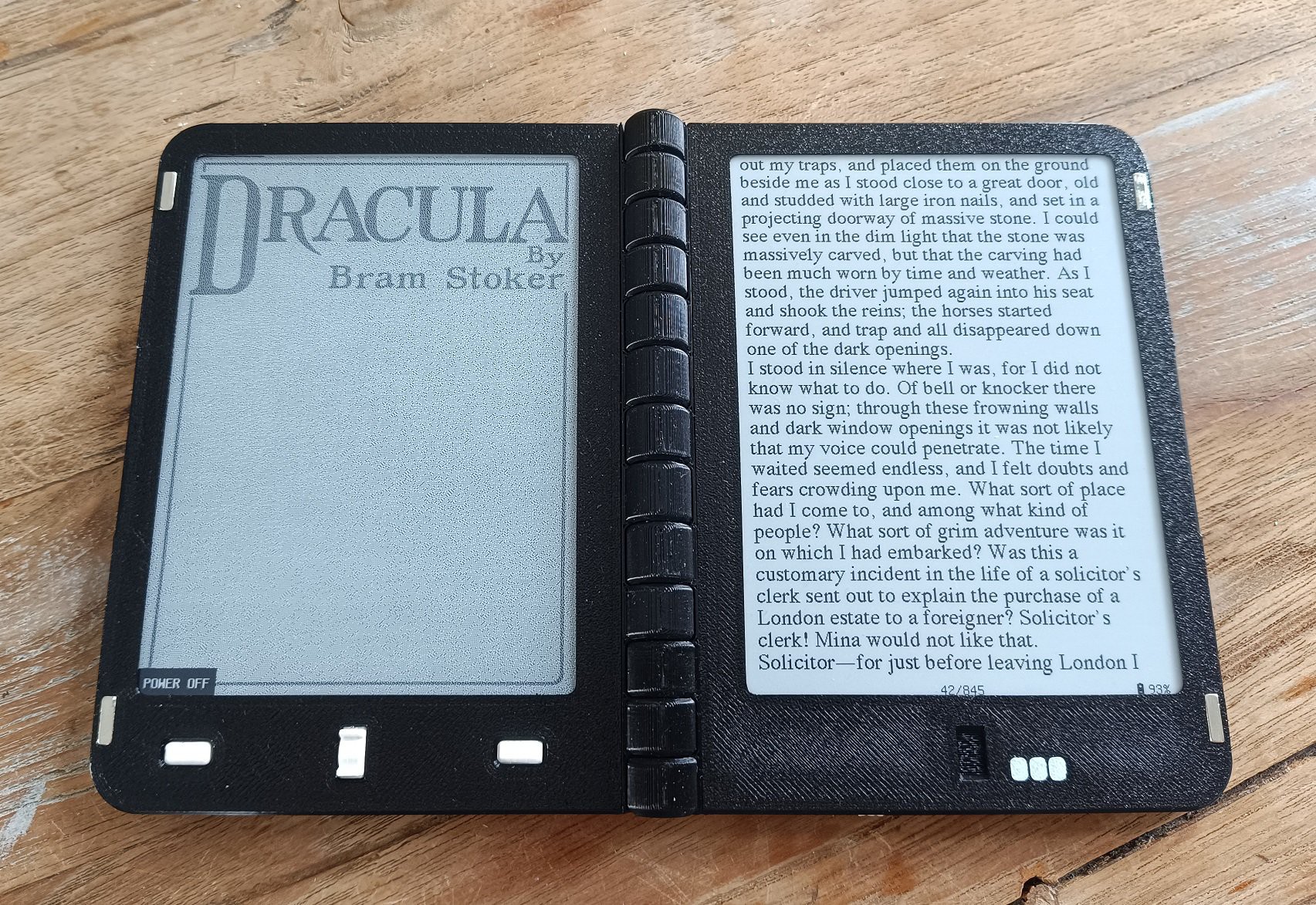
And finally, when set to custom, two images are displayed on both screens. These images are stored on the SD card, and can be easily changed by uploading new images through the usb port:
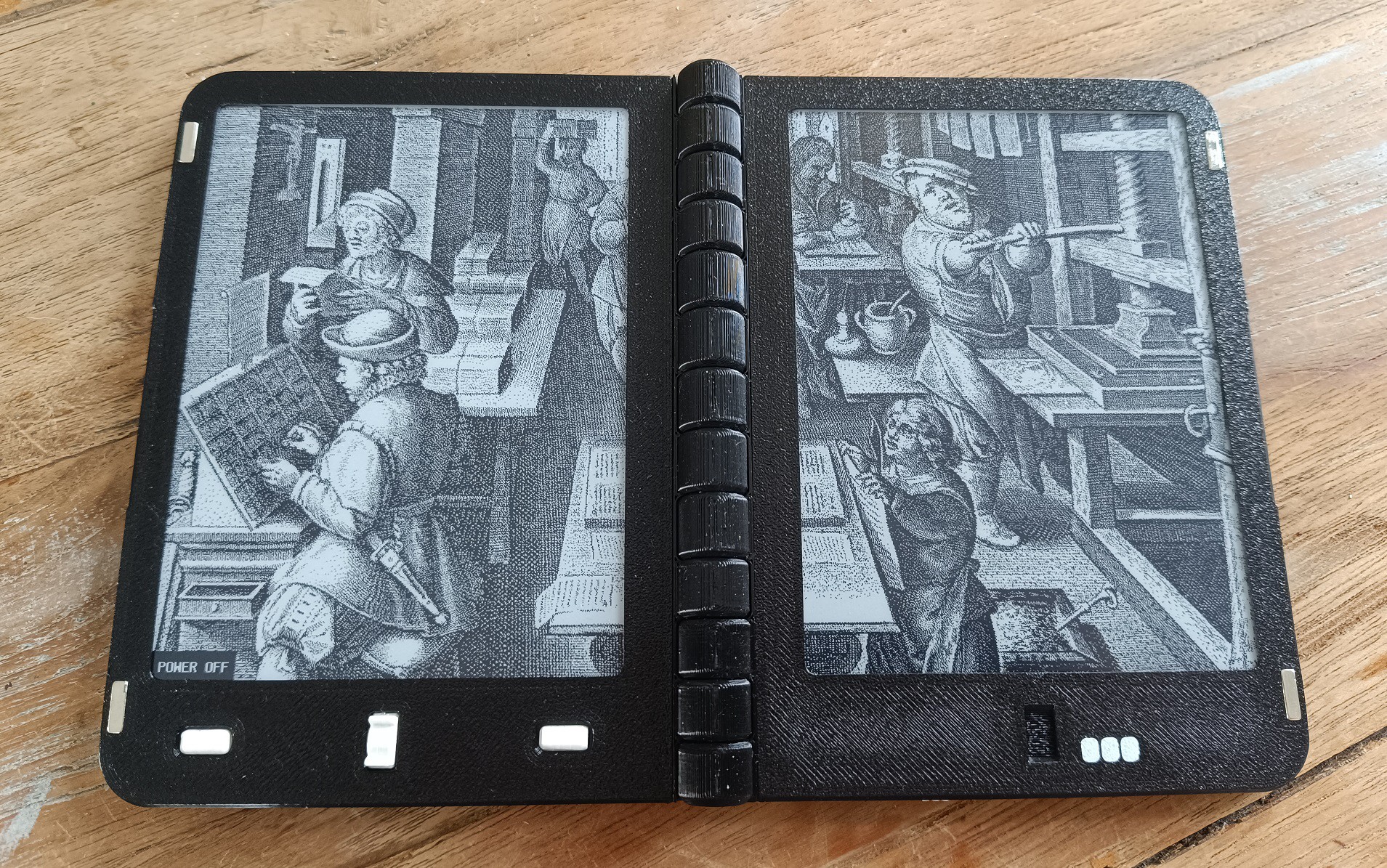
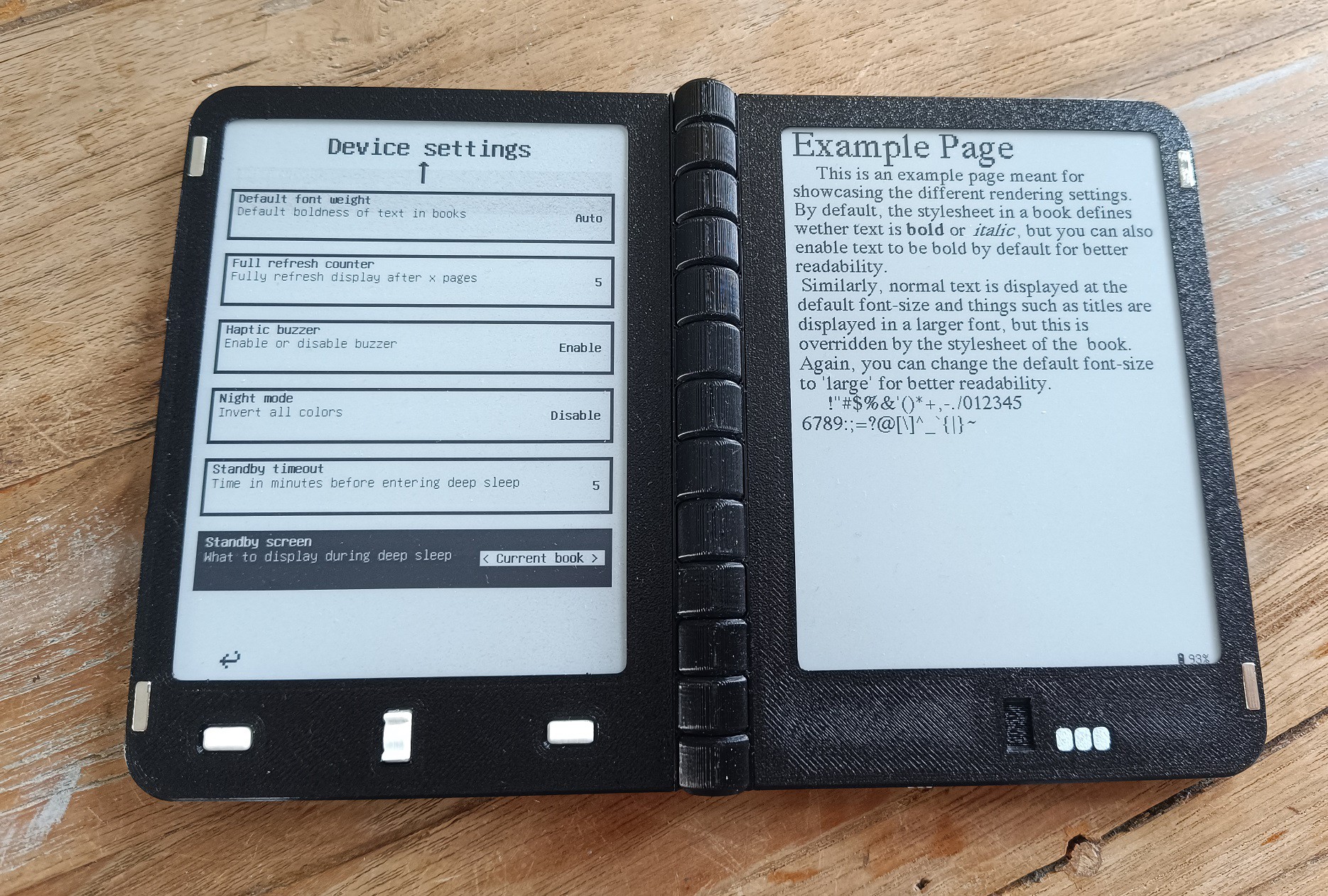
The type of standby screen can easily be changed in the builtin settings menu
Discussions
Become a Hackaday.io Member
Create an account to leave a comment. Already have an account? Log In.


Martijn wrote 01/04/2026 at 19:37
Hi Chris, thanks! The design files aren't yet published, this will happen at a later stage, but before backers receive their orders

Polossatik wrote 12/17/2025 at 08:43
I assume the housing for the crowdsupply sale will be 3d printed ?
Also why is shipping to EU more expensive than US if production is in NL?
Martijn wrote 01/04/2026 at 19:35
Hi there, yes we intend to 3d print the housings for the devices. The design is optimized for FDM printing, and this also allows users to print their own cases in any color they want.
The shipping is more expensive in the EU because crowdsupply handles the distribution, and they are located in the US

goddade wrote 11/07/2025 at 08:02
Great! I’ve previously made a similar dual-screen reader. Two identical, independent readers—one side has a UART interface and a round magnet. By rotating one of them, they can be combined into a dual-screen reader.
Martijn wrote 11/06/2025 at 15:41
Thank you! For the current version I chose screens without backlight, for sourcing and affordability reasons, but for future iterations that is something I definitely want to include
Hi, Martijn.
This looks like a brilliant project, and I intend to order. I couldn't see a link to thee source code/ repo; is it published anywhere?
Thanks,
Chris (UK)