Web
Open the full matrix at gsd.vinny.dev, install it as a PWA, and keep working offline.
Free · Private · No sign-up
GSD Task Manager
A private Eisenhower Matrix for web, iPhone, iPad, and Mac. Keep tasks on your device and open the same calm workspace wherever you work.
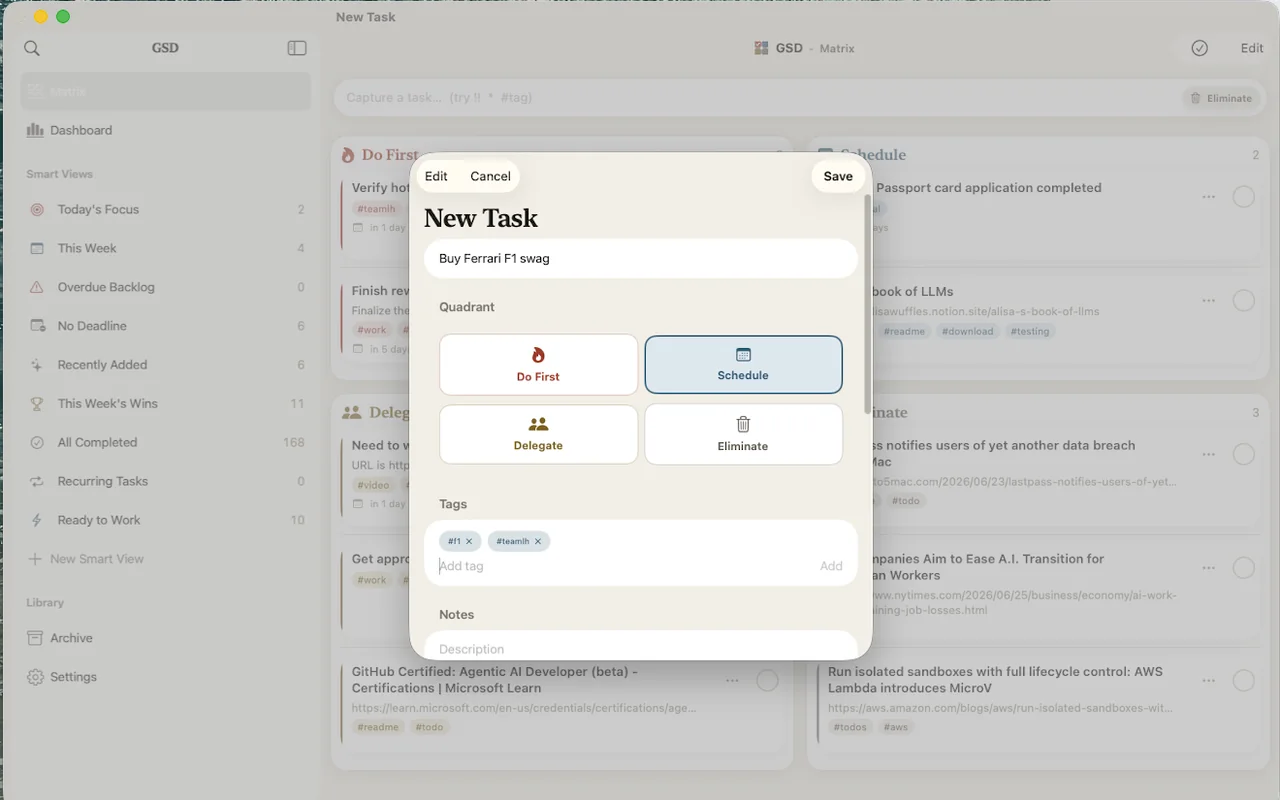
The Eisenhower Matrix asks two questions of every task: is it urgent, and is it important? The answers place it in one of four quadrants, each with its own verb. In GSD the matrix isn’t a report buried in a menu; it’s the home screen.
Urgent & important
Crises, deadlines. Handle now.
Important, not urgent
Strategy, growth. Protect time.
Urgent, not important
Interruptions. Hand these off.
Neither
Noise. Stop doing these.
Priorities shift. When they do, drag the task to its new quadrant.
The web app and native iPhone, iPad, and Mac apps all share the same language: capture quickly, see the quadrant, move on.
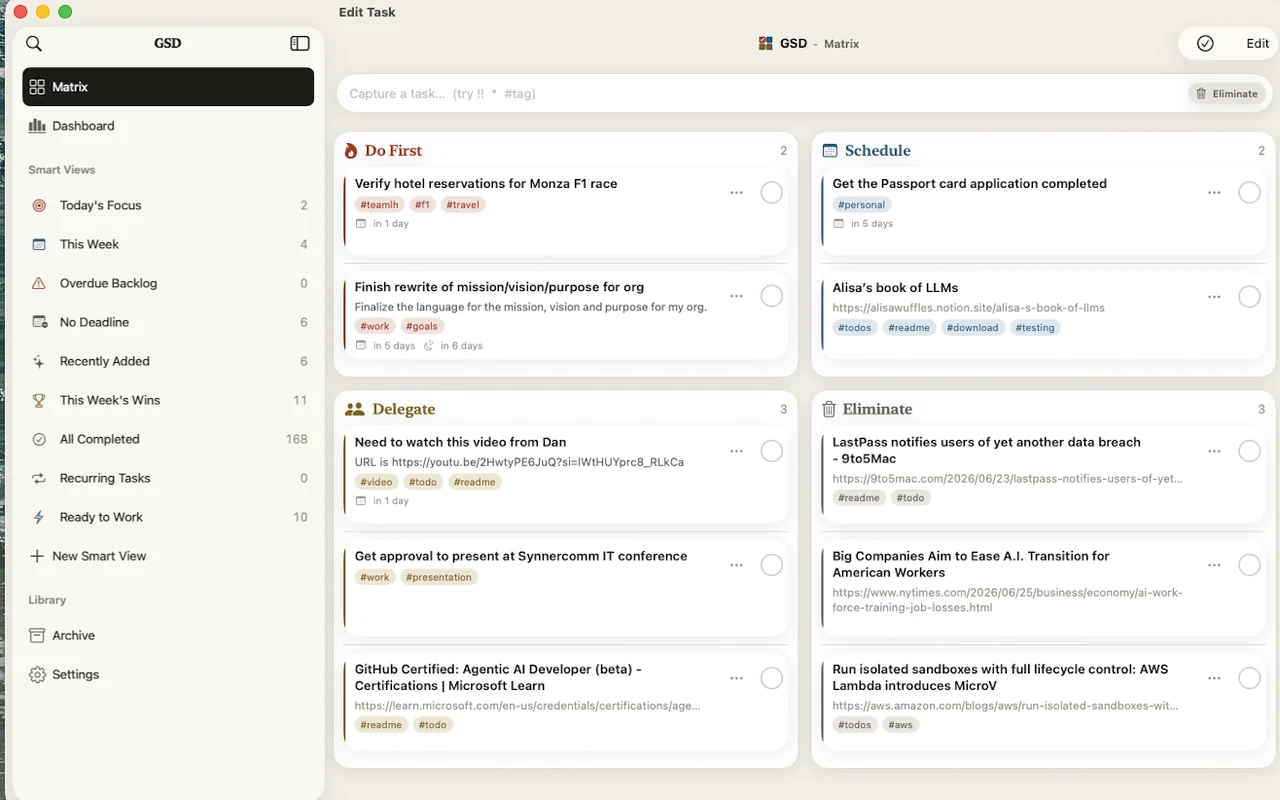
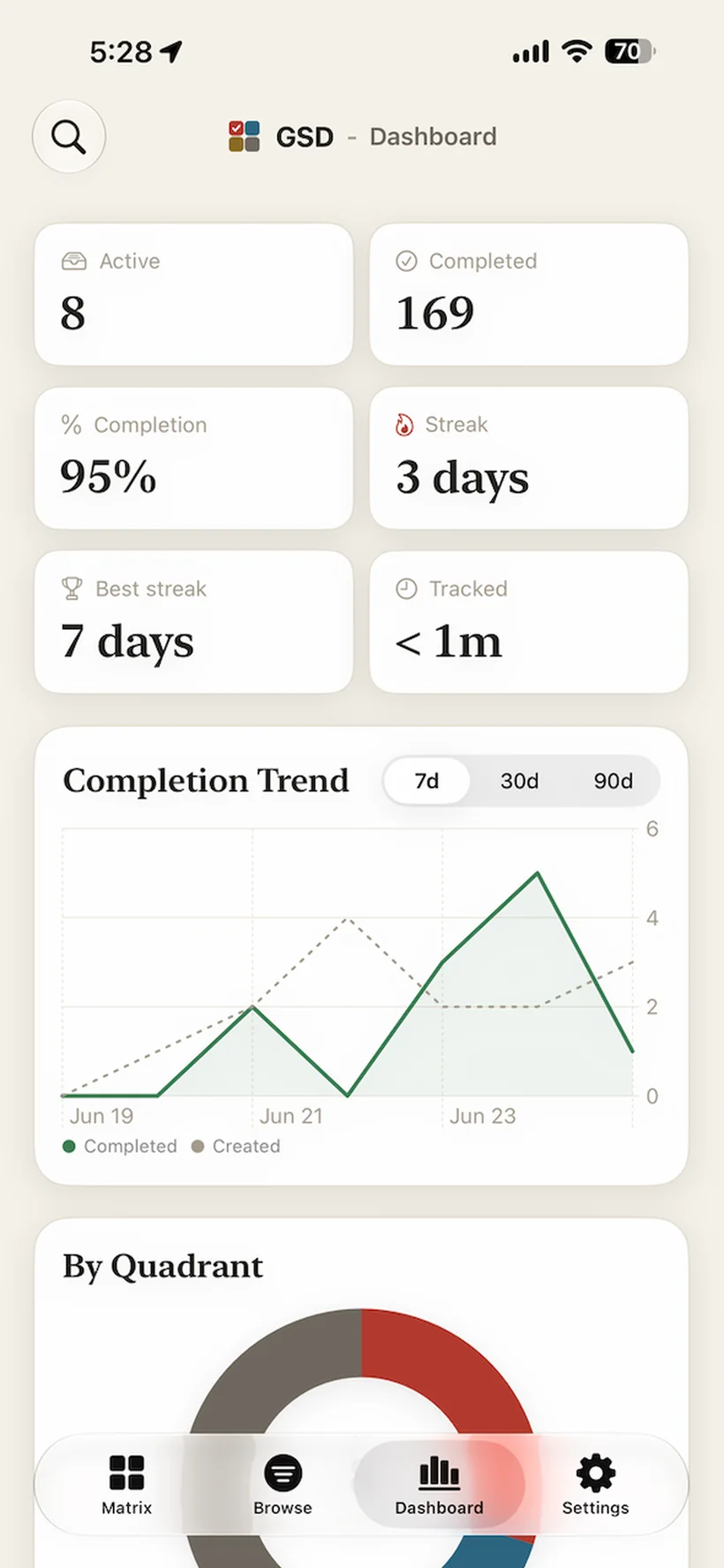
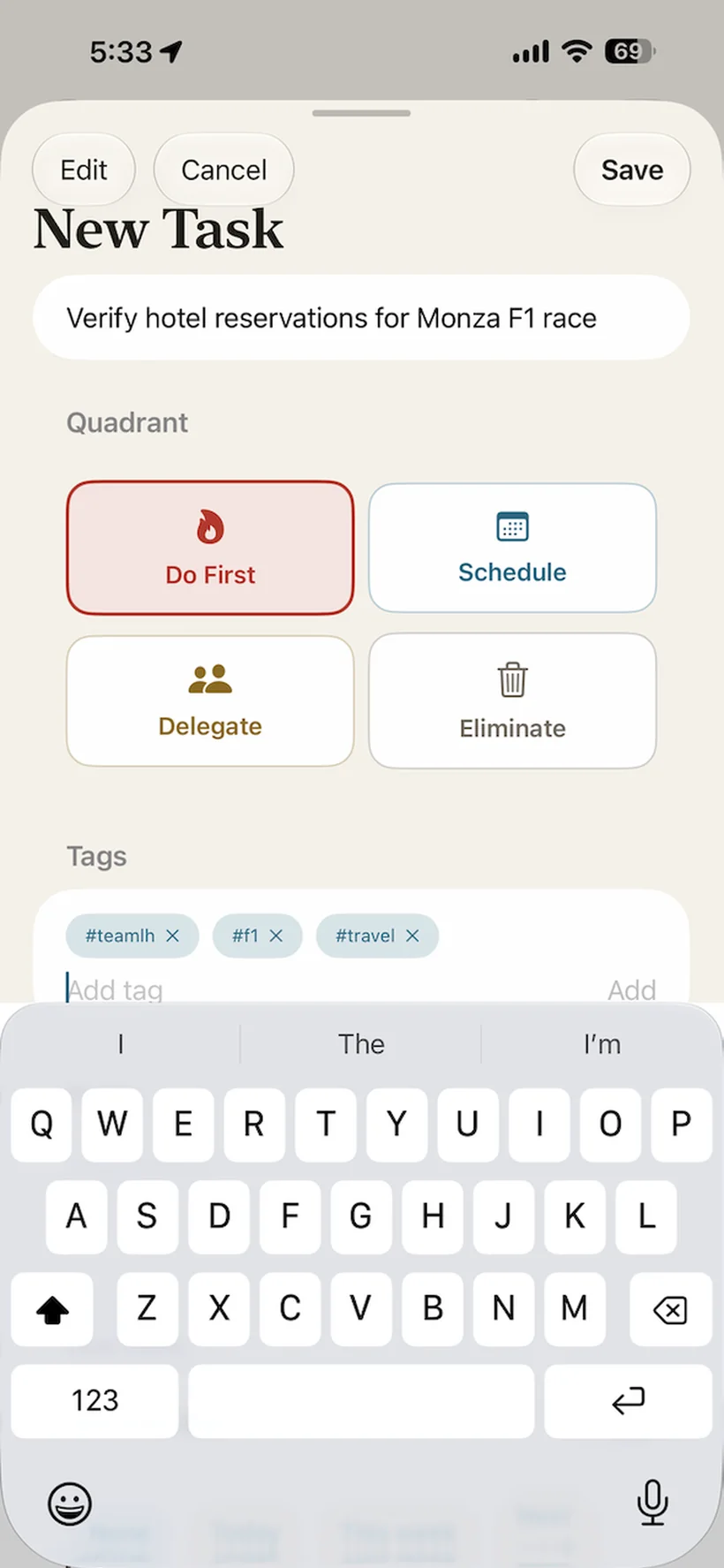
Start in the browser, keep it native on Apple devices, and use the same quadrant model everywhere. GSD is one product, not a separate workflow per platform.
Open the full matrix at gsd.vinny.dev, install it as a PWA, and keep working offline.
Capture quickly, use widgets, share from other apps, and move through tasks with native controls.
Give the two-by-two board room to breathe, then drag tasks as priorities change.
Keep the matrix beside the rest of your work with desktop navigation and keyboard-first commands.
The silent demo shows the core loop: capture a task, mark urgency in the quick-add text, and let the right quadrant take focus.
Privacy isn’t a setting in GSD; it’s the architecture. The app writes to a local database and reads it back. There is no server in the default picture, so there is nothing to breach and nothing to sell.
Want the same matrix on your laptop, phone, and iPad? Turn on sync and your devices stay current with each other, live. Until that moment, nothing ever leaves the device in your hand.
Off by default. The app is fully functional without it. Nothing nags you to sign up.
OAuth only. Sign in with Google or GitHub on the web; Apple joins them in the native app. No new password to invent.
Local data remains yours. Signing out does not erase the task database already on your device.
Privacy claims should be checkable. The web app and MCP server are MIT-licensed, and the native app is developed publicly alongside them. Star it, fork it, file an issue, or send a fix.
The simple version is enough: open GSD and use the matrix. The deeper version is there too: open source, self-hostable sync, and an MCP server for assistant workflows.
Yes. There’s no paid tier, no trial that expires, and no ads. The web app and MCP server are MIT-licensed open source, so the claim is checkable.
On your device. The web app keeps tasks in your browser’s IndexedDB; the native iPhone, iPad, and Mac app keeps them in a local on-device database. By default no copy exists anywhere else.
No. The app opens straight into your matrix. The only feature that asks you to sign in is optional sync, and it stays off until you enable it.
You sign in with Google or GitHub (or Apple in the native app), and your tasks are kept current across your signed-in devices through a PocketBase backend. While sync is on, the server holds a copy of your tasks scoped to your account; you can sign out anytime, and your local data remains yours. You can also self-host the backend with the Docker stack in the repo.
Yes. The web app is an installable PWA that works fully offline, and the native app is offline-first. If sync is on, changes made offline queue up and reconcile when you reconnect.
It lets MCP-compatible AI assistants like Claude read and update your tasks: list, search, create, complete, plus analytics like productivity metrics and upcoming deadlines. Setup is one command (npx gsd-mcp-server --setup). It talks to the sync backend, so it requires sync to be enabled.
Always. Export your tasks to a JSON file from the app, and import them back later with merge or replace. No lock-in is part of the privacy promise.
Free on the web, iPhone, iPad, and Mac. Your tasks stay on your device until you choose to sync.