Lagrange is a cross-platform client for browsing Geminispace. It offers modern conveniences familiar from web browsers, such as smooth scrolling, inline image viewing, multiple tabs, visual themes, Unicode fonts, bookmarks, history, and page outlines.
Like Gemini, Lagrange has been designed with minimalism in mind. It depends on a small number of essential libraries. It is written in C and uses SDL for hardware-accelerated graphics. OpenSSL is used for secure communications.
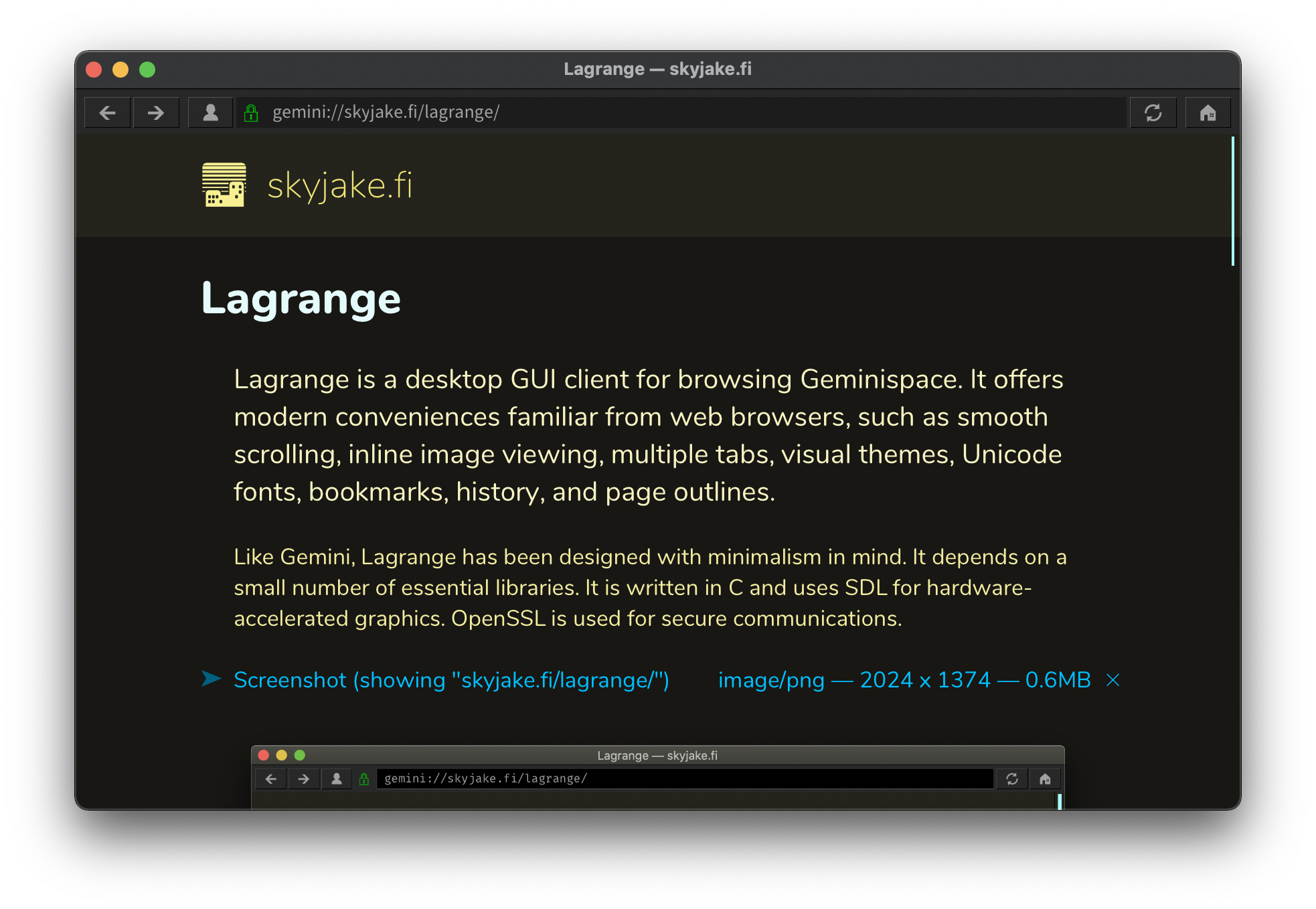
Features
- Beautiful typography with full Unicode support
- Autogenerated page style and Unicode icon for each Gemini domain
- Smart suggestions when typing the URL — search bookmarks, history, identities
- Sidebar for page outline, managing bookmarks and identities, and viewing history
- Multiple tabs and split view
- Identity management — create and use TLS client certificates
- Audio playback: MP3, Ogg Vorbis, WAV
- Curses-based TUI as an alternative to the graphical interface
- And more! Open `about:help` in the app, or see help.gmi
Downloads
Prebuilt binaries are available for Windows 64-bit, macOS 10.13 or later (arm64 and x86_64), Linux AppImage (x86_64 and armhf), and Android:
Mobile
Beta builds are available for both iOS (TestFlight) and Android (as APKs):
Source
You can build from source on POSIX-compatible platforms:
What's new?
v1.20
- SOCKS5 proxy support.
- Option to show input prompts at the bottom of the window.
- Scroll by dragging with middle mouse button.
- Errors, warnings, and input prompts now have a context menu.
- Improved behavior and stability of audio playback.
- Improved plain text presentation to adapt line wrapping to available space.
- Gopher: Improved detection of formatting, fixed a potential crash.
- Build option to enable handheld console UI variant with gamepad controls.
- Gamepad controls on all platforms (experimental).
- Windows: Use system dark mode setting.
Feedback
If you have questions, comments or improvement ideas, you can reach me via:
Known issues
Flatpak
Flatpak applications run in a sandbox that limits their access to the rest of the system. At the moment, Lagrange has not been fully adapted to use Flatpak Portal APIs, so the following are known issues:
- Unable to open HTTP/HTTPS links via the default browser.
- Multiple instances of the application overwrite each other's data.
Wayland
The environment variable `SDL_VIDEODRIVER=wayland` can be used to force SDL to use Wayland instead of X11. However, SDL does not have full support for Wayland at the moment. You should set the Lagrange CMake build option ENABLE_POPUP_MENUS to NO. If there are issues with resizing windows, also set ENABLE_RESIZE_DRAW to NO.
Documentation and tutorials
The repository README details the basic build steps, configuration options, and has a few platform-specific notes.