Sublime Text 3 - Markmon
SublimeText 3 integration with Markmon for real-time markdown preview with mathjax support.
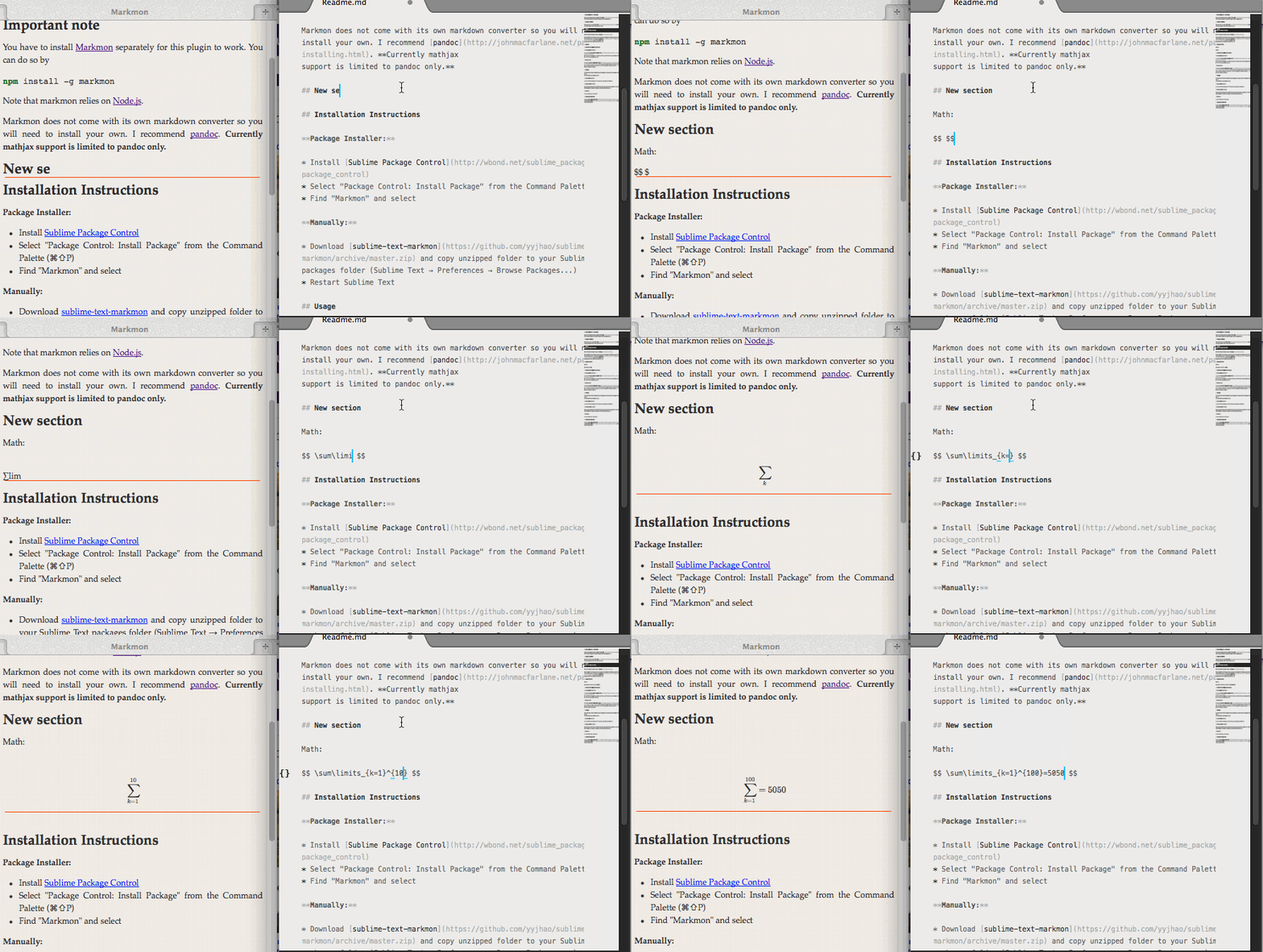
Important note
You have to install Markmon separately for this plugin to work. You can do so by
Note that markmon relies on Node.js.
Markmon does not come with its own markdown converter so you will need to install your own. I recommend pandoc. Currently mathjax support is limited to pandoc only.
If you want to customize your pandoc parameters or use a converter other than pandoc, go to Sublime Text → Preferences → Package Settings → Markmon → Settings(User) and update the 'command' parameter according to Settings(Default). More information about the parameters can be found in the documentation for Markmon.
Installation Instructions
Package Installer:
- Install Sublime Package Control
- Select "Package Control: Install Package" from the Command Palette (⌘⇧P)
- Find "Markmon" and select
Manually:
- Download sublime-text-markmon and copy unzipped folder to your Sublime Text packages folder (Sublime Text → Preferences → Browse Packages...)
- Restart Sublime Text
Usage
First note that markmon only watches your views with markdown syntax, so be sure to check the syntax setting.
Command Palette:
- Select "Markmon launch" from the Command Palette (⌘⇧P)
Keyboard Shortcut:
You can check the default short cut by going to Sublime Text → Preferences → Package Settings → Markmon → Key Bindings - Default.
Menus:
- Select Tools → markmon
Acknowledgment
I use sublime-text-marked and SublimeLinter3 as templates for this plugin.