Image To Prompt AI
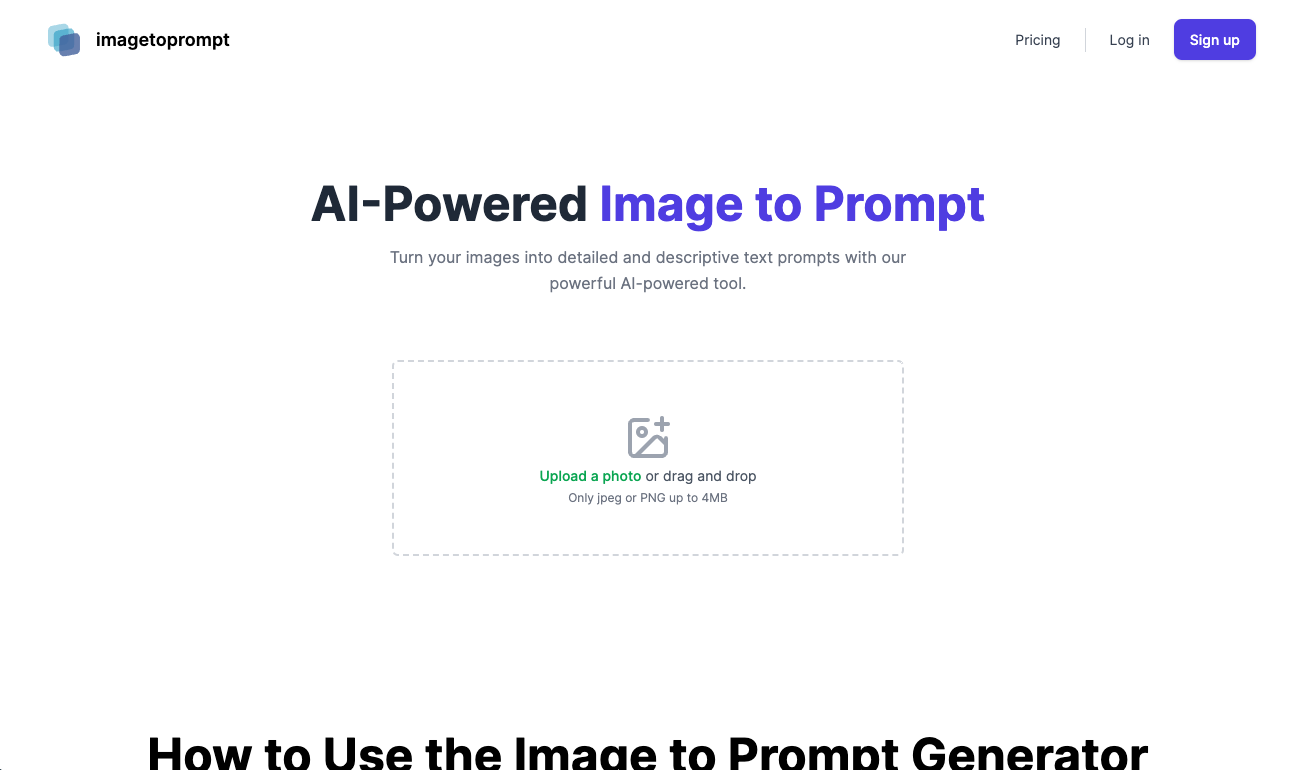
Image To Prompt AI is an open source project that allows users to upload images and generate text prompts based on the images, The project generates text prompt by replicate API, featuring easy one-click website deployment.
visit it ☞: imagetoprompt.club
Credit to
- NextJS 14 App Router
- Next-Auth for user auth
- cloudflare r2 for image storage
- Prisma ORM + postgres for data processing
- TailwindCSS for page building
- Replicate API for generator prompt
Quick Started
Deploy on Vercel (Don't forget to setup env)
1. Clone project
git clone https://github.com/wuyasong/imagetoprompt-ai.git
2. Install dependencies
cd imagetoprompt-ai
pnpm i
3. Init database
create your database use local postgres or supabase
create tables and migrate:
npx prisma generate
prisma migrate dev
4. copy .env.example and rename it to .env
GOOGLE_ID=
GOOGLE_SECRET=
NODE_ENV=development

GITHUB_ID=
GITHUB_SECRET=

EMAIL_SERVER=
EMAIL_FROM=

NEXTAUTH_URL=http://localhost:3000
NEXTAUTH_SECRET=

REPLICATE_API_URL=https://api.replicate.com/v1/predictions
REPLICATE_API_TOKEN=
REPLICATE_API_VERSION=


R2_ACCOUNT_ID=
R2_BUCKET=
R2_ACCESS_KEY_ID=
R2_SECRET_ACCESS_KEY=
R2_DOMAIN_URL=


POSTGRES_DATABASE="postgres"
POSTGRES_HOST="localhost"
POSTGRES_PASSWORD="xxxxx"
POSTGRES_PRISMA_URL="postgres://postgres:xxxxx@localhost:5432/localdb"
POSTGRES_URL="postgres://postgres:xxxxx@localhost:5432/localdb"
POSTGRES_URL_NON_POOLING="postgres://postgres:xxxxx@localhost:5432/localdb"
POSTGRES_URL_NO_SSL="postgres://postgres:xxxxx@localhost:5432/localdb"
POSTGRES_USER="postgres"
5. Run it
6. open http://localhost:3000 for preview
Link Me
Twitter: https://x.com/wuyasong
if this project is helpful to you, buy me a coffee.
