Product Design AI Advisor
A local, free AI design advisor that captures your screen and gives you real-time UX/UI feedback — powered by Gemma 4 running in LM Studio. No cloud, no subscriptions.
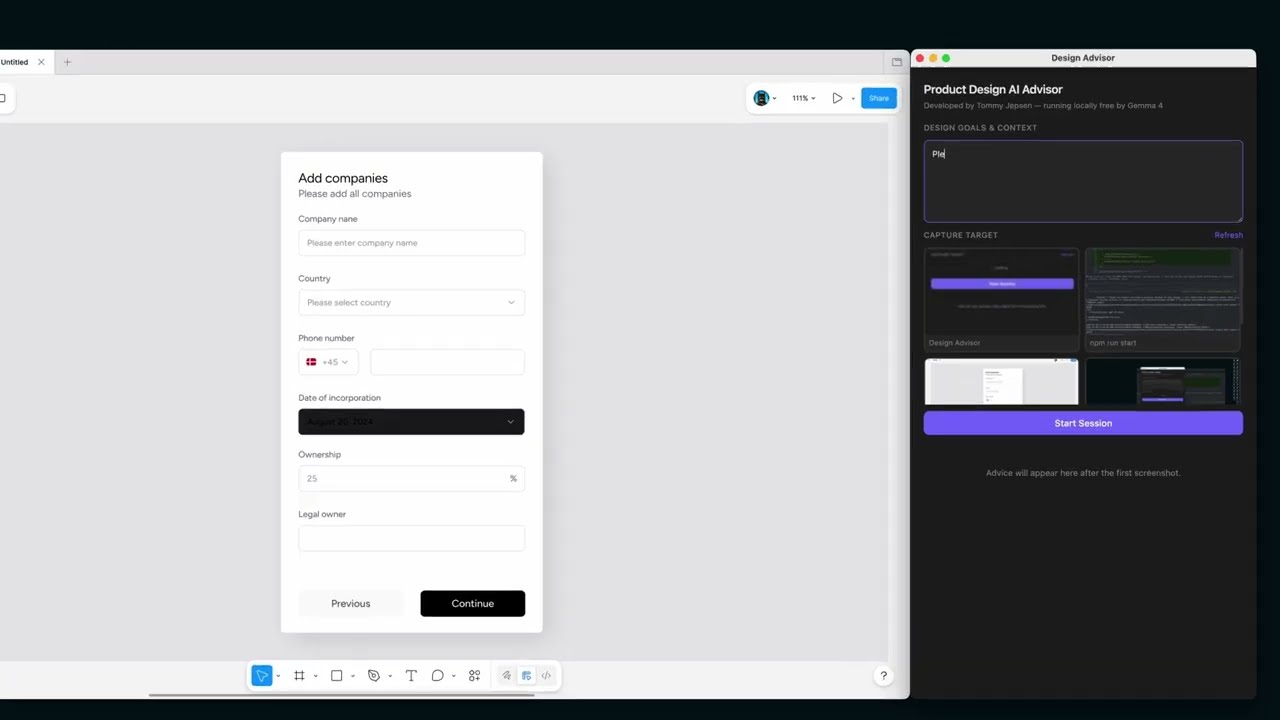
See demo on YouTube of this product
Installation
1. Clone the repository
git clone https://github.com/your-username/graphicdesigner.git
cd graphicdesigner
2. Install dependencies
3. Configure environment
Open .env and fill in your values:
LM_STUDIO_API_KEY=your-token-here
MODEL_API_URL=http://localhost:1234/v1/chat/completions
MODEL_NAME=google/gemma-4-26b-a4b
4. Run the app
Grant Screen Recording permission when prompted on macOS (required for screenshot capture).
Setup LM Studio Gemma 4
1. Install LM Studio
Download and install LM Studio from lmstudio.ai. Once open, you will see the default chat interface.

2. Download the Gemma 4 model
Click the search/download icon in the left sidebar and search for gemma 4. Select google/gemma-4-26b-a4b — this is the 26B vision model required for screenshot analysis.
Click Download and wait for it to complete.

3. Open the Developer tab
Click the Developer icon in the left sidebar (looks like </> or a plug). You will see the server status panel.

4. Start the server
Click Start Server. The status indicator will change to Running and you will see the local URL (e.g. http://localhost:1234) appear at the top.

5. Load the Gemma 4 model
Click Load Model (top right) and select Gemma 4 26B Instruct. Make sure to pick the vision-capable variant. The model will appear under Loaded Models once ready.

6. Confirm the model is loaded
Once loaded, the model appears in the Loaded Models list and the right panel shows its configuration. The server is now ready to accept requests.

7. Increase the Context Length
With the model loaded, open its settings in the right panel and drag the Context Length slider up — set it to at least 16,000 tokens. This ensures the conversation history (previous feedback) fits in memory so the model doesn't repeat itself.

8. Configure Server Settings
Click Server Settings and make sure the following are enabled:
- Serve on Local Network — on (required if running on a separate machine)
- Allow per-request model overrides — on
Note the server port (default: 1234).

9. Create an API token
In Server Settings, scroll down and create a new permission token. Give it a name (e.g. design-advisor) and click Create token.

10. Copy your token
Copy the generated token immediately — it won't be shown again. This is your LM_STUDIO_API_KEY.

If LM Studio is running on a different machine on your network, replace
localhostwith that machine's local IP address (e.g.http://192.168.1.5:1234/v1/chat/completions) and make sure Serve on Local Network is enabled in Server Settings.