Star this if it's interesting to you :)
What is this ?
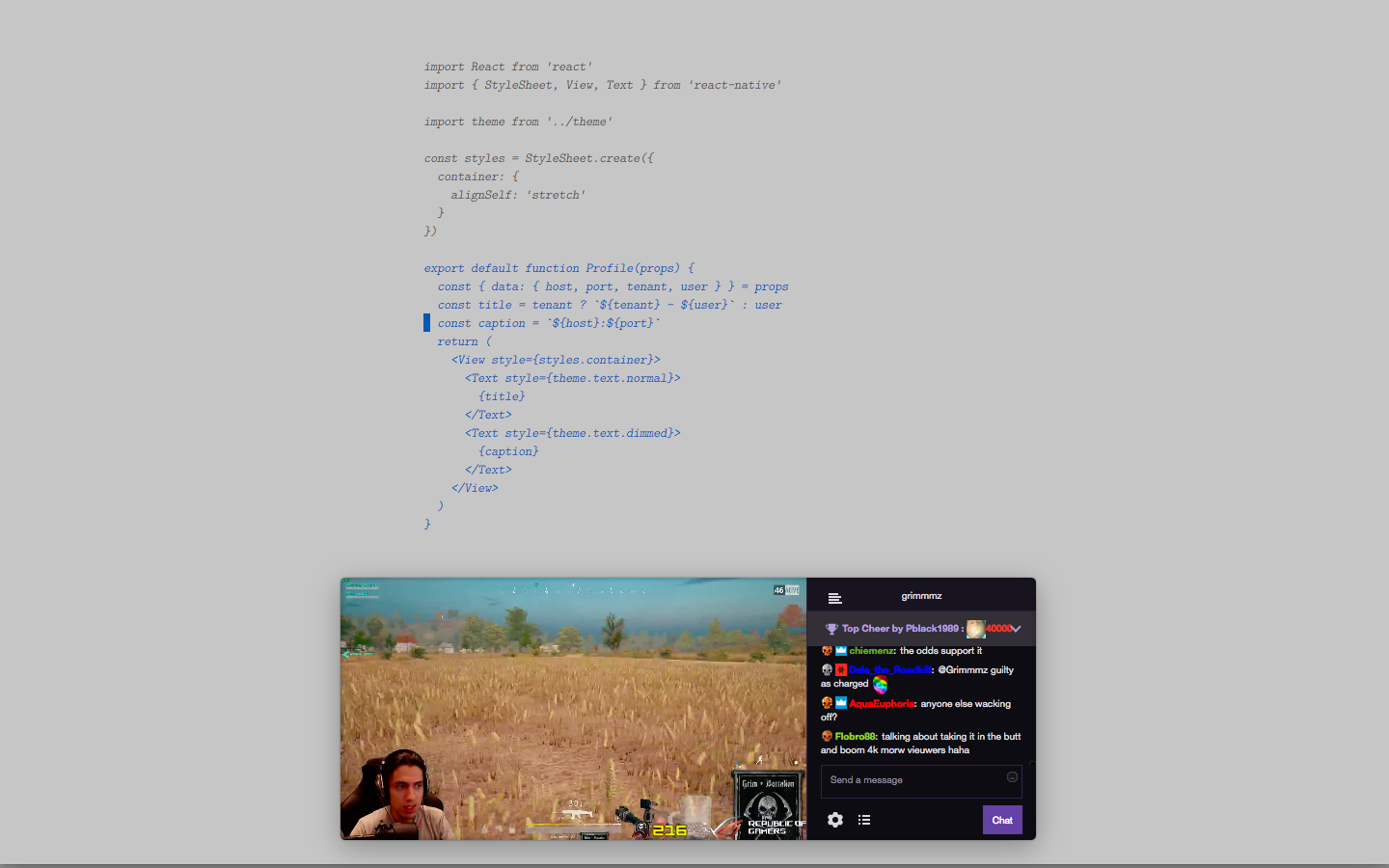
Well .. I was going to explain it, but it was too verbose, so here you go, see it in action:

Installation
- Clone or download (then decompress) this repo
- Open Chrome/Settings/Extensions, turn on
Developer mode, pressLoad unpacked extension...and pick the directory where the repo was cloned (decompressed) to. - Open a new tab, press "Apps" on the bookmark bar and finally open
Kumohami.
Usage
- Press
Ctrlkey to toggle the toolbar, on the toolbar, you can type the url and press enter to access it, also, there's a draggable area on the right, you can reposition the app by dragging it. - On Linux, the draggable area might not work with your window manager, bspwm in my case, use the way that the window manager provides to you.
Licenses
- Icons: http://www.iconsplace.com/pink-icons/mushroom-cloud-icon
- Name: http://mushi-shi.wikia.com/wiki/Kumohami
- Source: MIT