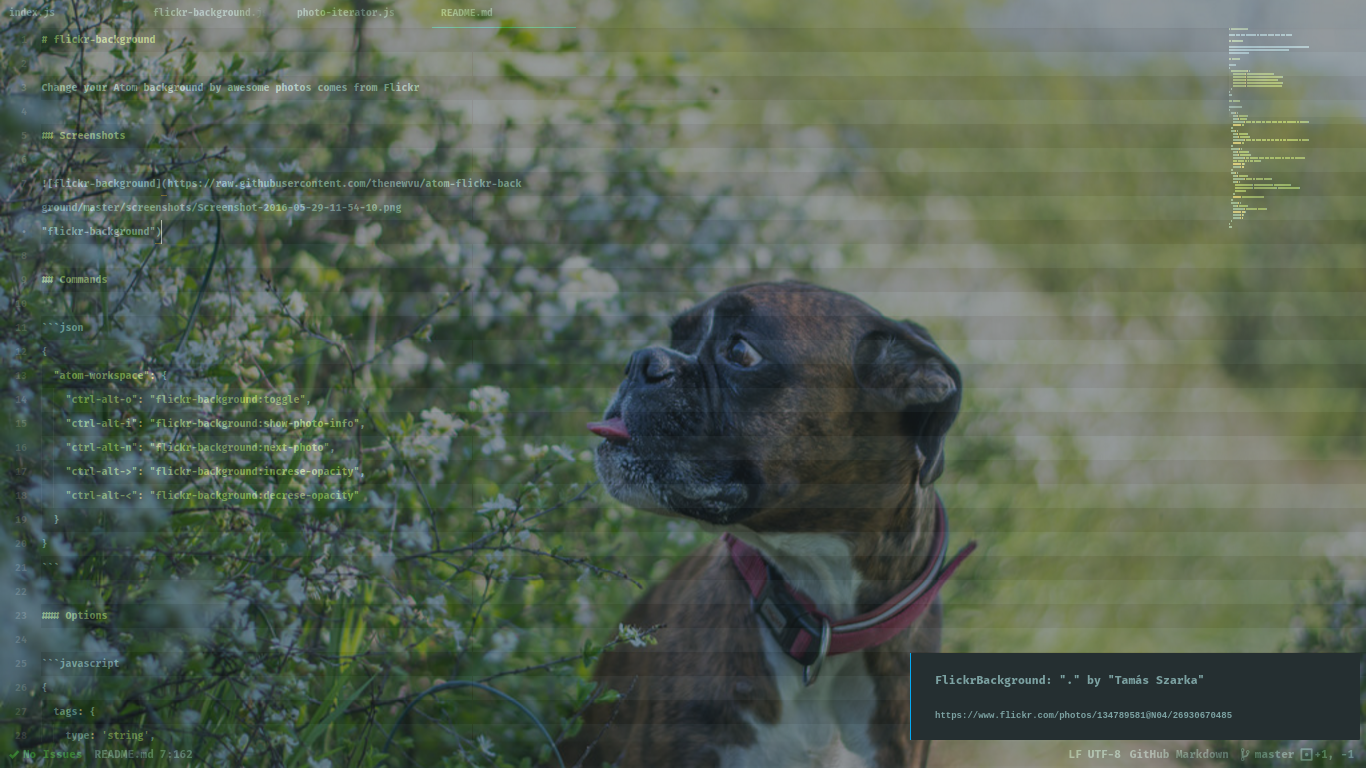
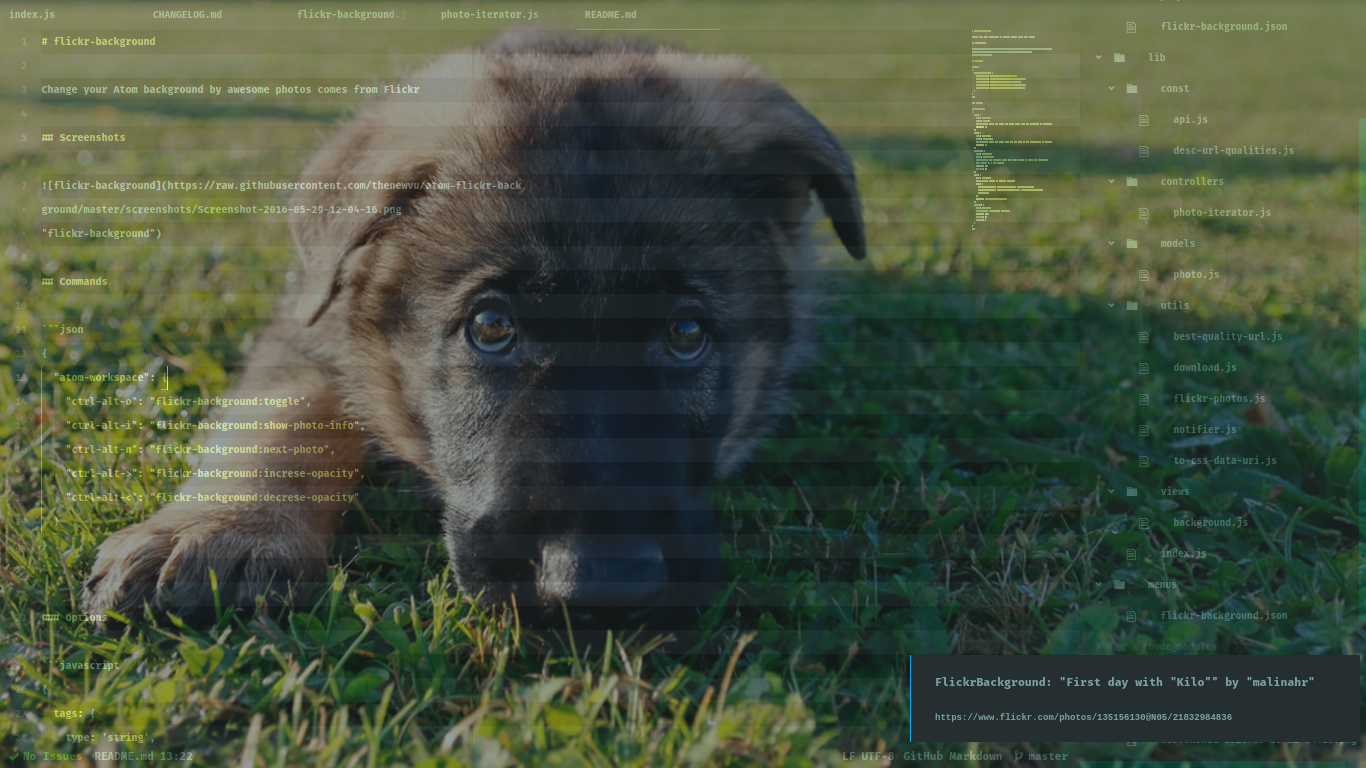
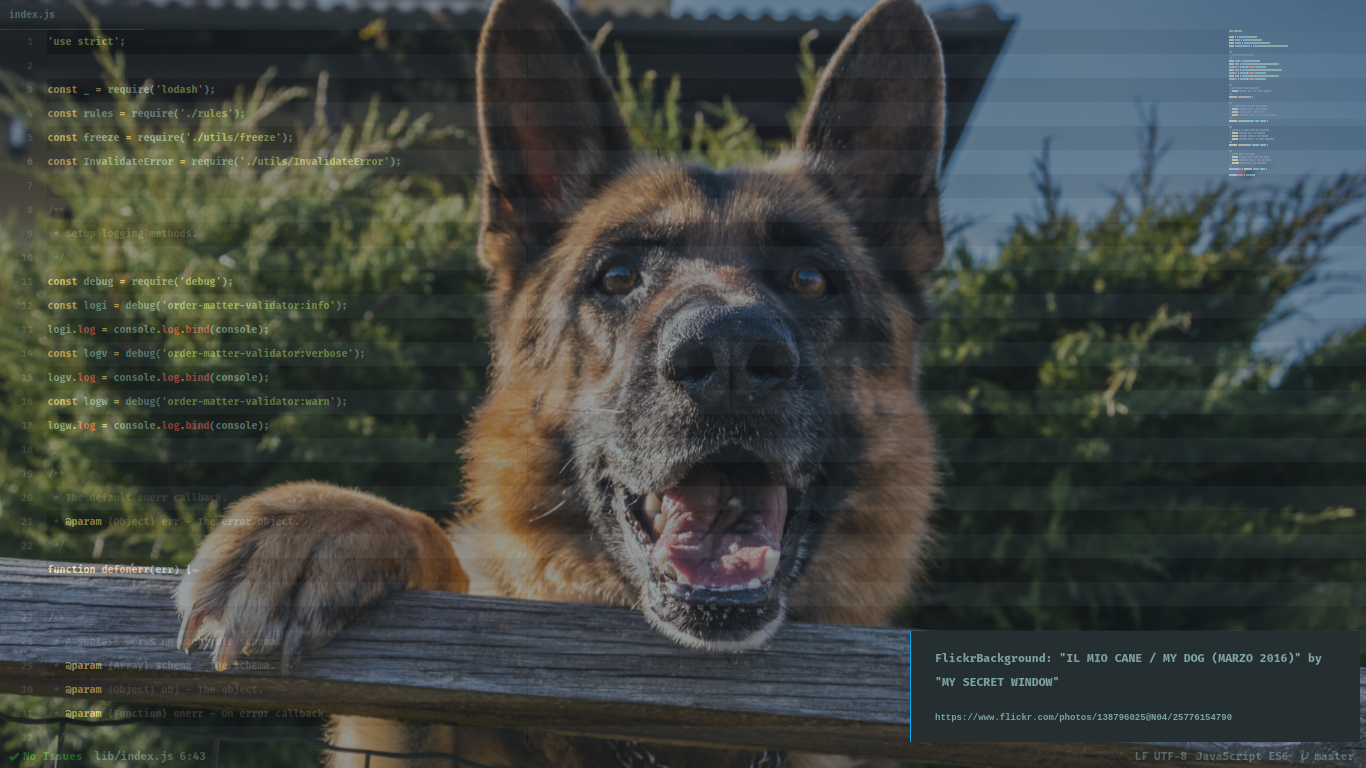
Screenshots
Commands
{
  "atom-workspace": {
    "ctrl-alt-o": "flickr-background:toggle",
    "ctrl-alt-i": "flickr-background:show-photo-info",
    "ctrl-alt-n": "flickr-background:next-photo",
    "ctrl-alt->": "flickr-background:increse-opacity",
    "ctrl-alt-<": "flickr-background:decrese-opacity"
  }
}
Options
{
  tags: {
    type: 'string',
    title: 'Tags',
    description: 'Find any photo has these tags. Tags are delimited by commas.',
    default: ''
  },
  text: {
    type: 'string',
    title: 'Keyword',
    description: 'Find any photo that has the text in its description or title',
    default: ''
  },
  interval: {
    type: 'integer',
    title: 'Interval',
    description: 'In seconds. After each this amount of time, the background will change to a new photo',
    default: 60,
    minimum: 30
  },
  sort: {
    type: 'string',
    description: 'Order of showing photos',
    enum: [
      'date-posted-asc', 'date-posted-desc', 'date-taken-asc',
      'date-taken-desc', 'interestingness-desc', 'interestingness-asc',
      'relevance'
    ],
    default: 'interestingness-desc'
  },
  opacity: {
    type: 'number',
    description: 'Background opacity',
    default: 0.2,
    minimum: 0,
    maximum: 1
  }
}
Optional
If you want to highlight odd lines (like above screenshots), you can put this snippet into your stylesheet:
/**
 * Highlight editor odd lines.
 * https://github.com/atom/atom/issues/4829
 */
.generate-stripes(@i:0) when (@i < 10) {
  atom-text-editor:not([mini])::shadow .lines .line.cursor-line[data-screen-row$="@{i}"],
  atom-text-editor:not([mini])::shadow .lines .line[data-screen-row$="@{i}"] {
    background: rgba(0, 0, 0, 0.3);
  }
  .generate-stripes((@i + 2));
}
.generate-stripes();