(vc stands for vibe-coded, not for Vice City!)
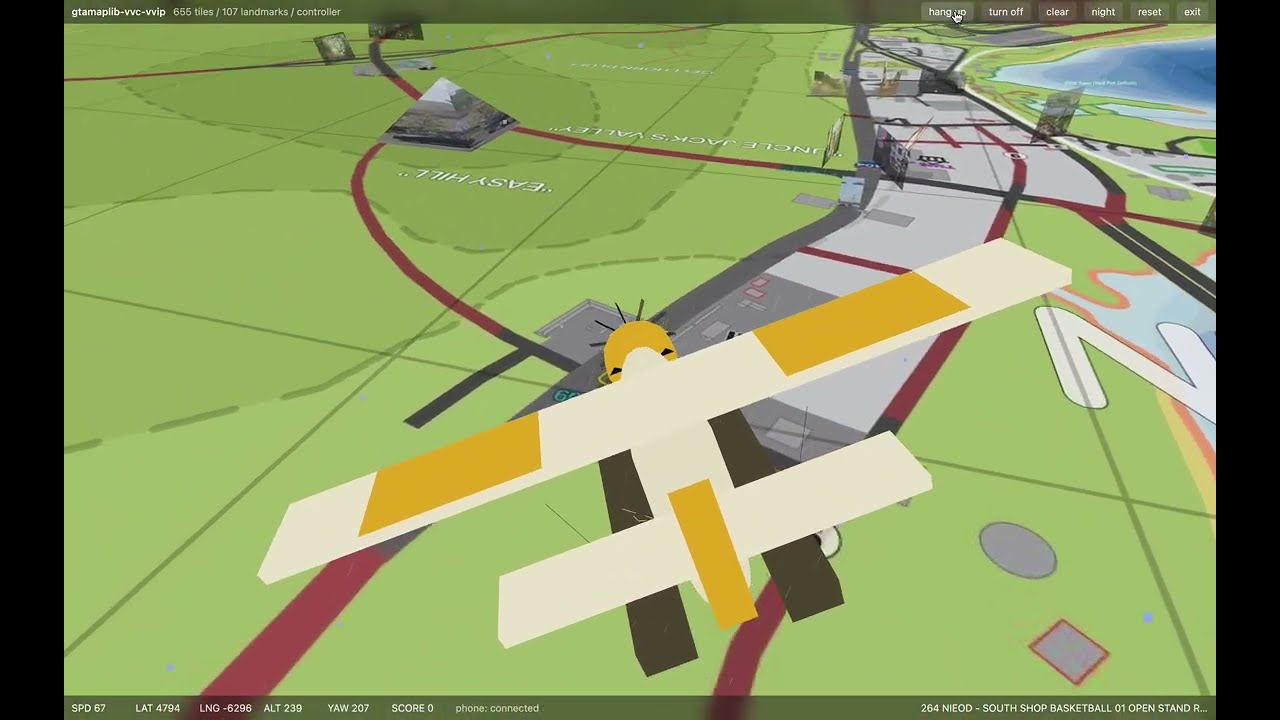
gtamaplib-vc is a collection of tools and interfaces on top of gtamaplib, including a UI for browsing the map, cameras and landmarks, an annotation editor, and a fast and furious optimizer that improves existing calibrations and triangulations. (We have also just added a full-3D game mode.)
TL;DR
If you don't have python or git, install them first.
Then run:
git clone https://github.com/rolux/gtamaplib-vc.git
cd gtamaplib-vc
python3 -m pip install -r requirements.txt
python3 bootstrap.py
python3 server.py
Then open:
To update:
git pull
python3 update.py
If something doesn't work:
Ask ChatGPT or Claude first.
Setup
Clone this repository, then cd into the gtamaplib-vc directory:
git clone https://github.com/rolux/gtamaplib-vc.git
cd gtamaplib-vc
Install Python dependencies. That's just numpy, scipy, Pillow and tqdm. If you prefer uv over pip, use uv.
python3 -m pip install -r requirements.txt
Then run the bootstrap script:
The bootstrap script clones gtamaplib into ./gtamaplib, fetches its assets, sparse-checks out the latest map tiles from map.gtadb.org into ./gtadb.org, and then generates the local browser data.
Server
Start the local UI server and editing API:
Then open:
The UI has a couple of useful keyboard shortcuts, like up/down for list navigation, and esc (or cmd+click) to deselect.
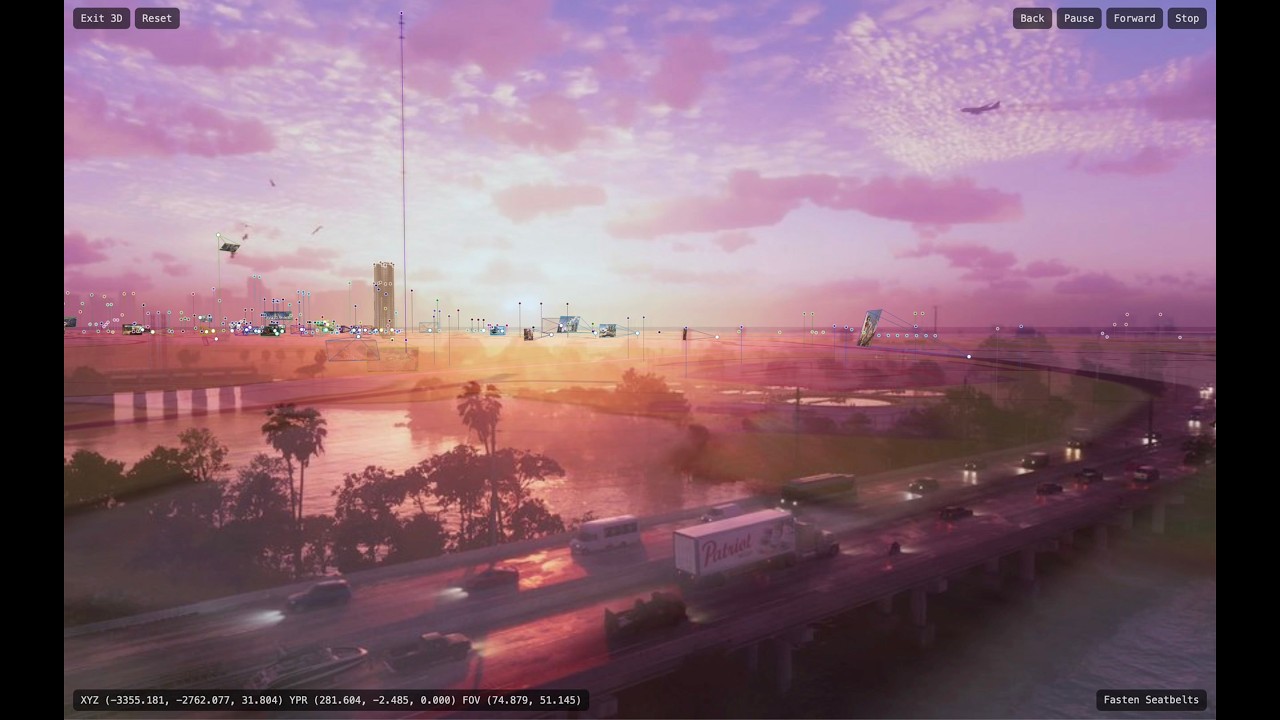
3D map view supports the most common Google Maps controls (click+drag, cmd+click+drag, etc), and W, A, S, D + Q, E, in addition to the arrow keys.
In game mode, the usual keyboard controls work as well, but we recommend using a controller.
Note that the UI is written in plain vanilla JavaScript, using WebGL. There are zero dependencies on external libraries.
Updating
To update gtamaplib-vc, along with the linked gtamaplib and gtadb.org checkouts, and regenerate local browser data, run:
git pull
python3 update.py
Updating gtamaplib may change imported cameras, landmarks, observations, and pre-triangulated points. Existing optimizer results may no longer describe exactly the same starting data after an update. The same is true for updating gtamaplib-vc itself, which may change the behavior of the optimizer.
Regenerating Data
bootstrap.py and update.py already run the importer, so you do not need to run utils/import_data.py after either command.
During development, if you only want to regenerate local browser data without pulling external repositories, run:
python3 utils/import_data.py
The importer writes data/gtamapdata.json from gtamaplib, creates editable data/special.json and data/config.json files if missing, writes generated VC additions to data/import_extras.json, creates ui/data/overlay.json, and generates thumbnails in ui/thumbnails/.
Observation Editing
The UI allows you to add, move, rename, and remove observations. These edits are stored locally in data/observation_edits.json and applied by the frontend on top of the current gtamaplib data. For now, these annotations are strictly private, but you can export them as a paste-ready gtamaplib text block with export_observations.py.
server.py starts both the browser UI on port 8026 and the local editing API on port 8027. You do not normally need to run the API separately.
If gtamaplib changes and you want to rebuild the generated upstream browser data, run:
python3 utils/import_data.py
This keeps gtamaplib as the upstream source of cameras, landmarks, frames, and initial observations, while allowing private local annotation edits in gtamaplib-vc. The optimizer uses the same model: load the imported gtamaplib data, then explicitly apply local observation edits on top.
Optimizer
The general idea is to use the find_camera results from gtamaplib to initialize a least_squares optimizer, which runs along a predefined chain of cameras and, for each stage, performs a local pass followed by a global pass. The world displayed in the UI, including the 3D map and game mode, corresponds to your latest optimizer result.
The optimizer chain lives in optimizer/:
optimizer/chain.json
optimizer/priors.json
optimizer/configs/
optimizer/defaults/
optimizer/results/
optimizer/renders/
optimizer/defaults/ contains the checked-in default chain and stage configs. bootstrap.py and update.py copy these into optimizer/chain.json and optimizer/configs/ if they are missing, but never overwrite existing local files. The live chain and configs are intentionally ignored by git, so you can edit them freely.
optimizer/chain.json is a plain ordered list of camera names. Each camera has a matching config file in optimizer/configs/ that lists the landmarks, rays, and objects used for that calibration stage.
For each stage, first inspect the configured and available inputs:
python3 optimize.py --stage 1 --config
Then run the stage:
python3 optimize.py --stage 1 --run
After the run, review the compact result summary:
python3 optimize.py --stage 1 --result
For more options, run:
python3 optimize.py --help
Each run writes a numbered result JSON into optimizer/results/, updates optimizer/result.json as the current complete optimizer world snapshot, and renders the current optimizer state into optimizer/renders/.
You can render a local log-loss landscape for any camera with:
python3 render_loss.py --camera "Leonida Keys 01 (Airplane) (X)"The defaults are --spacing 10, --budget 1000, and --max-steps 100.
You can also render projections into optimizer/renders/projections/:
python3 project.py cam-onto-map "Leonida Keys 01 (Airplane) (X)" --output cam-onto-map.png
python3 project.py cam-onto-map "Keys" "Leonida Keys 01 (Airplane) (X)" "Leonida Keys Postcard (X)" --output cams-onto-map.png
python3 project.py map-into-cam "Leonida Keys 01 (Airplane) (X)" --output map-into-cam.png
python3 project.py cam-into-cam "Leonida Keys Postcard (X)" "Leonida Keys 01 (Airplane) (X)" --output cam-into-cam.png
python3 project.py map -5220 5580 200 135 -10 0 60 --output map.png
Development Helpers
generate_optimizer_chain.py is an experimental helper for proposing a greedy optimizer chain from currently available calibration constraints. It writes the proposed chain and configs to optimizer/generated/, which can be run with python3 optimize.py --generated. Its ranking logic is still provisional.
Game Mode
To enter game mode, click Fasten Seatbelts in the 3D map view. The usual keyboard controls (and a few unusual ones) work, but we highly recommend plugging in a controller.
Notes
Initial version inspired by prior work from Neutral_State on the GTA VI Mapping Discord.
Please keep in mind that v0.1.0 is pre-release software. Some parts may change quickly, others may still be unfinished.
gtamaplib-vc was written by Codex. The quality and readability of the code will reflect this.
If you have trouble setting it up, ask your own AI first. They should be able to help you out.
And if you have Claude or Codex, why not ask them to add your own favorite features? This is open source software, after all.
3D Tour video
Game Mode video