PhoneClaw PhoneClaw is an Android automation app that runs on-device workflows and lets you generate automation logic at runtime using ClawScript, a JavaScript-based scripting language built into the app.
PhoneClaw is inspired by Claude Bot/Claude Code and attempts to rebuild the agent loop for android phones natively to act as your personal assistant with access to all your apps.
OpenClaw Install*
npm install -g superpowers-ai superpowers --help
Open the URL it gives you to control the stream.
npm package: https://npmjs.com/package/superpowers-ai
Chrome Extension: https://chromewebstore.google.com/detail/superpowers-ai/oolmdenpaebkcokkccakmlmhcpnogalc
Clawhub: https://clawhub.ai/rohanarun/super-powers
Docs
https://rohanarun-phoneclaw.mintlify.app/
Demos
World's first software-only iPhone Automation: https://www.youtube.com/watch?v=QT67RvAt69o
Live demo: https://getsupers.com
iOS App: https://apps.apple.com/us/app/superpowers-ai/id6758969961
Apple Vision Pro demo: https://x.com/Viewforge/status/2028401641549164834
Automate your old Androids: https://youtube.com/live/Thc2sAt8uuk
Automated locking agent: https://x.com/Viewforge/status/2028591471860097289
Automated X Community Mod Agent: https://x.com/Viewforge/status/2028115961711415657
$phoneclaw(Solana token) integrated into our app: https://x.com/Viewforge/status/2026482468430426558
Flying Drones with AI:
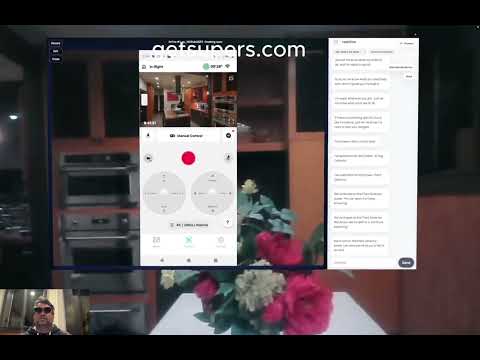
Automating Twitter In A Waymo With Android XR
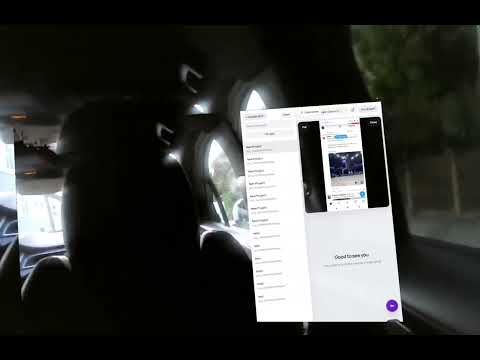
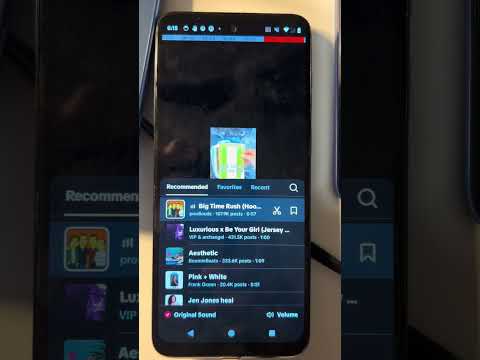
Automating Uploading Videos To Tiktok With Songs:
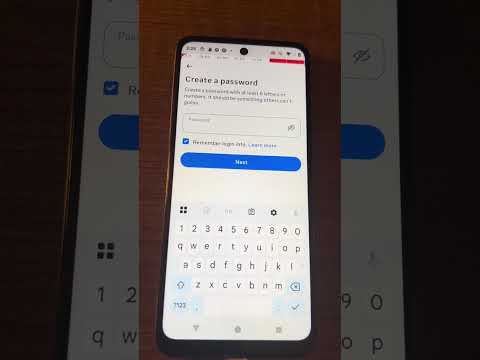
Automating Creating Instagram Accounts With 2FA From Email:
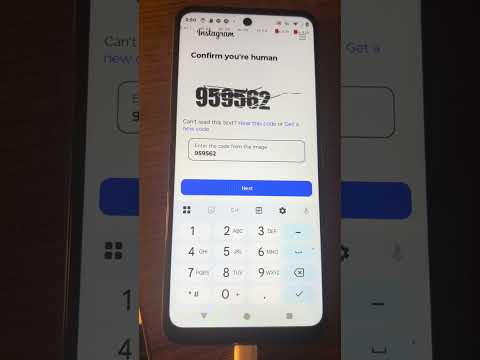
Automating Captchas:
Updates
- 2/19/26 updated to allow selecting the openrouter model
What It Can Do
- Automate multi-step app workflows on Android using the Accessibility service.
- Generate scripts at runtime for flexible, adaptive automations.
- Use vision-assisted UI targeting to click controls without hardcoded coordinates.
- Read visible on-screen text and values for branching, validation, and handoffs.
- Schedule automations with cron-like timing for recurring tasks.
- Chain actions across apps (browser, email, media, messaging) inside a single flow.
- Build flows that adapt to different device sizes, layouts, and language settings.
Setup Instructions
- The cheapest phone is a $30 Moto G play you can buy at Walmart in the US. It is the phone used in the demos.
- Enable developer mode on your android. You do not need to root the device.
- Download Android Studio, download this Repo, open the Repo, and click Build > Generate Bundles or APKs > Generate APKs.
- Sideload the APK by downloading it or transferring it to your android and clicking install. Click allow when it asks for permissions.
- When the app opens, use the voice commands to generate a simple automation like "open twitter and click the blue post button every hour"
- It will run the agent, schedule it, then output a file you can edit in simple language like below.
ClawScript ClawScript runs inside PhoneClaw using an embedded JS engine and exposes helper functions for automation, scheduling, and screen understanding. It is designed for fast iteration: write or generate small scripts at runtime, execute them immediately, and adjust based on UI feedback.
ClawScript API (Core Helpers)
speakText(text)— Reads out text using on-device TTS to confirm state or provide progress.delay(ms)— Pauses execution for a specific number of milliseconds.schedule(task, cronExpression)— Registers a task string to run on a cron-like schedule.clearSchedule()— Removes all scheduled tasks.magicClicker(description)— Finds a UI element by natural-language description and taps it.magicScraper(description)— Answers a targeted question about what is visible on screen.sendAgentEmail(to, subject, message)— Sends an email from the device for notifications or handoffs.safeInt(value, defaultVal)— Safely parses values to integers with a fallback.
magicClicker
- Uses a screenshot plus vision to locate a target described in plain language.
- Taps the best-matching UI element through the Accessibility service.
- Best for repeatable flows where the UI layout may shift between devices.
magicScraper
- Uses a screenshot plus vision to answer a targeted question about what is visible.
- Returns a concise string that you can parse or branch on in your script.
- Best for reading text like OTP codes, status labels, or field values.
Example Script
magicClicker("Create account")
delay(1500)
magicClicker("Email address field")
// ... type text via your own input helpers
magicClicker("Next")
const otp = magicScraper("The 2FA code shown in the SMS notification")
// ... submit otp
Setup
- Provide your Moondream auth token via Gradle properties (kept out of git):
# local.properties (project root) OR ~/.gradle/gradle.properties
MOONDREAM_AUTH=YOUR_TOKEN_HERE
Community
Discord: https://discord.gg/supers