
fskube - Python Developer's full-stack Kubernetes enabler
If you are a Python Python developer then fskube provides you with best user experience in easily running your full-stack Python apps on Kubernetes in AWS with just a few clicks.
Table of Contents
About The Project

Built With
Getting Started
Please note the following
- Currently only runs on Windows
- Linux and Mac ports coming soon.
For Convenience Download single executable for Windows
https://github.com/rebataur/fskube/releases/download/v0.1.8/fskube.exe
Prerequisites
This is an example of how to list things you need to use the software and how to install them.
- Currently tested only on Windows
- Python 3.7+
Installation
- Clone the fskube
git clone https://github.com/rebataur/fskube.git
- Create virtualenv
cd fskube
virtualenv venv
venv\scripts\activate
- Install fskube
pip install -r requirements.txt
- Run the flask app
>set FLASK_APP=fskube.py
>set FLASK_DEBUG=FALSE
>set FLASK_RUN_PORT=5678
>flask run
- Launch http://localhost:5678 in your browser
Usage
KubeConfig file is stored in your YOUR_USER_DIRECTORY/.fskube/YOUR_CLUSTER_ID
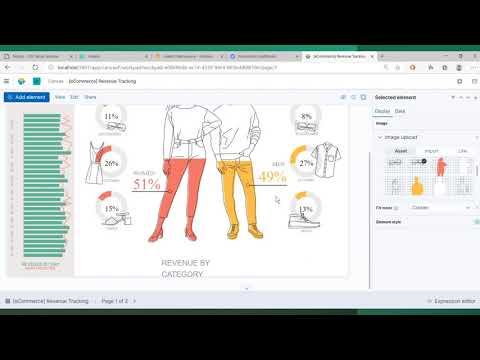
Please watch a detailed video of fskube below.
Roadmap
- Spot Instances
- AMD Based Instances
- Graviton based Instances
- AutoScaling Group
See the open issues for a list of proposed features (and known issues).
Contributing
Contributions are what make the open source community such an amazing place to be learn, inspire, and create. Any contributions you make are greatly appreciated.
- Fork the Project
- Create your Feature Branch (
git checkout -b feature/AmazingFeature) - Commit your Changes (
git commit -m 'Add some AmazingFeature') - Push to the Branch (
git push origin feature/AmazingFeature) - Open a Pull Request
License
Distributed under the MIT License. See LICENSE for more information.
Contact
Your Name - @rebataur - hello@rebataur.com
Project Link: https://github.com/rebataur/fskube
Acknowledgements
We stand on the shoulders of giants! This project would not have been possible without the following projects.