@loftusa i can see that your github username has access to copilot. Do you have more than one github account? If so you may need to sign out of vscode

Please try signing out, copilot will prompt you to sign back in.
0 replies
I have the same issue and tried this flow, it did not work.
2 replies

I just encountered this as well, I have a subscription but it seems that the site is also confused.

Maybe some outage or bug?

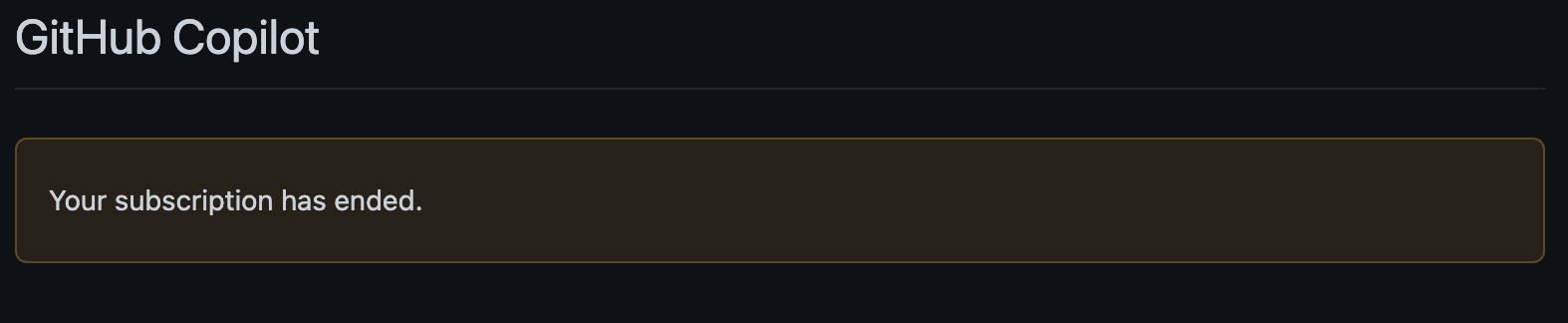
My subscription ended and I'm trying to restart it. Following the steps here, on Step 3 I get the following with no option to sign up.
I also paid to use github copilot and it's not working in my vsCode I followed every step to use the extension

0 replies
Same for me. I have an active subscription and have had one since August. Today my Copilot stopped working with the following error.
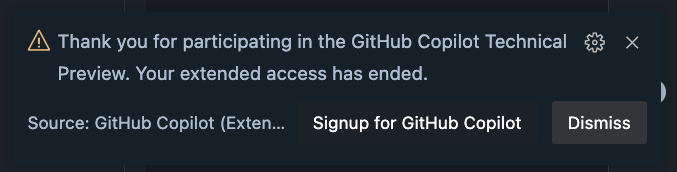
I've tried...
- Signing out of GitHub in VSCode and signing back in
- Uninstalling Copilot and reinstalling
- Restarting VSCode
- Restarting my computer
Not sure what else to try.
3 replies

i have the same problem, last pay was 3 days ago. i guess this is not a problem in our end. Maybe it's on github...


Same issue here in both VS 2022, VC Code, and Rider, signed up for a year, now it's saying its expired not even 1/4 through the year I paid for, with no real way to get it to activate
1 reply
i'm on vscode latest version. same problem.
It was working properly a few minutes ago.
Same issue here, I think someone screwed up today with the account activation logic.
I paid 1-year membership on the same day that Copilot went paid. I was a member of the Copilot preview.
As of about a few hours ago, my account stopped working, and the below do not work:
- Uninstalling + Reinstalling the extension (either normal or nightly)
- Signing out of my Github VS Code account, then signing back in
The logs from the extension show the below:
[INFO] [auth] [2022-11-24T22:04:00.531Z] Invalid copilot token: missing token: 403
[ERROR] [default] [2022-11-24T22:04:00.532Z] GitHub Copilot could not connect to server. Extension activation failed: "Thank you for participating in the GitHub Copilot Technical Preview. Your extended access has ended."
This is fairly frustrating, as $100 is no small bit of change =/
1 reply

+1 My guess is that it is related to some coding logic applying to users with preview keys still in the settings somewhere? I haven't tried completely re-installing VSCode yet. Has anyone tried that with this more recent issue? (I'd rather not have to do that)
I'm having the exact same issue as well:
GitHub Copilot could not connect to server. Extension activation failed: "Thank you for participating in the GitHub Copilot Technical Preview. Your extended access has ended."
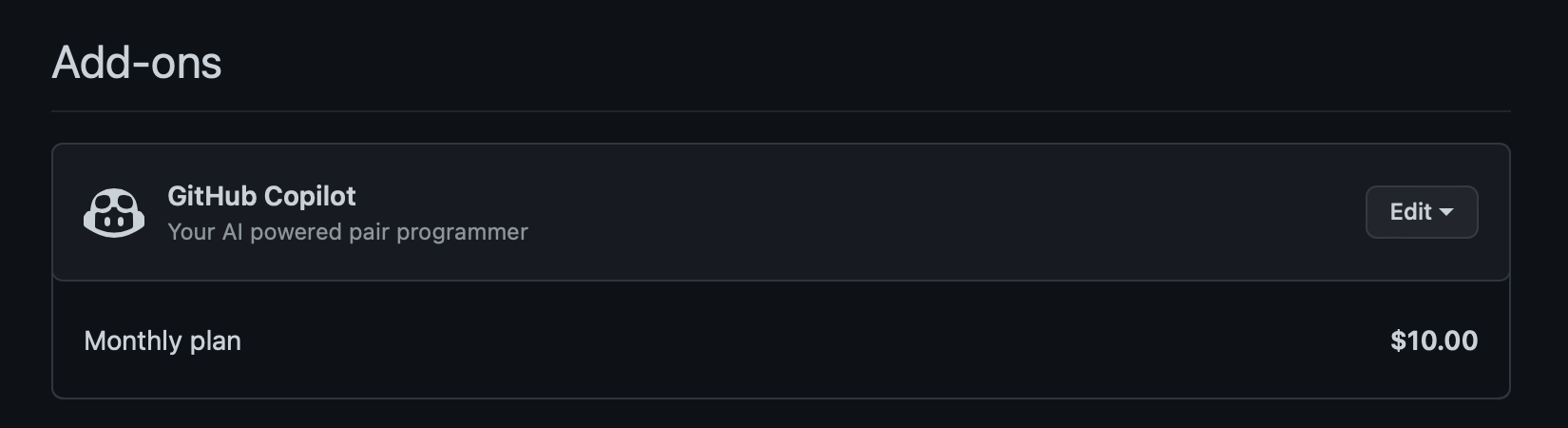
But I do have an active subscription:
0 replies
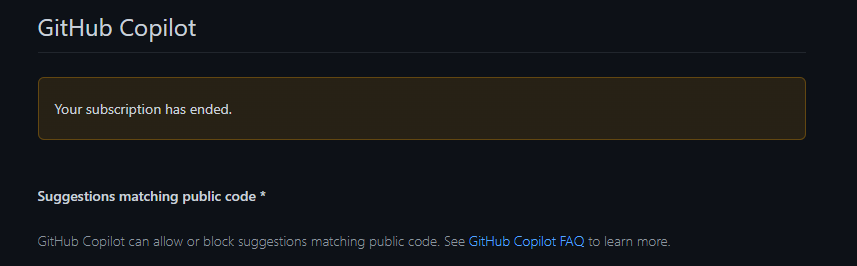
I'm having a student account but also same issue here. Seems that it's not a problem on client-side.
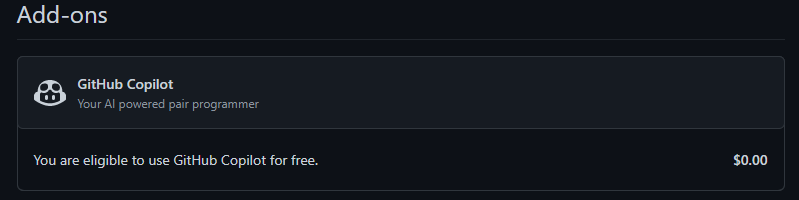
3 replies
I'm in the same situation.


I'm having the same issue, using nvim with github/copilot.vim showing
Thank you for participating in the GitHub Copilot Technical Preview. Your extended access has ended.

Request Actions:
1. Signup for GitHub Copilot
2. Dismiss
Type number and <Enter> or click with the mouse (q or empty cancels):
:Copilot auth or setup will show that I'm logged in as myself, but :Copilot status returns Copilot: Not authorized.
Updating the plugin, logout -> login, disable -> enable, restart, nothing works.
I'm subscribed with Yearly plan.
I hope this to be resolved soon.
0 replies
0 replies
Same issue. I tried in VSCode 2022 and Github Codespaces
0 replies
0 replies
intelij copilot plugin same thing
0 replies
I tried in PyCharm and vscode plugin. Same issue.
1 reply

0 replies
0 replies
Did anyone find a way to fix it? It's been a couple of hours since it went down
0 replies
0 replies
0 replies
Same issue here. Student Pack.
0 replies
1 reply

same issue paid monthly plan
0 replies
3 replies


makes you realize how difficult it is to code without it after using it for a while...
i know right. i was shocked too when the autocomplete gone away.
0 replies
0 replies
The problem has been fixed, my vscode back to normal
0 replies
Working again for me now thankfully
0 replies
0 replies
It looks like there is a new issue with Copilot.
I recommend subscribe to Github Status to follow up with the recovery progress.
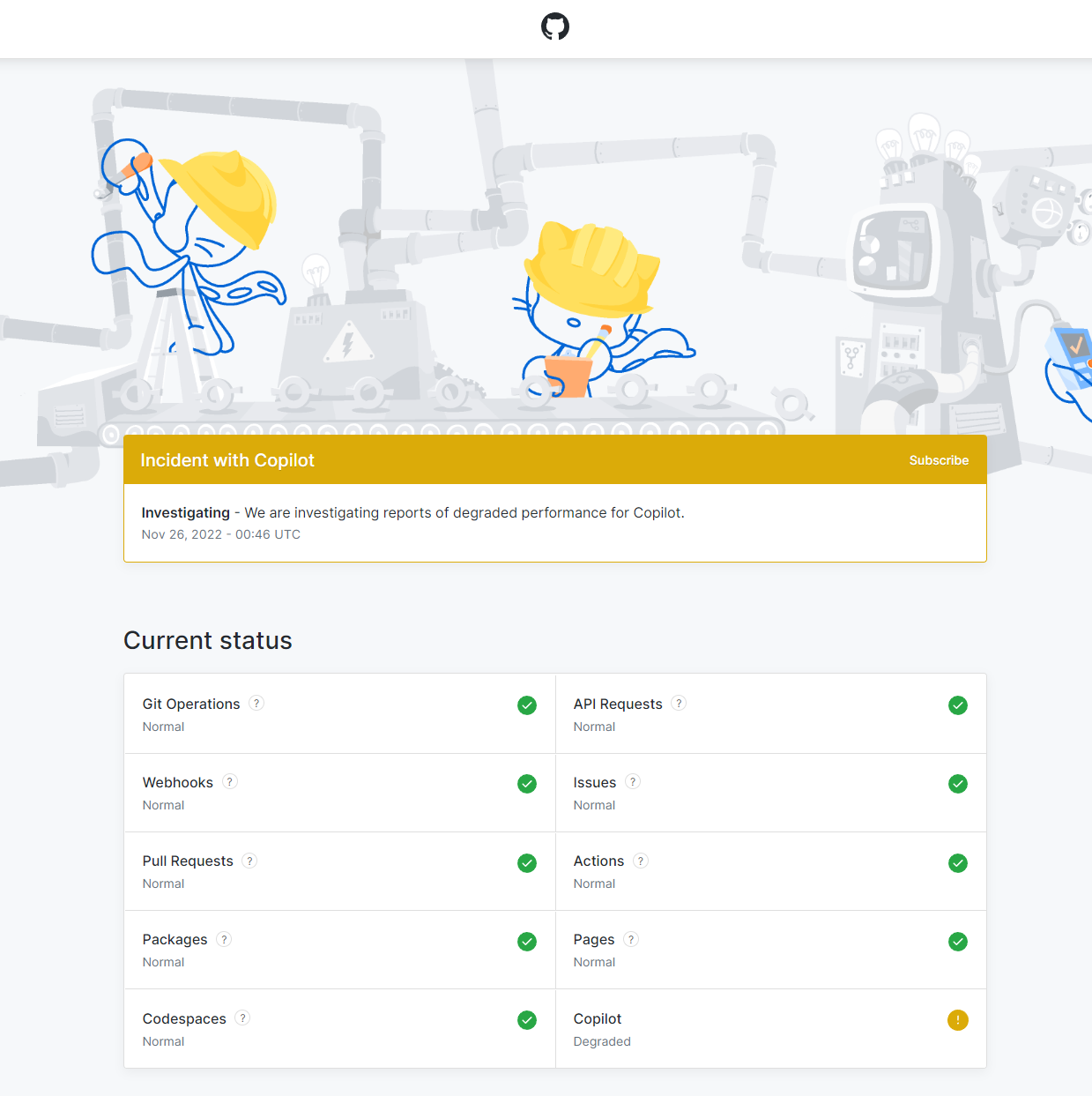
0 replies
Degraded Performance
If your tires are low on air, that's degraded performance, when the wheels fall of your car, that is something else entirely.
0 replies