coq.nvim 🐔
Named after the famous theorem prover
coq also means 鸡 in français québécois, and I guess 🥖.
Fast as FUCK and loads of features.
Faster Than Pure Lua
-
Native C in-memory B-trees
-
SQLite VM interrupts
-
Coroutine based incremental & interruptible scheduler
-
TCP-esque flow control
More details at the PERFORMANCE.md
Features
Note: Due to compression, reality is faster than gifs
Fast as fuck
-
Results on every keystroke
-
Throttling? Never heard of her
-
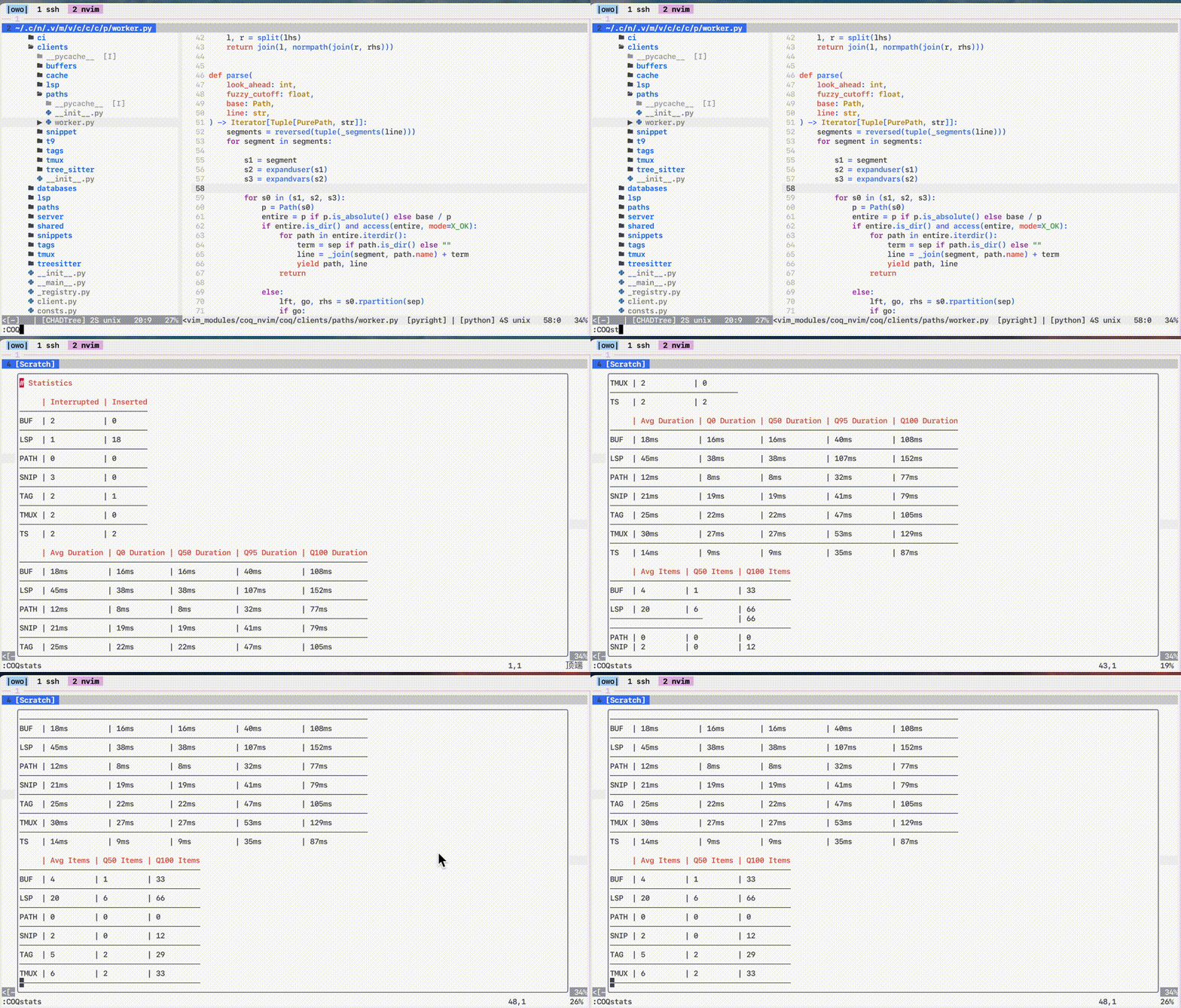
Real time performance statistics
-
Look at the gifs! The bottom few are the fastest when I didn't slow down on purpose to show features.
Fuzzy Search
-
Typo resistant
-
Recency bonus
-
Proximity bonus
-
Weighted average of relative ranks & ensemble metrics
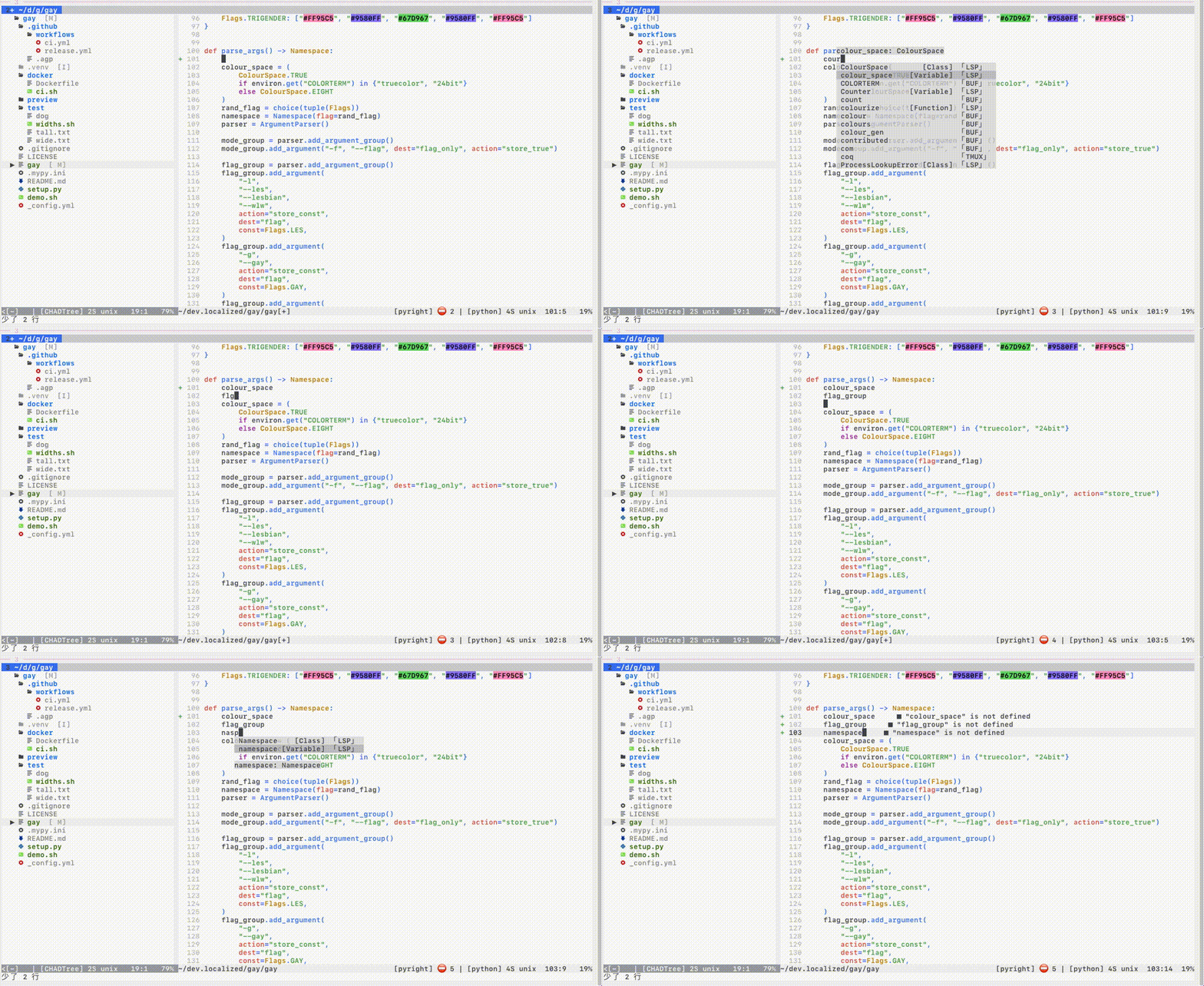
Error correction: cour -> colour_space, flgr -> flag_group, nasp -> Namespace
Preview
-
Press key to view documentation in big buffer
-
Auto open preview on side with most space
-
Customizable location: n, s, w, e
-
Ubiquitous: Tags, LSP, TreeSitter, Paths, Snippets
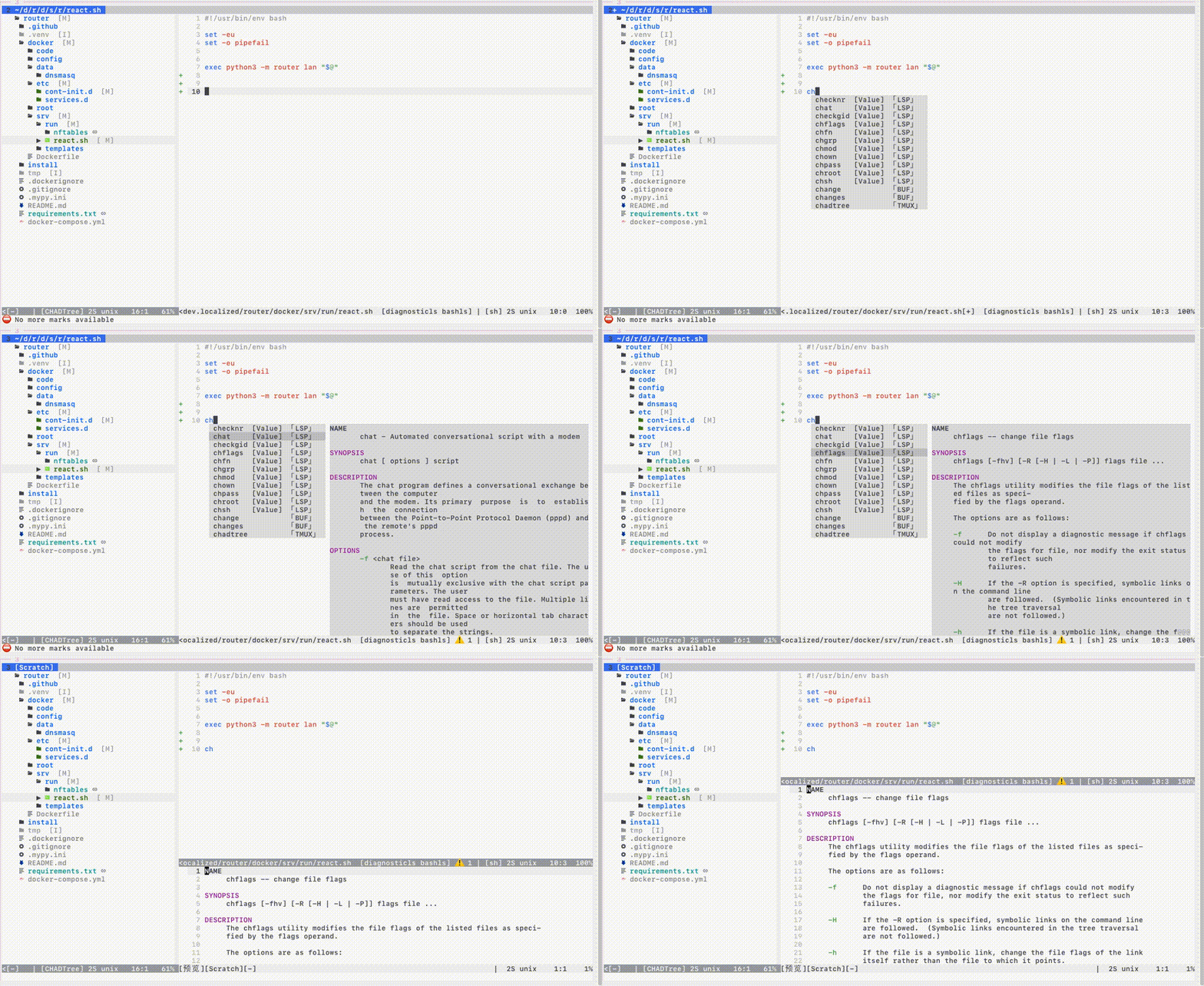
LSP
-
Incremental completion
-
Client-side caching
-
Multi-server completion (i.e.
tailwind+cssls) -
Multi-encoding
utf-8,utf-16,utf-32 -
Header imports
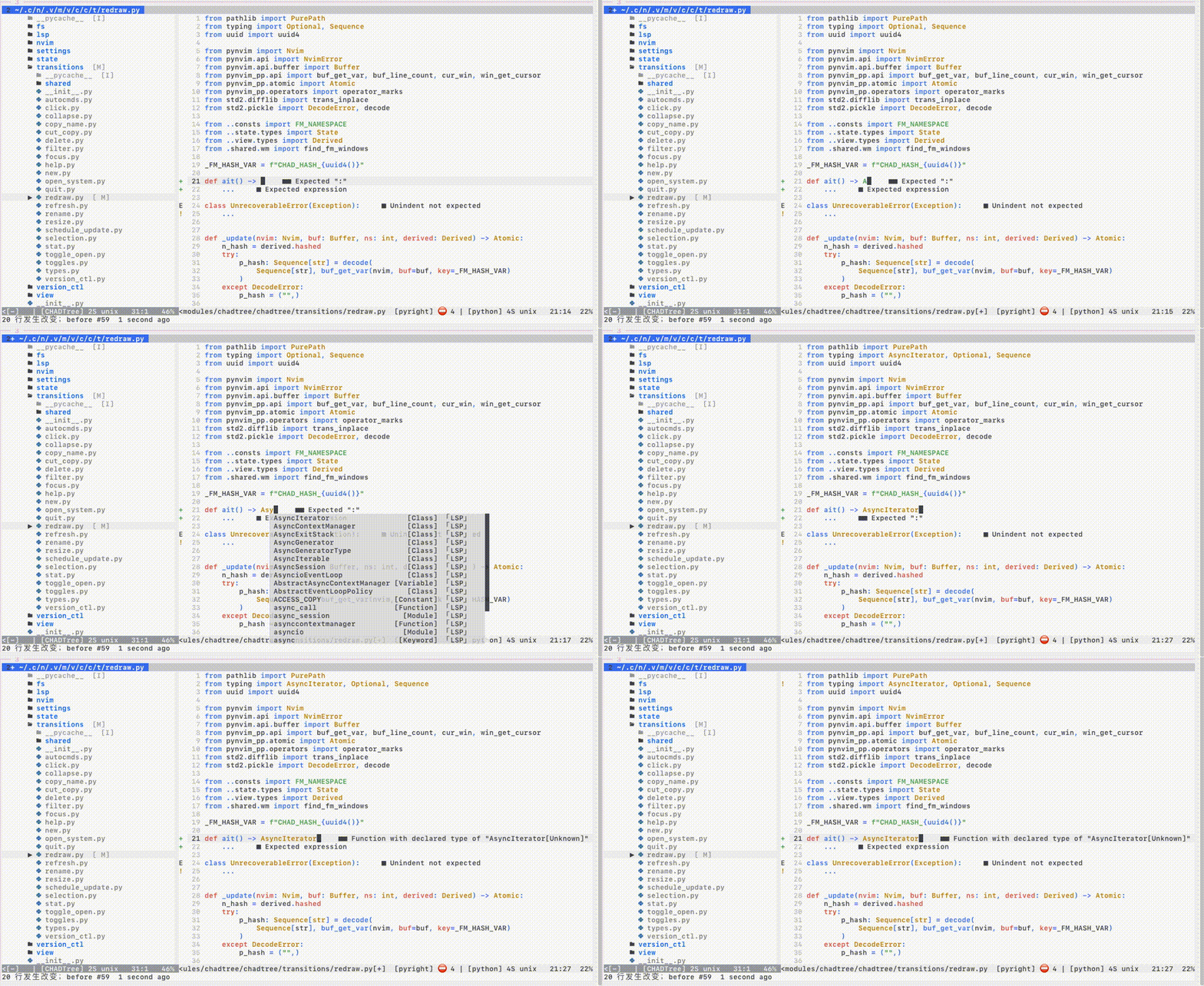
- Snippet Support
Install the Nvim Official LSP integration
Requires 2 lines of change to support LSP snippets
local coq = require "coq" -- add this

-- legacy style
local lsp = require "lspconfig"
lsp.<server>.setup(<stuff...>)                              -- before
lsp.<server>.setup(coq.lsp_ensure_capabilities(<stuff...>)) -- after

-- new style
vim.lsp.config(<server>, <stuff...>)                              -- before
vim.lsp.config(<server>, coq.lsp_ensure_capabilities(<stuff...>)) -- after
vim.lsp.enable(<server>)
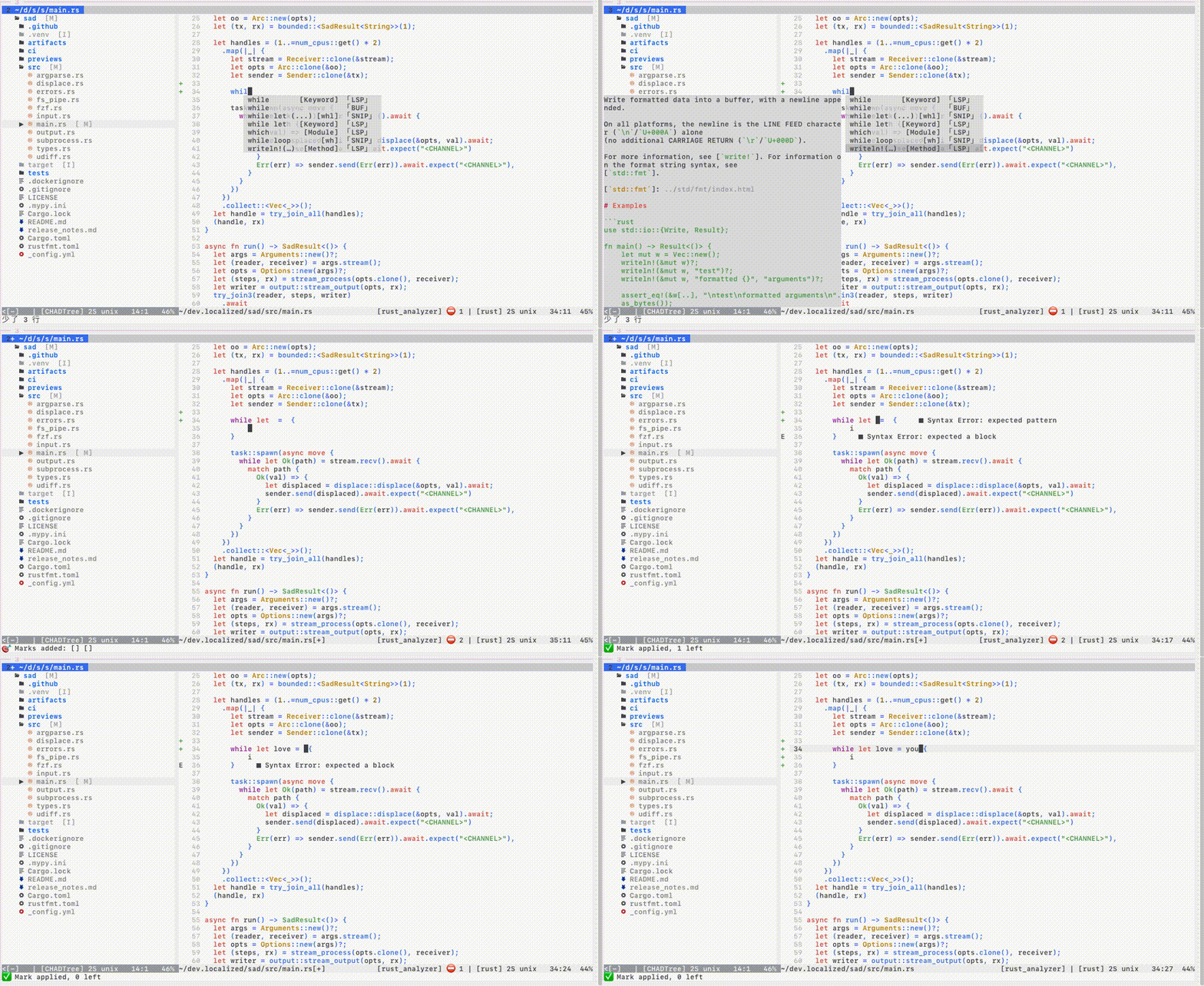
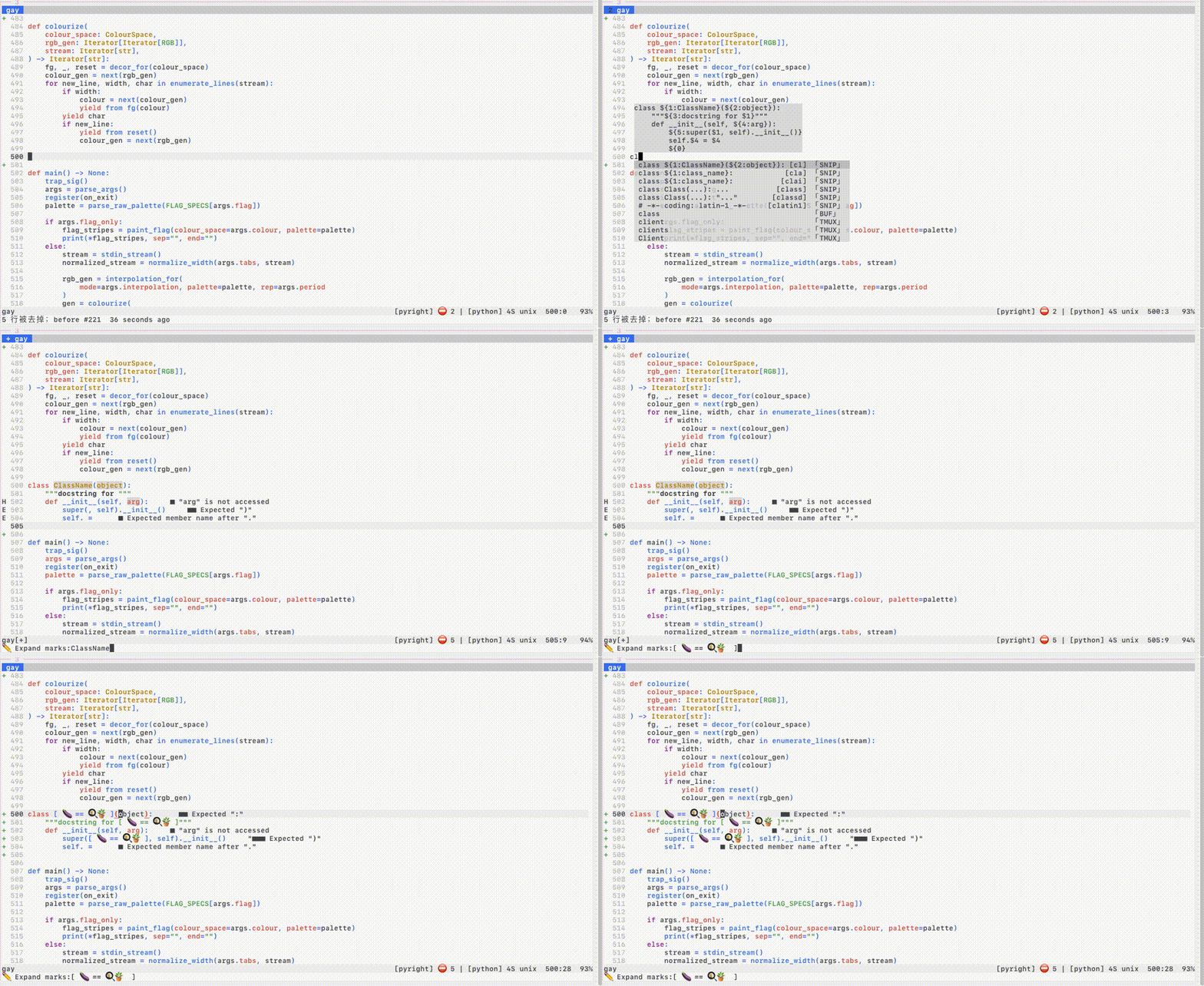
Snippets
-
99% of LSP grammar, 95% of Vim grammar
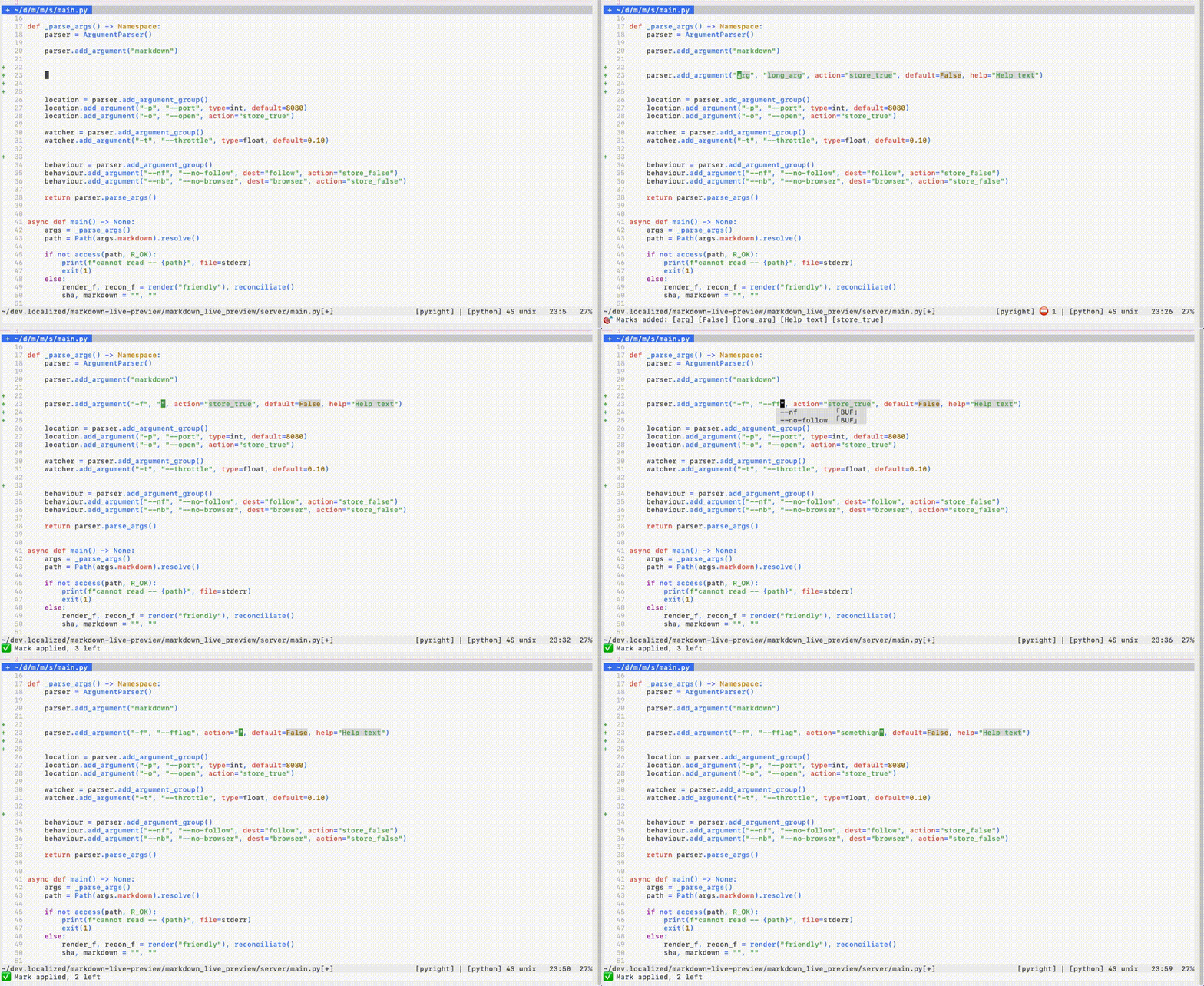
- Linked regions
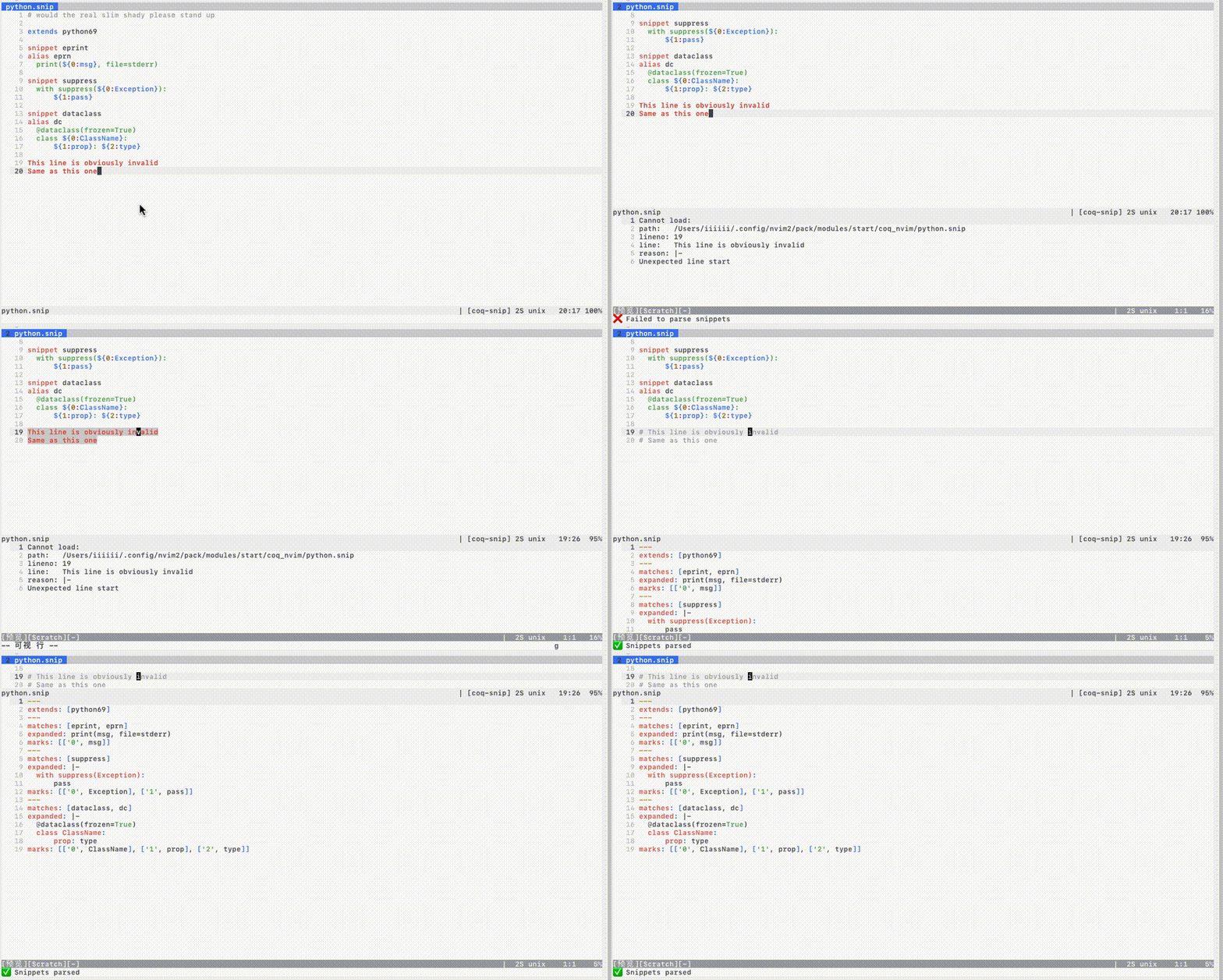
- Custom snippets with Live Repl
The % statistic comes from compiling the 10,000 snippets
TreeSitter
-
Shows context
-
Partial document parsing
-
Auto-disable if document is too big
-
Unicode ready
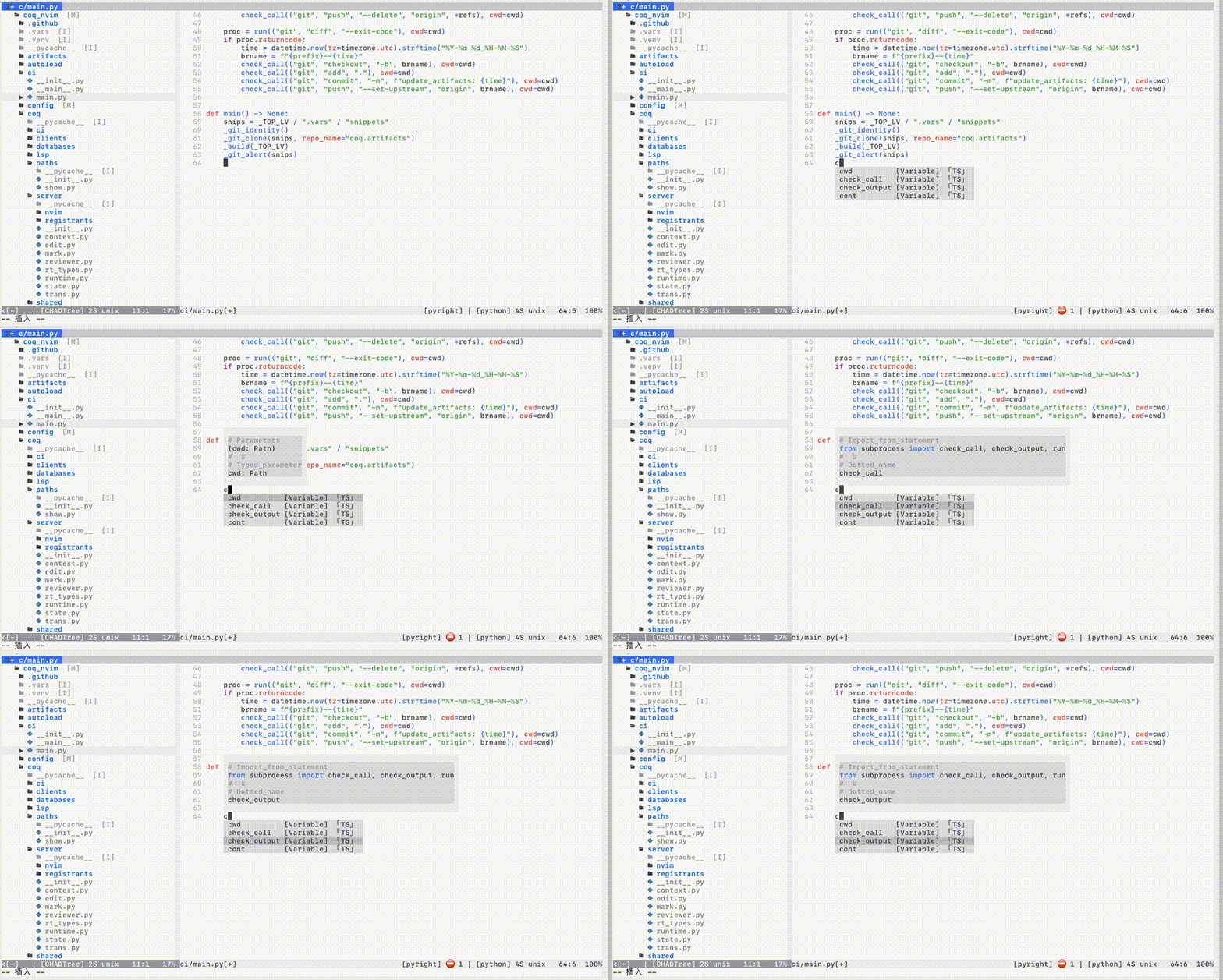
Treesitter is still unstable in nvim0.5: slow and crash prone
The promise is that Treesitter will have real time parsing on every keystroke, but it's actually too slow on big files.
The Treesitter source only parses a limited number of lines about the cursor and only on Idle events due to unrealized performance promises.
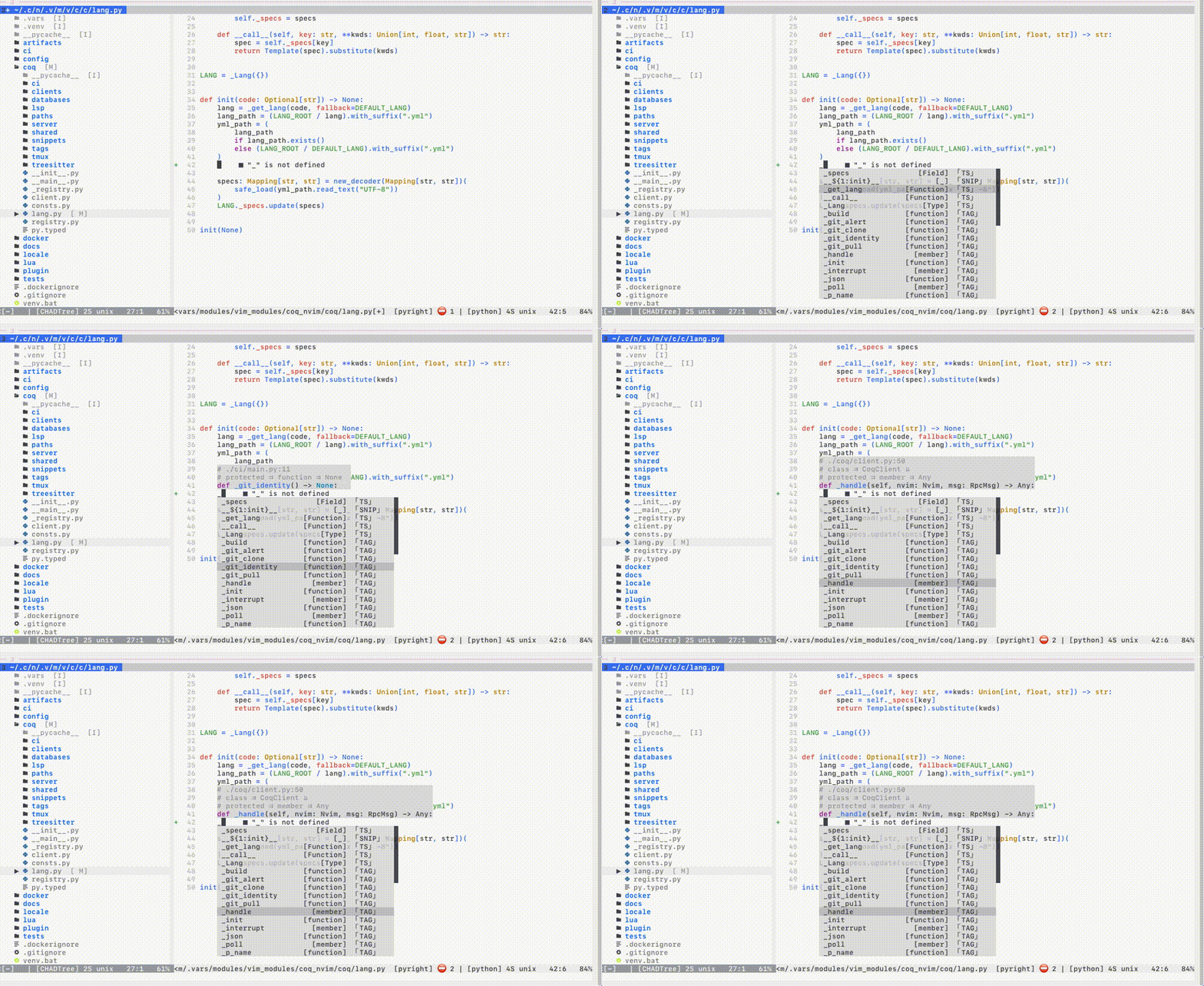
CTags
-
LSP like
-
Incremental & automatic background compilation
-
Non-blocking
Requires Universal CTags, NOT ctags
# MacOS
brew uninstall ctags           # bad
brew install   universal-ctags # good

# Ubuntu
apt remove  ctags              # bad
apt install universal-ctags    # good
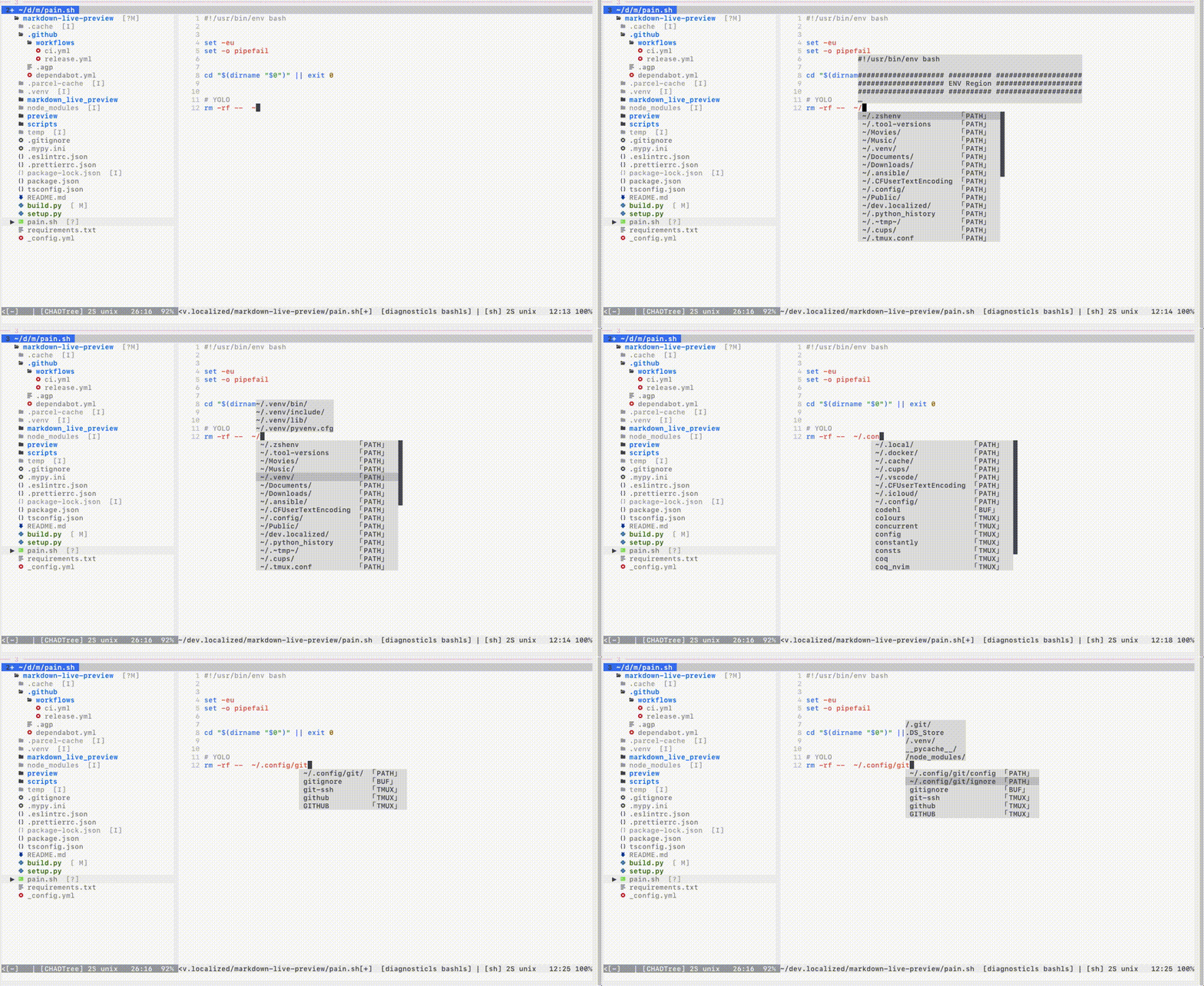
Paths
-
Preview contents
-
$VARIABLEexpansion,%EVEN_UNDER_WINDOWS% -
Relative to both
cwdand file path
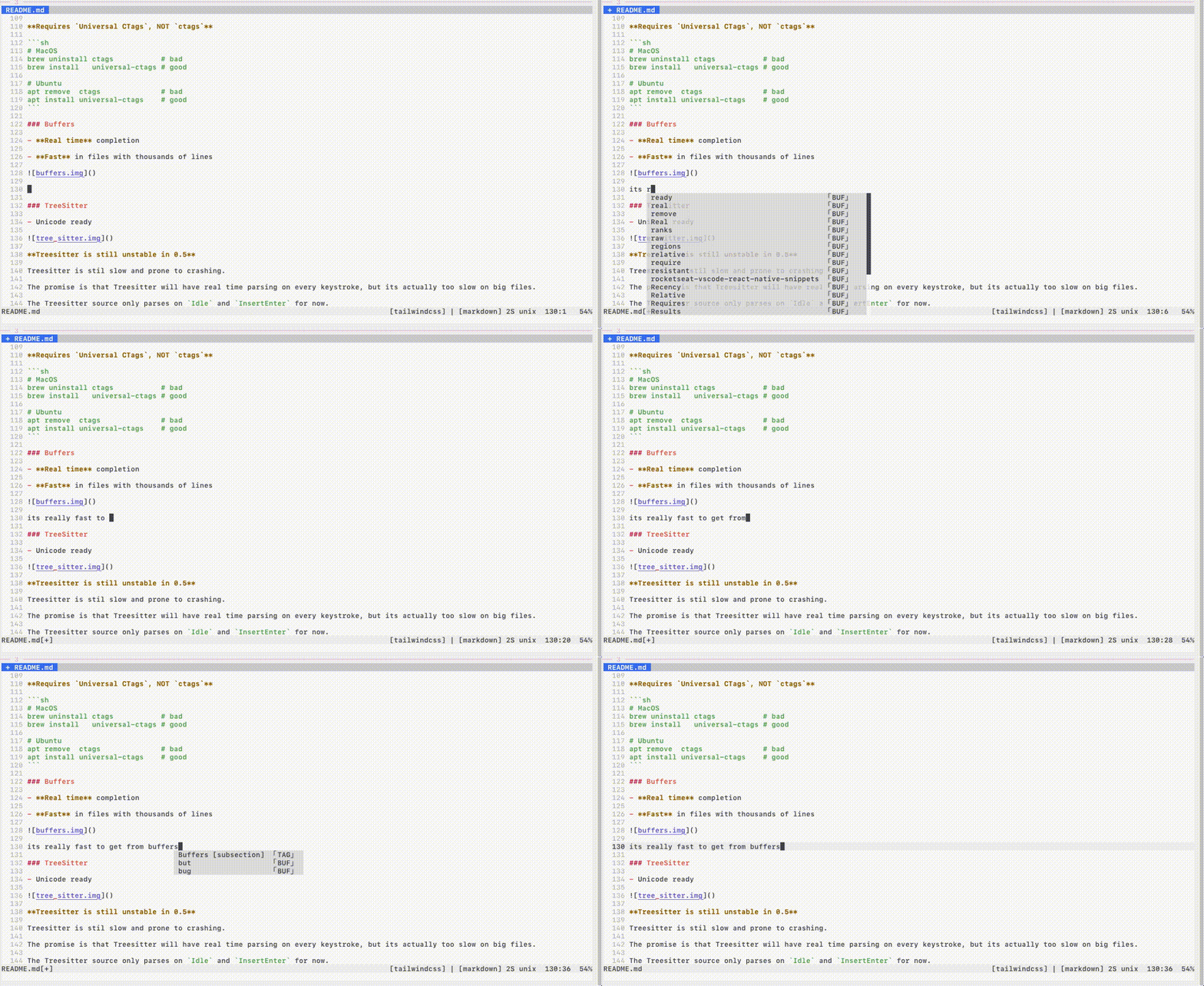
Buffers
-
Real time completion
-
Fast in files with thousands of lines
Registers
-
words Last yank
0+ customa-zcoq_settings.clients.registers.words -
lines
coq_settings.clients.registers.lines(a-z)
Tmux
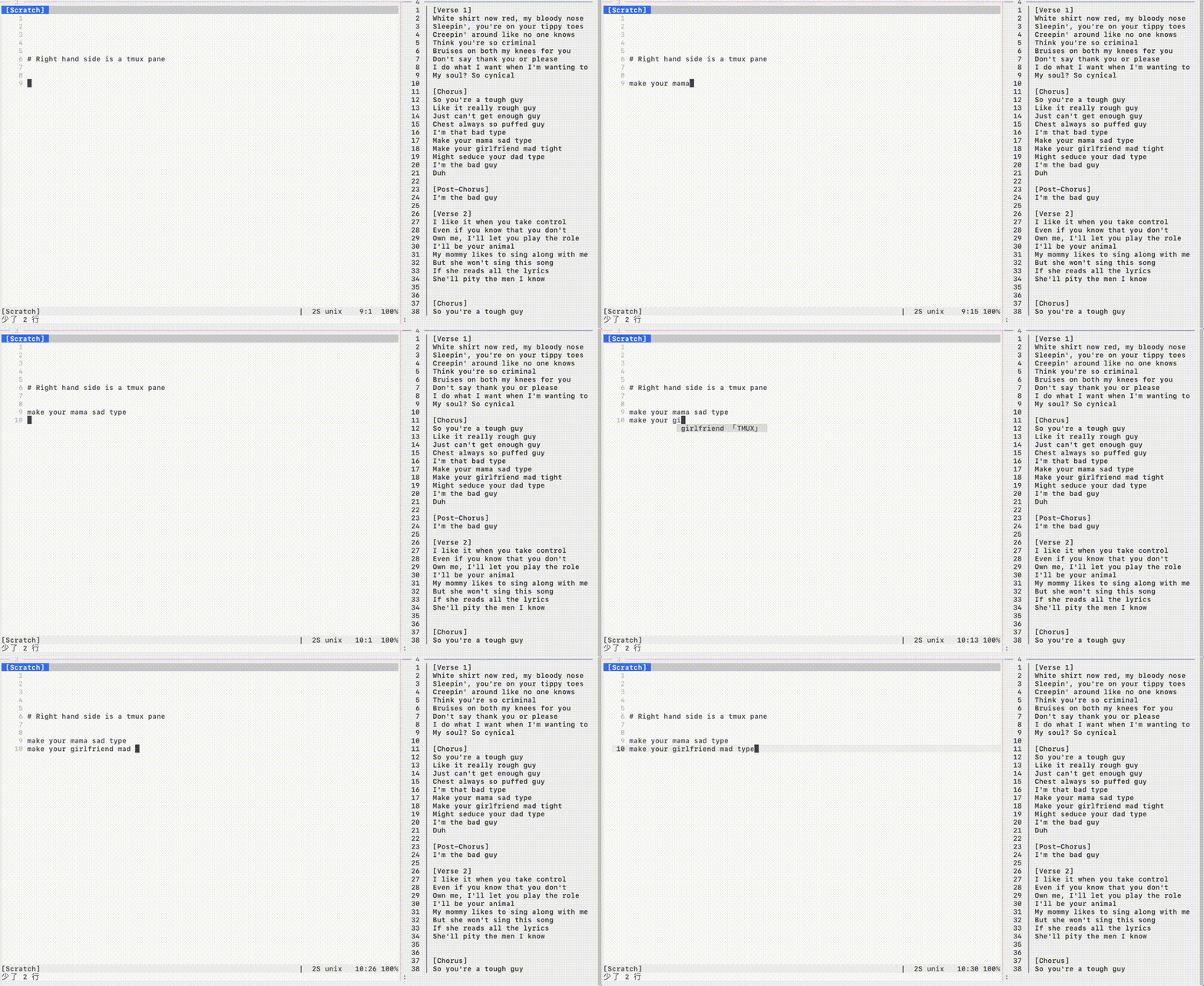
Modular lua sources & external third party integrations
-
External third party plugins too
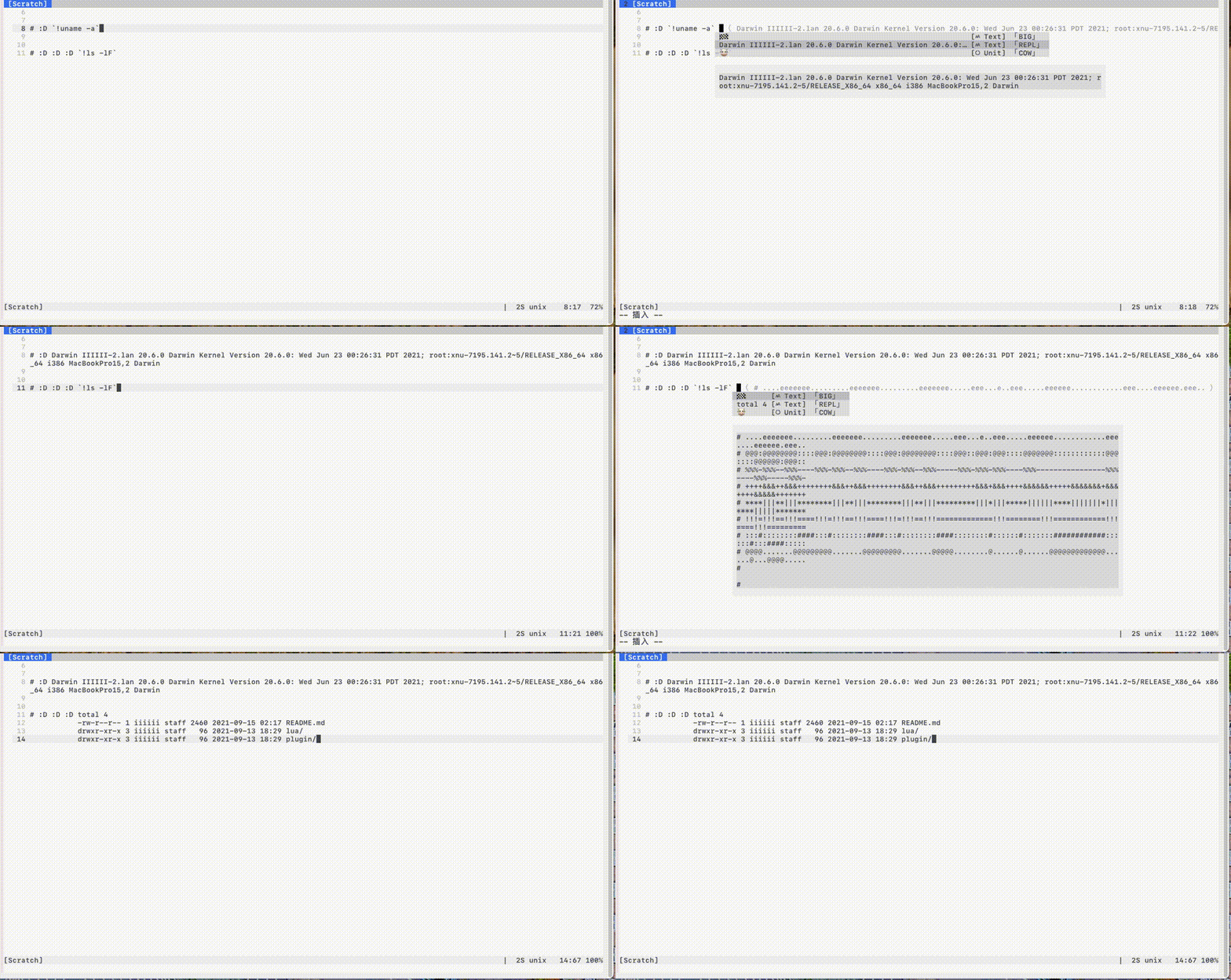
Shown above: shell repl.
Some other built-ins:
-
nvim lua API
-
vim runtime:
ada, c, clojure, css, haskell, html, js, php, syntax
Statistics
:COQ stats
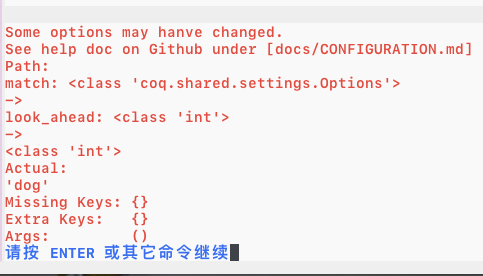
Validating config parser
- Prevents typos & type errors in your config
Here I make a type error on purpose inputting string instead of an integer.
Pretty
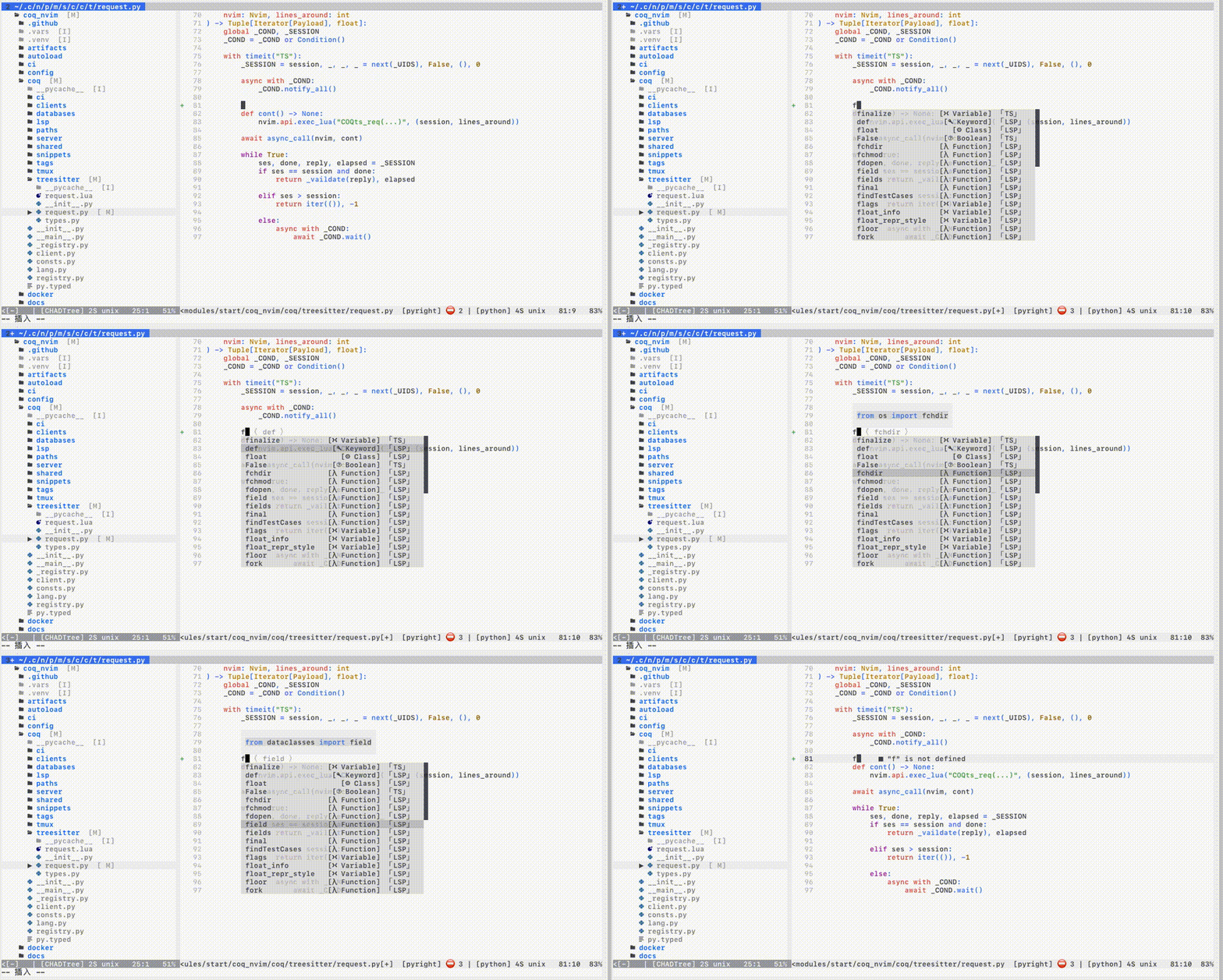
If you can't see icons properly:
Either set let g:coq_settings = { 'display.icons.mode': 'none' } to disable icons, or install a supported font
Install
Vim
Install the usual way, ie. VimPlug, Vundle, etc
" main one
Plug 'ms-jpq/coq_nvim', {'branch': 'coq'}
" 9000+ Snippets
Plug 'ms-jpq/coq.artifacts', {'branch': 'artifacts'}

" lua & third party sources -- See https://github.com/ms-jpq/coq.thirdparty
" Need to **configure separately**

Plug 'ms-jpq/coq.thirdparty', {'branch': '3p'}
" - shell repl
" - nvim lua api
" - scientific calculator
" - comment banner
" - etc
Neovim
lazy.nvim
{
  "neovim/nvim-lspconfig", -- REQUIRED: for native Neovim LSP integration
  lazy = false, -- REQUIRED: tell lazy.nvim to start this plugin at startup
  dependencies = {
    -- main one
    { "ms-jpq/coq_nvim", branch = "coq" },

    -- 9000+ Snippets
    { "ms-jpq/coq.artifacts", branch = "artifacts" },

    -- lua & third party sources -- See https://github.com/ms-jpq/coq.thirdparty
    -- Need to **configure separately**
    { 'ms-jpq/coq.thirdparty', branch = "3p" }
    -- - shell repl
    -- - nvim lua api
    -- - scientific calculator
    -- - comment banner
    -- - etc
  },
  init = function()
    vim.g.coq_settings = {
        -- Your COQ settings here
    }
  end,
  config = function()
    -- Your LSP settings here
  end,
}
Documentation
FAQ
Default hotkeys?
Always:
| key | function |
|---|---|
<c-space> |
manual completion |
When completion menu is open:
| key | function |
|---|---|
<esc> |
exit to normal |
<backspace> |
backspace |
<enter> |
select completion |
<tab> |
next result |
<s-tab> |
prev result |
For snippet placeholder navigation, bind vim.snippet.jump(±1) yourself.
When hovering over a result, entering any key [a-z] will select it. This is a vim thing.
LSP too slow to show up on keystroke.
Increase vim.o.autocompletetimeout. This slows feedback on every keystroke.
Or use manual completion (<c-space>), bounded by vim.o.completetimeout.
LSP sometimes not importing
Increase coq_settings.clients.lsp.resolve_timeout. Applying edits gets slower.
Missing Results
On keystroke only coq_settings.match.max_results items are shown. Use the manual completion hotkey to see all.
If you like this...
Also check out
-
sad, it's a modernsedthat does previews with syntax highlighting, and lets you pick and choose which chunks to edit. -
CHADTree, it's a FULLY featured file manager. -
isomorphic-copy, it's a cross platform clipboard that is daemonless, and does not require third party support.
Special Thanks & Acknowledgements
The snippets are compiled from the following open source projects:
Super special thanks goes to Typescript LSP.
Nothing like good motivation to improve my design than dumping 1000 results on my client every other keystroke.