Transform your LinkedIn profile into a stunning dev portfolio in in less than 5 minutes! See it in action below:
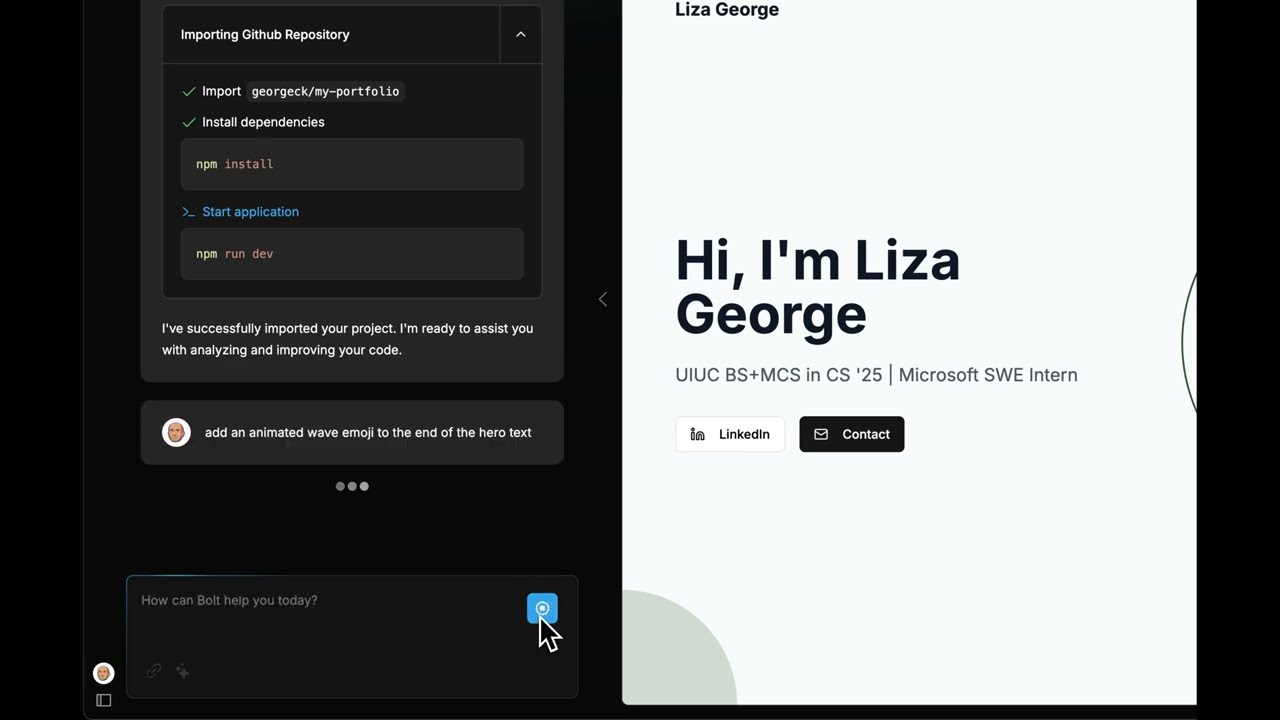 Video link - https://www.youtube.com/watch?v=M9KssZnfZrw
The Generate Portfolio project is a simple way to generate a polished customizable portfolio site from your LinkedIn resume. It extracts information from your LinkedIn resume PDF and creates a customizable portfolio website. You can easily deploy the generated site locally or to the cloud, and maintain it in your own GitHub repository for ongoing updates.
Whether you're a seasoned developer or just starting your career, this tool simplifies the process of showcasing your skills and experience to potential employers or clients.
Features
- Extract portfolio details: Seamlessly import information from your LinkedIn resume (PDF format)
- Generate a customizable site: Create a professional portfolio website that looks exactly how you want it to
- Full customization: Easily modify and personalize your portfolio to showcase your education, experience and projects
- Flexible deployment: Run locally or deploy to the cloud for maximum visibility
- Maintain with ease: Keep your portfolio up-to-date in your own GitHub repository
Prerequisites
gh- GitHub CLI (which is already authenticated with your GitHub account.pnpm- Node pacakge manager
Installation
- Clone the repository
- Configuration
The tool uses environment variables for configuration. You can create a
.envfile in the project root to set these variables. The following environment variables are used:
ANTHROPIC_API_KEY: Your API key for the Anthropic service.
Usage
To use the tool, follow these steps:
- Ensure you have the prerequisites installed.
- Clone the repository and navigate to the project directory.
- Make the
generate-portfolio.shscript executable:chmod +x generate-portfolio.sh
- Run the script to generate your portfolio:
Contributing
We welcome contributions to this project! To contribute, follow these steps:
- Fork the repository.
- Create a new branch for your feature or bugfix:
git checkout -b my-feature-branch
- Make your changes and commit them with a descriptive commit message.
- Push your changes to your forked repository:
git push origin my-feature-branch
- Open a pull request to the main repository.