wez is a keyboard-first terminal web browser.
It aims to be fast and readable in a text UI, with practical browsing features and minimal setup.
Highlights
- Readable HTML rendering in TUI (based on tcell) - w3m like
- vim-like bindings, search, link/form activation, and key remapping
- downloads for binary responses with configuable folder
- history view
- bookmarks view and bookmarking with categories
- form handling, basic
- cache, persistent cookies, visited links
- view source with syntax colouring and reformatting
- yanking (copy), v/V visual support, mouse support
- images preview with external tool support, e.g.
viu - svg preview with external tool, e.g.
timg - recents are shown on the welcome page
- back/forward navigation keeps per-page view state (up to 25 pages)
- anchor links and in-page jumps are supported
- image download shortcut (
Ctrl-I) - no JavaScript runtime
- visible noscript indicates unfriendly websites
Install (macOS)
Homebrew
    brew tap keyle/tap
    brew install wez
Otherwise fallback onto the following method.
Build manually & install
Usage
    wez
    wez news.ycombinator.com
    wez --dump https://example.com
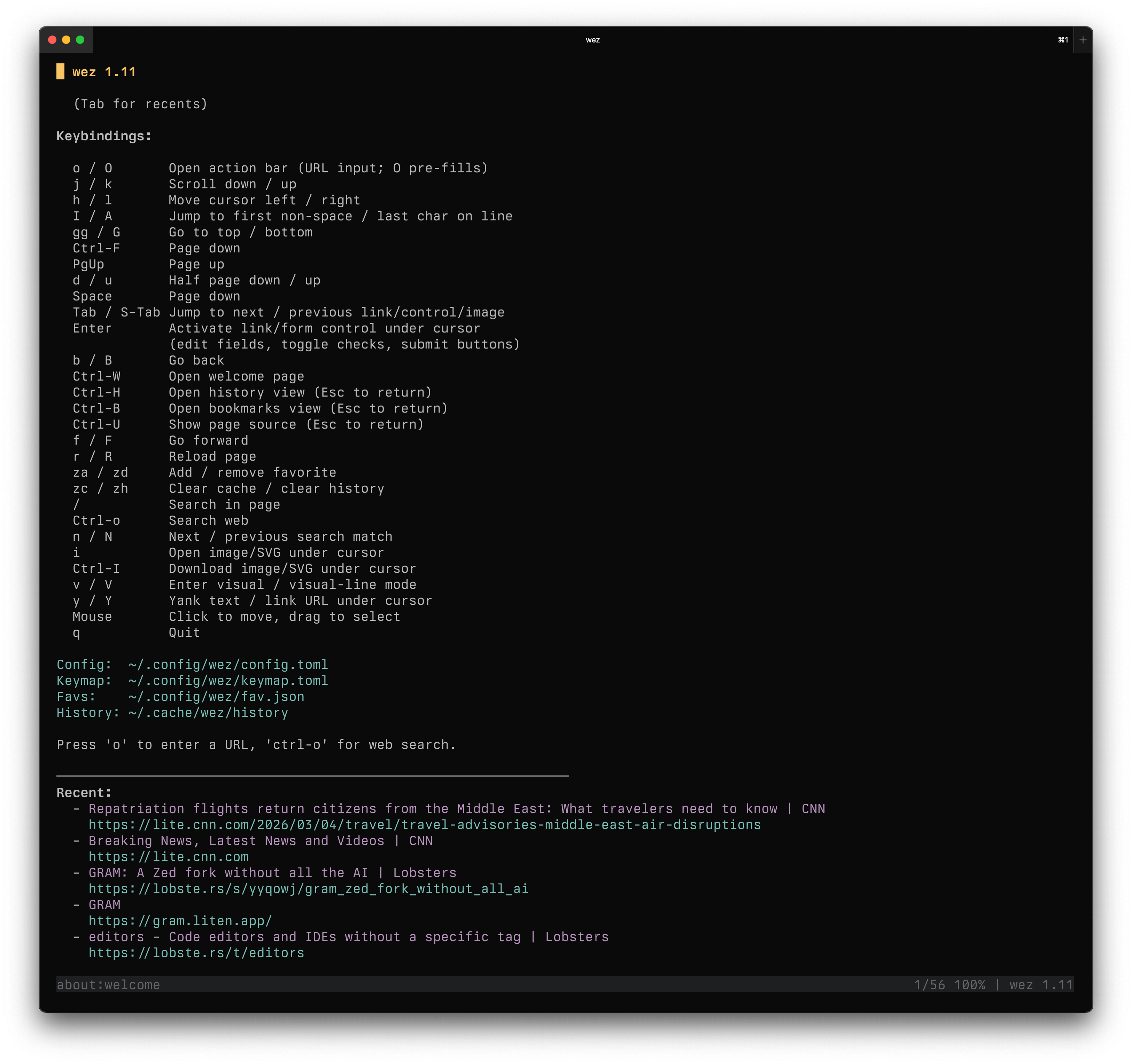
Screenshot
Config
these files are auto created on first start.
- config:
~/.config/wez/config.toml - keymap:
~/.config/wez/keymap.toml - cache:
~/.cache/wez/
the config and keymap files are self-documentating, if not, let me know.
License
Apache-2.0.