A repo-native agent app for deep research over private work files.
The repo is the app. Codex is the runtime.
Build a local, evidence-first knowledge base with provenance.





Already paying for ChatGPT? Open ChatGPT Desktop Work and turn that capacity into a local Second Brain.
Watch the
Get zero-to-working in minutes with this
Most workspace AI tools flatten your complex office documents into a single, unstructured text blob. They might summarize a file or retrieve a stray quote, but once your research gets complex, the illusion breaks. You lose the tables, the slide layouts, the hidden notes—and it becomes impossible to verify where the AI's answer actually came from.
DocMason is built on a different thesis: answers must be strictly traceable. It compiles your private decks, spreadsheets, PDFs, and emails into a local, file-based knowledge base. Instead of chatting with anonymous text chunks, your AI agent reasons over structured, multimodal evidence bundles. It’s not a cloud service or a lightweight wrapper. It is a local repo-native work system operated through ChatGPT Work, Codex mode, or Claude Code. No hidden backends, no cloud ingestion. Just your files, and answers you can actually trust.
How It Works: A Production-Grade Runtime
DocMason is designed to enforce strict data contracts and provenance boundaries. The repo holds the truth; the agent does the reasoning.

Why This Exists
Most document AI tools map complex corporate files into flat, unreadable text strings. They strip out critical structural and formatting semantics:
- Slide Decks: Visual layout, presenter notes, and chart-text relationships are discarded.
- Spreadsheets: Multi-sheet references and nested tables break existing parsers.
- Format-as-Semantics: Critical signals (like red text for "Risk" or indentation for hierarchies) are erased.
- Cross-Document Reasoning: Multi-part proposals are disconnected, making global synthesis impossible.
DocMason addresses this by forcing AI to respect original document structure and visual semantics. It produces deterministic file-based evidence, runs strong offline retrieval and trace algorithms, and validates the resulting knowledge base through strict code rules — all locally, with nothing leaving your machine. The repo holds the truth. The agent does the reasoning.
Two Easy Ways to Start
Getting started requires zero developer experience. Just drop your files and let your AI agent handle the rest.

-
Path A: Start Small Drop a handful of work files (
.pptx,.docx,.xlsx, PDFs) into theDocMason/original_doc/folder. Open the DocMason folder in ChatGPT Desktop Work, and ask your question naturally. DocMason intelligently guides you through environment setup and quietly builds the knowledge base in the background — just approve when prompted. After that, you can keep adding or revising files insideoriginal_doc/; on the native path, DocMason can quietly and incrementally sync the published knowledge base instead of forcing a full restart. -
Path B: Stage Entire Folders Drop your massive, department-level folders into
DocMason/original_doc/. Open the DocMason folder in ChatGPT Desktop Work. Ask your agent:"Please prepare the DocMason environment."
Then:
"Please build the knowledge base."
Once it's done, start asking complex research questions against the entire published corpus.
Inside a valid workspace, you do not need to memorize internal commands. Just speak naturally to your AI agent.
Getting Started on macOS
📺 Prefer a visual guide? Watch the 3-minute full setup tutorial video👇
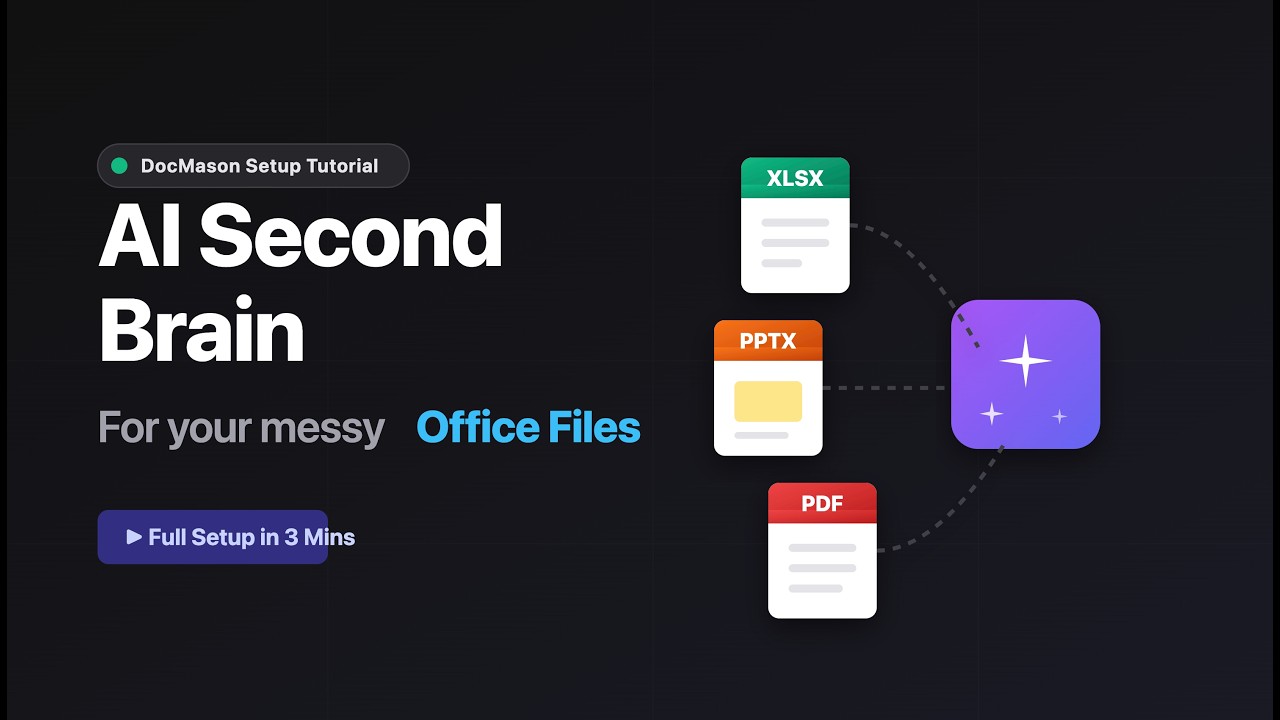

Five steps from download to your first traceable answer — no developer experience required.
1. Download, unzip, and drop in your files
Download DocMason, unzip it to any folder on your Mac, then drag your .pptx, .docx, .xlsx, .pdf, and other work files into DocMason/original_doc/.
2. Open the DocMason folder in ChatGPT Desktop For ordinary document and professional work, open the folder in ChatGPT Desktop and use Work. Codex mode remains available for coding, operator maintenance, and implementation-heavy tasks; Claude Code remains a supported host adapter. This is the operating model — the repo is your app, the agent is your runtime.
DocMason ships optional prompt-continuity and one-shot completion Hooks for both hosts. They make
continuations smoother, but never own the workflow: if Hooks are untrusted, disabled, unsupported,
or blocked by policy, AGENTS.md and the canonical skills still complete the same work normally.
- ChatGPT Work/Codex: trust the project
.codexlayer and review each current Hook definition in/hooks. A new or changed definition is skipped until it is reviewed again. - Claude Code: accept folder trust, then use
/hooksto inspect the loaded project Hooks.disableAllHooksor managedallowManagedHooksOnlypolicy can suppress them.
docmason doctor verifies the committed configuration and executable scripts; no local command can
grant or prove host trust, so runtime activation remains visible in the host.
3. Ask your agent to prepare the environment
"Please prepare the DocMason environment."
DocMason will set up a managed local Python environment, install required dependencies, and guide you through LibreOffice installation if it's not already present. Just grant full access to Codex when prompted.
4. Build the knowledge base (for medium-to-large corpora)
"Please build the knowledge base."
DocMason stages, compiles, validates, and publishes your documents into a searchable evidence layer. For a small handful of files, DocMason may handle this step automatically during your first question.
5. Start asking questions
"What are the main rollout risks across these documents, and which sources support them?"
Your answers come with exact source identity and provenance trace — you can verify every claim against the original file and page.
The Public Proof Case (Demo Bundle)
If you want to see a rigorously traceable answer before using your own files, the fastest public proof uses the ICO + GCS demo corpus compiled from official UK public-sector releases.
Try the ICO + GCS Demo Bundle to test a governed truth environment before transitioning to your own private folders.
Ask this through your AI agent:
"Across the ICO and GCS materials, what are the main rollout risks, and which sources support them?"
What good looks like:
- Cross-Document Reasoning: The answer synthesizes overlapping governance risks instead of echoing documents one by one.
- Strict Provenance: The answer explicitly points to the exact document origin, instead of blurring the corpus into one anonymous narrative.
- Inherently Traceable: It provides the real evidence bundles so you can verify the root context.
Why It Feels Safer
DocMason is built for deep research over your real work files — where every answer must be traceable to its actual source.
- Strict Source Identity. DocMason enforces strict document boundaries. It prevents agents from hallucinating cross-source facts that only vaguely fit together.
- Answers Are Traceable. You don't just get convincing text. You get a verifiable lineage pointing directly to the exact file and page you dropped in.
- 100% Local and Auditable. Your files, staged data, and compiled knowledge base remain physically inside your local folder boundary. See more →
What gets installed: DocMason needs LibreOffice to parse Office files (.pptx, .docx, .xlsx) with full fidelity — this is the most important external dependency. It also sets up a local Python environment automatically. All setup is handled through your AI agent — just approve installations when prompted.
Supported Work File Types
- First-Class Office & PDF:
pdf,pptx,ppt,docx,doc,xlsx,xls - First-Class Deep Text:
md,markdown,txt,eml(email) - Lightweight Text:
mdx,yaml,yml,tex,csv,tsv
High-fidelity Office file parsing relies on a lightweight local LibreOffice shim. PDF parsing uses the embedded stack (PyMuPDF, pypdfium2, pypdf, pillow). Together they preserve multimodal structure, layout, and sheet/page context for deeper analysis, not just plain-text extraction. Markdown, plain text, .eml, and the lightweight-compatible family do not require LibreOffice.
What You Get Today
- Incremental Sync: Add or revise files in
original_doc/, and DocMason can quietly rebuild and republish your localknowledge_base/current/without forcing a full reset. - Validation-Gated Commits: Bad data fails the build instead of quietly degrading answers.
- Rich Source Parsing: First-class handling for
.pdf,.pptx,.xlsx,.md,.eml, and more. - Deterministic Retrieval: Exact provenance trace over published corpora.
- Review Surface: Conversation-native logging and extraction for real analysis.
Privacy and Local-First Boundary
DocMason is designed to run entirely over local files. Here's exactly what that means:
DocMason does NOT send any of the following over the network:
- Your document content, file names, or file paths
- Your queries or answer text
- Any corpus data, evidence bundles, or knowledge-base artifacts
All AI inference traffic is handled by your chosen host agent (Codex, Claude Code, etc.) — DocMason itself makes zero model API calls. The network behavior of your AI agent is governed by that agent's own privacy and telemetry policy.
The only network request DocMason may make:
Generated clean and demo-ico-gcs release bundles may perform a bounded update check only when you explicitly run docmason update-core. Canonical ask completion never performs release-entry work. The request sends only schema_version, distribution_channel, a bundle-local pseudonymous installation_hash, and trigger. It never sends corpus content, file names, file paths, query text, answer text, source locators, environment variables, secrets, machine fingerprints, or IP-derived identifiers. See Release Entry And Networking.
Your responsibility:
- Configure your host agent's telemetry and privacy settings according to your own standards.
- Do NOT commit
original_doc/,knowledge_base/, orruntime/directories to any public repository.
Current Status
DocMason is alpha, and already ships the functional core of the local workflow:
- Workspace repair and rapid bootstrapping
- Knowledge-base structural sync and incremental refresh
- Deterministic retrieval and provenance trace boundaries
- Natural-language
askwith conversation-native logging
Host compatibility:
- Native: Codex on macOS (reference experience)
- Well supported: Claude Code
- Also works: GitHub Copilot (VS Code)
Recommended model: We strongly recommend running DocMason with GPT 5.4 or models of equivalent reasoning depth. Weaker models may produce degraded answers and unreliable trace boundaries.
Environment: Managed repo-local Python 3.13 on macOS.
Watch mode and automatic sync are intentionally out-of-scope for the present build.
Deeper Documentation
- Product Rationale
- Distribution and Bundles
- Workflow Layers
- Execution Orchestration
- Architecture Index
Our Vision
DocMason is building toward a future where every professional has access to a deep, intelligent, and privacy-first AI assistant over their work documents — one where provenance and traceability are first-class requirements, not afterthoughts.
We believe AI document analysis should be:
- Honest: answers tied to verifiable evidence, not plausible-sounding fiction.
- Private: your files stay on your machine, under your control.
- Open: the full logic is inspectable, auditable, and improvable.
If this direction resonates with how you actually work:
- Star this repository to follow the project as it matures.
- Try the clean bundle on your real work files.
- File an issue when the answer quality or trace boundary breaks down.
- Share with colleagues who are tired of AI answers they can't verify.
The repo is the app. Codex is the runtime. Your documents deserve both.